

IBO HULK
- Home
- Rebrands
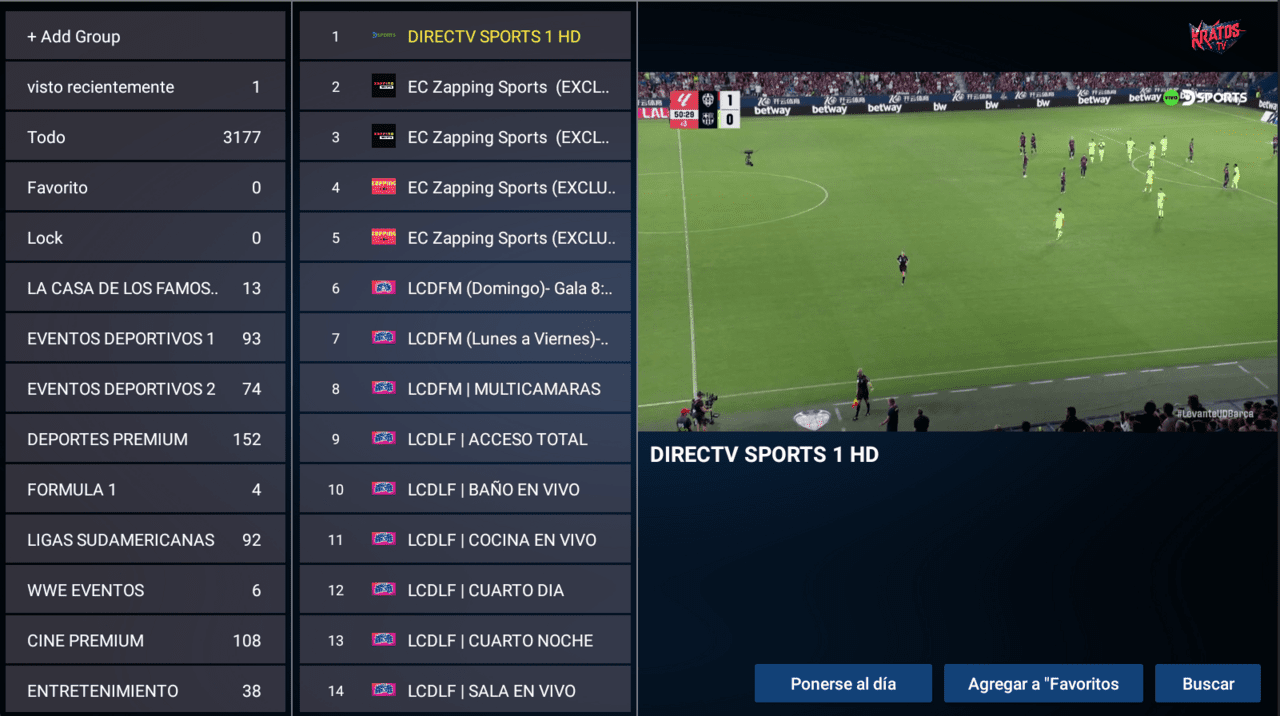
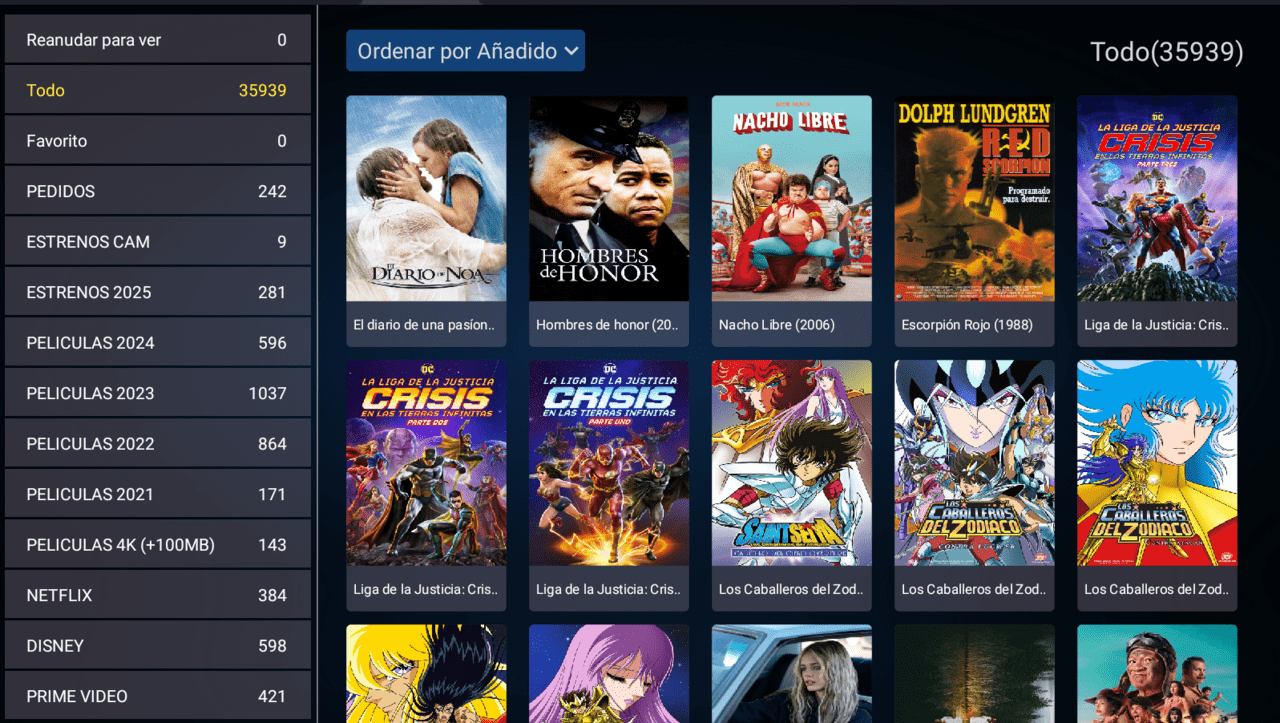
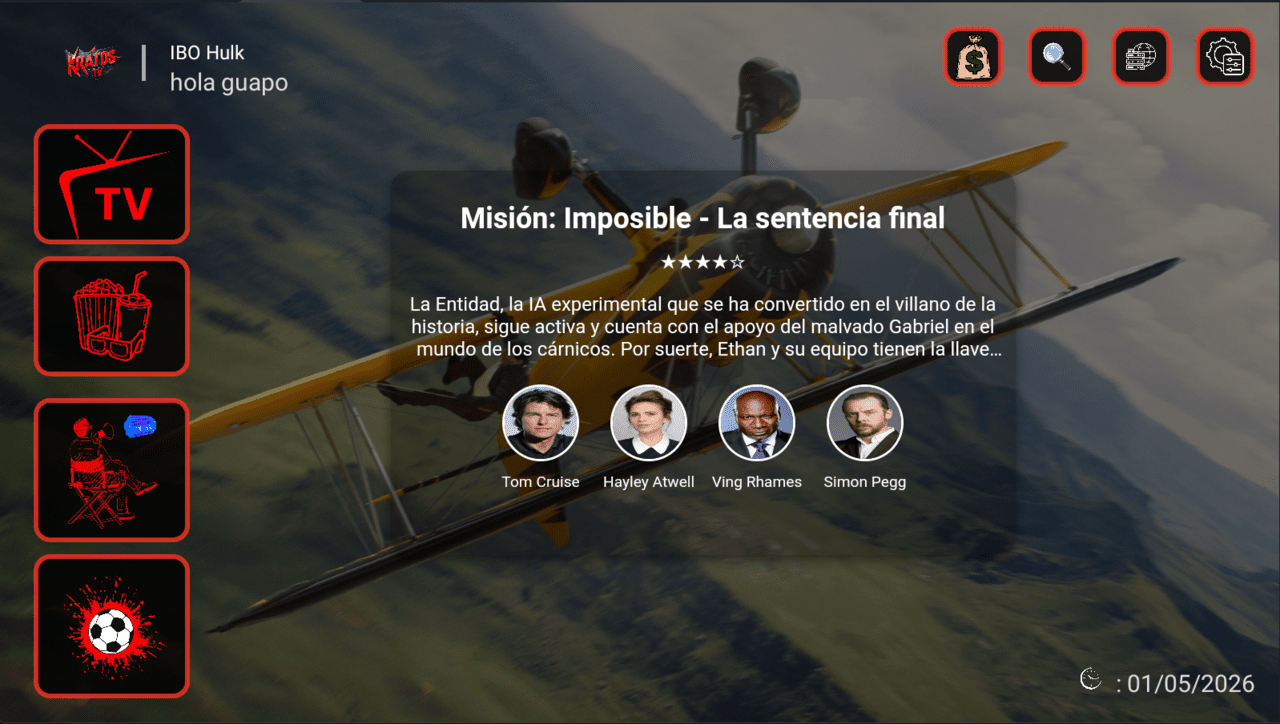
IBO HULK
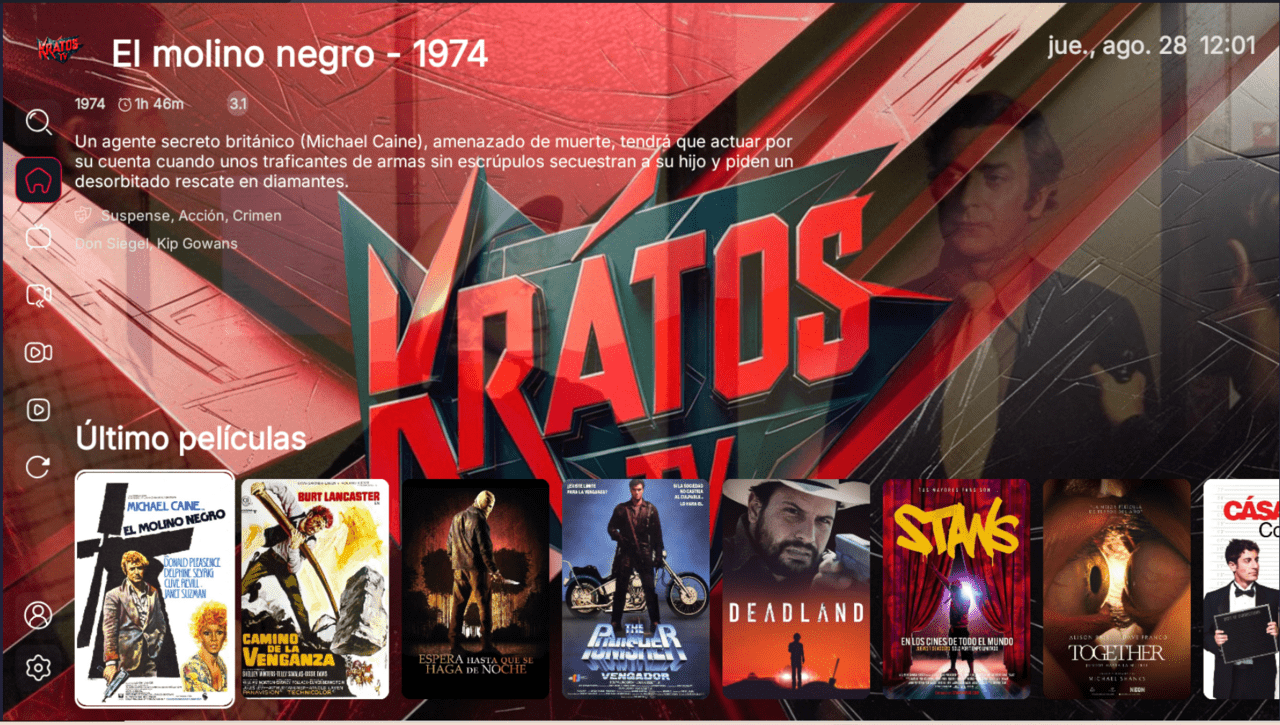
Branded video intro plus a QR generator that points to any link you choose.
What it includes
- Video intro
- Multi-DNS panel
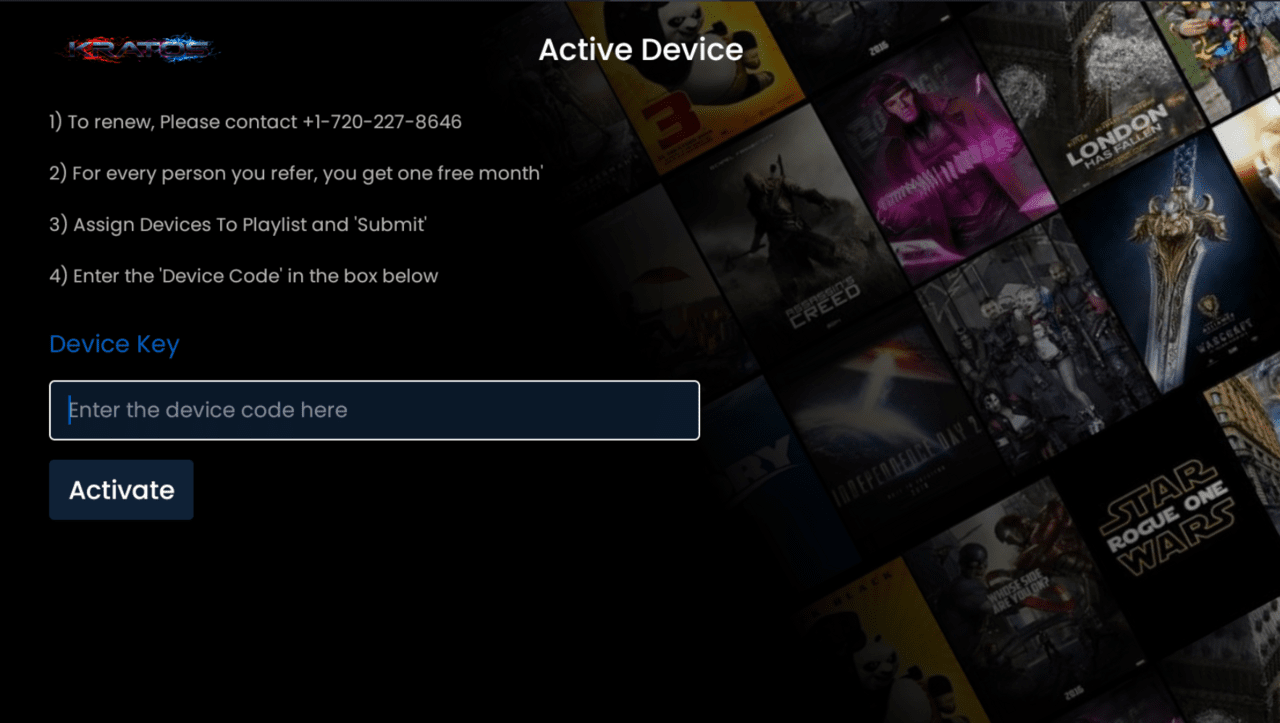
- Activation via username and password from the application
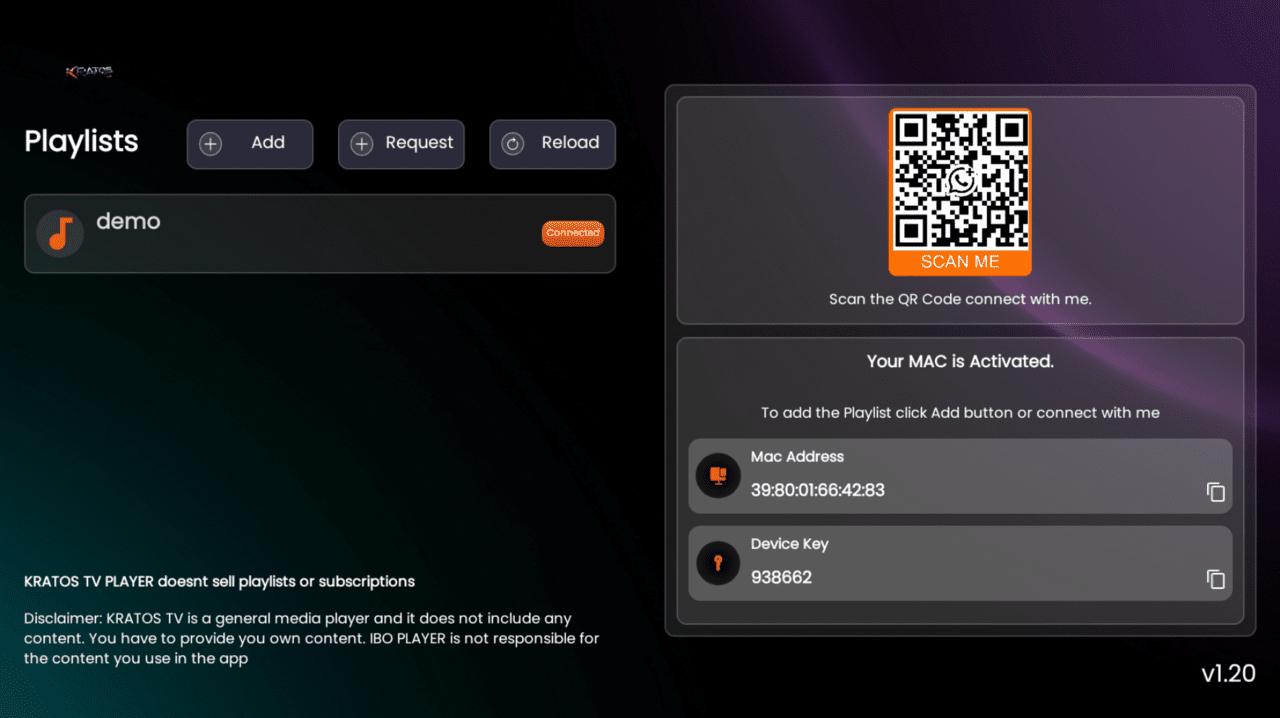
- Activation via MAC address from the admin panel
- Banner type switching
- Customization mode:
- Change the internal logo
- Change the main background
- Send text to the launcher
- Send a general or individual description
- Send a QR code for the MAC address
- Send a QR code to the login screen
- QR code generator with redirection to your preferred link
Description
IBO Hulk opens with a branded video intro and adds something few IBO variants offer: a QR code generator that redirects to any link you prefer. You can point that QR to your support group, your site or a tutorial, and the customer lands there with a single scan. It belongs to the IBO base, so it keeps MAC activation and centralized panel management.
The detail that sets it apart
The redirecting QR generator turns the home screen into a contact channel: you set the destination and the app shows the code. On top of that you get banner type switching and a full customization mode that includes changing the internal logo, the main background, sending text to the launcher, showing general or individual descriptions, and generating QR codes for the MAC and the login. The video intro reinforces your identity from the first second.
How activation works
As an IBO app, activation is done by MAC address from the admin panel, and it also supports username and password from within the app itself. You pick the method. It runs on Android, Android TV and Fire TV, and connects to your service through the configuration you load into the Multi-DNS panel.
What the rebrand includes
- Your logo, brand name and video intro
- Multi-DNS panel for your servers
- QR generator redirecting to your link
- Banner type switching and customization mode
- Ready-to-distribute APK for Android, Android TV and Fire TV
Who it is for
Built for resellers who lean heavily on chat support and want to guide customers to their channel with a QR. If you want the same intro-and-QR idea in another build, compare it with IBO Flash; if you prefer a variant focused on themes and ads, see IBO 4.3. To place each build within the range, read the IBO versions guide.
Frequently asked questions
Where can the QR point?
The generator redirects to the link you define: support, website, tutorial or whatever destination you prefer.
How does the customer activate the app?
By MAC address from the admin panel, or by username and password from the app.
What do I receive and at what price?
A branded, ready-to-distribute APK within 48 business hours. One-time payment of USD 90.
This is a player application: it does not include channels or content. Your customer connects it to your own IPTV service.