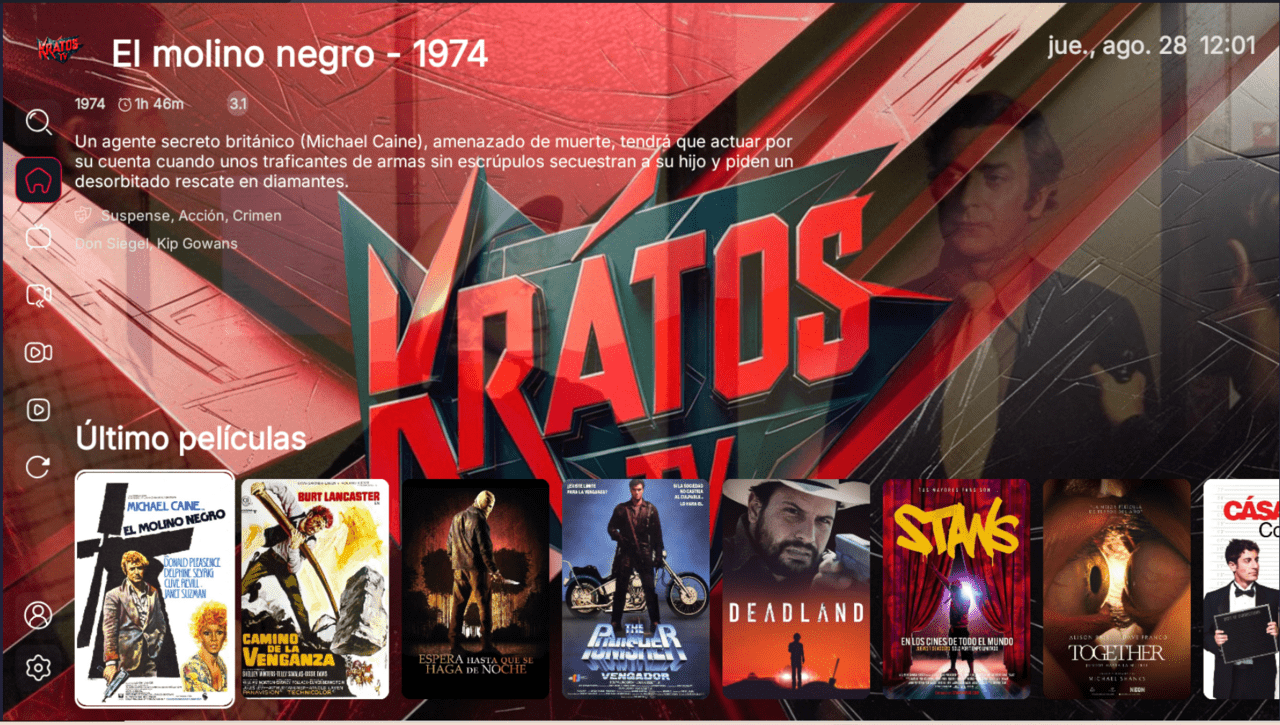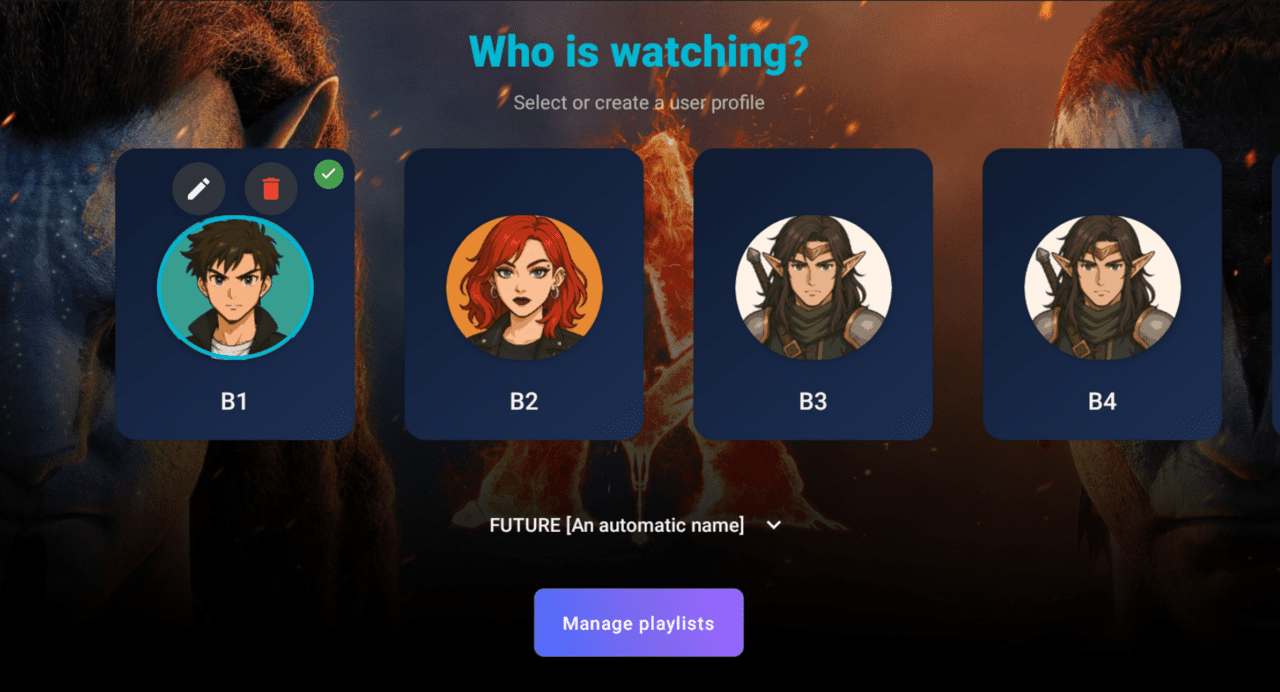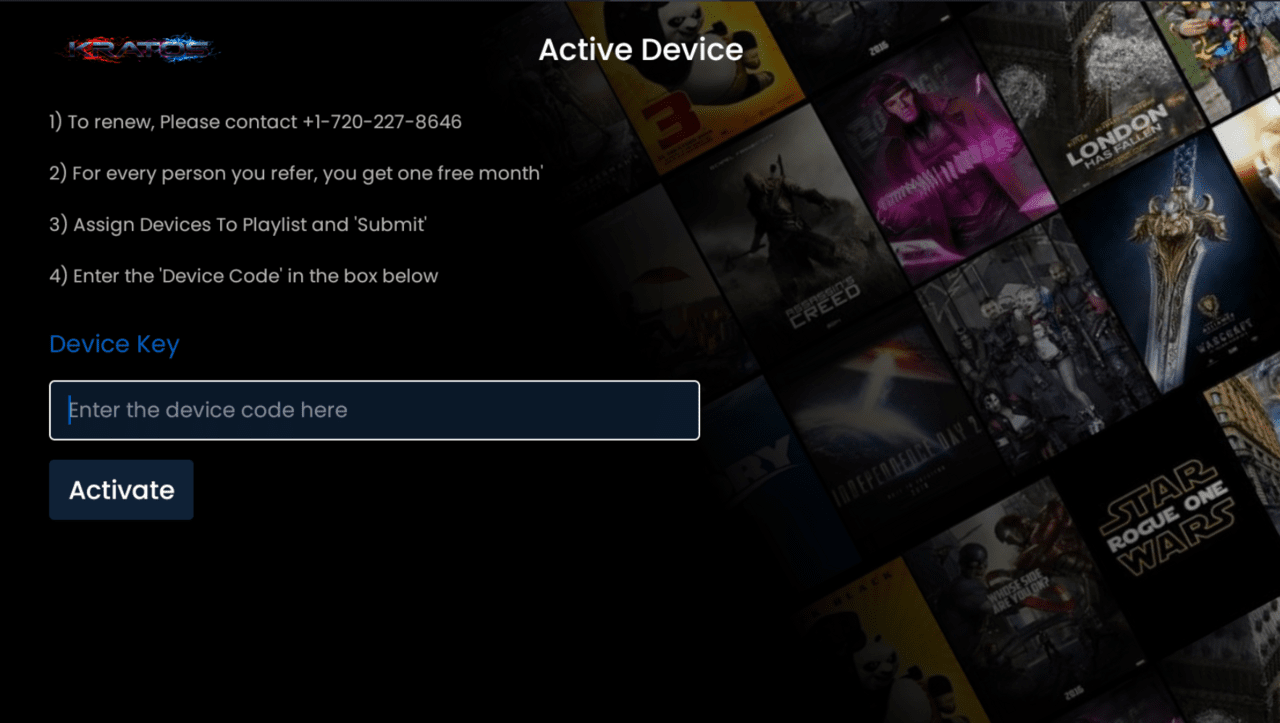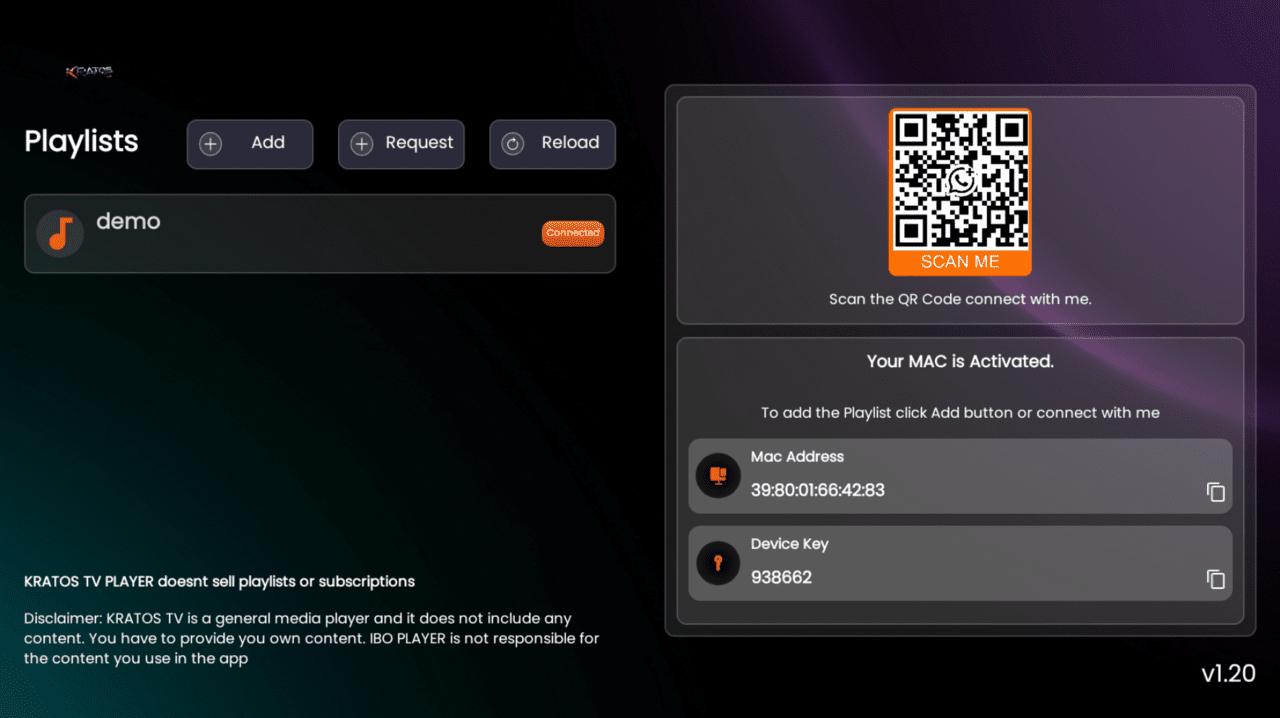


IBO MAC & ADS
- Home
- Rebrands
IBO MAC & ADS
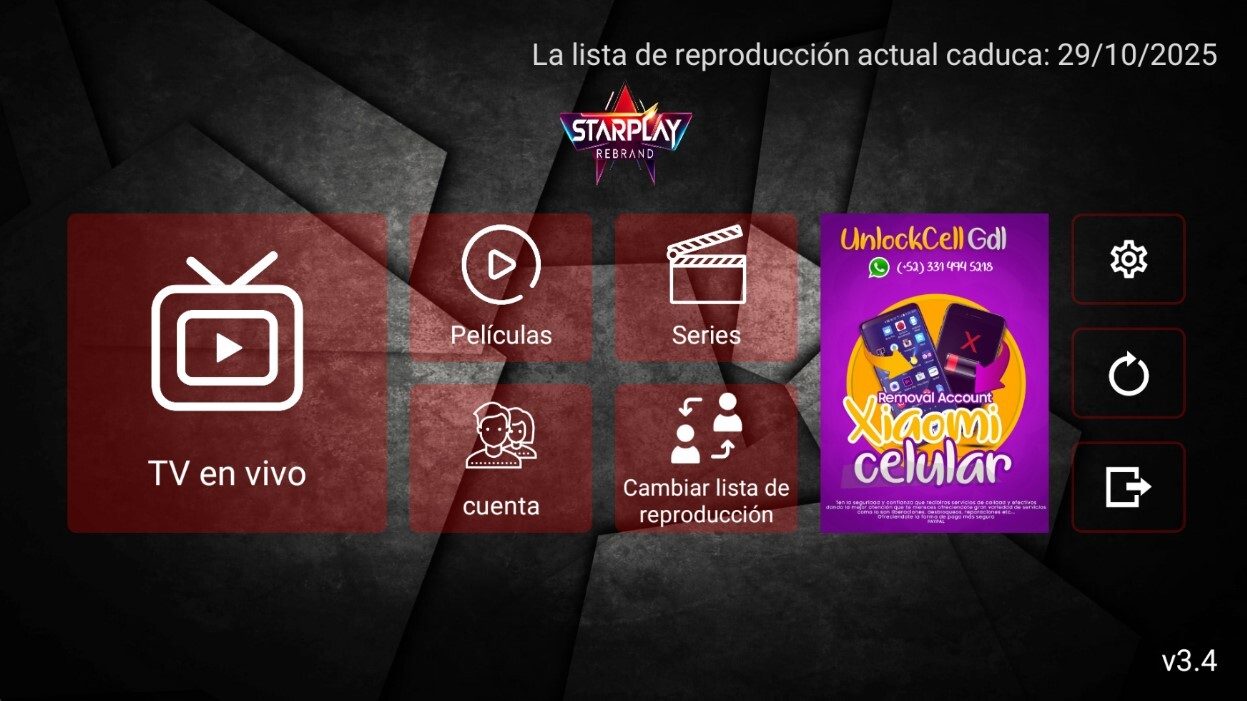
The IBO you activate by MAC alone from the panel and monetize with ads.
What it includes
- 6 themes available
- Advertising
- MAC activation only
- With your brand logo
- Your brand name
- Multi-DNS panel
- Compatible with all Android devices
- Downloader code
- Direct link
Description
What sets IBO MAC & ADS apart is how you control your customers and earn extra revenue: activation is MAC-address only from the panel, and the app ships with an advertising module to display promotions inside the interface. It belongs to the IBO family, known for managing access from the reseller panel instead of leaving everything to the user.
Why this IBO is different
While other IBO variants offer several activation methods, this one focuses on a single one: the MAC. That simplifies onboarding because each device is tied to its physical address and you decide from the panel who gets in. It adds 6 themes to match your brand look and an ad space where you can promote plans, offers or your support channel. It works with all Android devices, including Android TV and Fire TV.
How it activates and which protocols it uses
Control is handled by MAC address from the admin panel: you register the device MAC and the customer is enabled, with no username or password to remember. You connect your IPTV service to the app and manage your users centrally from the panel.
What the rebrand includes
- Your brand logo built into the app
- Your brand name across the application
- Multi-DNS panel to manage your servers
- Downloader code and direct link to distribute the APK
- 6 themes and the ad module ready for your identity
Who it is for
Ideal for resellers who prefer tight MAC-based control and want to use the ad space to sell more. If you need more activation methods, compare it with the triple-activation IBO; and if you only want the basics, look at the entry-level IBO build. To place each option within the line, read our IBO versions guide.
Frequently asked questions
Which devices does it run on?
On Android, Android TV and Fire TV; it is compatible with all Android devices.
How do I activate a customer?
By MAC address only from the panel: you register the device MAC and it is enabled.
How long is delivery?
Delivery is within 48 business hours, with your logo, your brand name and the APK ready to distribute.
This is a player application: it does not include channels or content. Your customer connects it to your own IPTV service.