

MY PLAY TV
- Home
- Rebrands
MY PLAY TV
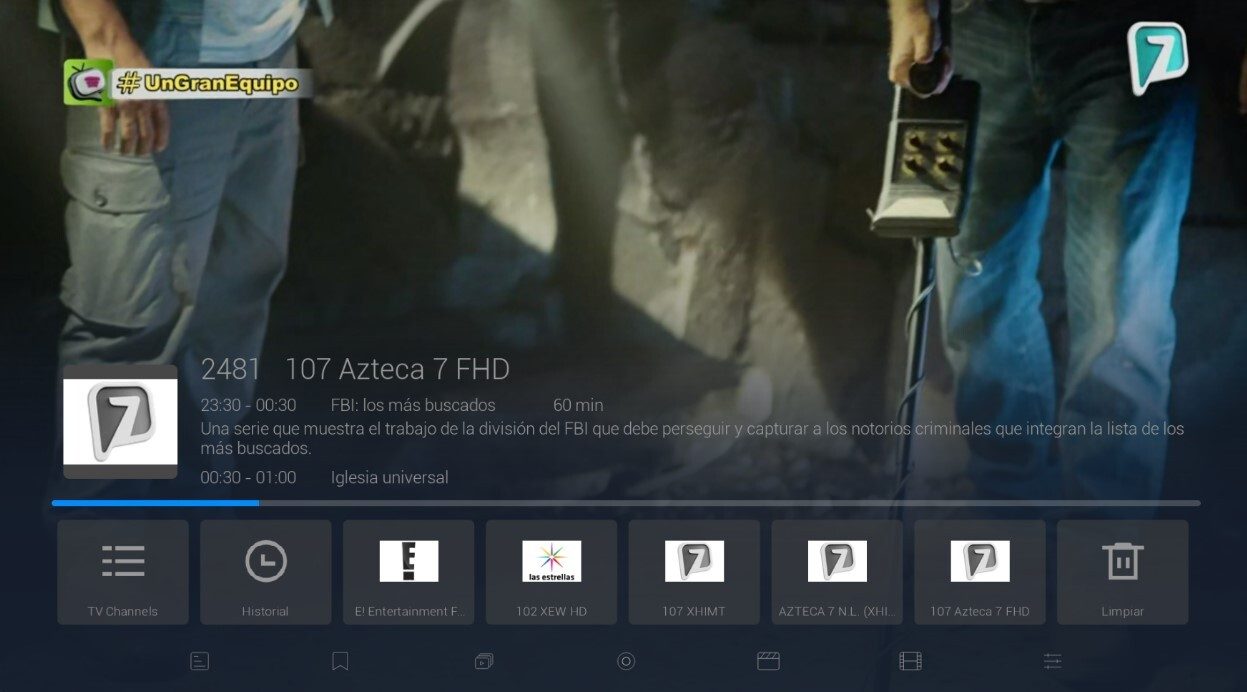
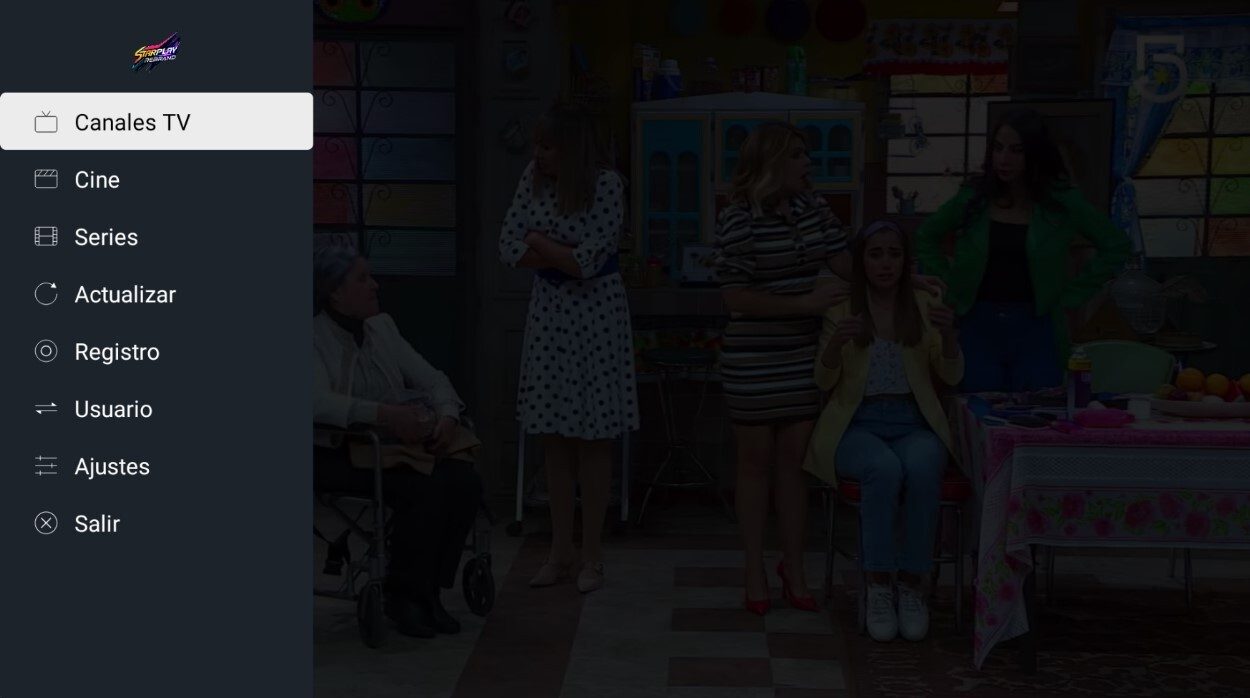
The player built for the big screen first, with no clutter in the way.
What it includes
- Optimized for TV - with your brand logo
- Your brand name
- Multi-DNS panel
- Compatible with all Android devices
Description
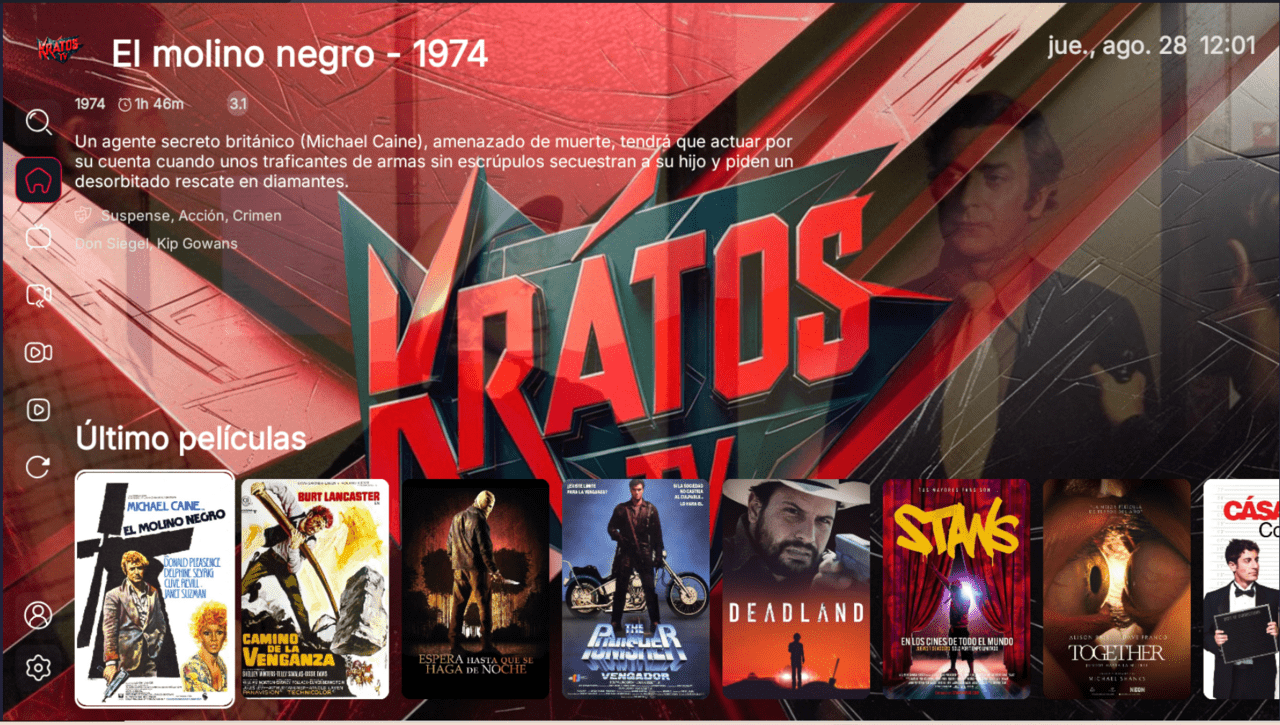
The first thing that sets My Play TV apart is that it is optimized for television: its interface was designed to be viewed and navigated on the big screen, without the load of banners, ads or intros that other players carry. It is a standalone app, outside the Smarters or IBO families, built for resellers who want something direct, lightweight and with a low entry price to launch their own brand.
Made for the living room, not the phone
While many apps force a mobile layout onto the TV, My Play TV arranges its menu and cards for comfortable reading from across the room. It arrives with your logo and your brand name already built in, so the experience feels yours from the very first launch. With no extra distracting elements, navigation stays simple for you and your customer alike.
How your customer connects
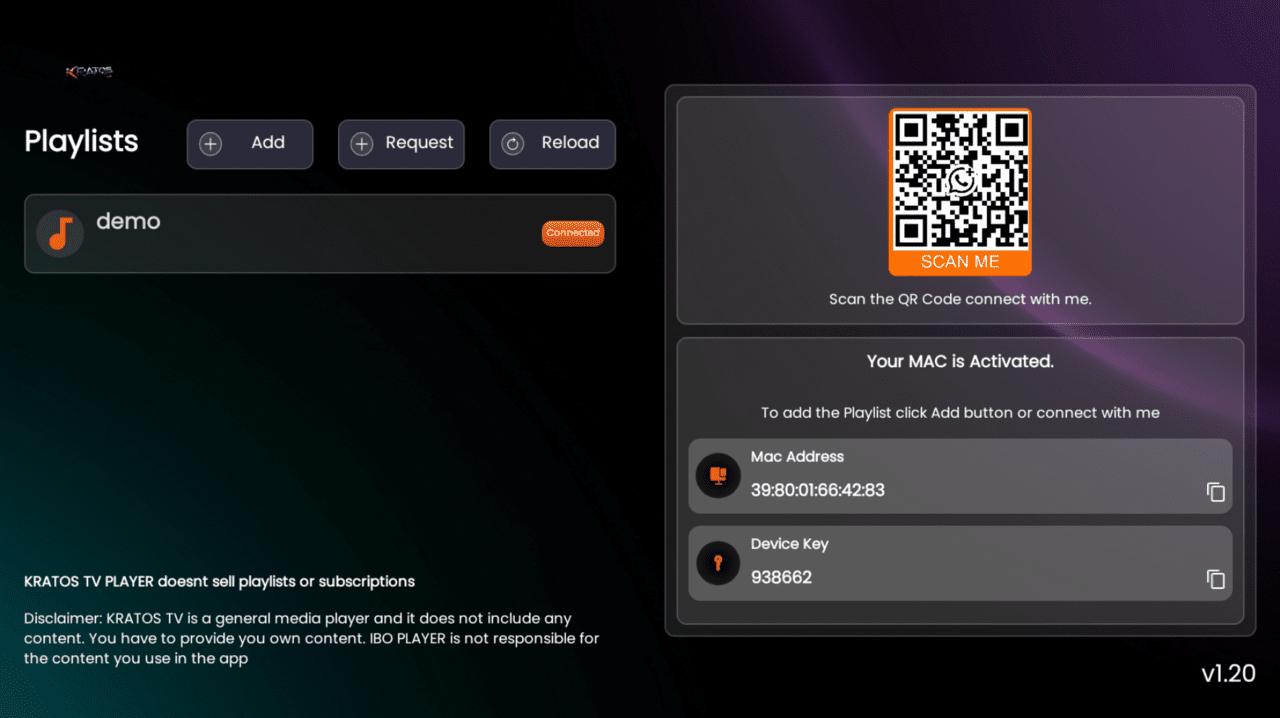
My Play TV manages your servers from the Multi-DNS panel, where you set which portal the app points to. Your customer opens the app on your branded DNS and reaches your service; server control always stays on your side, with nothing to touch on the end device.
What the rebrand includes
- Your logo inside the application
- Your brand name
- Multi-DNS panel to manage your servers
- Ready-to-distribute APK, compatible with all Android devices
Who this version is for
Ideal for resellers whose audience watches mostly on the TV and who prefer a distraction-free app. If you want to add a branded welcome video, compare it with the video-intro edition; and if you need a sports guide and dual activation, look at the most complete version. To place it against other options, read the best apps for resellers.
Frequently asked questions
Which devices does it run on?
It is compatible with Android, Android TV and Fire TV, though its interface is designed for the television first.
How do I set the server?
From the Multi-DNS panel you point the app to your branded portal; your customer simply opens the app and reaches your service.
How long is delivery?
Delivery takes 48 business hours and includes the APK with your logo and name, ready to share.
This is a player application: it does not include channels or content. Your customer connects it to your own IPTV service.