

SMARTER TL
- Home
- Rebrands
SMARTER TL
Your own ad space built into the Smarters player
What it includes
- With your brand logo
- Your brand name
- Multi-DNS panel
- Advertising
- Compatible with all Android devices
- Downloader code
- Direct link
Description
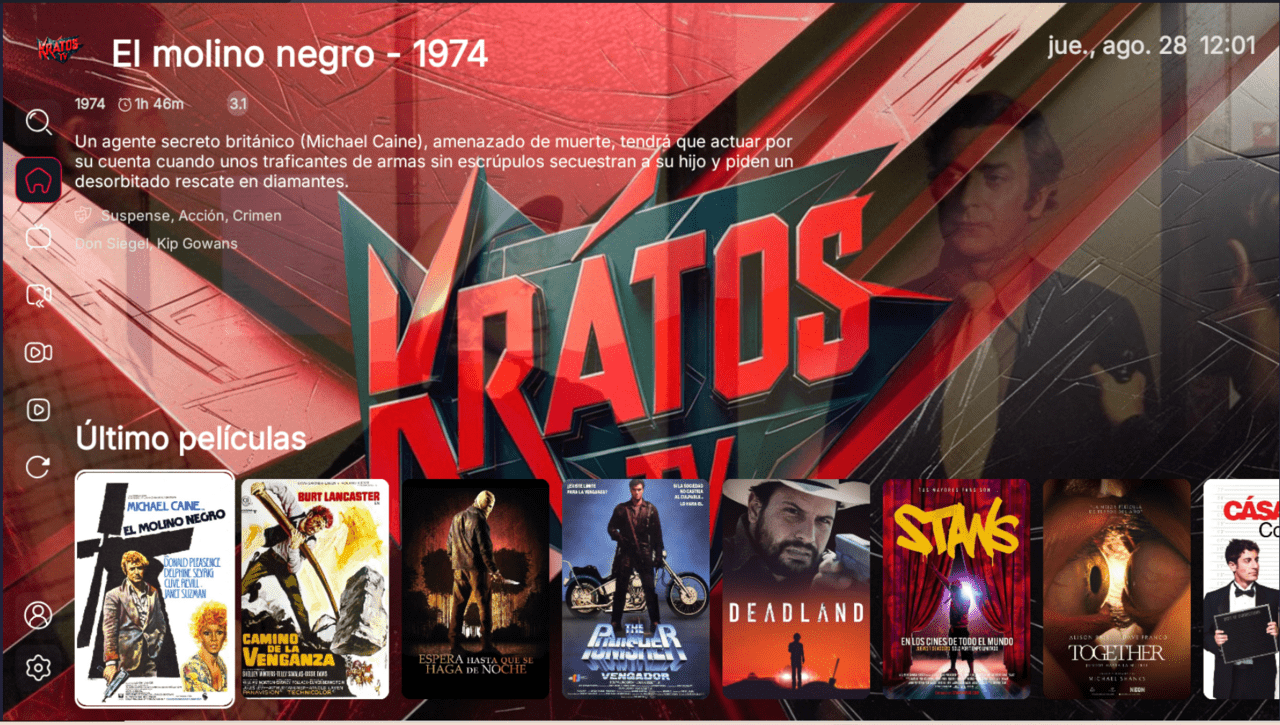
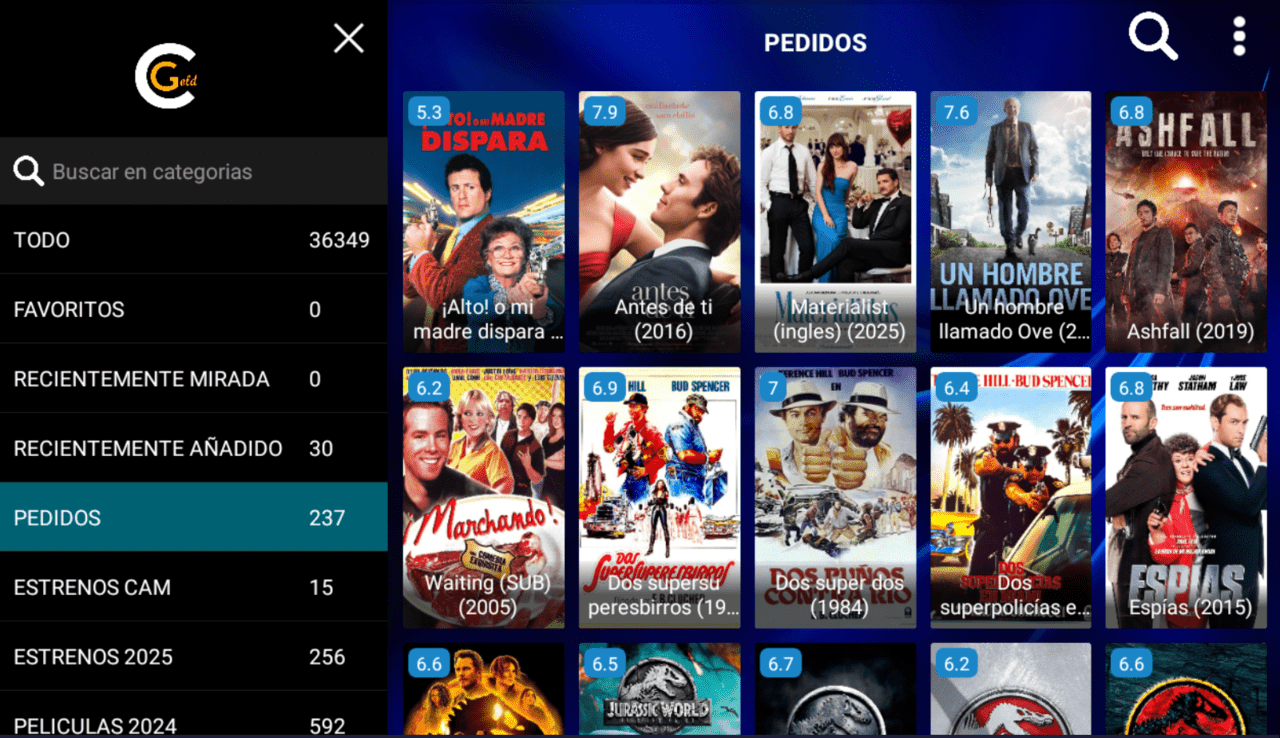
Smarter TL adds advertising inside the app: a space you can use to promote packages, renewals or your contact channels without leaving the player. That feature sets it apart from the clean versions in the Smarters family and turns it into a communication tool, not just a player, while keeping the stability of the Smarters base.
Advertising as a sales channel
The advertising space lets you show messages to your customers while they use the app: offers, renewal reminders or cross-promotions. It is a built-in retention and upselling resource. Alongside it, the app includes your logo, your brand name and a direct install link for easy distribution.
Connection: what your customer needs
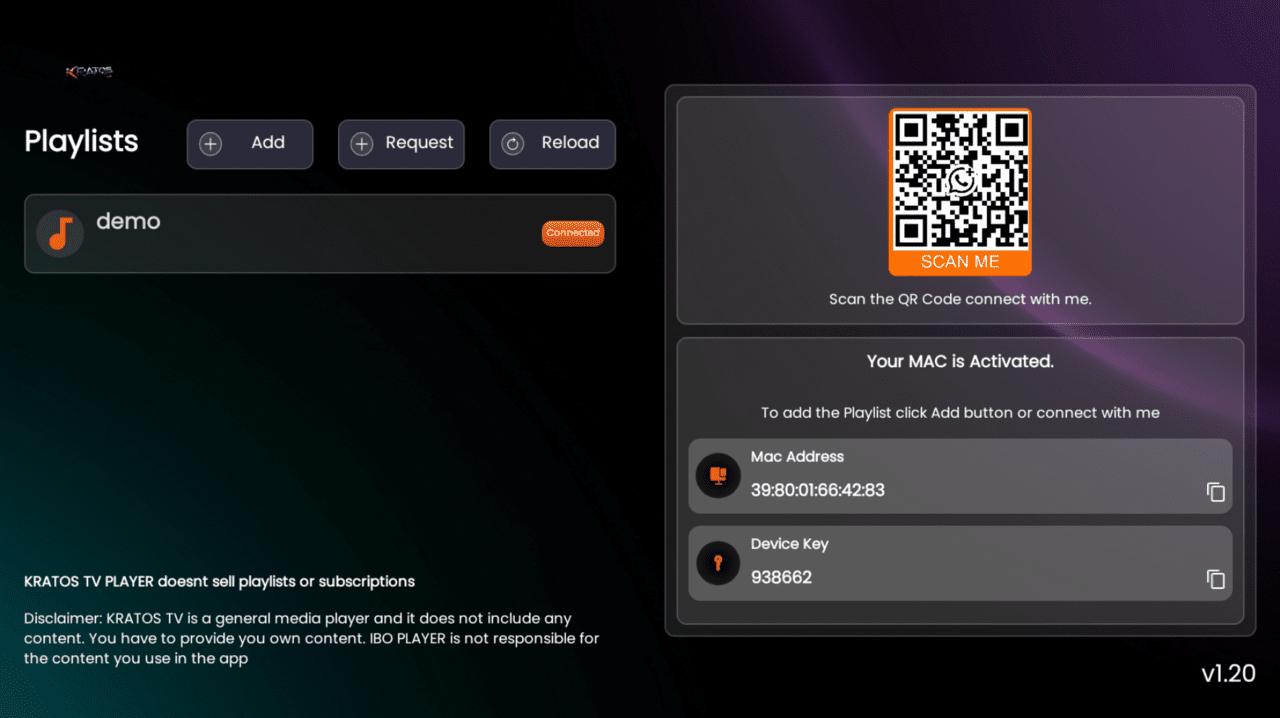
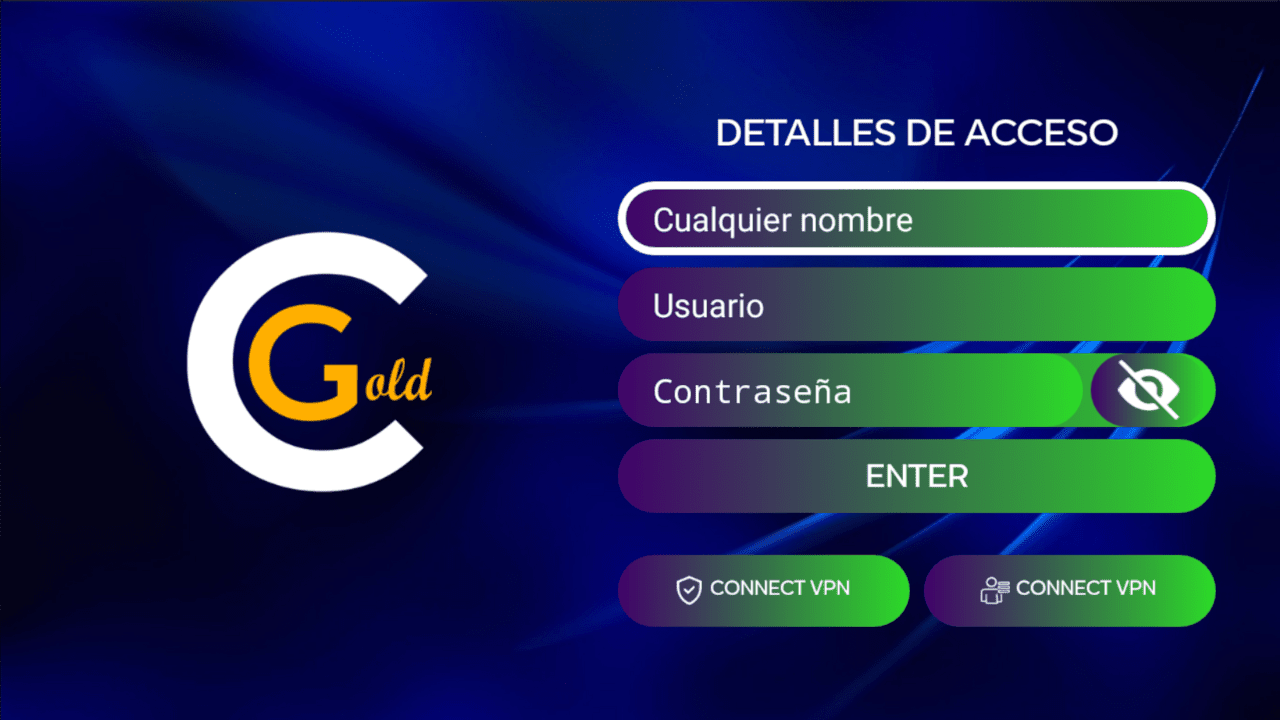
This is a Smarters player, so it recognizes the Xtream Codes API and M3U playlists, but not Stalker Portal. To get in, the customer types a username and password or their playlist URL; the servers stay under your control in the Multi-DNS panel.
Here is what the rebrand includes
- Your logo and brand name
- Advertising space inside the app
- Multi-DNS panel to manage servers
- Downloader code
- Direct install link
- APK ready to distribute
Who it serves
Ideal for the reseller who wants to communicate with their user base from inside the app itself. If you want more ad-enabled options, compare it with Smarter All Star with advertising or with Smarter V3 ADS, and check the Smarters variants guide to pick the one that suits you best.
We answer your questions
What kind of advertising does it show?
An ad space inside the app that you can use for your own messages, offers or notices.
Which devices does it run on?
On Android, Android TV and Fire TV; compatible with all Android devices.
How is the customer's service connected?
Through an Xtream Codes username and password, or by loading an M3U playlist; managing the servers is on you from the Multi-DNS panel.
This is a player application: it does not include channels or content. Your customer connects it to your own IPTV service.