7 themes, 9 home layouts and your own photos: branding a Roku channel from your panel
How to make SMARTERS PREMIUM - ROKU look like your brand: 7 color themes or your palette, 9 home layouts, tile photos and texts, rotating backgrounds, banners and notices.
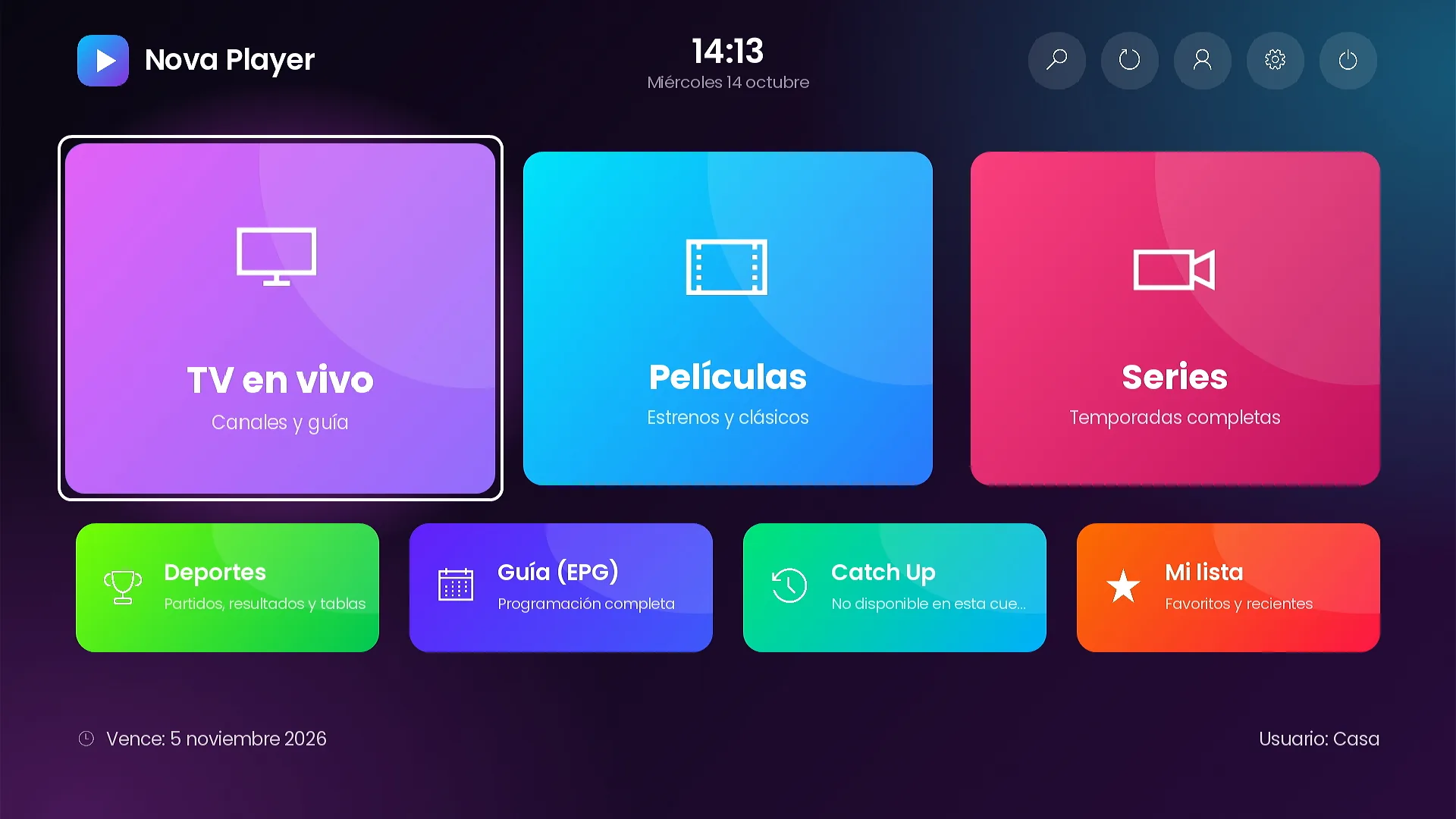
A branded channel should not look like everybody else’s with a different logo. SMARTERS PREMIUM - ROKU gives you a full set of design controls in the admin panel: 7 color themes or your own palette, 9 home layouts, your own photos and texts on every tile, rotating backgrounds, featured titles, promo banners and notices. Changes apply the next time the customer opens the channel, so you never have to publish a new version to refresh the look.
Nine home layouts
The home layout is chosen on the Appearance page of the panel. Here are all nine.
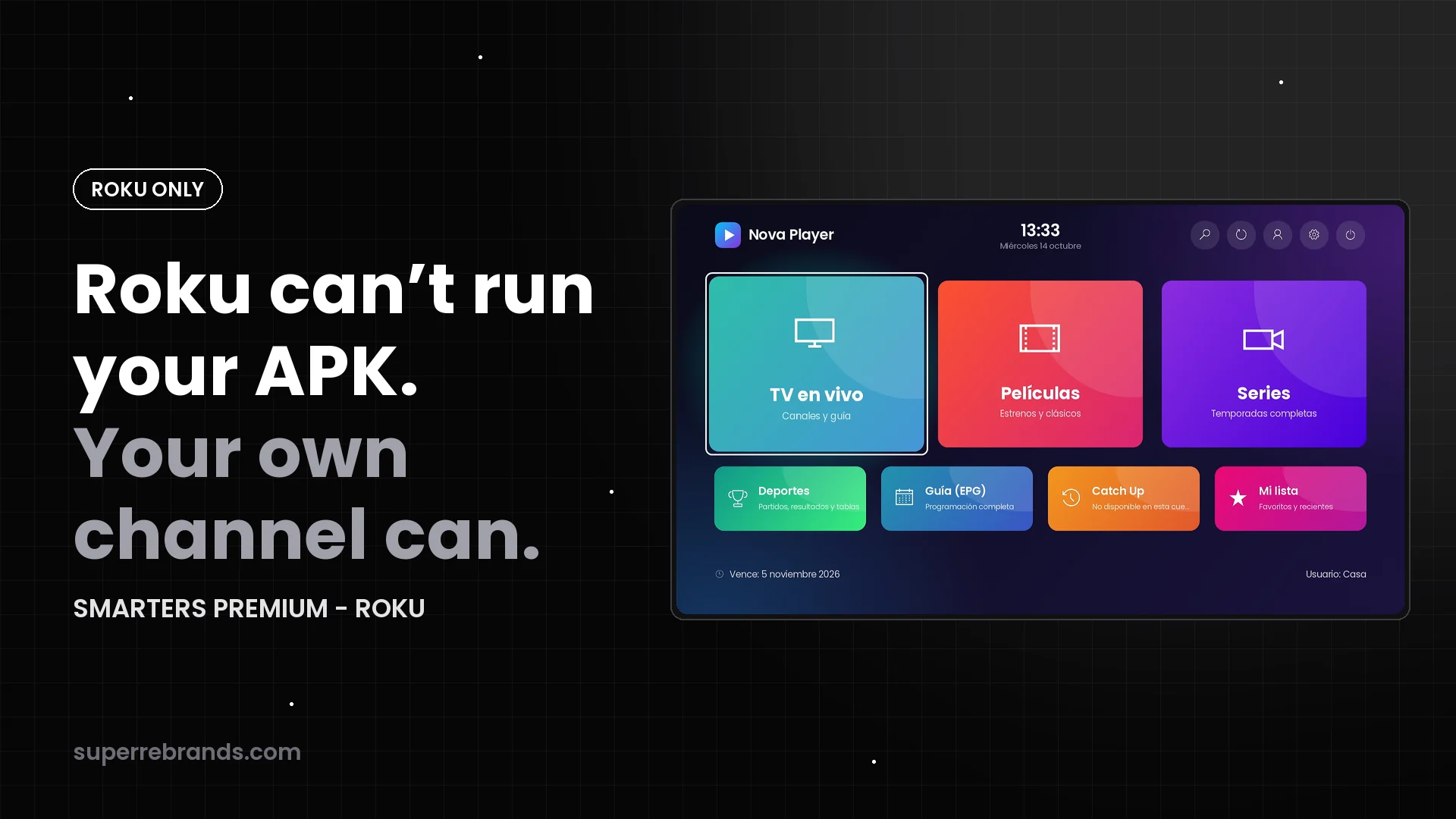
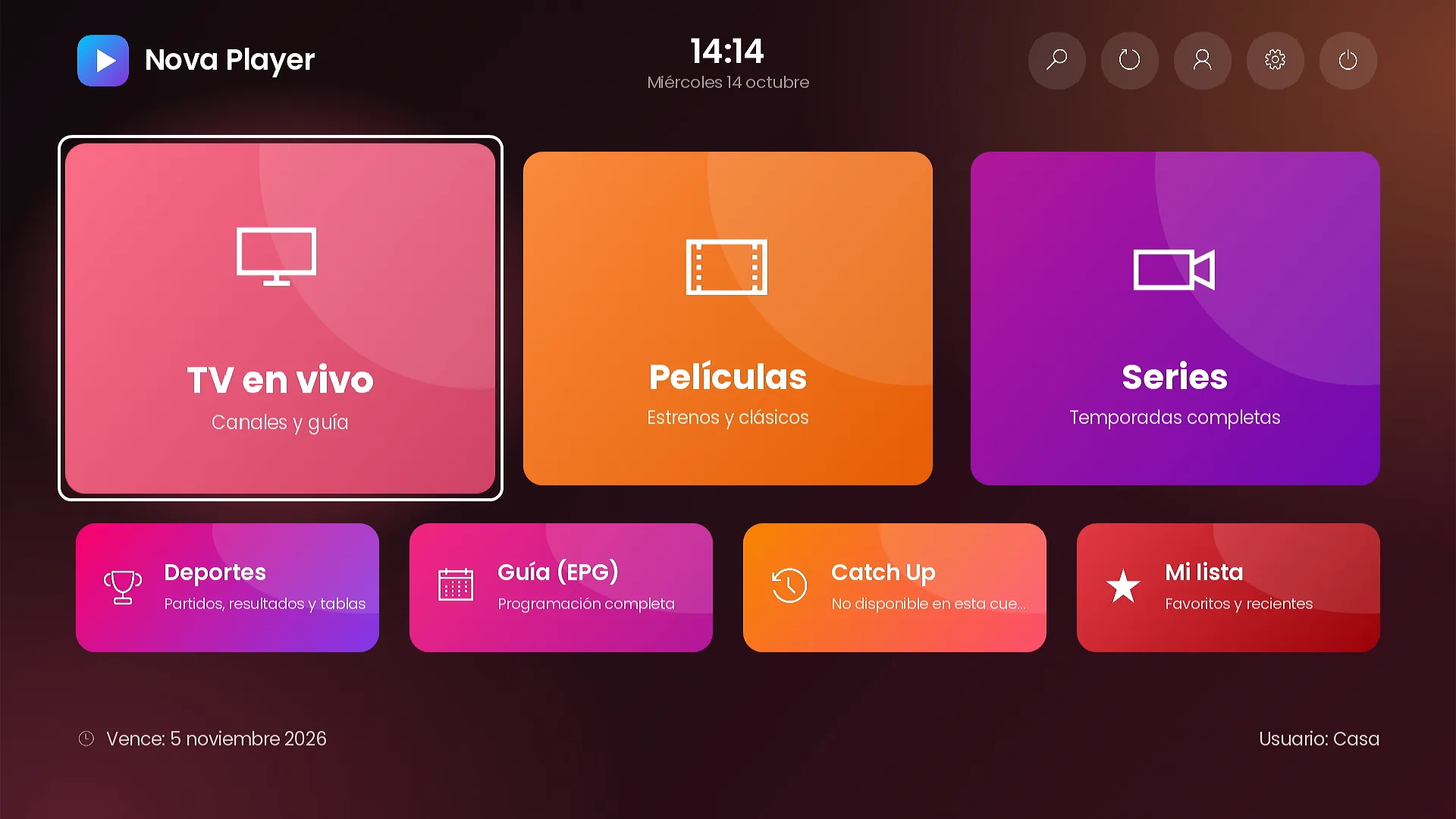
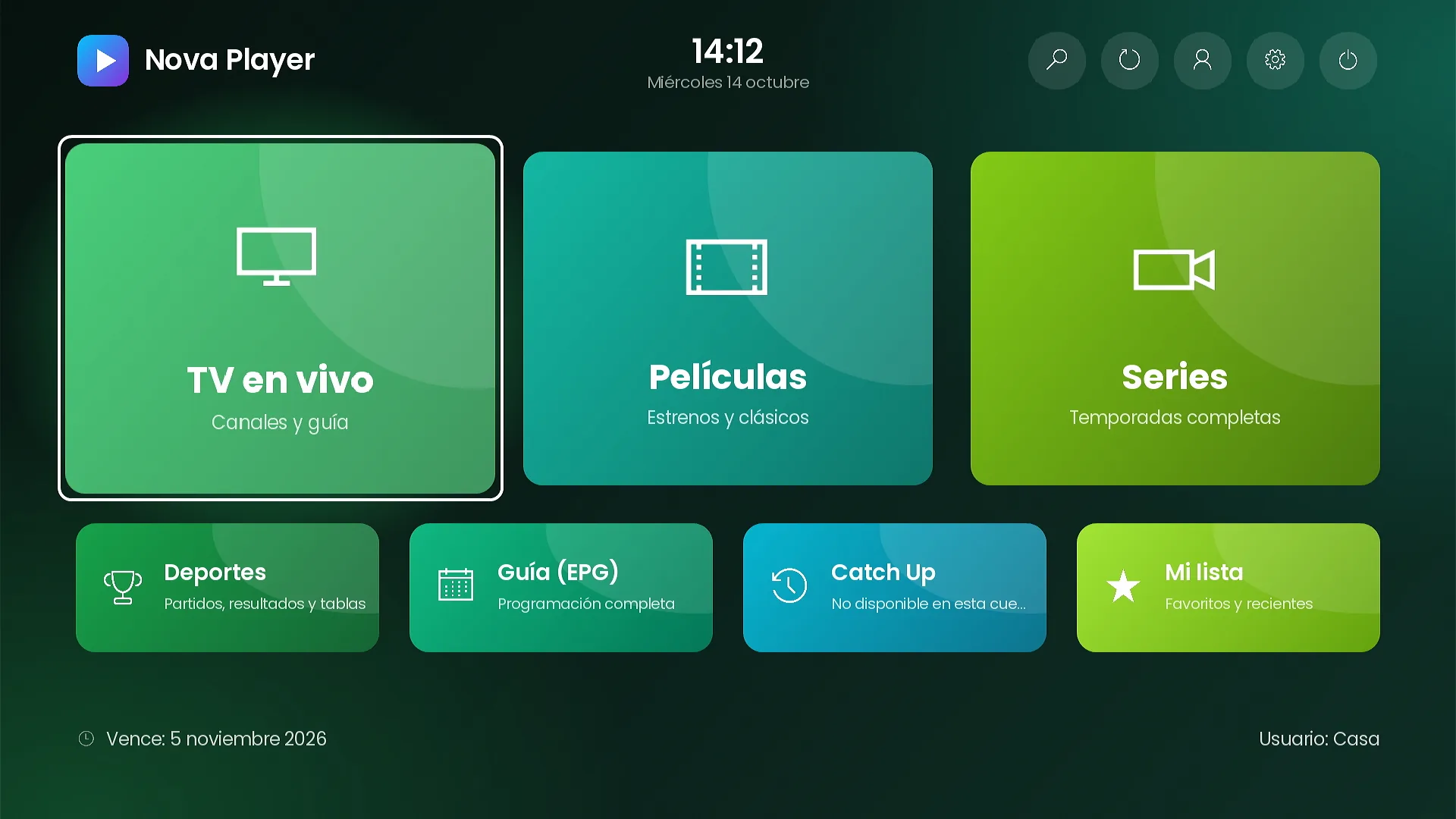
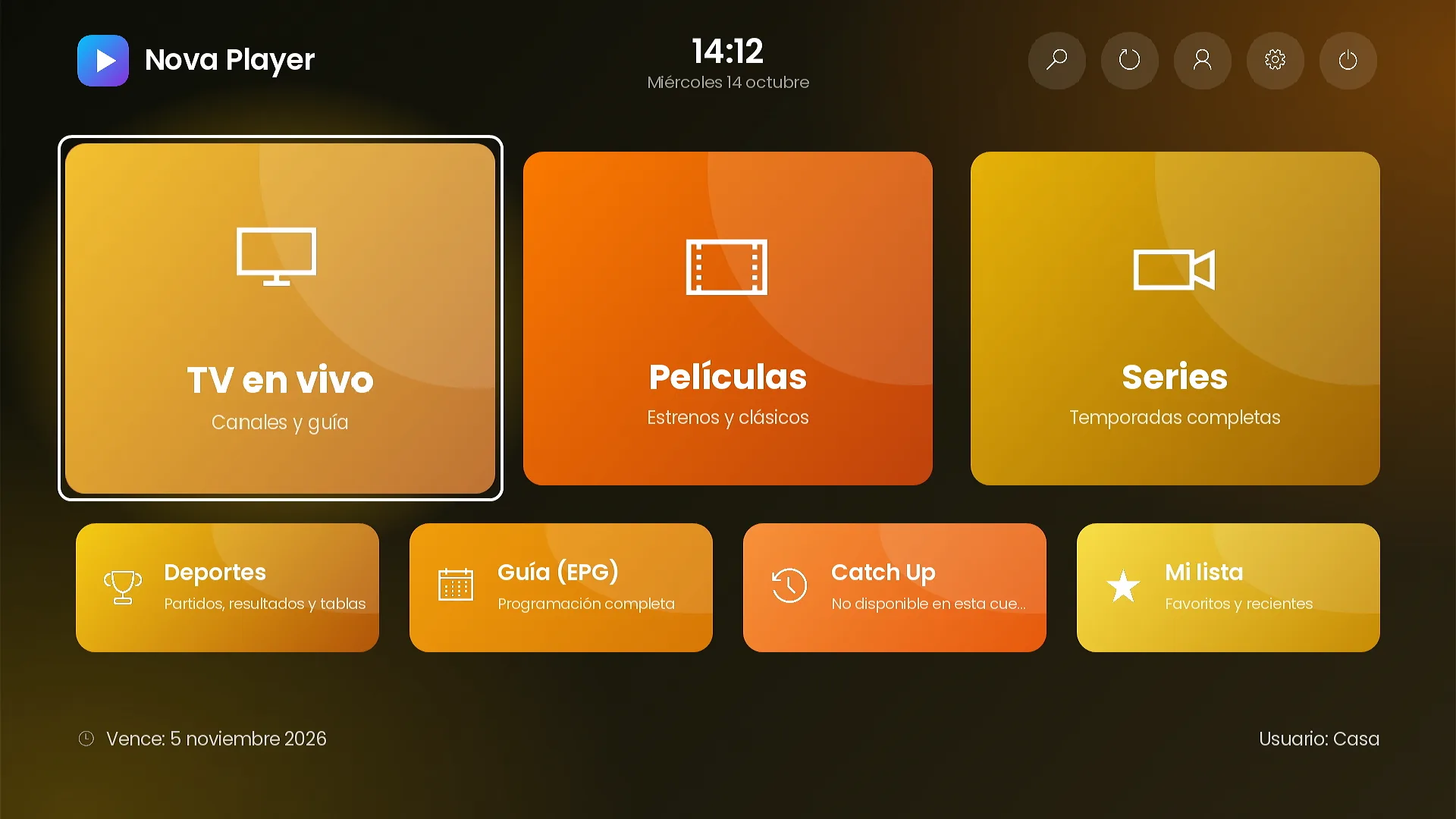
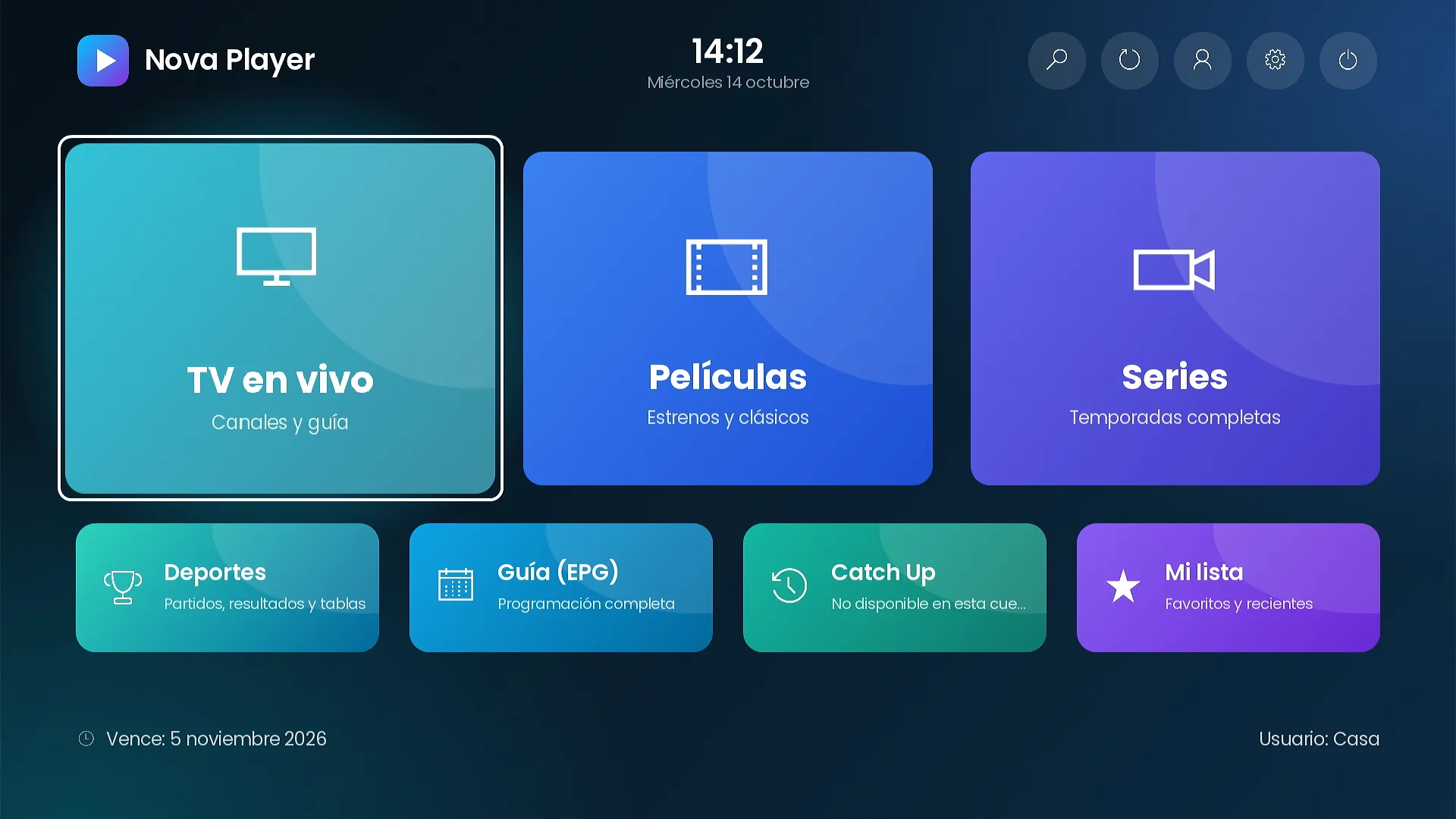
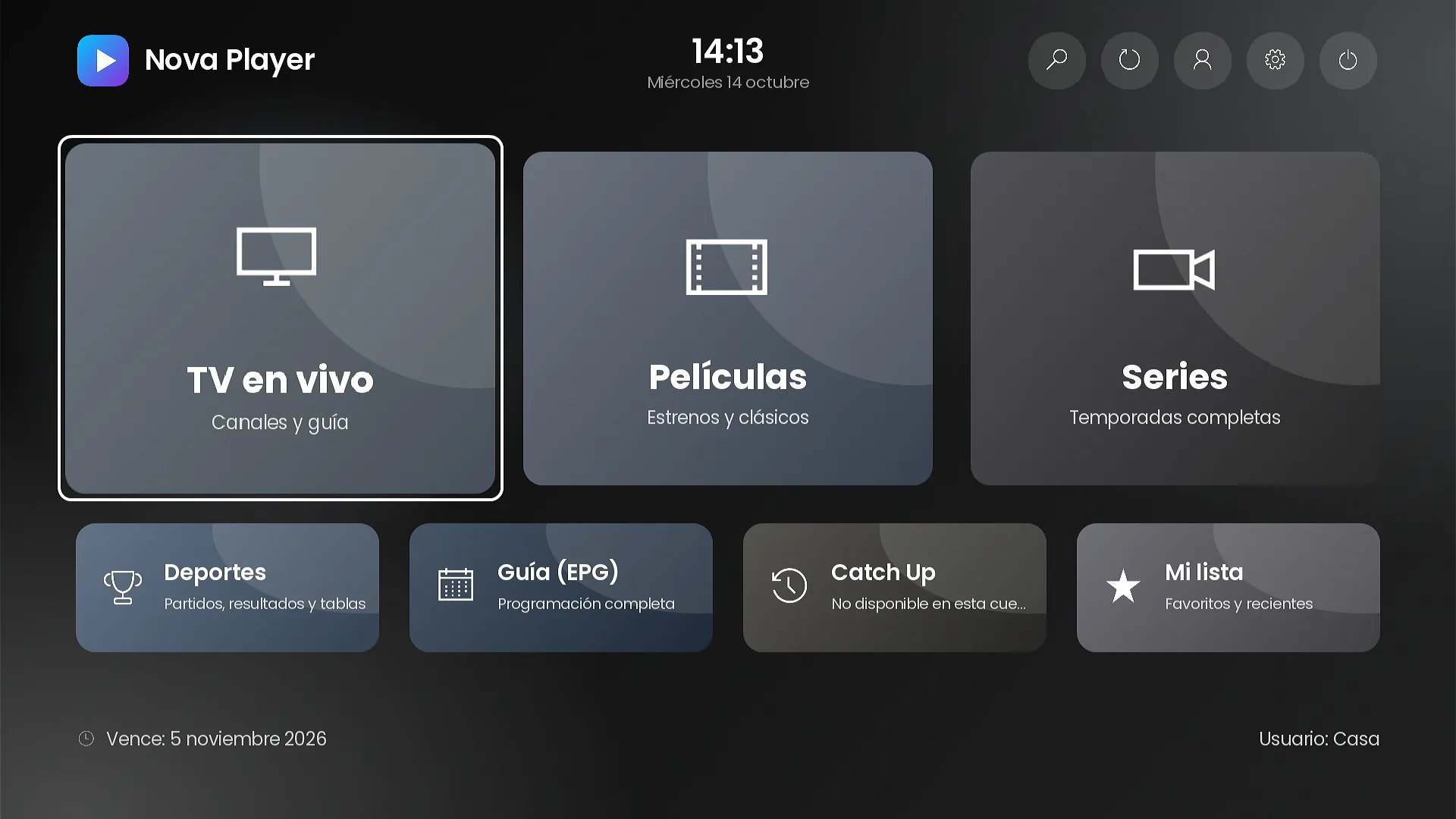
Mosaic. Three large tiles and four small ones, the default.
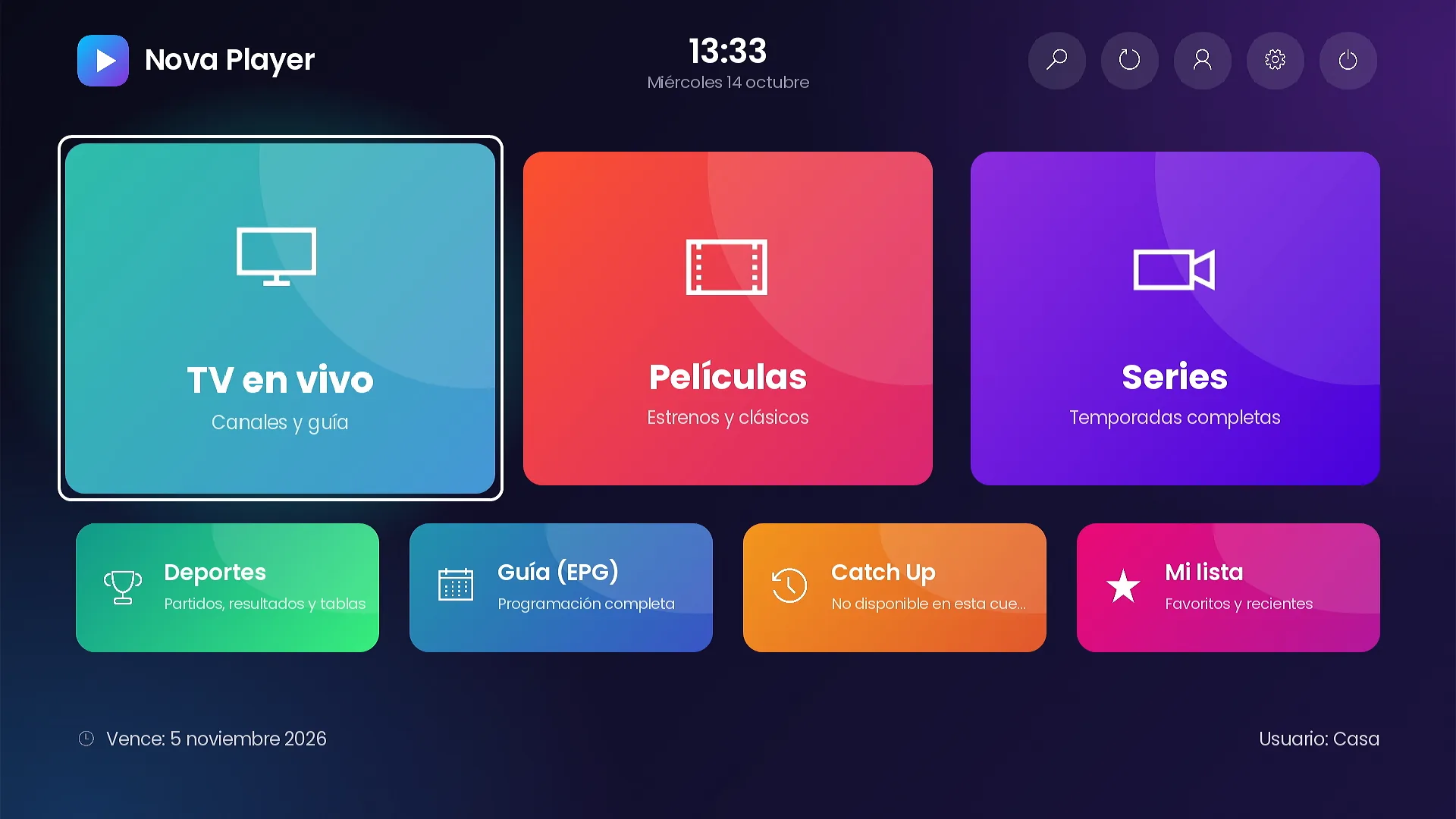
Grid. Every tile the same size.
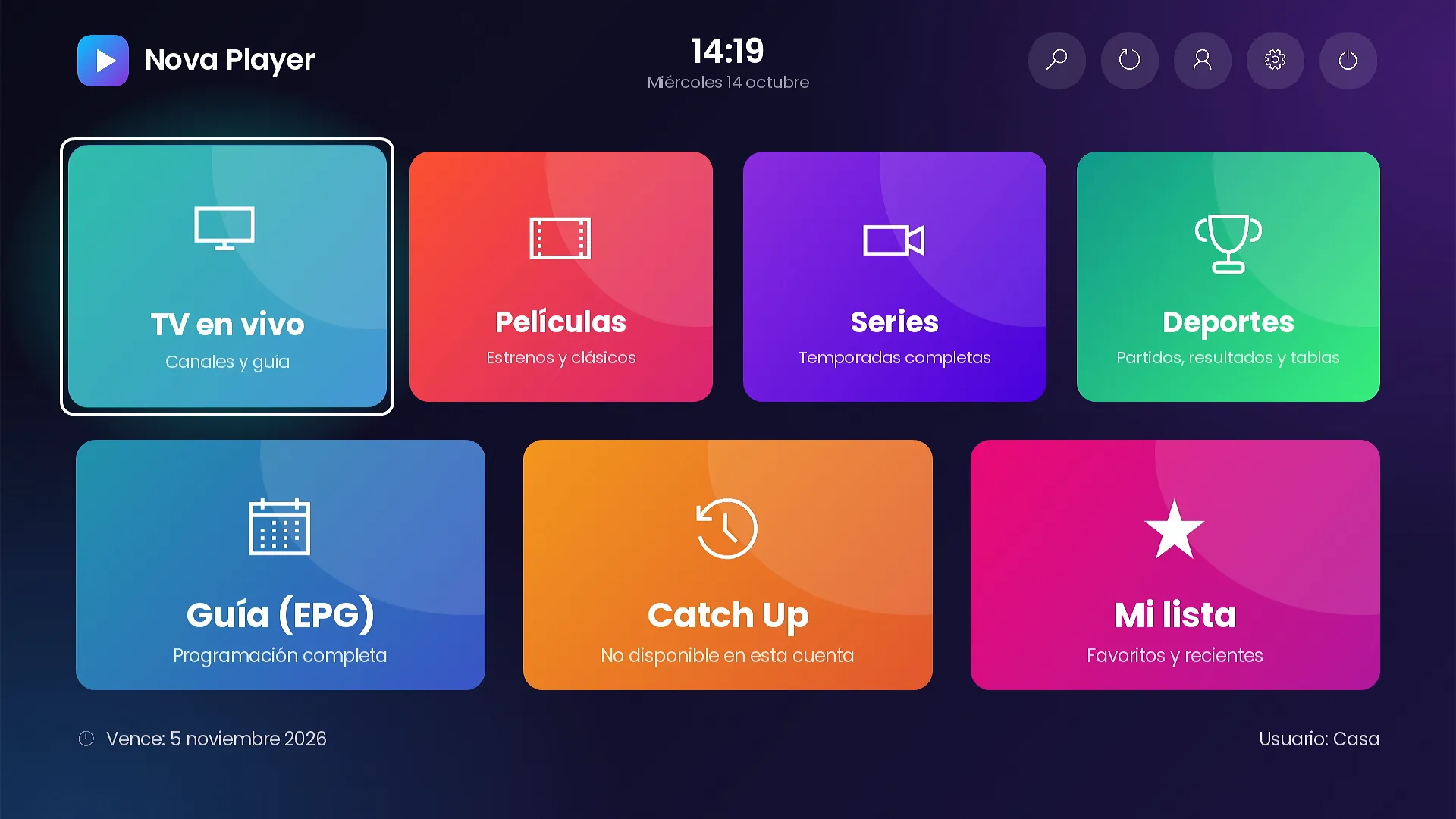
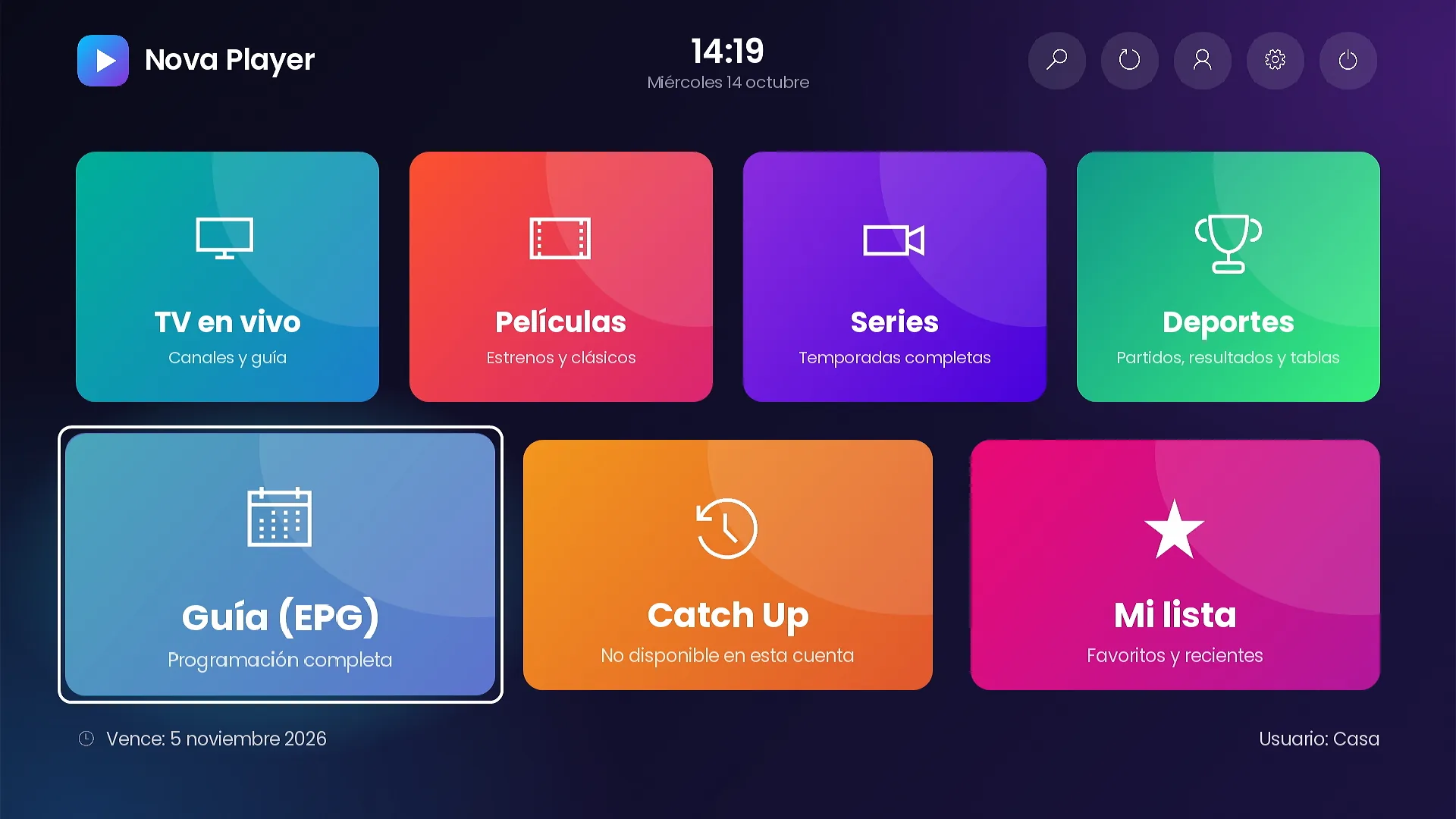
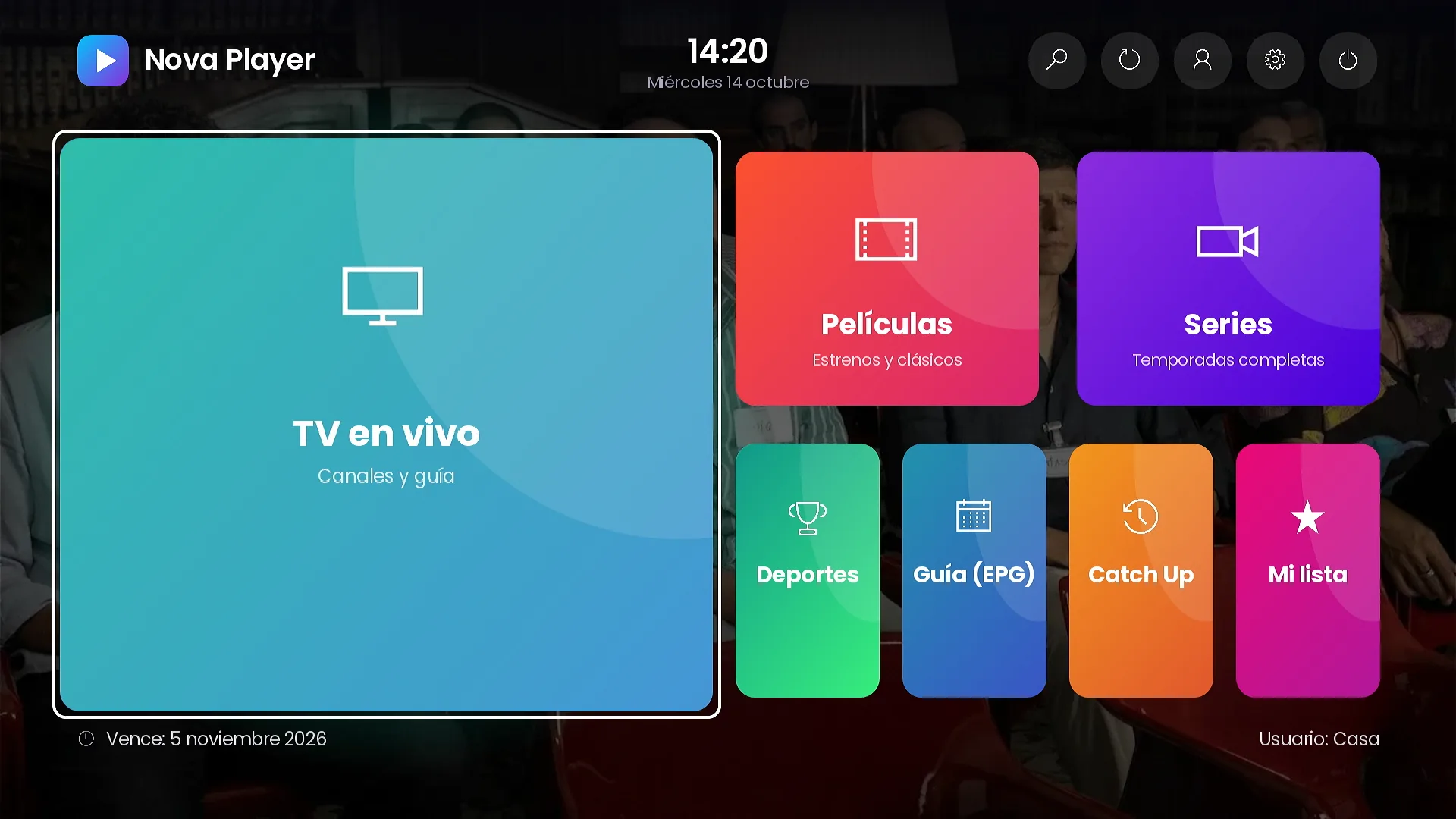
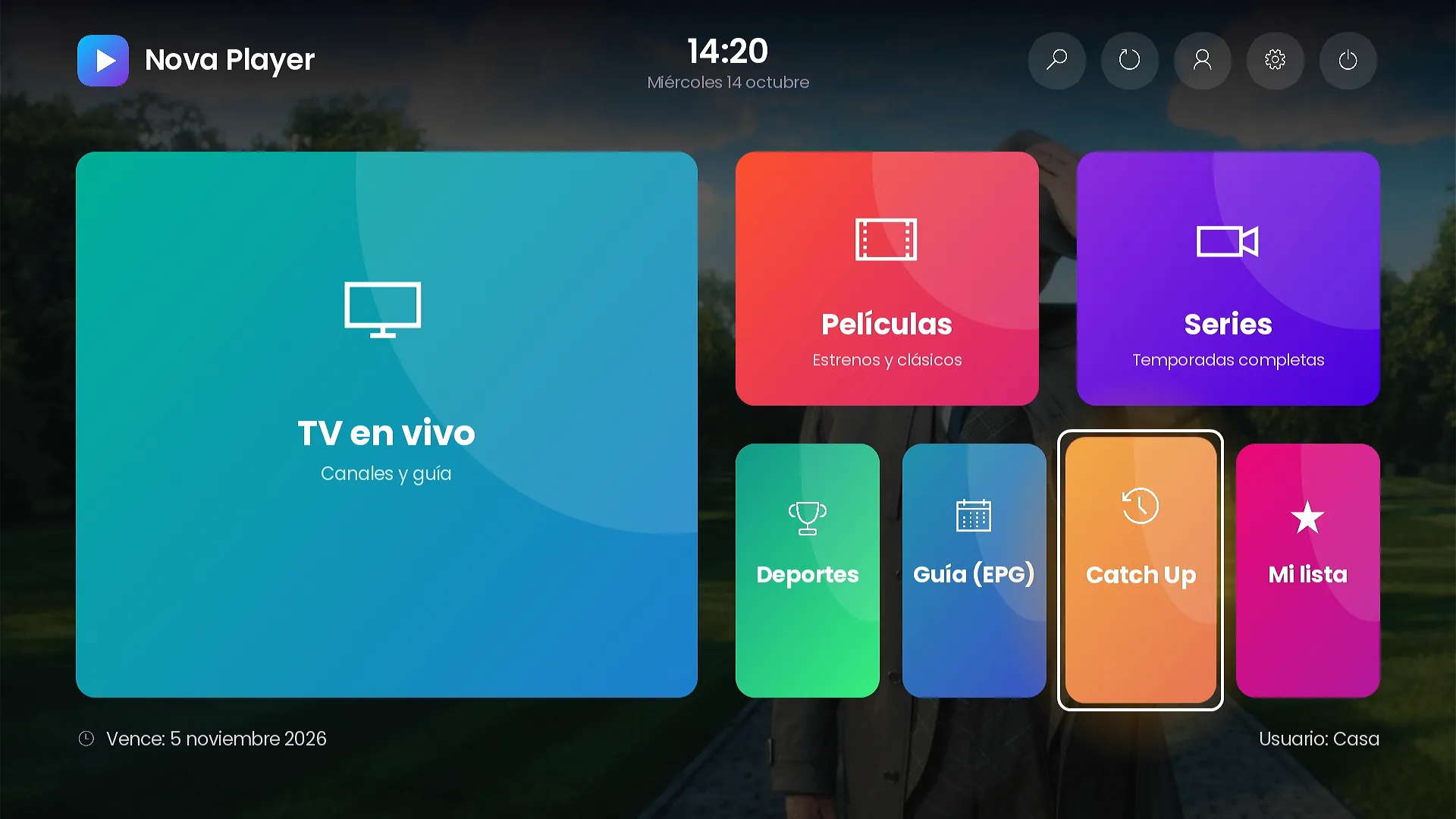
Featured. A large Live TV tile on the left and the other sections on the right.
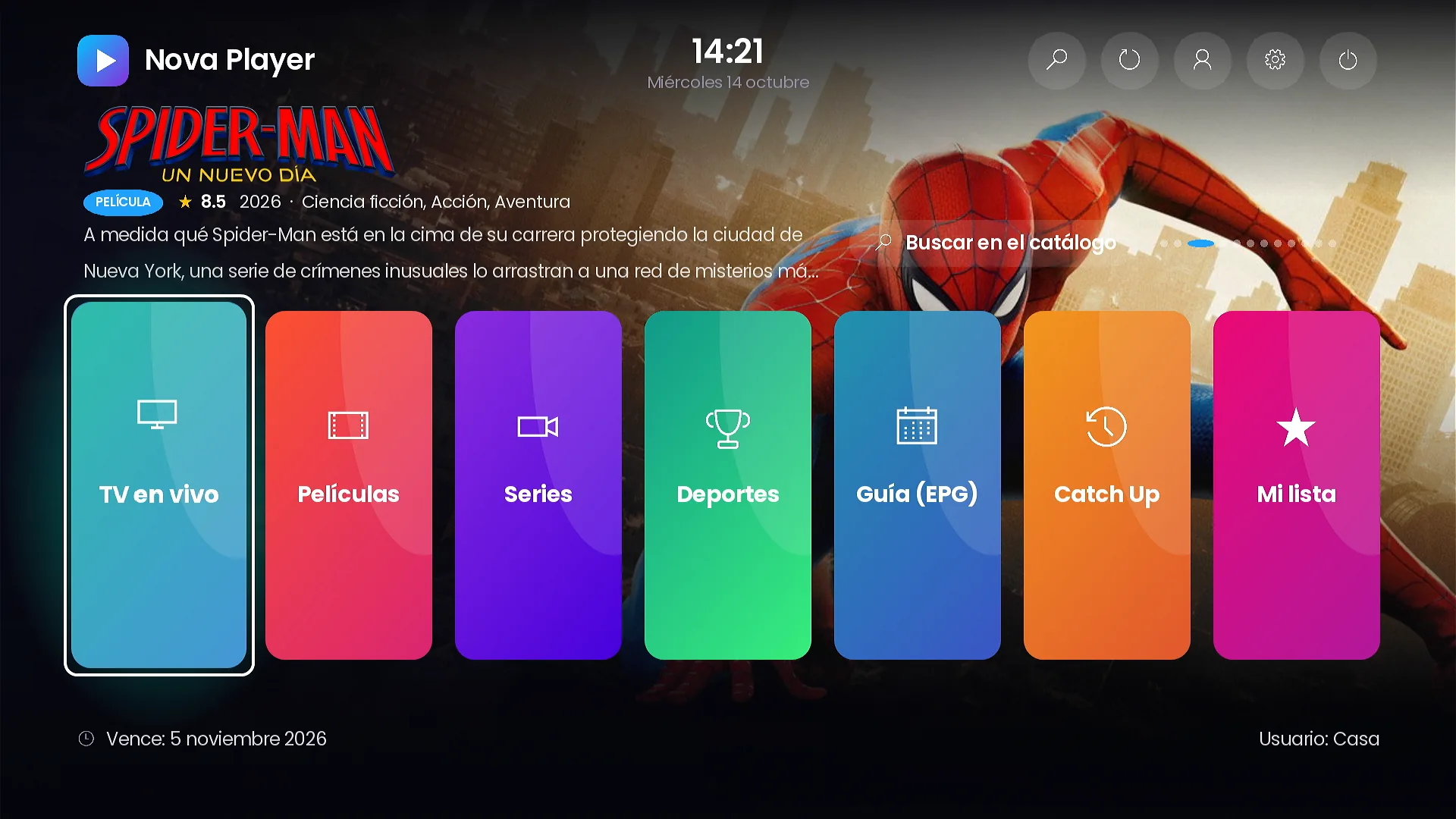
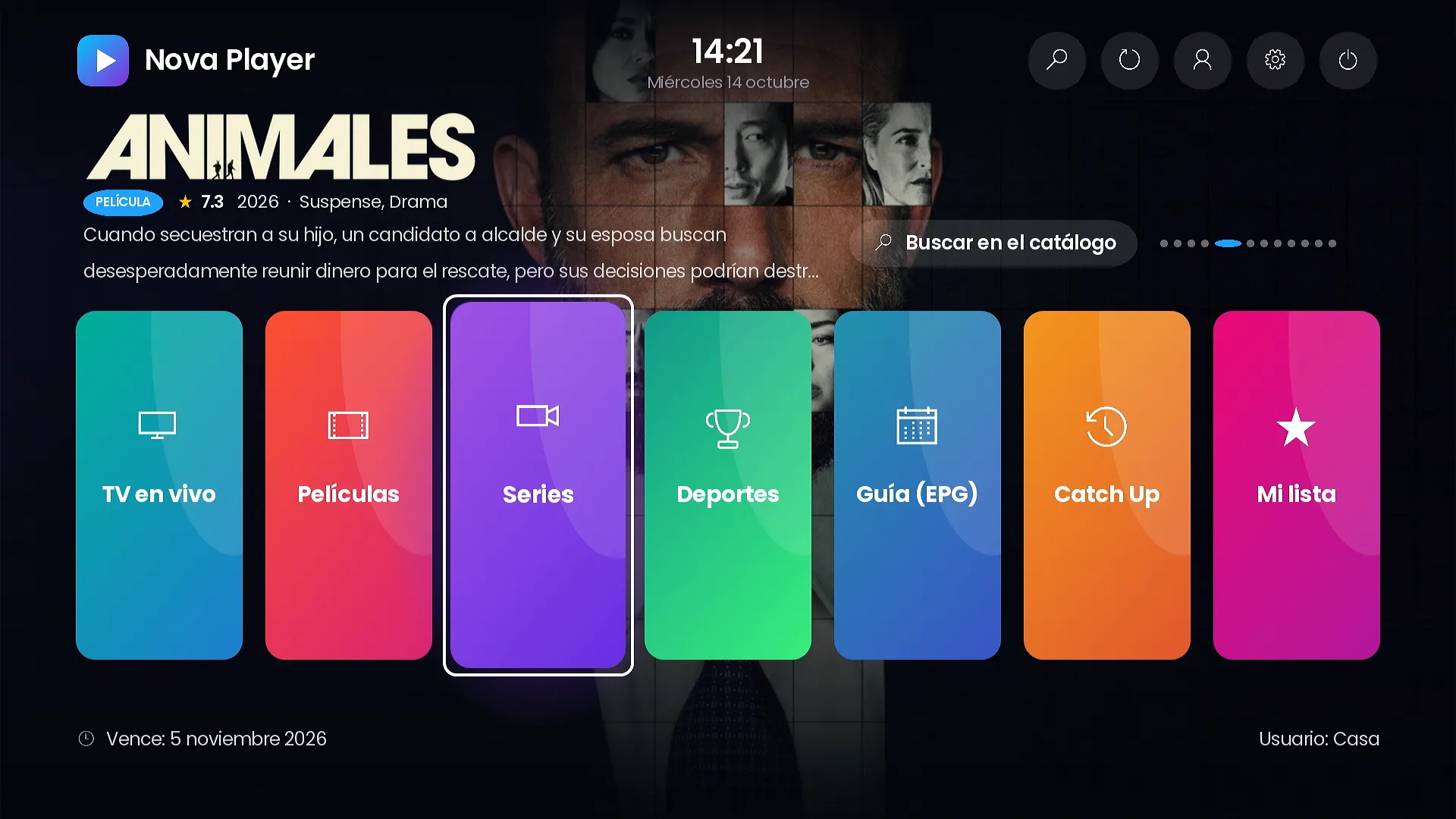
Carousel. A featured title with its official logo and synopsis over a row of vertical cards.
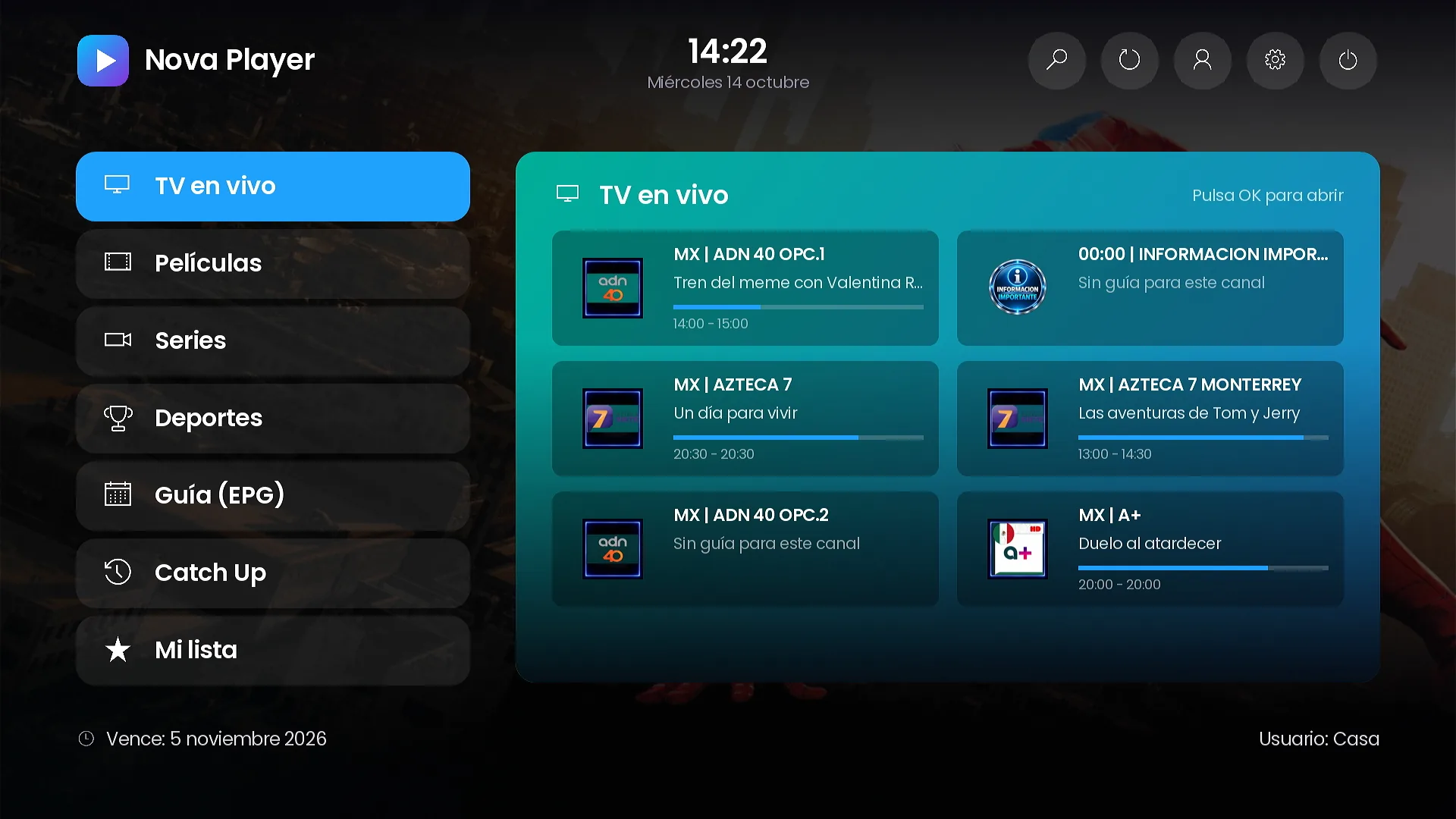
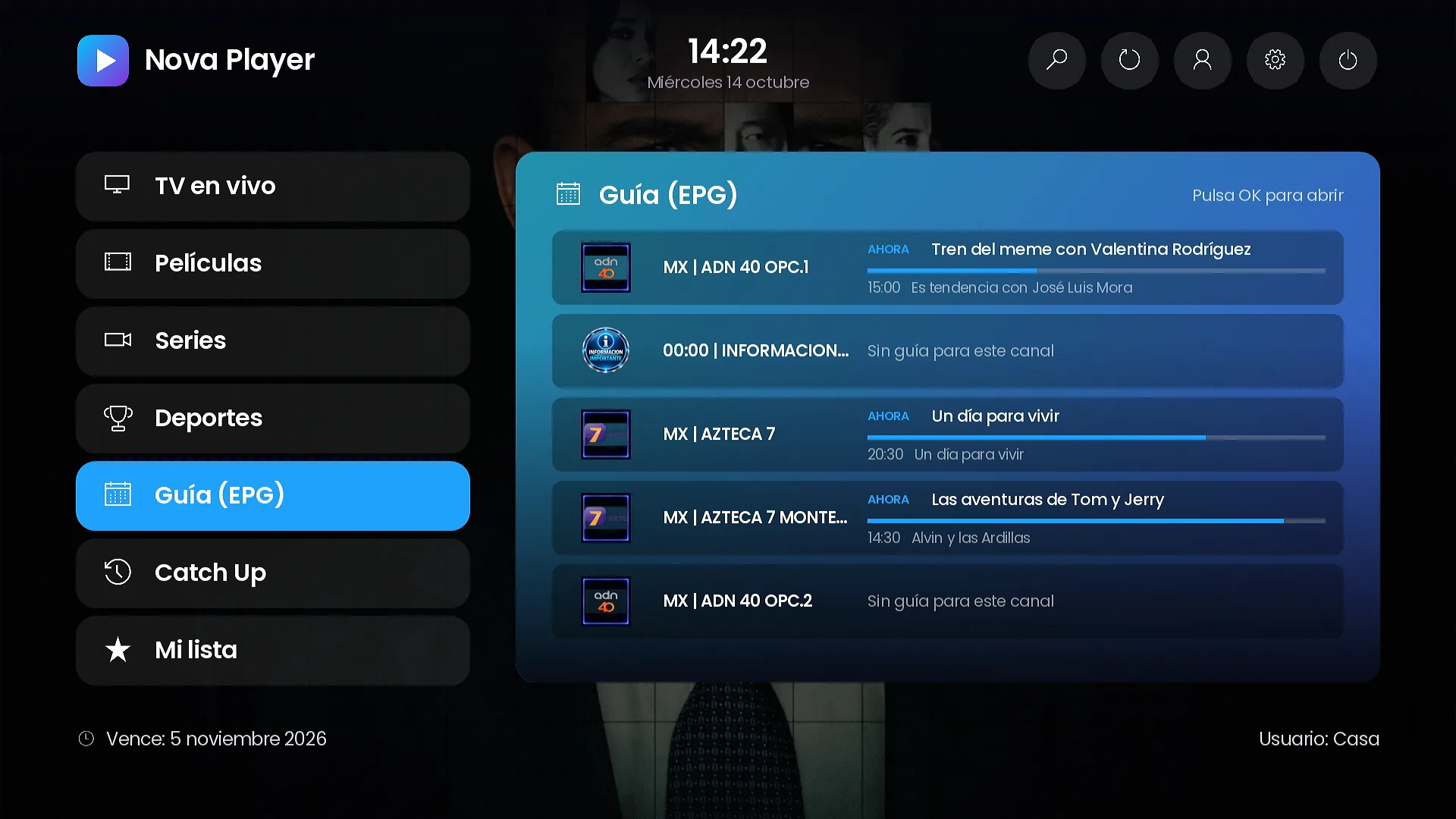
Side menu. A menu on the left and a large preview of the section in focus, with live data such as channels with what is on now, or the guide.
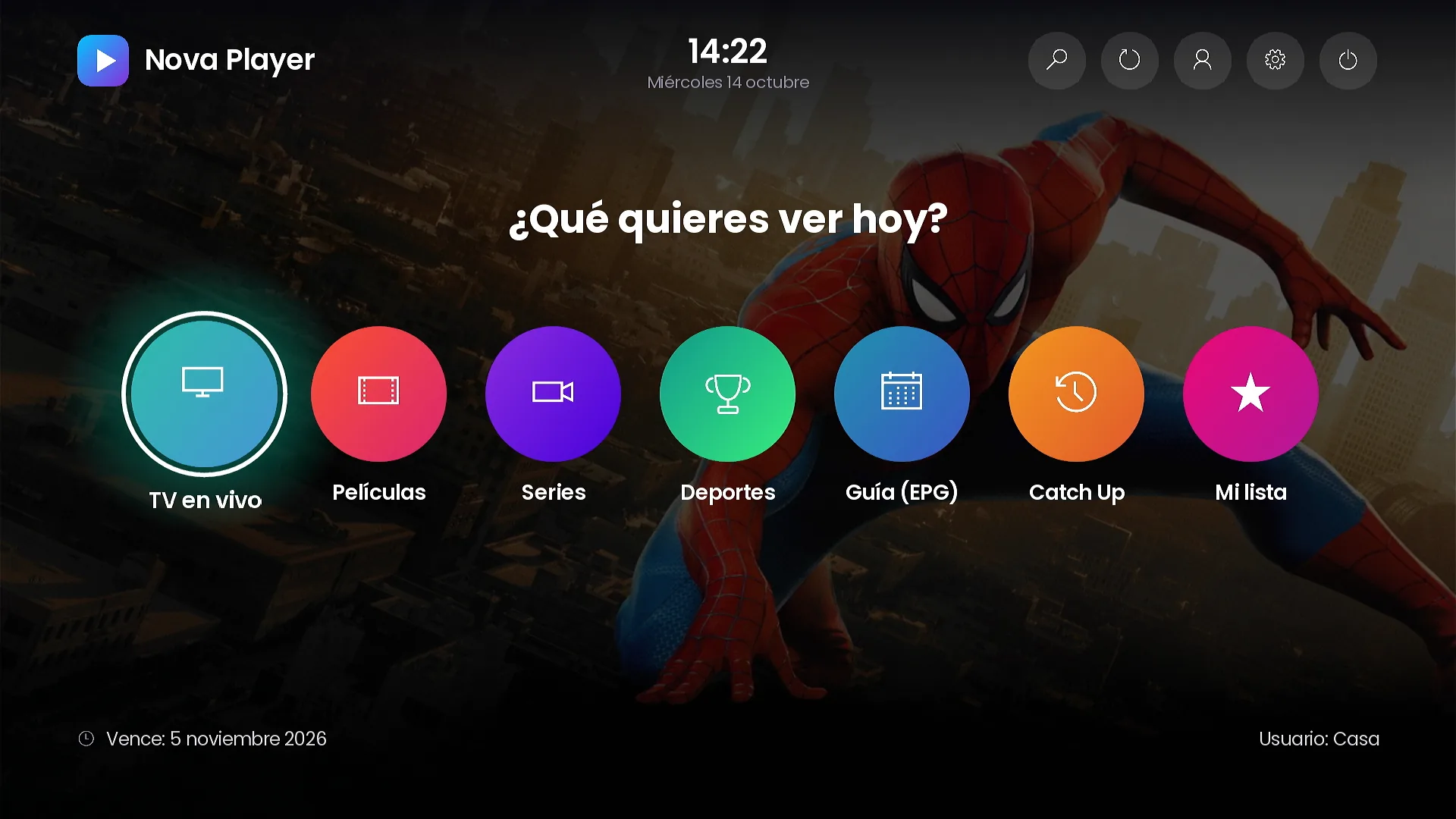
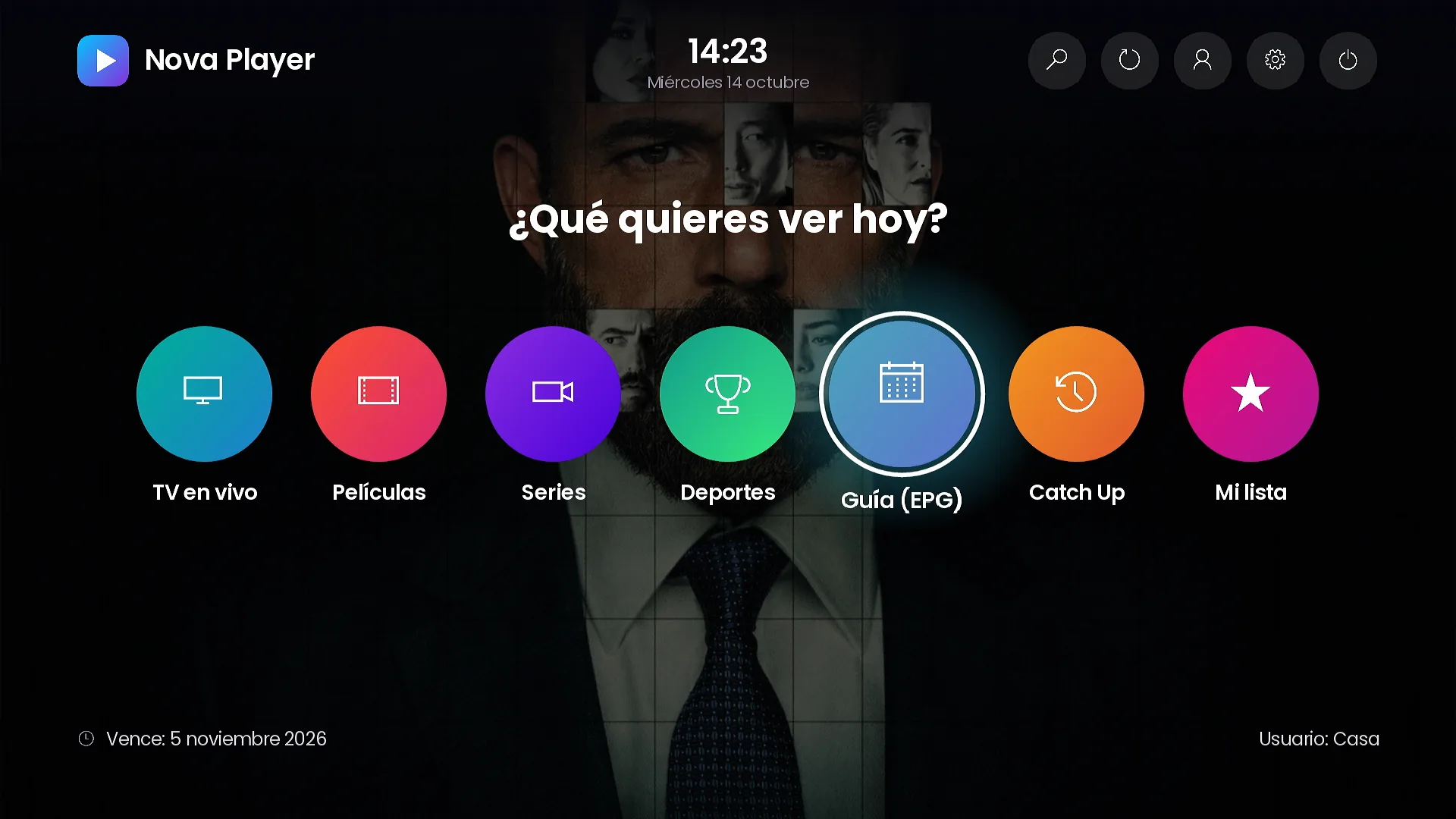
Icons. A row of round buttons over the background, with the question “What do you want to watch today?”.
Hero. Full-screen artwork with the featured title, rating, synopsis and a details button.
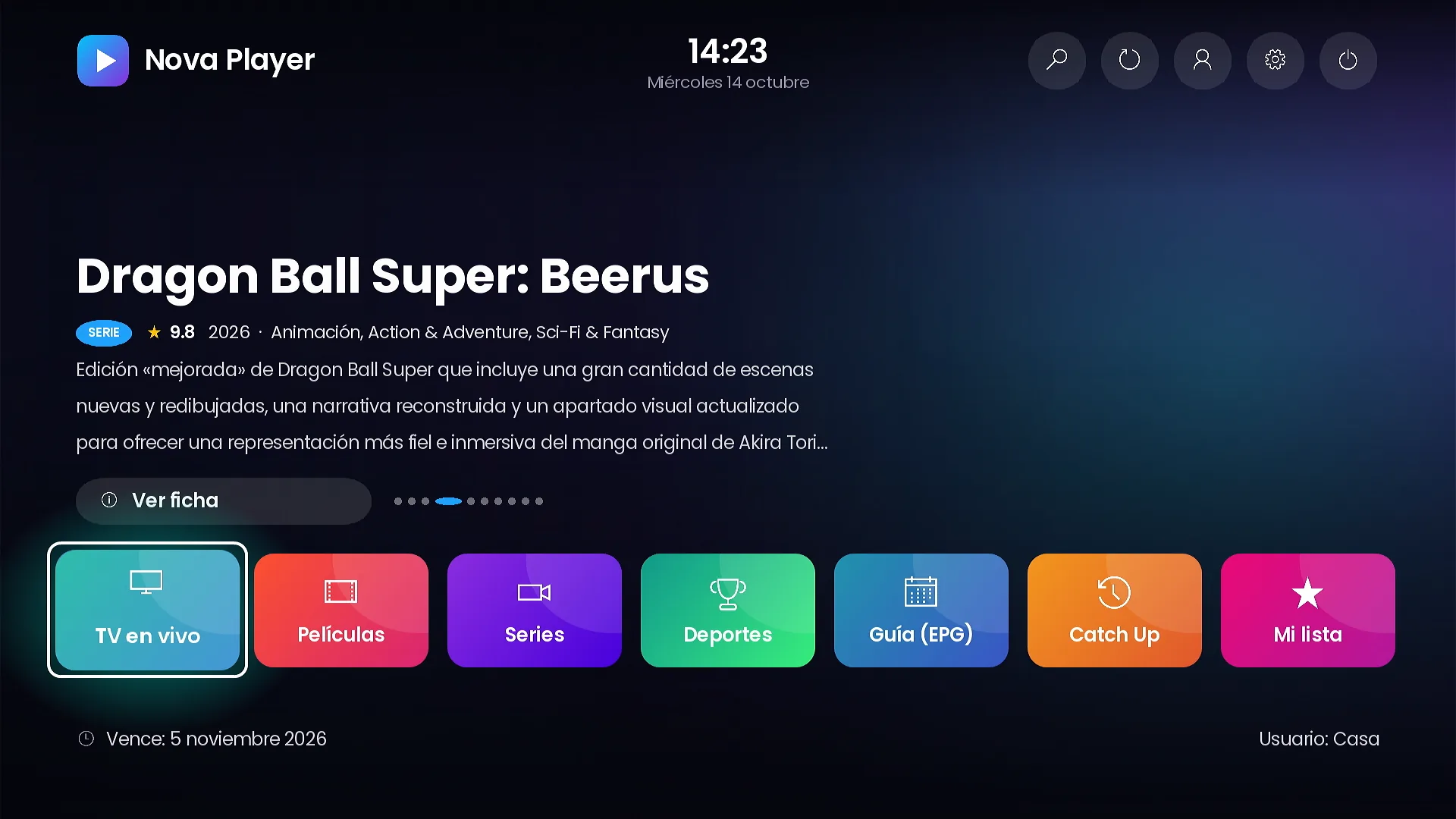
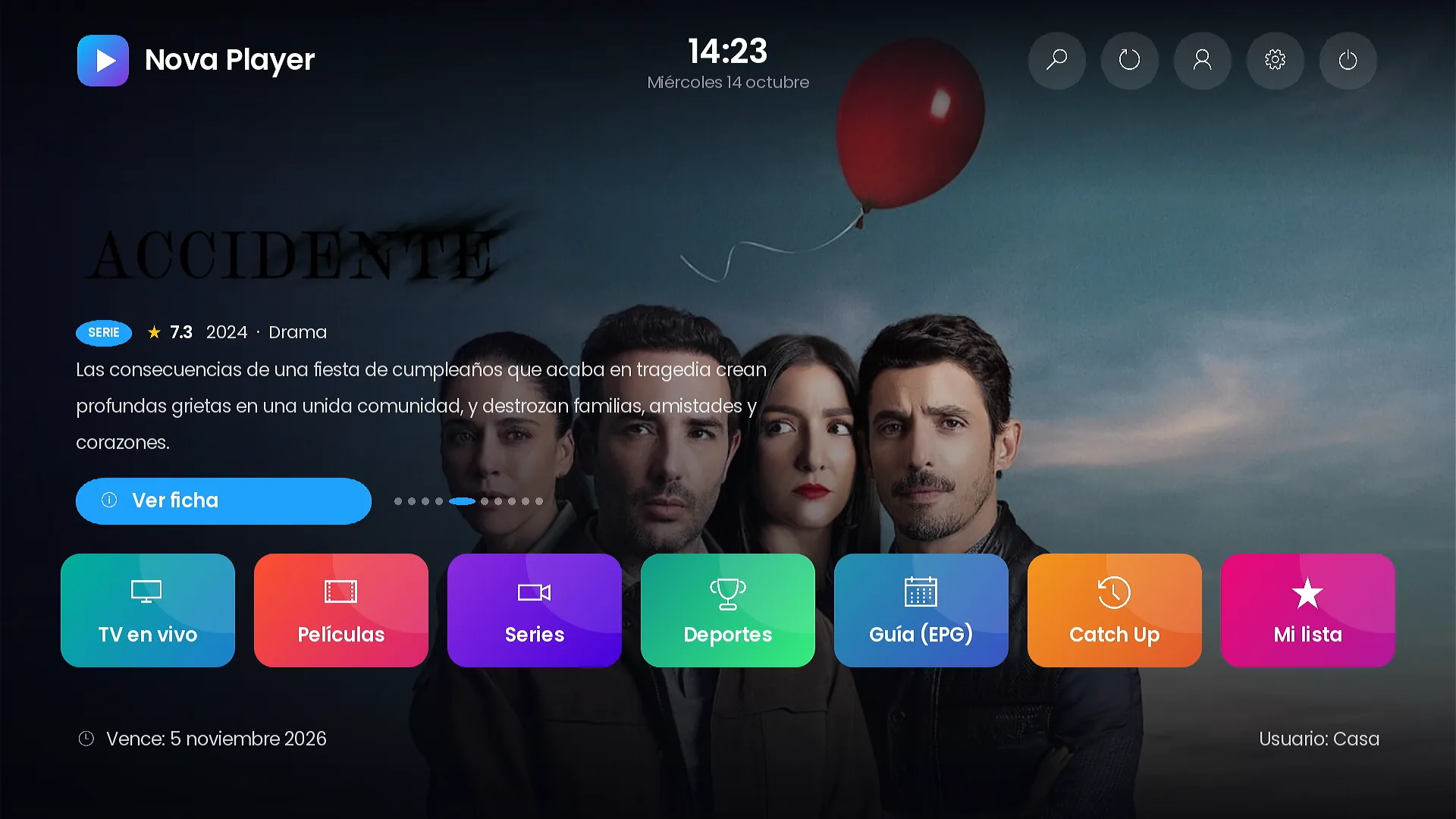
Banner + tiles and Menu + banner. A 16:9 banner from your promotions, with your own image, next to the tiles or the menu.
Featured titles and backgrounds
The Carousel and Hero layouts can show the newest titles in your catalog or this week’s trending titles, each with its official title logo, and rotate them every few seconds. The background of the home screen can use the theme colors, your own image, or rotating movie and series backdrops.
Seven color themes, or your palette
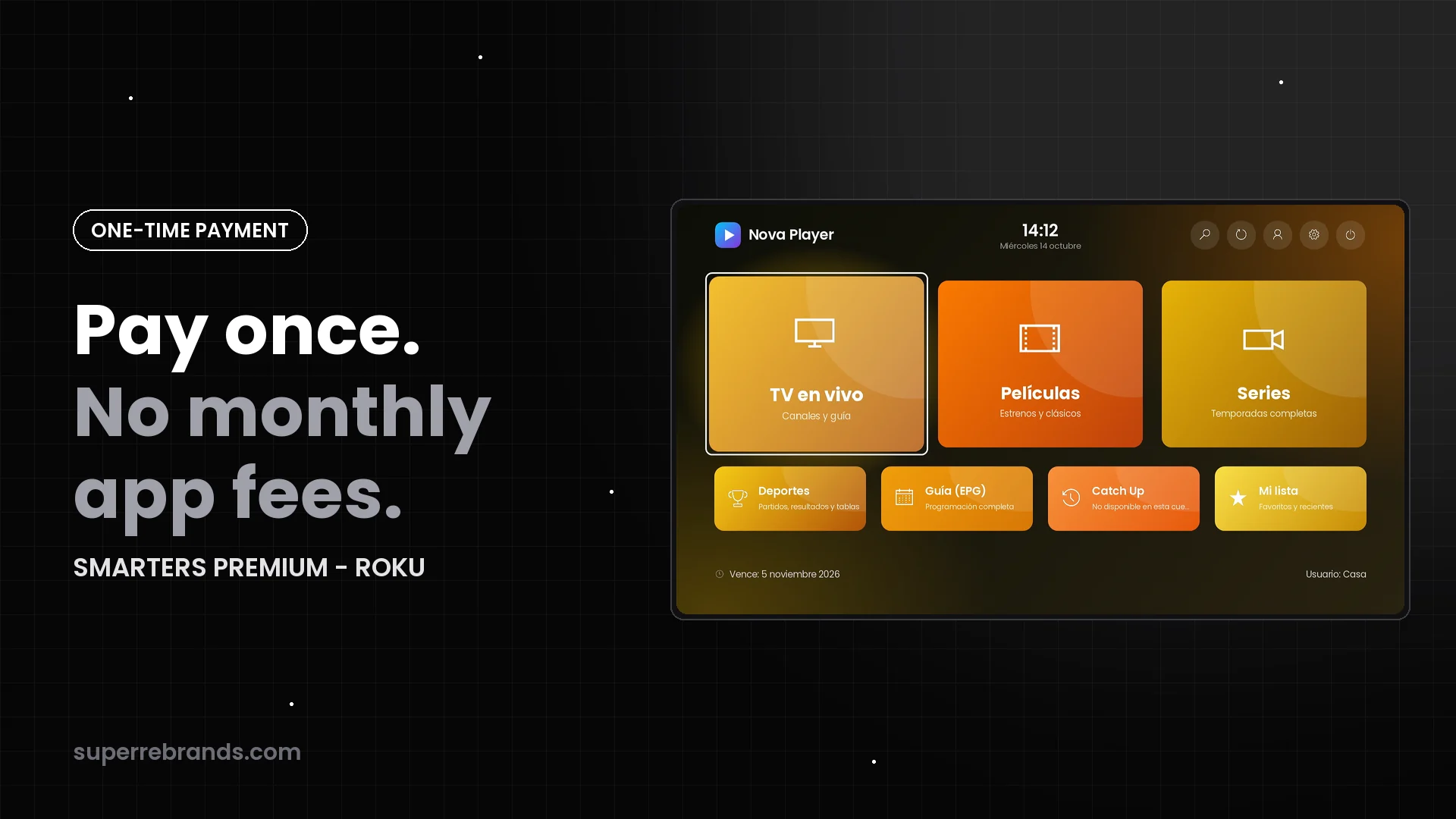
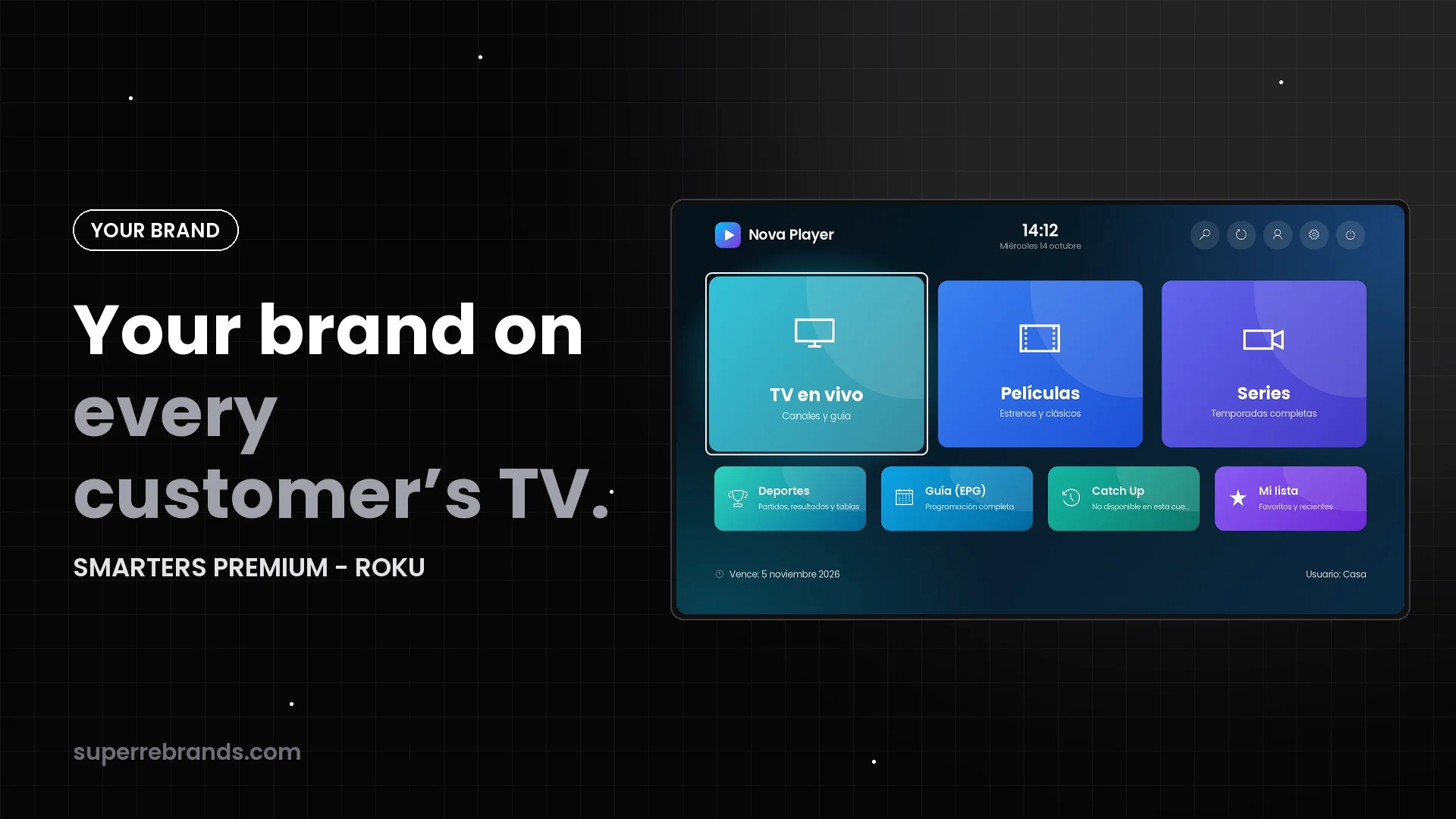
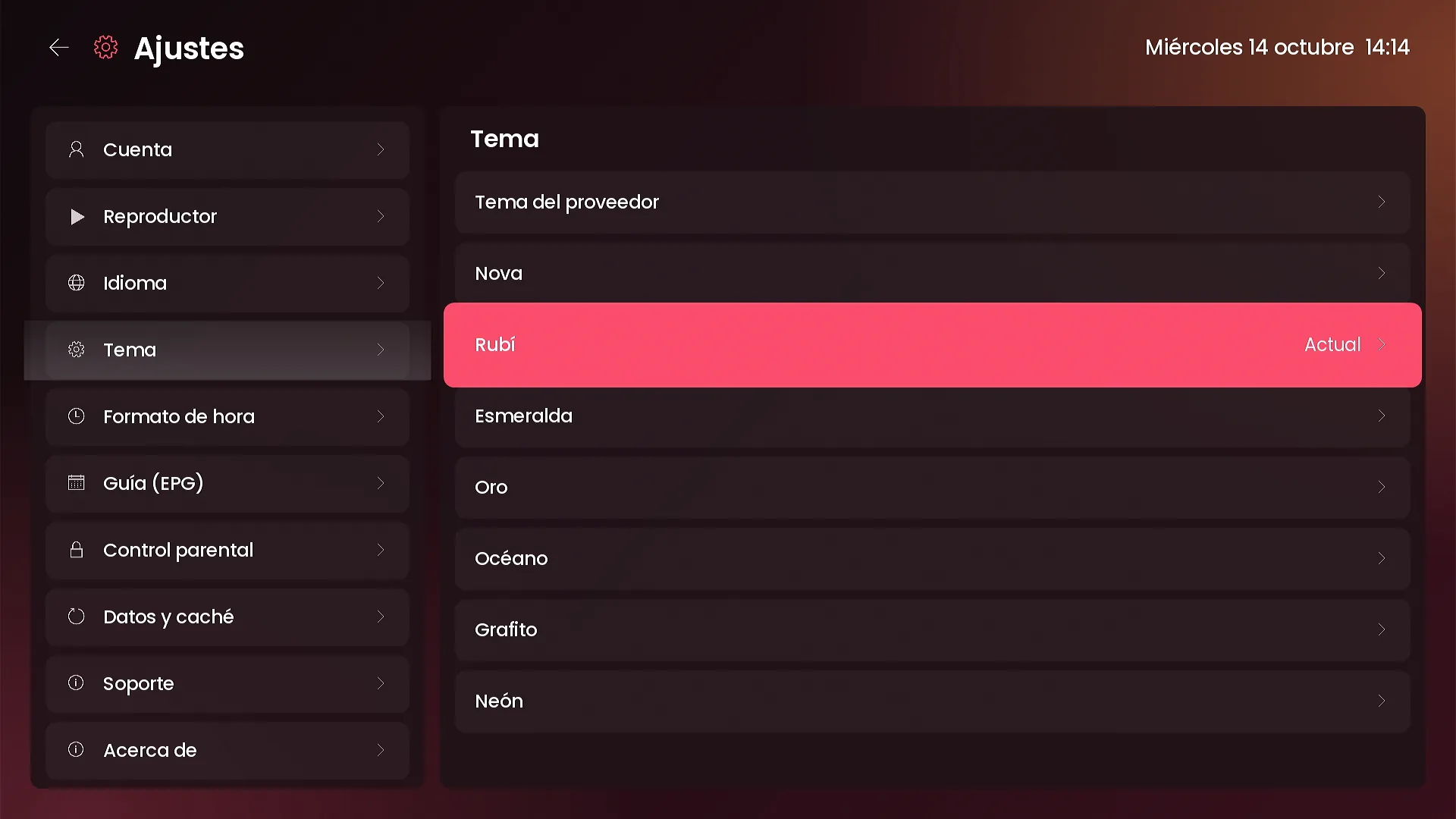
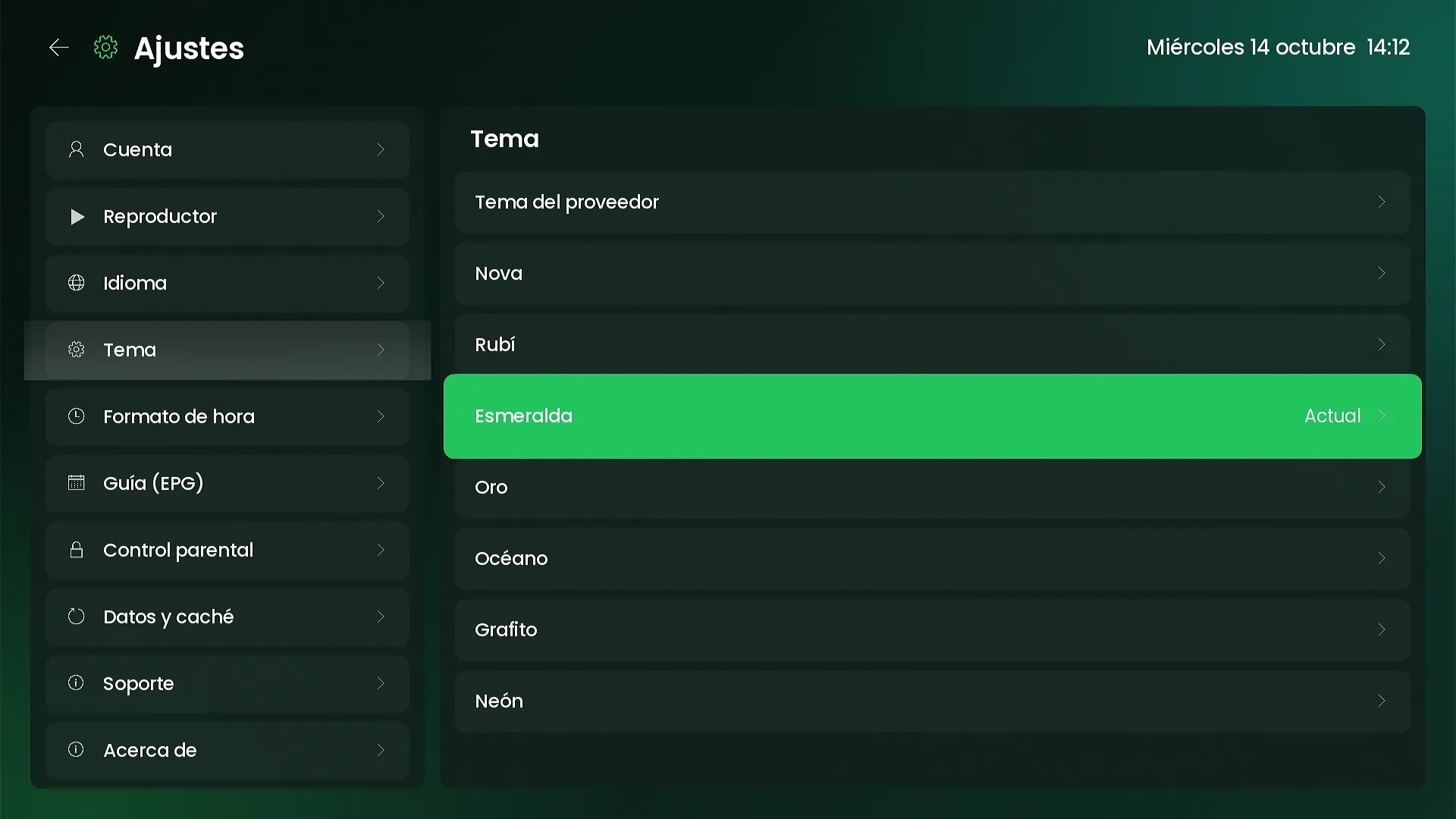
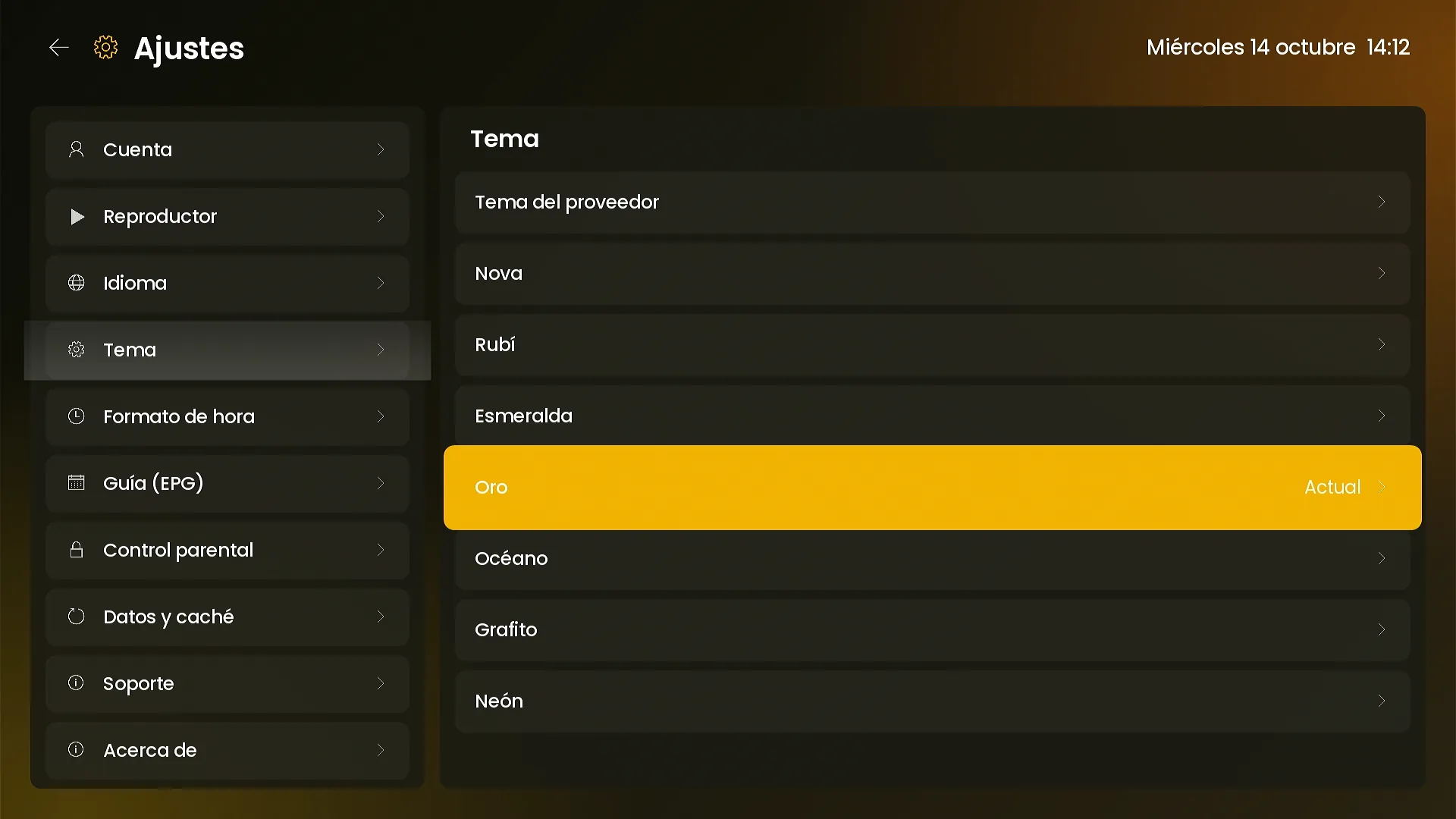
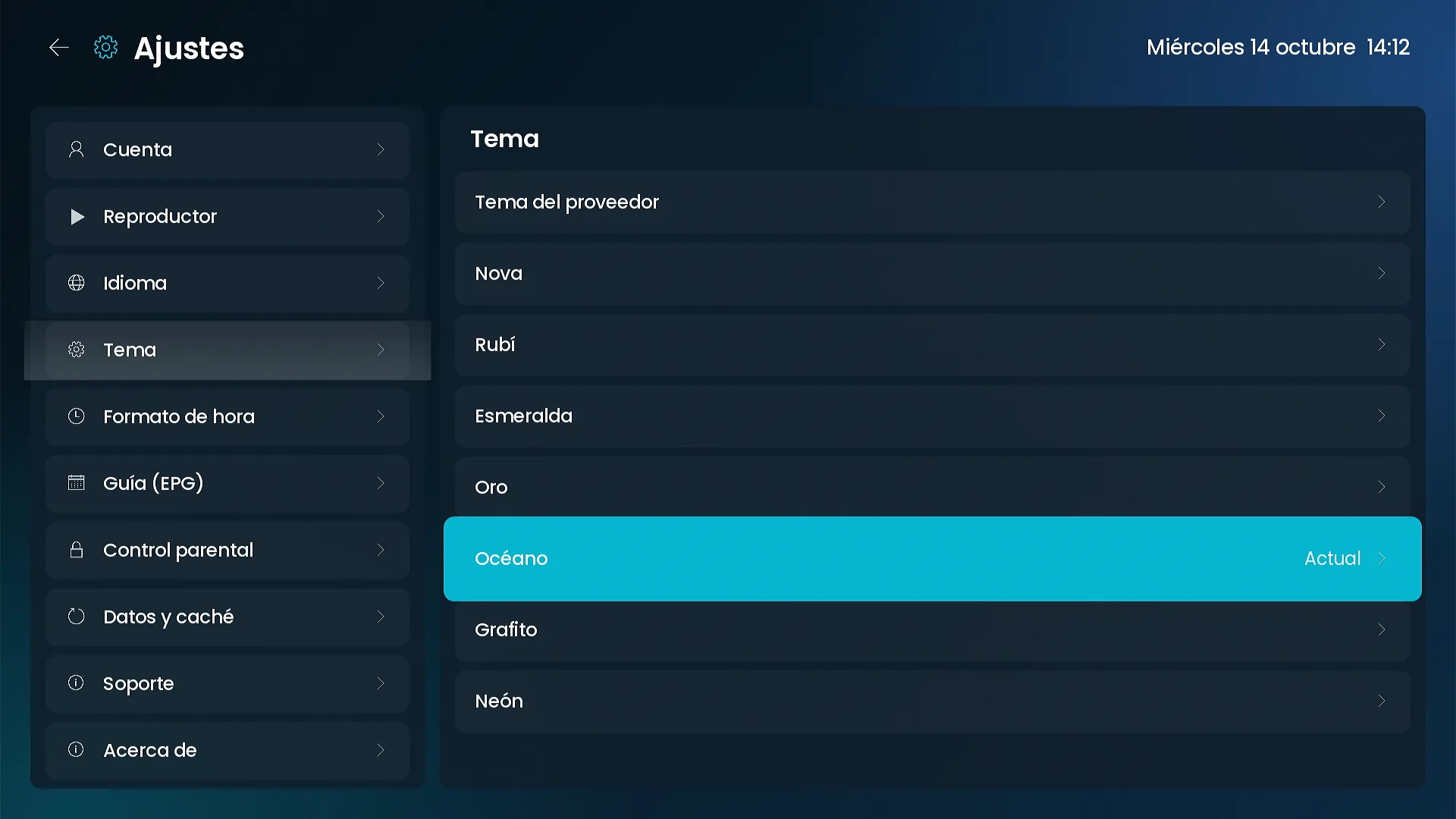
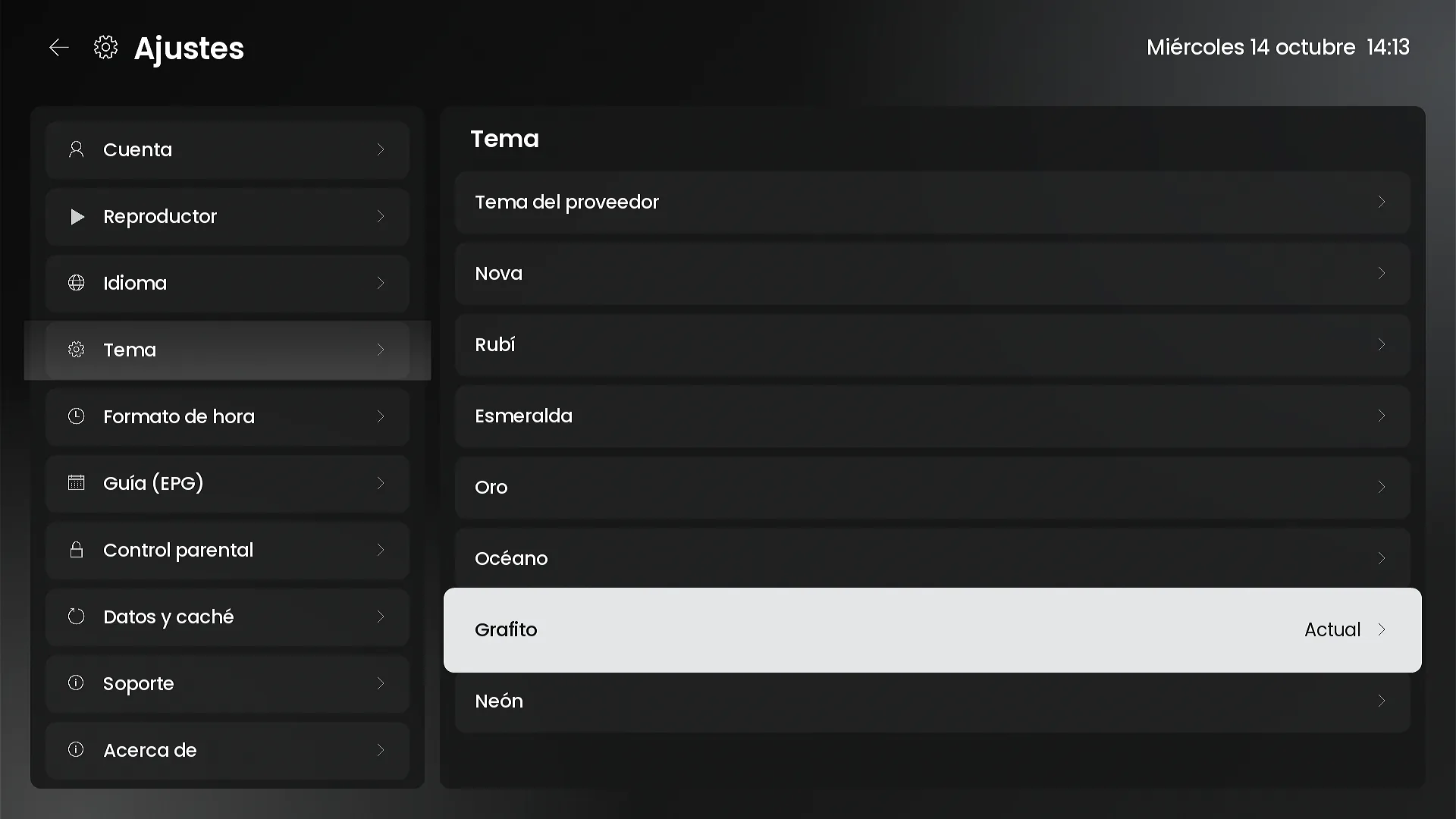
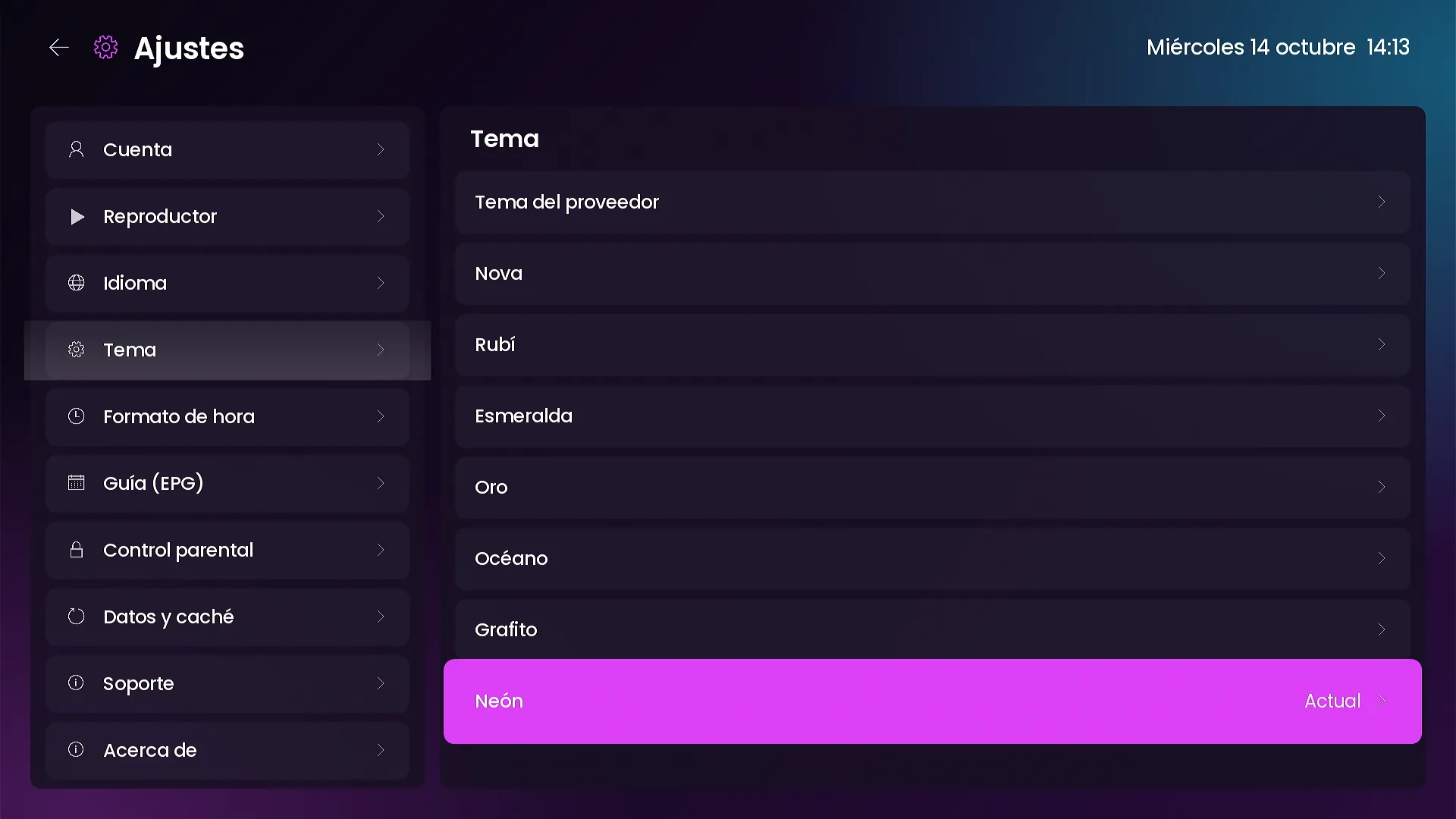
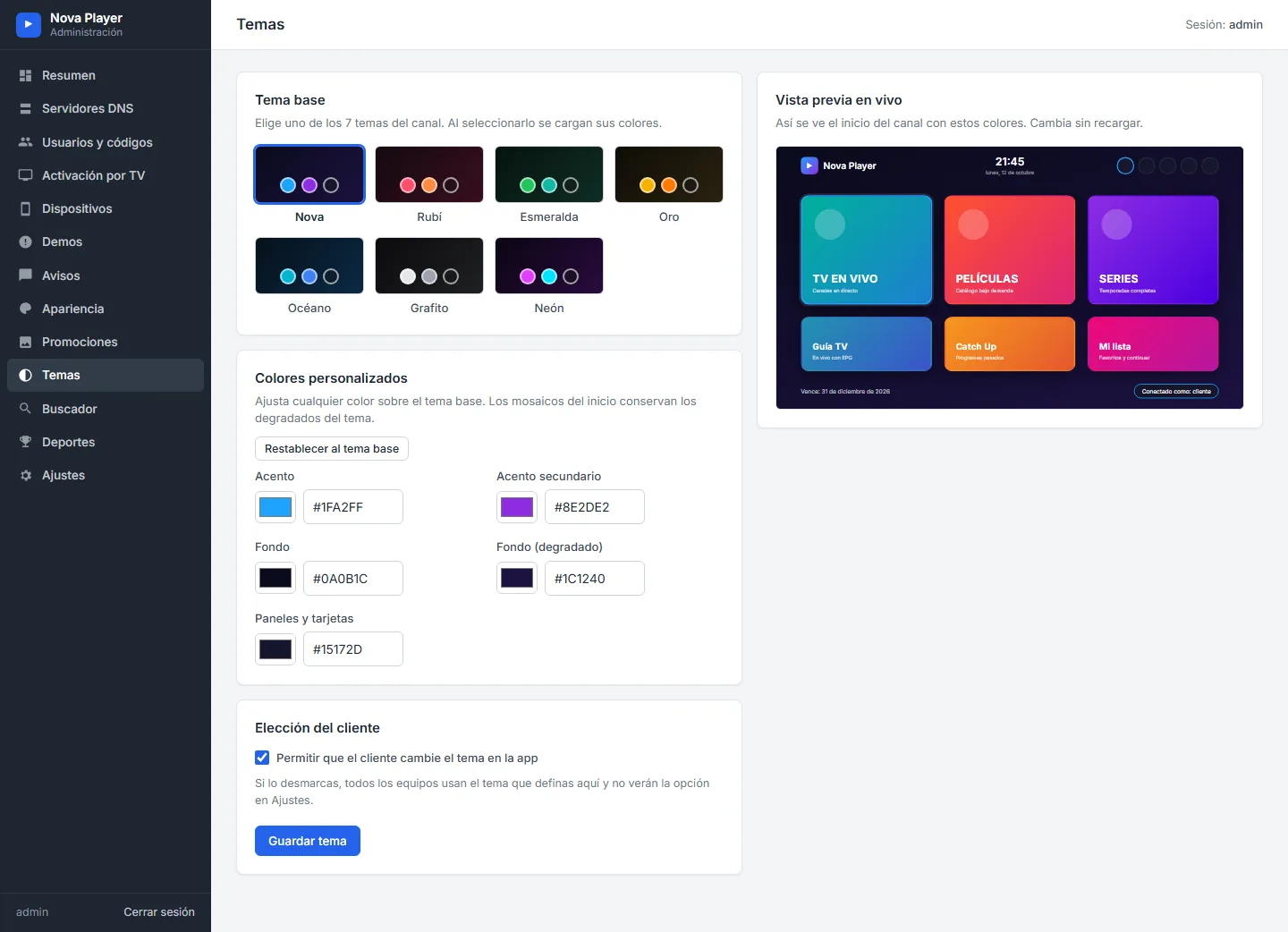
Nova, Ruby, Emerald, Gold, Ocean, Graphite and Neon. Each theme changes the whole channel: home screen, lists, settings and player. On the Themes page you pick a base theme or set your own accent, background and panel colors, with a live preview before saving. You also decide whether customers can change the theme in Settings or always see yours.
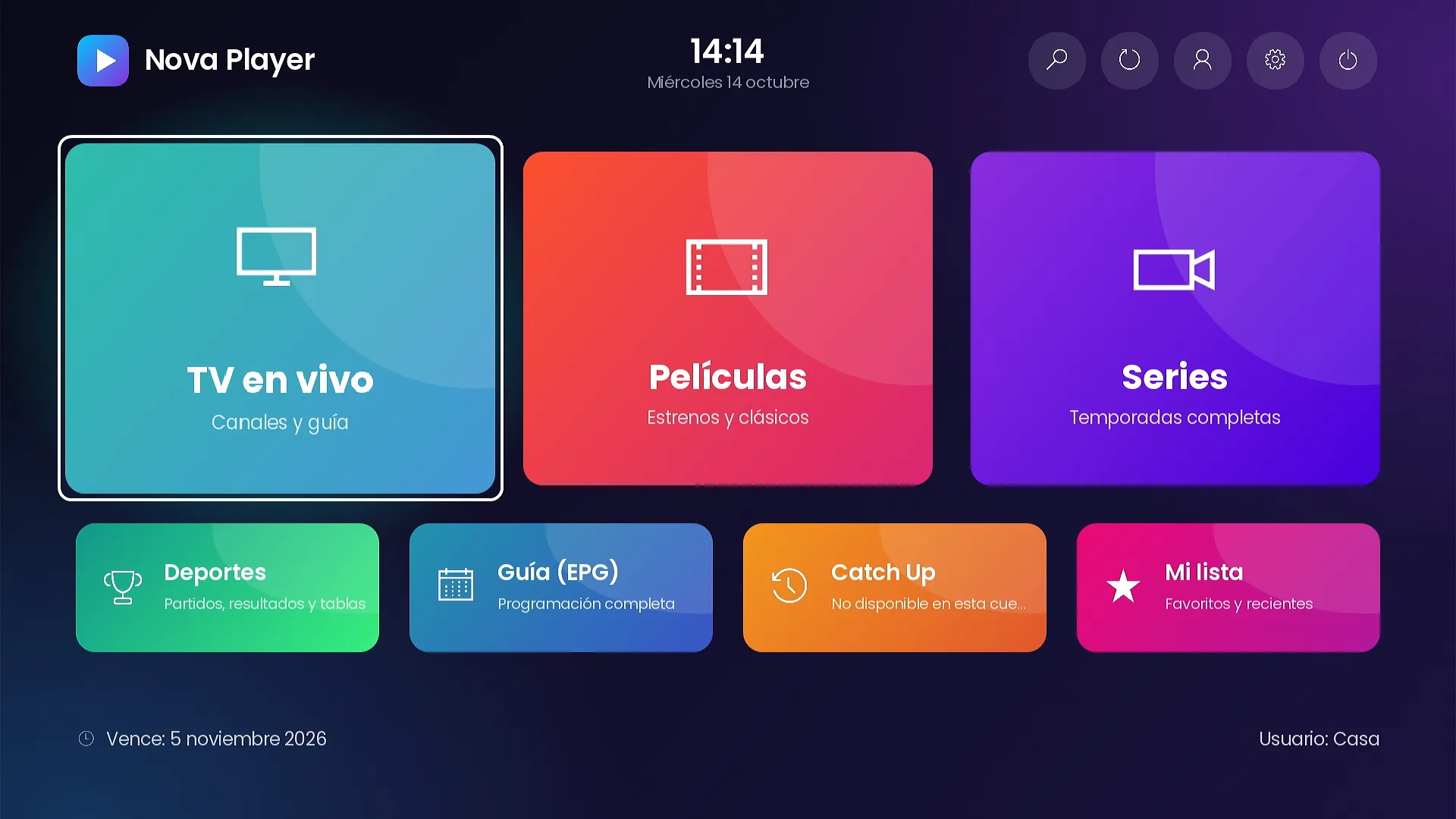
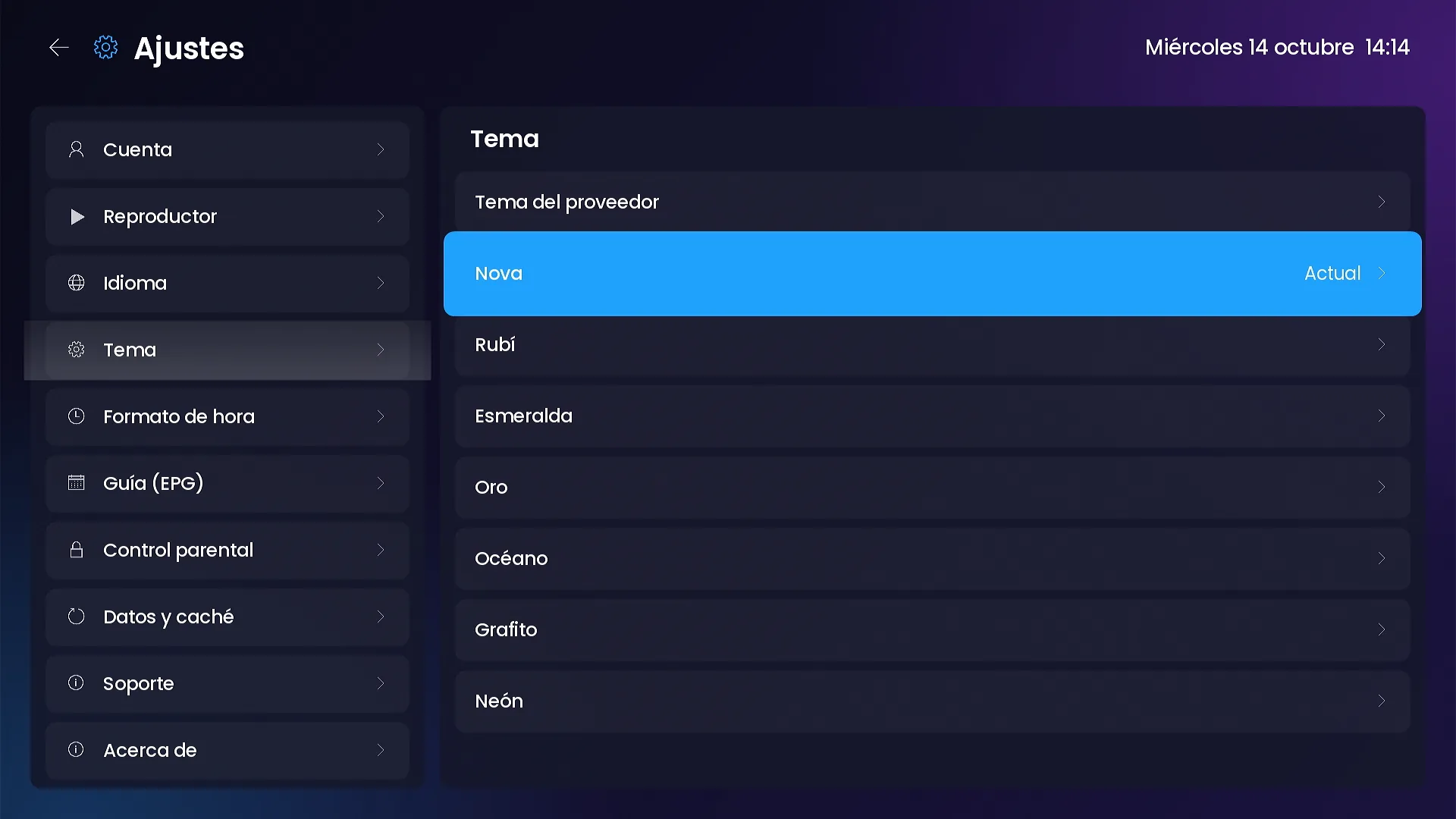
Your photos and texts on every tile
Each of the seven tiles can carry your own 1280×720 photo, title and subtitle, written separately for Spanish, English and Portuguese, so customers never see text in another language. Empty fields fall back to the translated default.
Promo banners and notices
On the Promotions page you create 16:9 banners that rotate on the home screen. A banner is your own image that opens a section or a search. Each banner has dates, an order, and a rotation speed.
Notices appear once per device when the channel opens: a welcome, a new feature, a schedule change. Each one has a validity window.
Frequently asked questions
Do design changes need a new version of the channel?
No. Themes, layouts, photos, texts, banners and notices are read from your panel when the channel opens.
Can I stop customers from changing the theme?
Yes. On the Themes page you decide whether customers can pick a theme in Settings or always see yours.
What size should tile photos be?
1280×720 pixels, JPG or PNG. The channel crops them to fit each layout.
Related guides
SMARTERS PREMIUM - ROKU (Xtream & Stalker Portal) is available at a $200 launch price (regular $350), a one-time payment with no monthly app fees. It is published on Roku with your brand and comes with your own admin panel. See every video and screenshot on the full page or view it in the catalog.