
SMARTERS PREMIUM - ROKU Xtream Codes & Stalker Portal
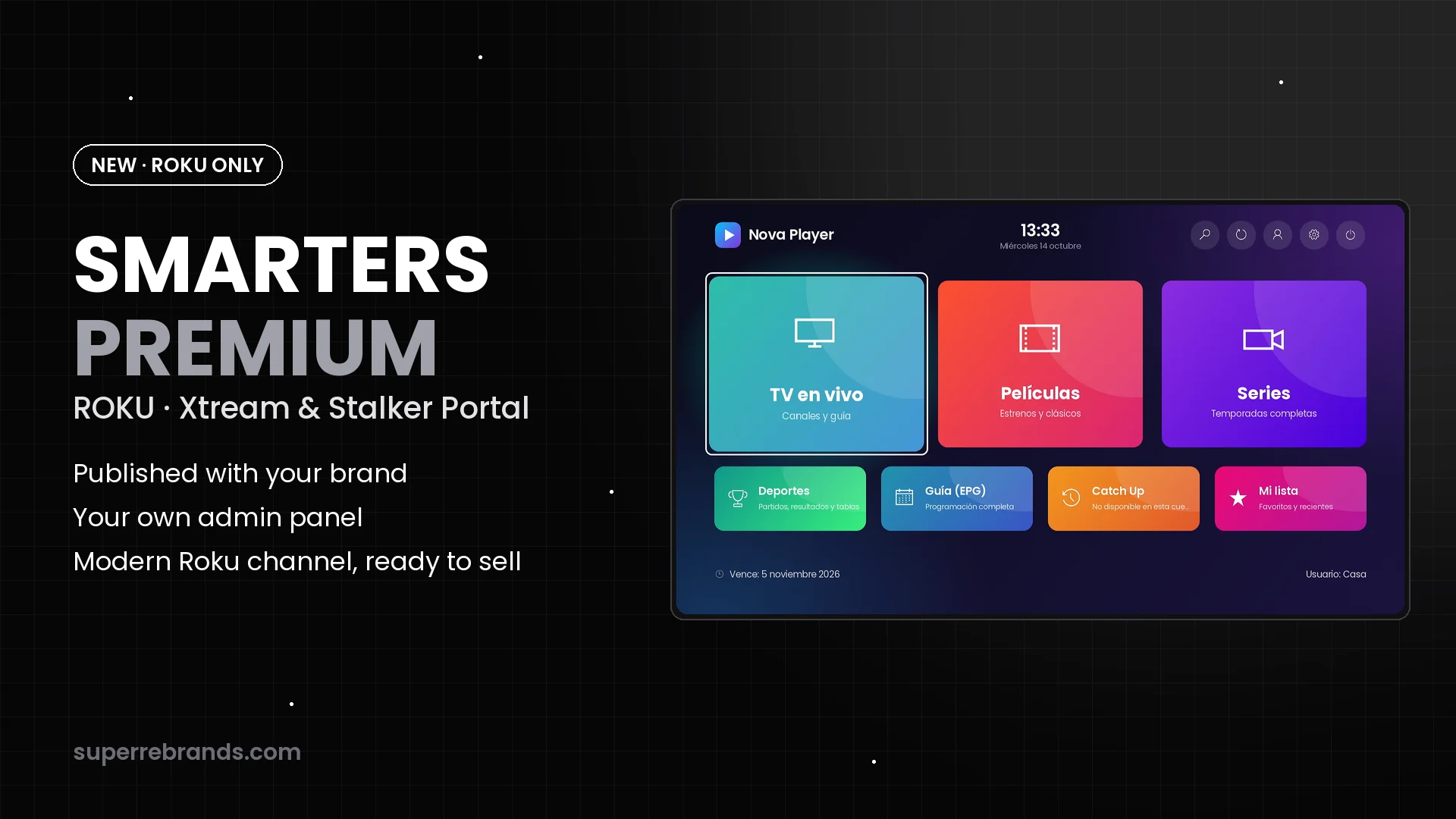
Customers sign in with Xtream Codes, a Stalker MAC or a code. You control everything from your panel.
One-time payment · no monthly app fees · then $350
Recorded on a real Roku
15 videos: every feature, exactly as it looks on the TV.
Captured over HDMI in 1080p at 60 fps, with the app’s sound. Pick a video from the list.
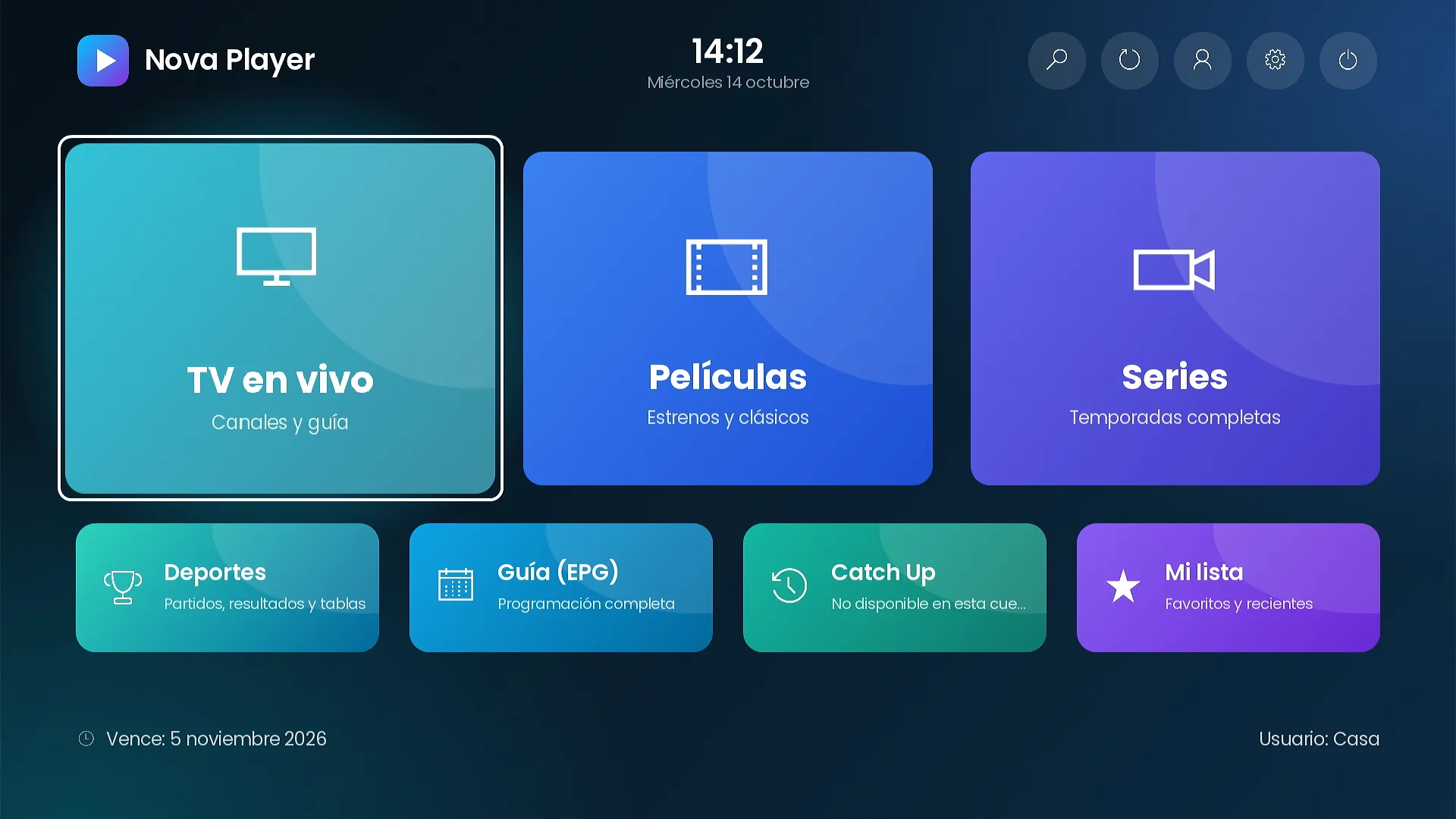
Home screen
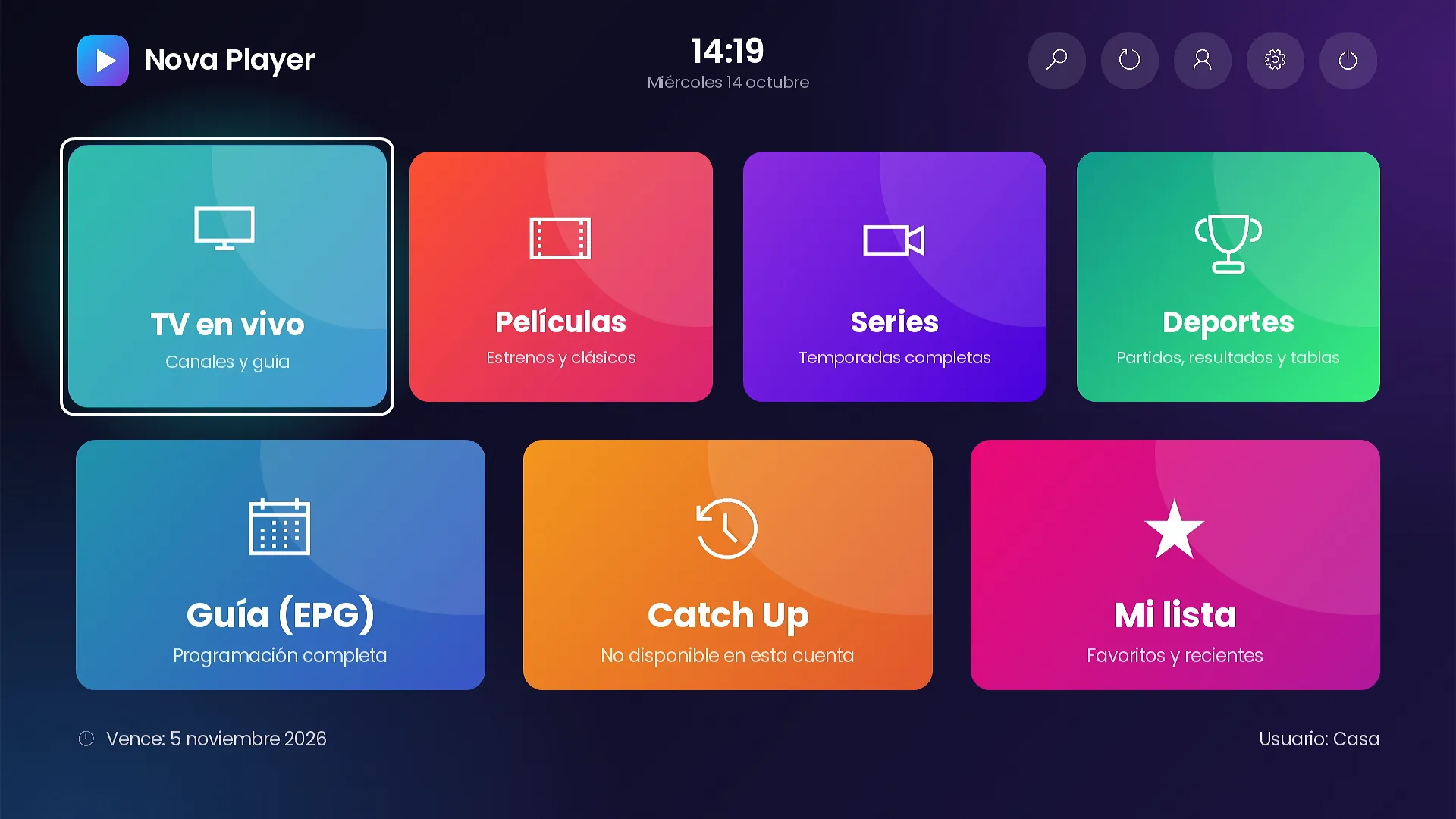
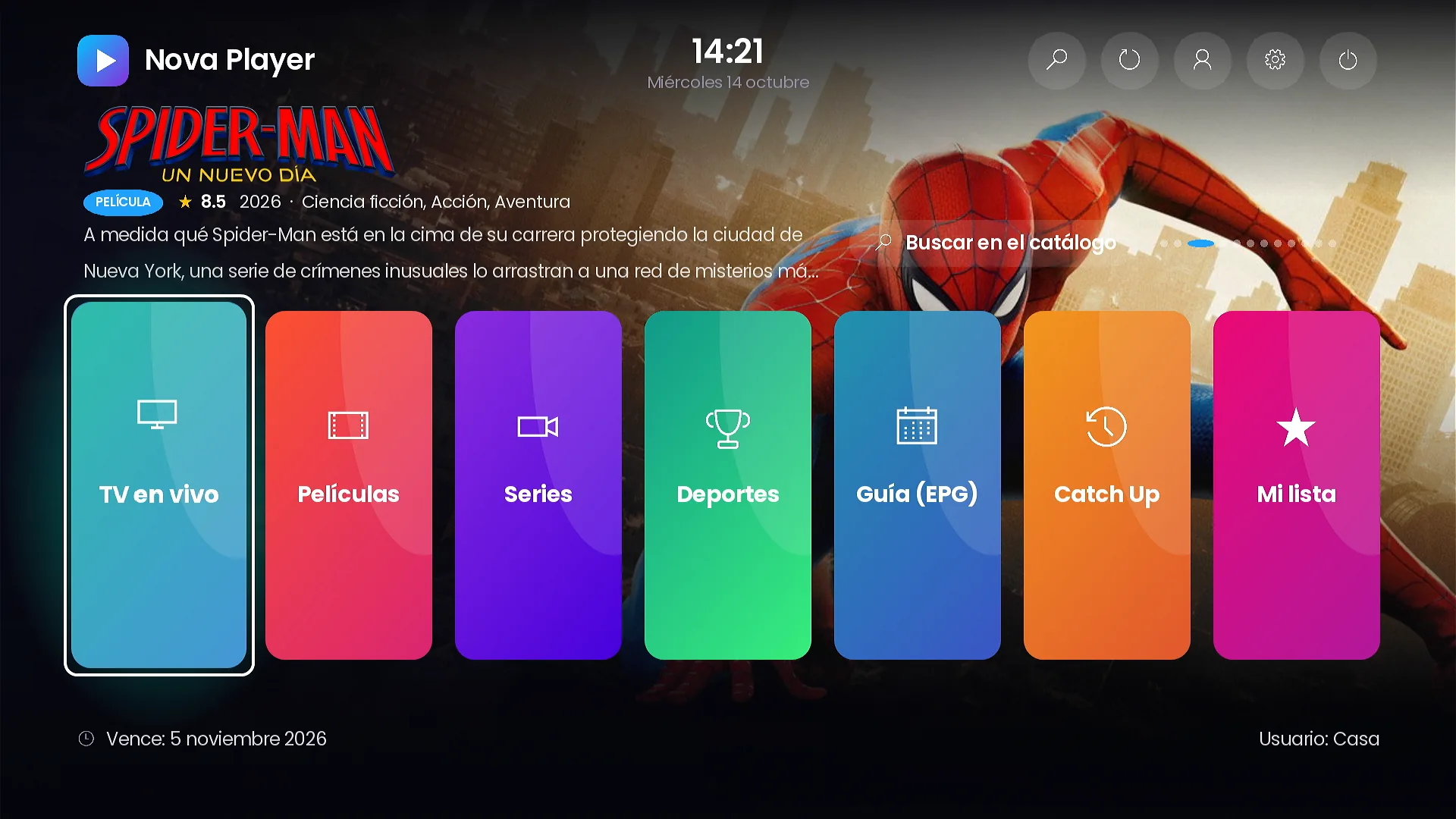
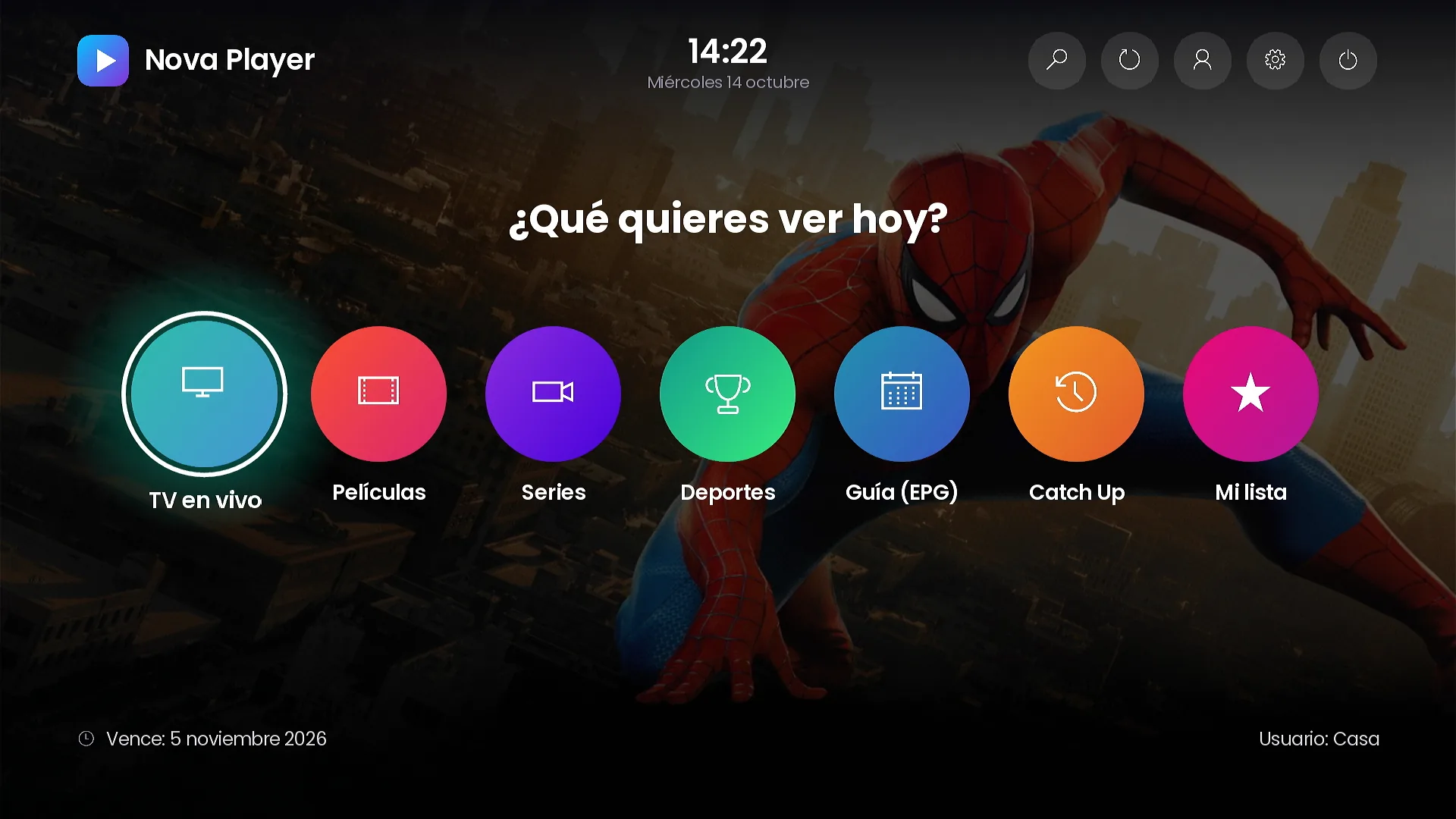
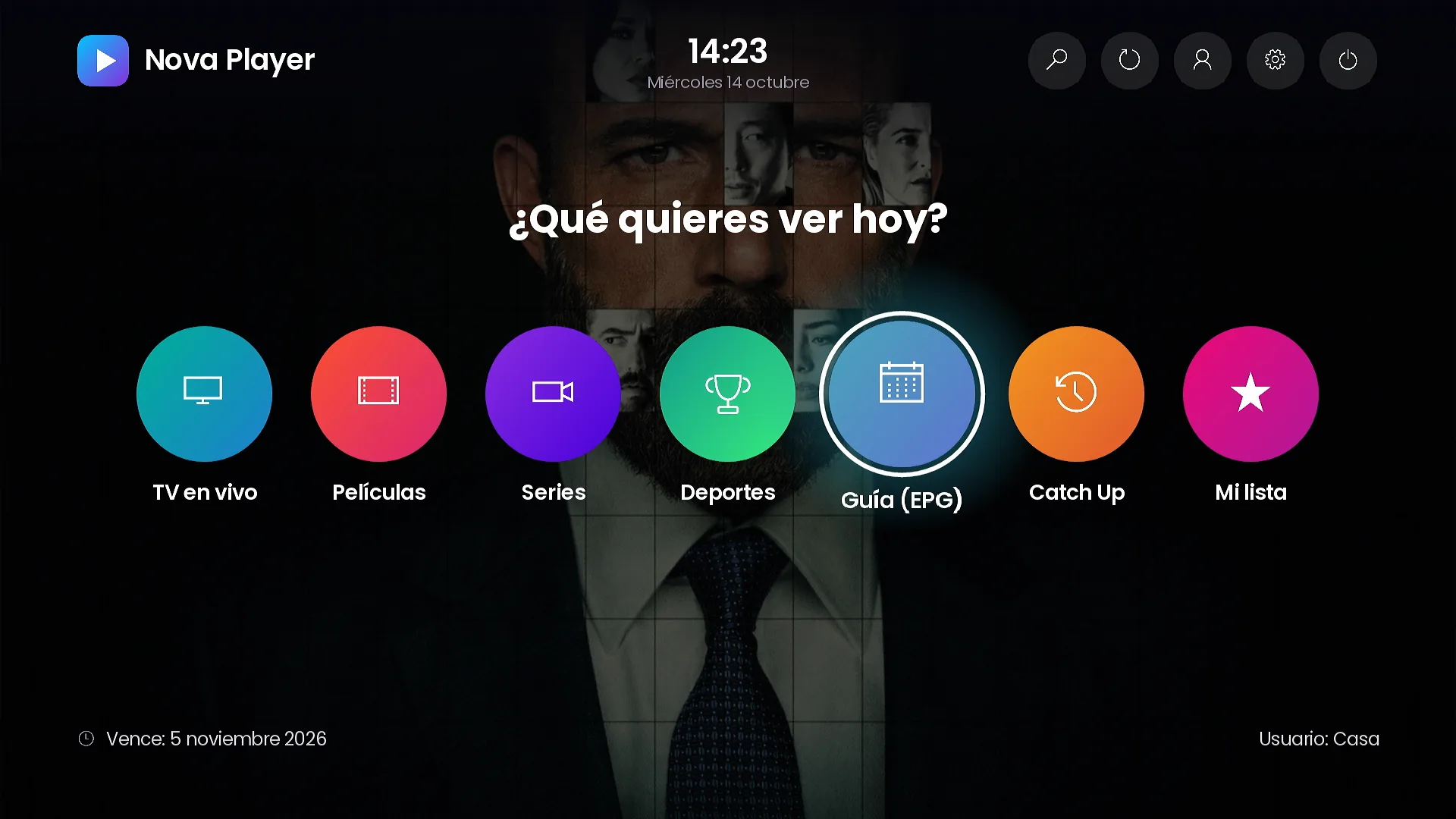
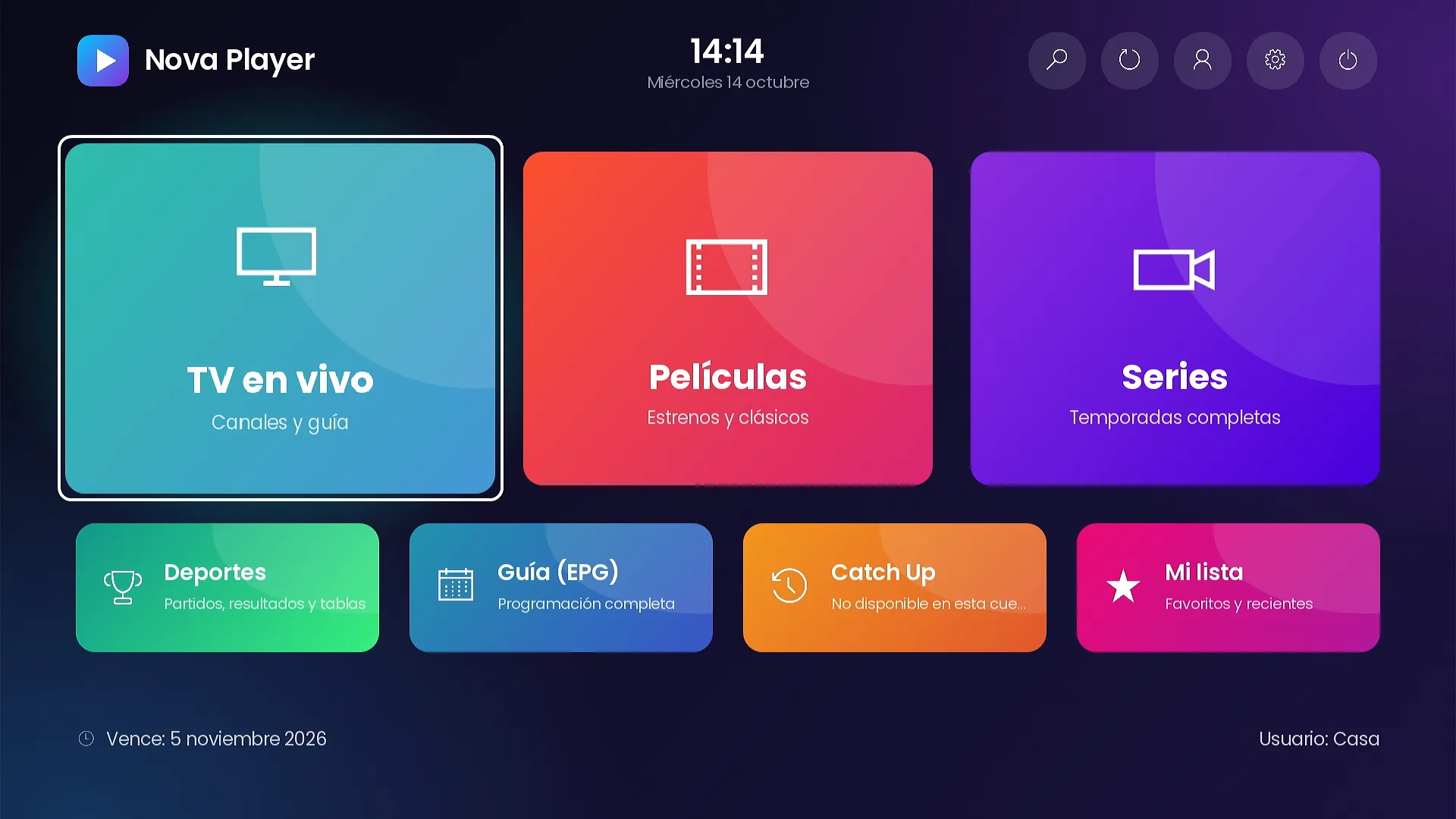
The Mosaic home screen and the top bar with search, refresh, profiles and settings.
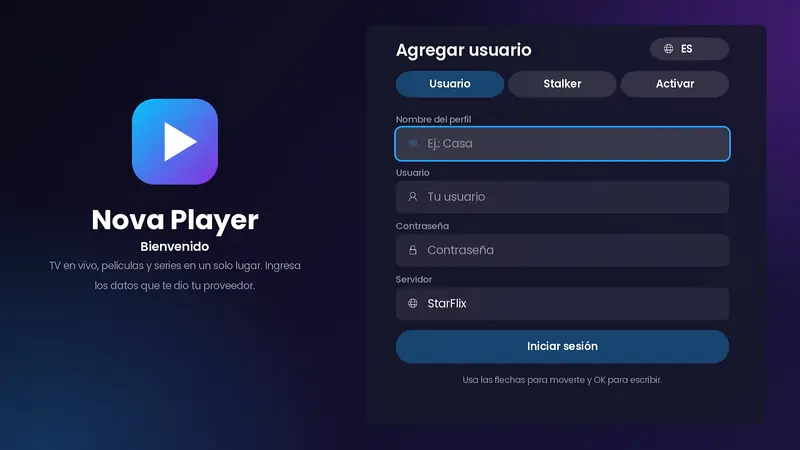
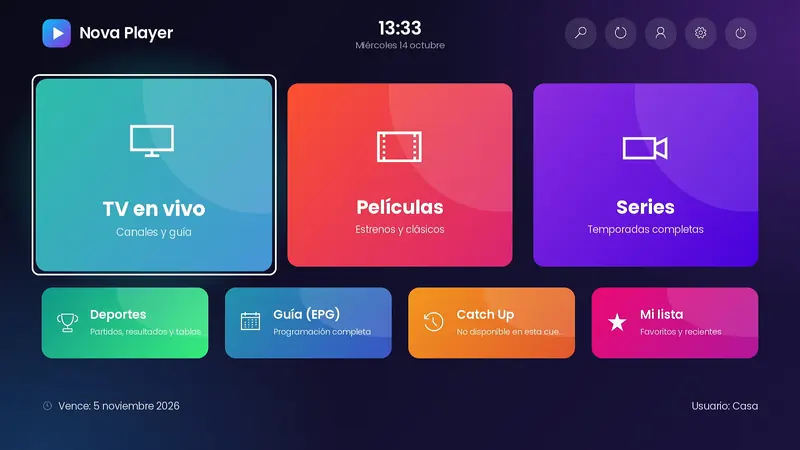
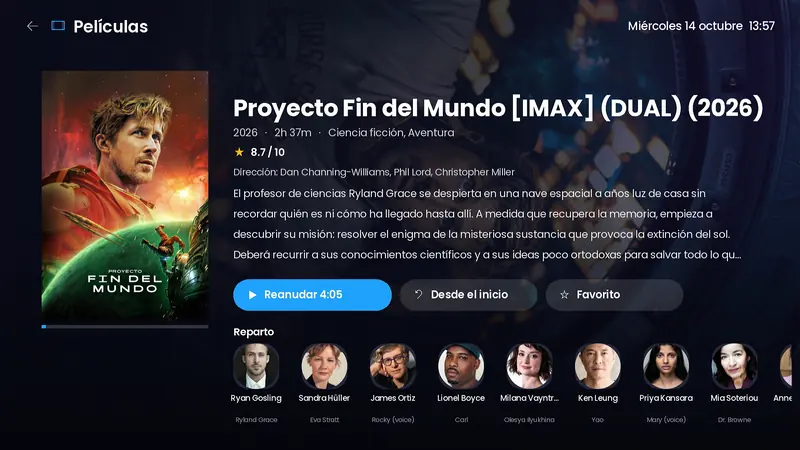
The videos and screenshots use the demo brand “Nova Player” and a test account. Your channel is published with your name, logo and colors, connected to your servers.
Your brand, your channel
Published on Roku with your name, your logo and your colors.
It is not a generic app with your logo stuck on: it is your own Roku channel. Customers find it by your name, open it with your icon and see your brand on the sign-in screen, the home screen and every notice.
- Channel name, logo, icon and splash screen with your brand.
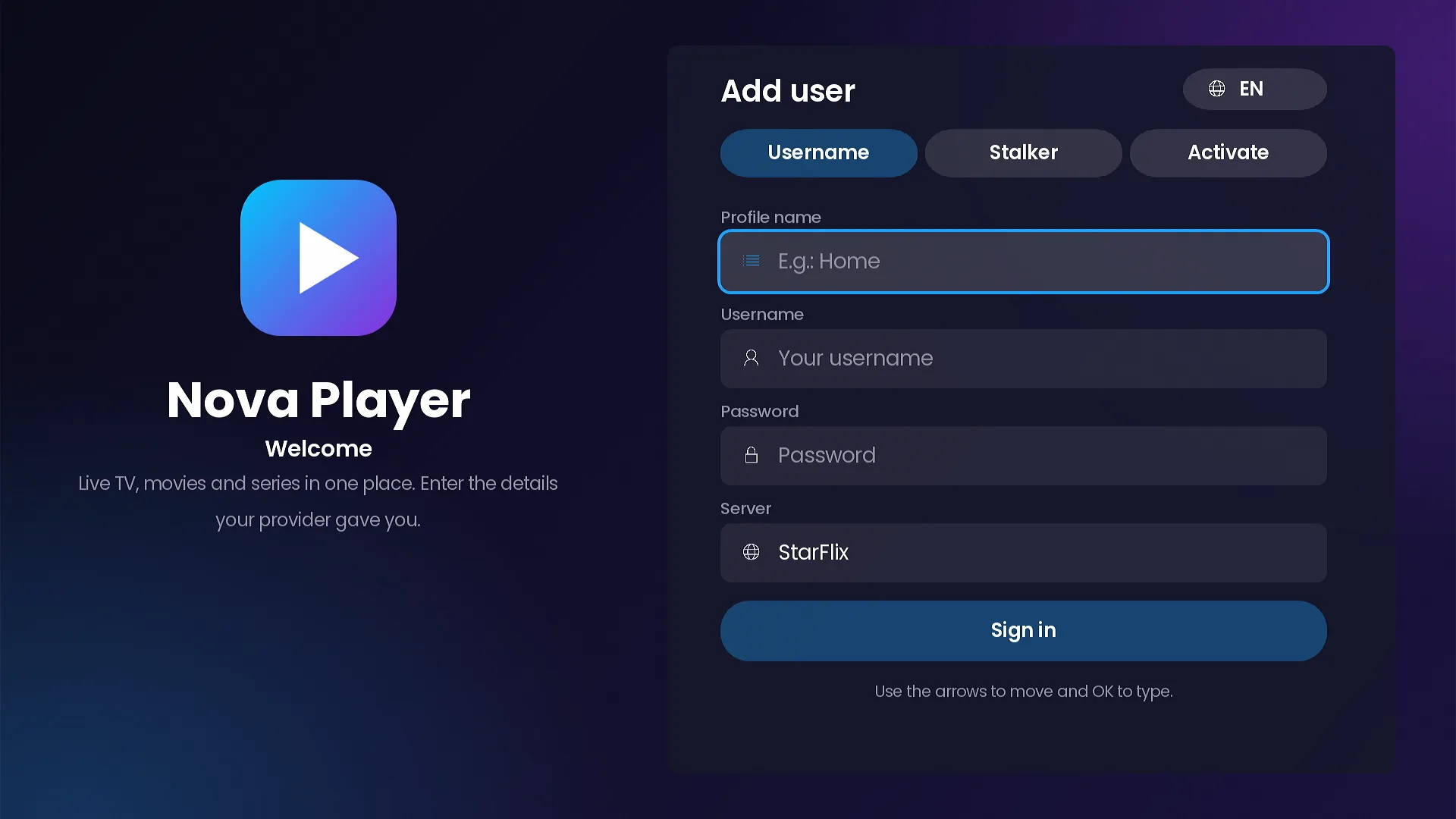
- Sign-in screen with your background, title and welcome text in 3 languages.
- Your colors: 7 ready-made themes or your own palette, with the option to lock it.
- Connected to your panel: your servers, your customers and your rules.
- Published on Roku so your customers install it like any other channel.
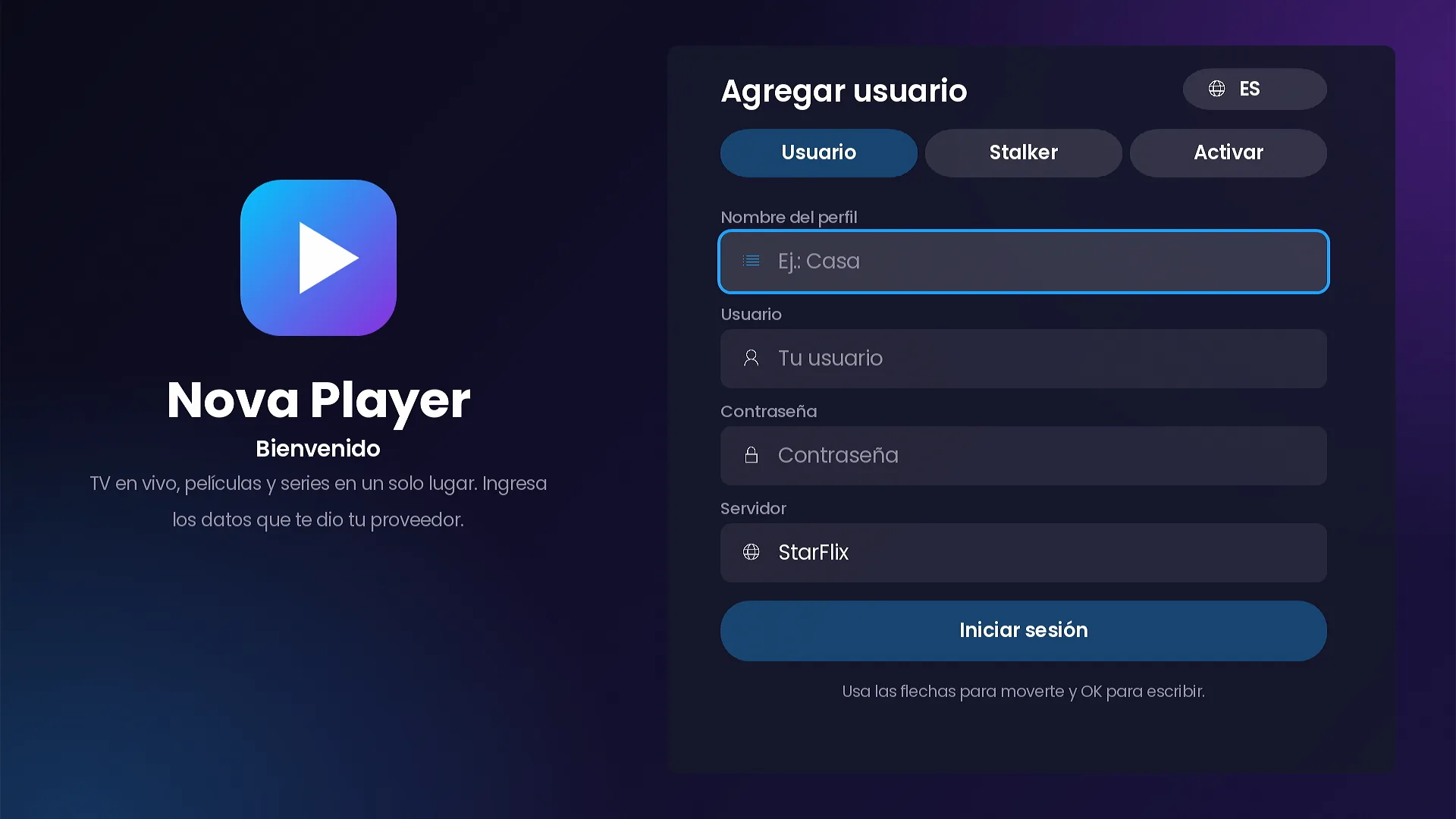
Sign-in
Xtream Codes and Stalker Portal in one channel.
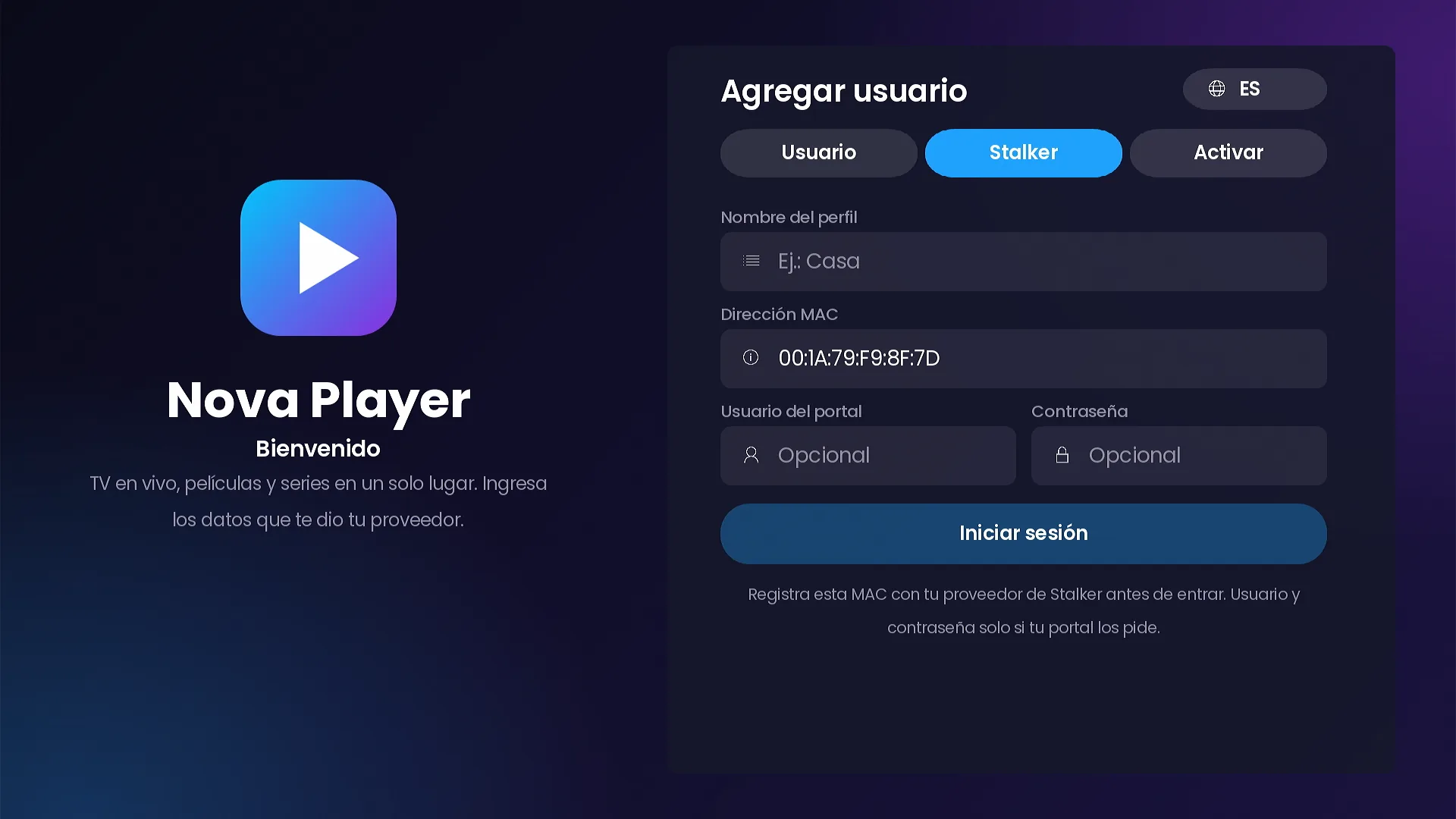
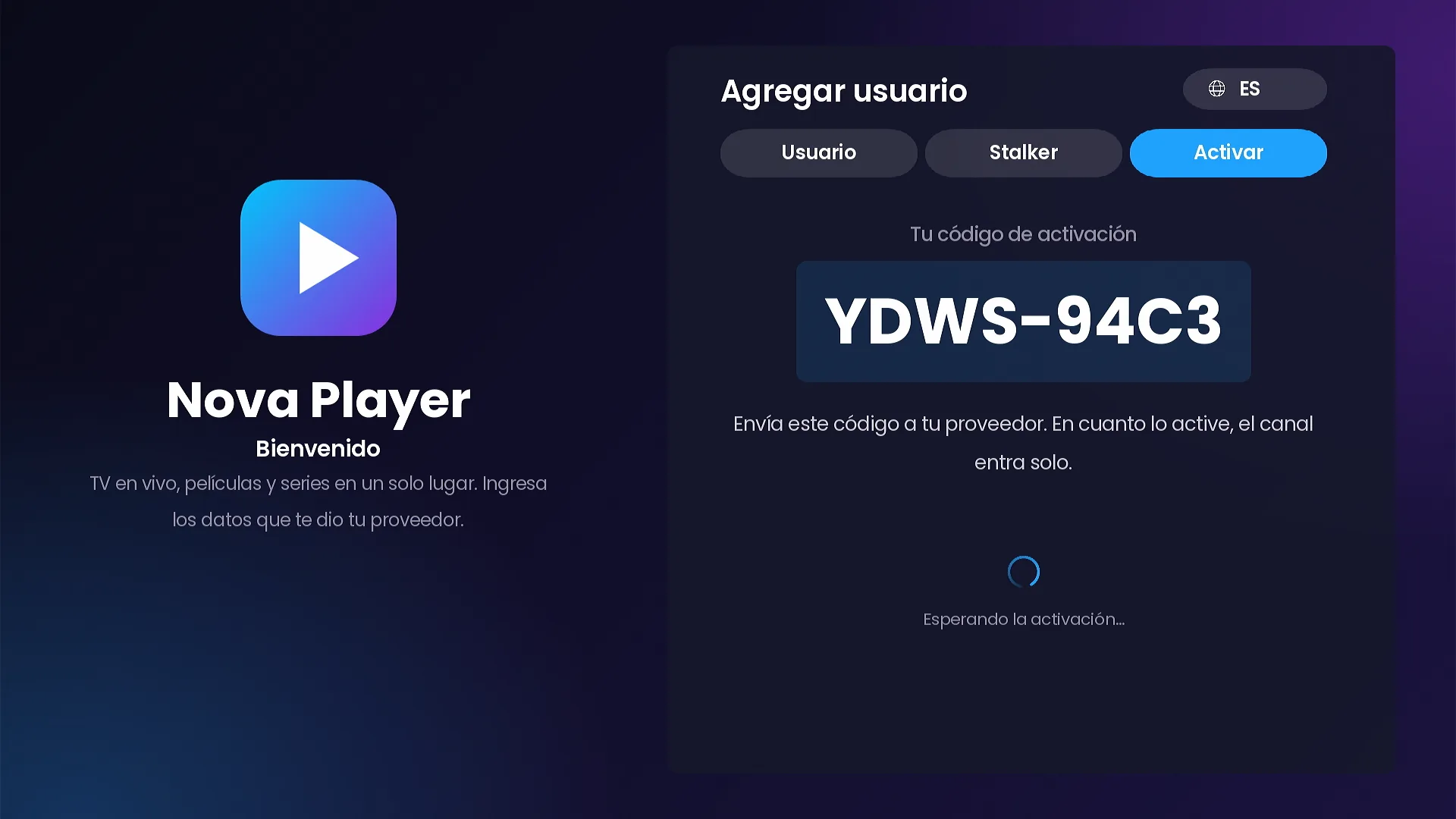
Every provider works differently, so the channel offers every way to sign in. Tabs appear automatically based on what you load in your panel.
- Xtream Codes username and password, picking the server from your list (no URLs to type).
- Stalker Portal with the device MAC already filled in; portal username and password only if your portal asks for them.
- Short access code with expiry and a device limit, created in the panel.
- Activate on TV: the Roku shows a code, you activate it in the panel and the channel signs in by itself.
- Free trial per device, configured per server.
- Several profiles per device (“Who’s watching?”) and M3U lists assigned from the panel.
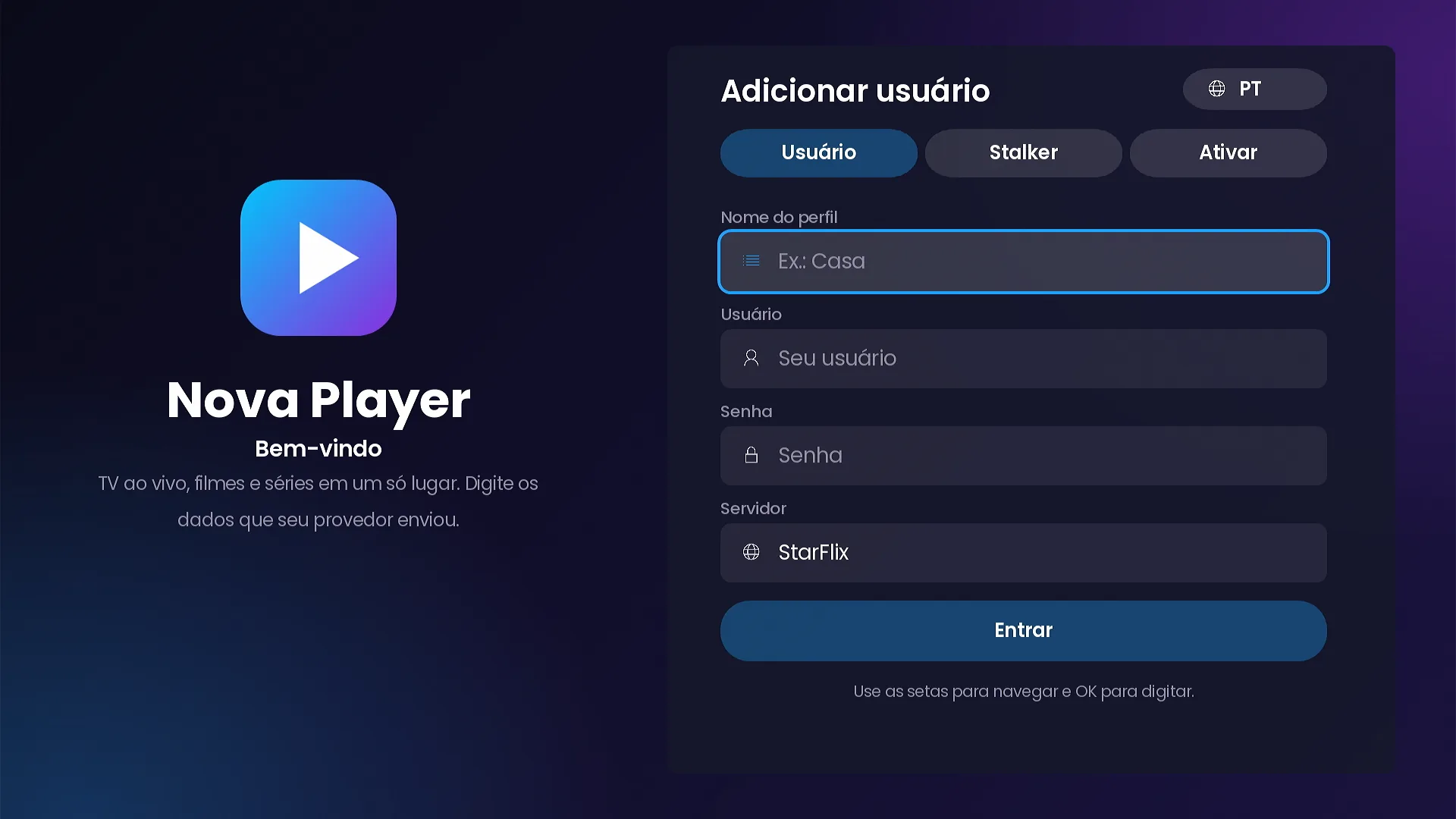
- Spanish, English and Portuguese from the very first screen.
Home screen
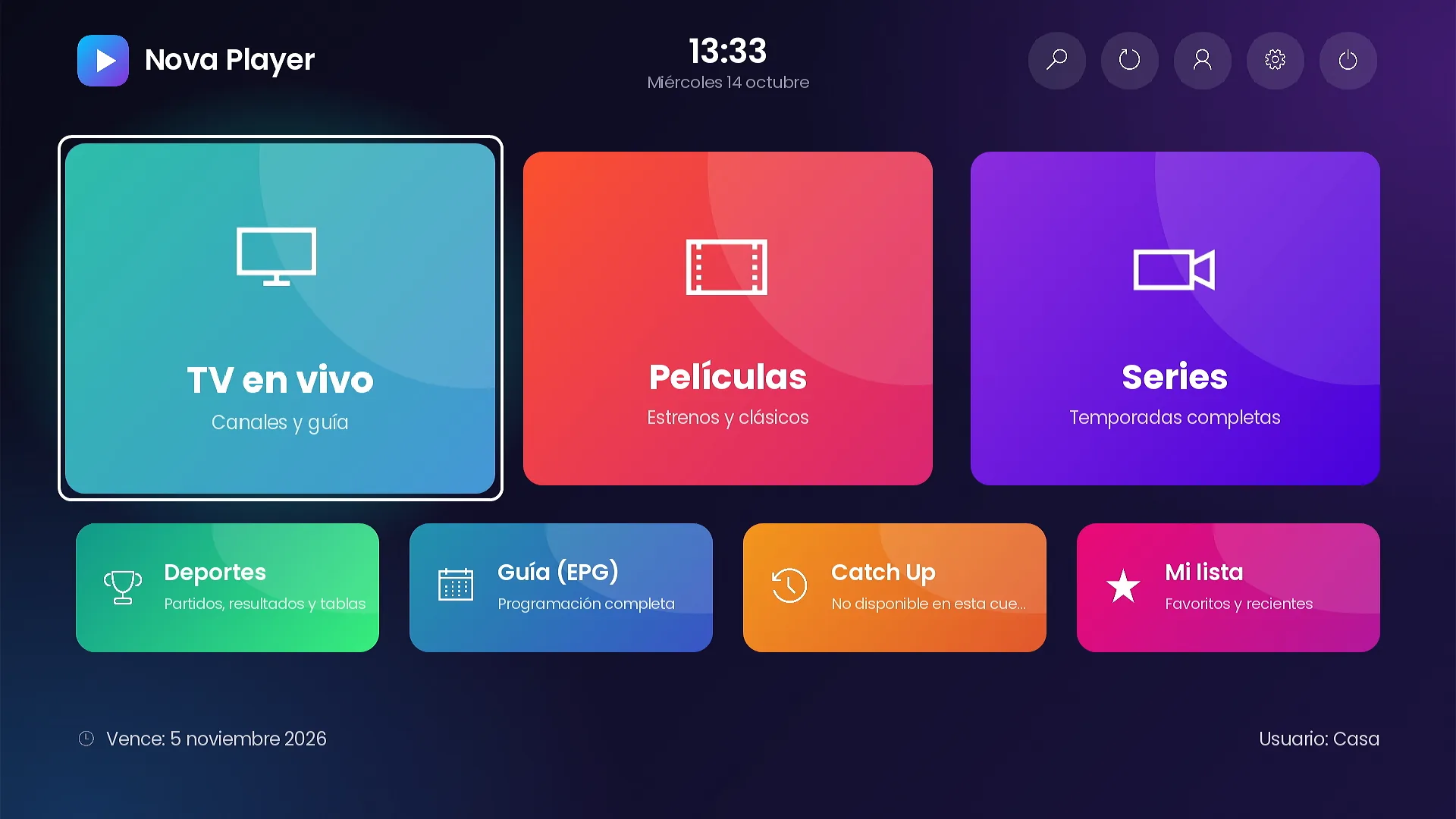
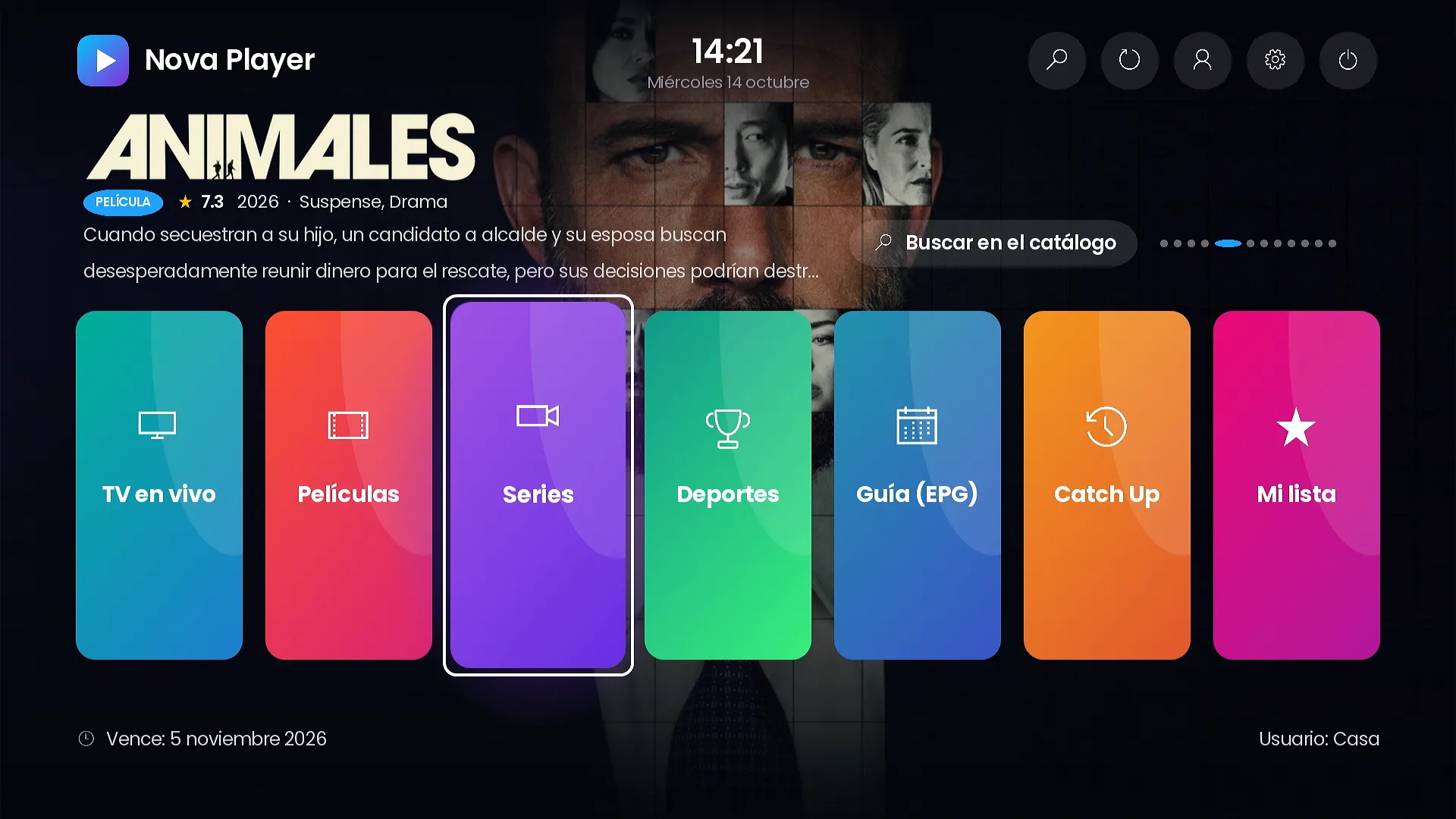
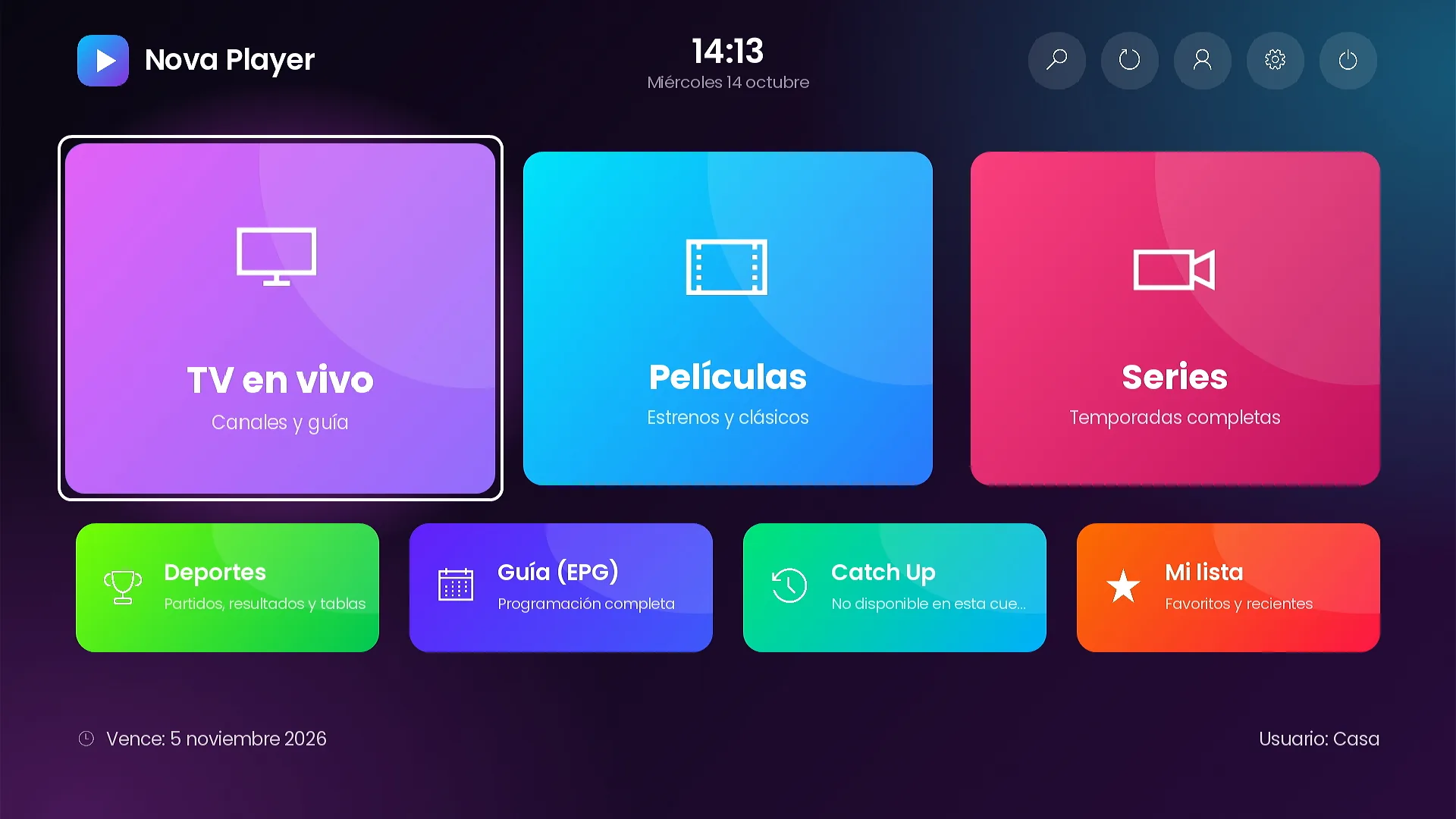
A clean home screen with everything one click away.
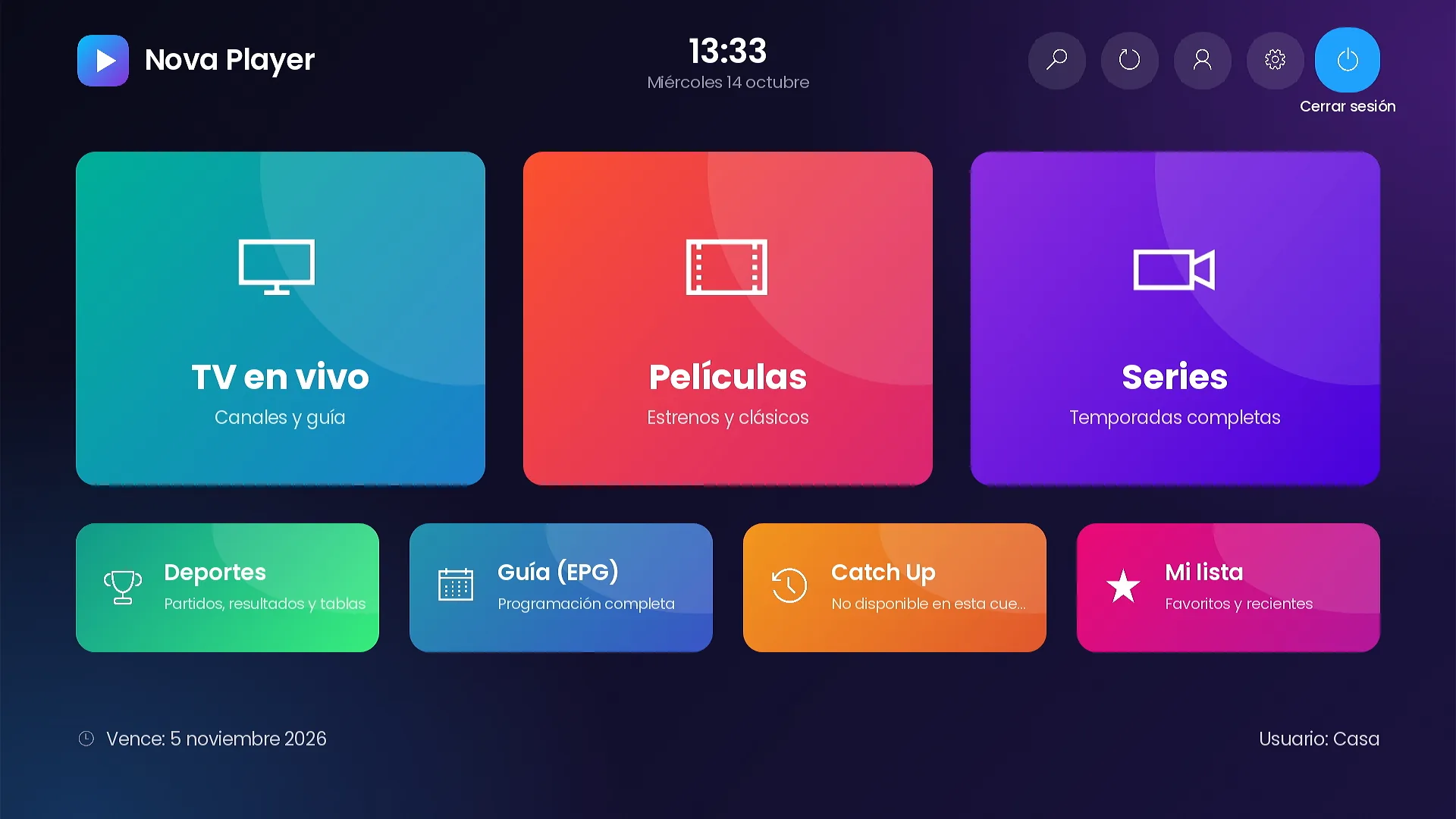
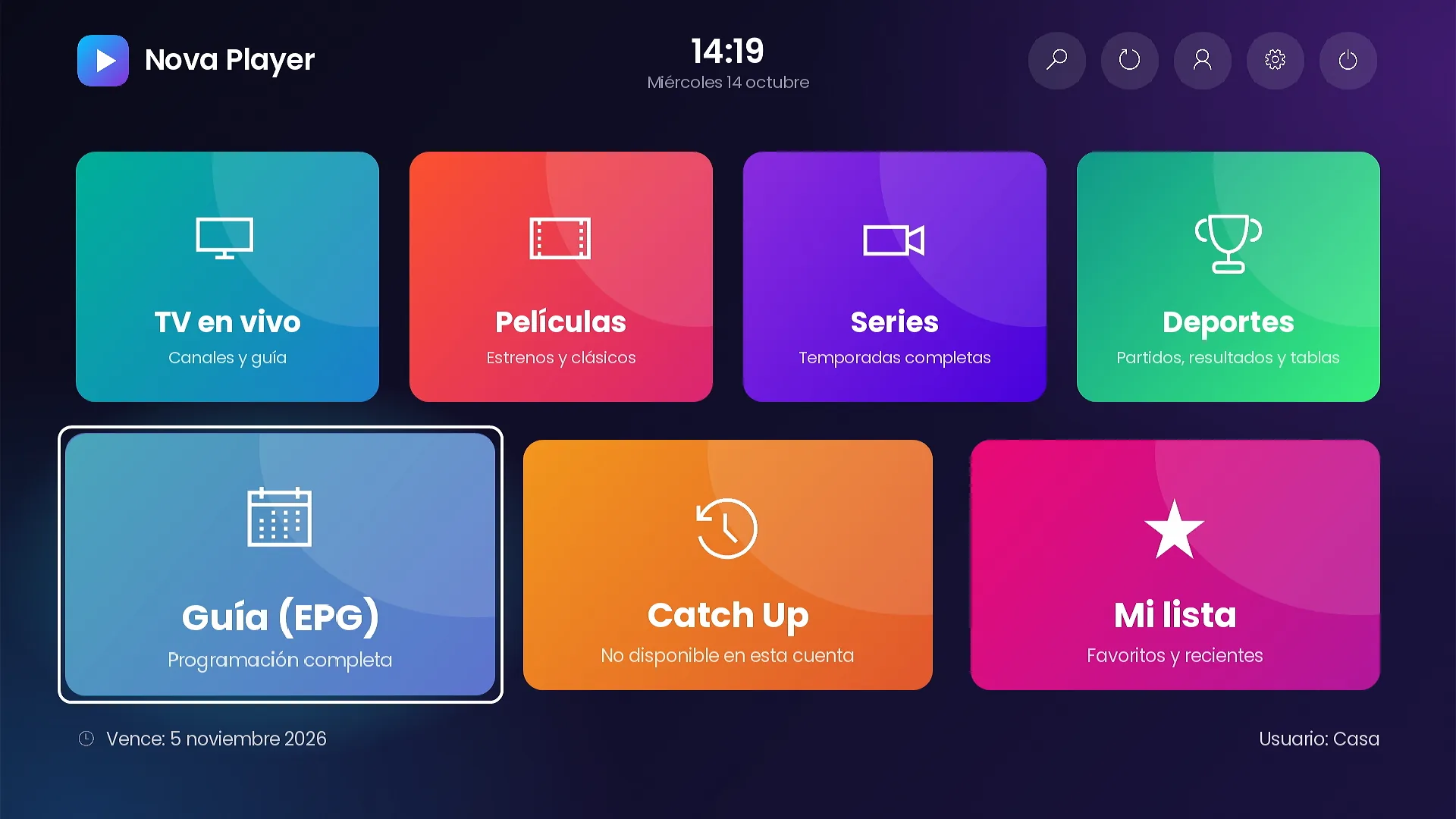
Live TV, Movies, Series, Sports, TV Guide, Catch Up and My list, plus the top bar to search, refresh, switch profiles, open settings and sign out.
- Clock, account expiry and user always on screen.
- Each tile with its own photo, title and subtitle, in your 3 languages.
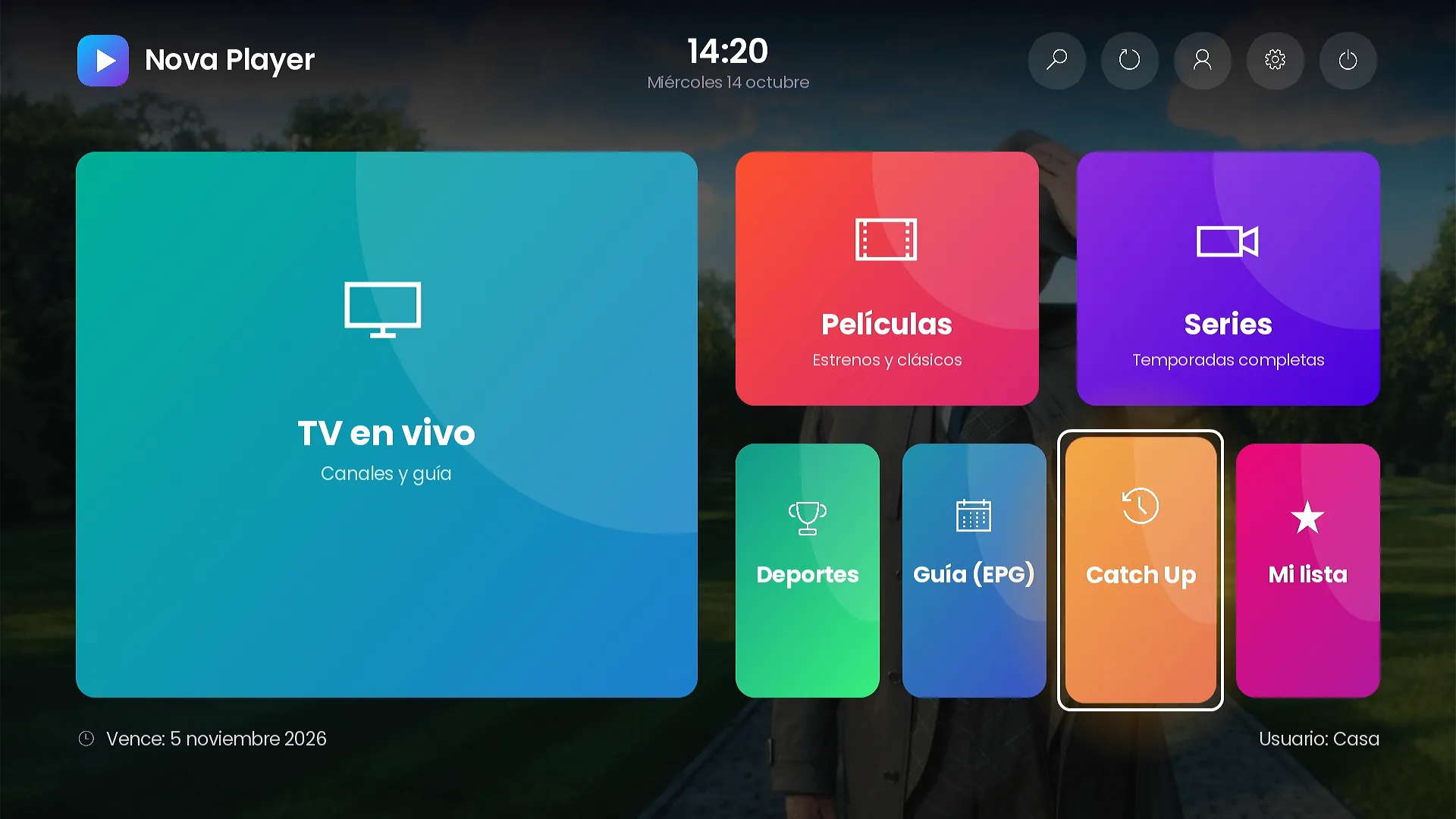
- Backgrounds in theme colors, your own image or rotating movie and series backdrops.
9 home layouts
Nine different home screens, switched from your panel.
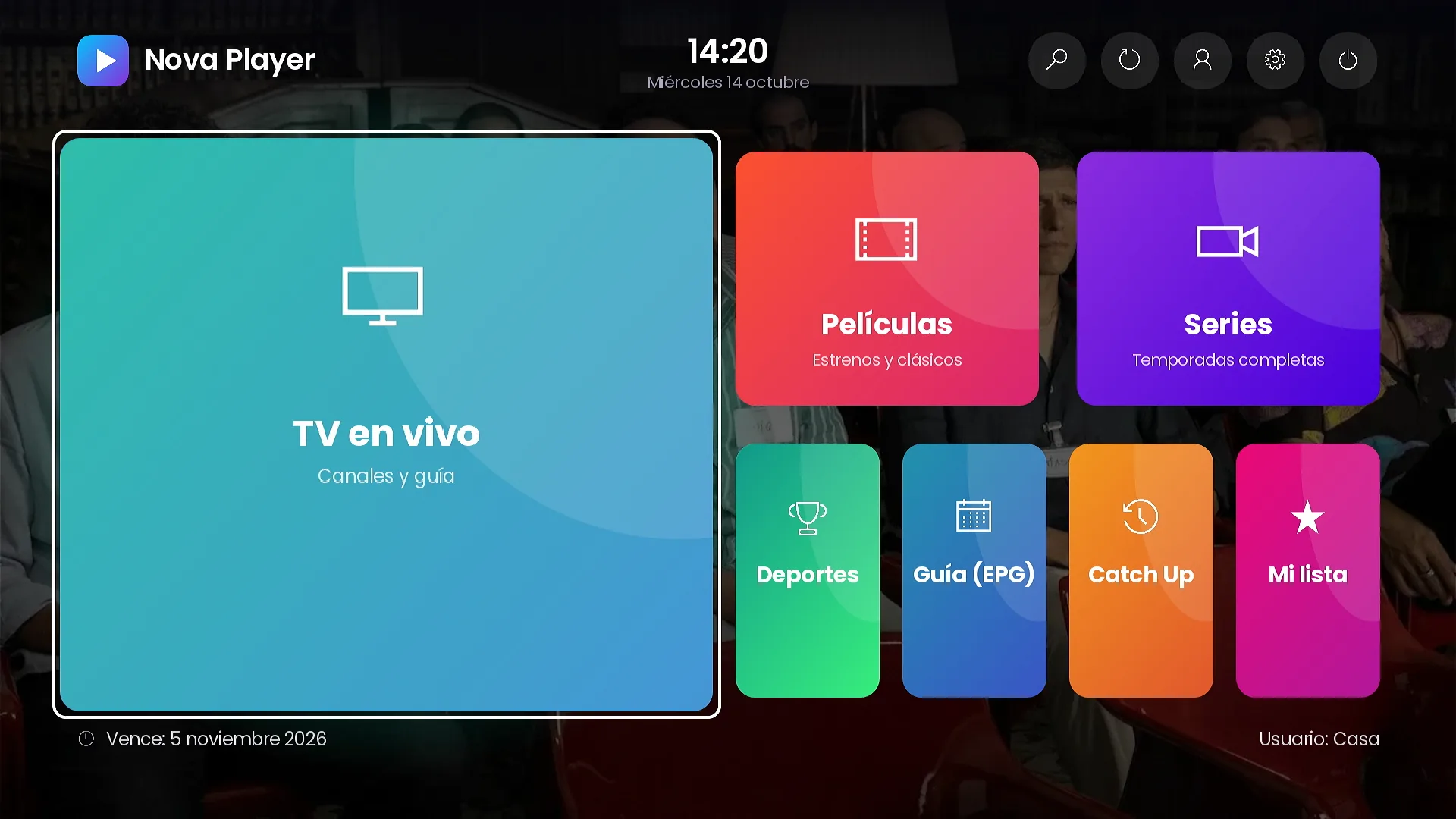
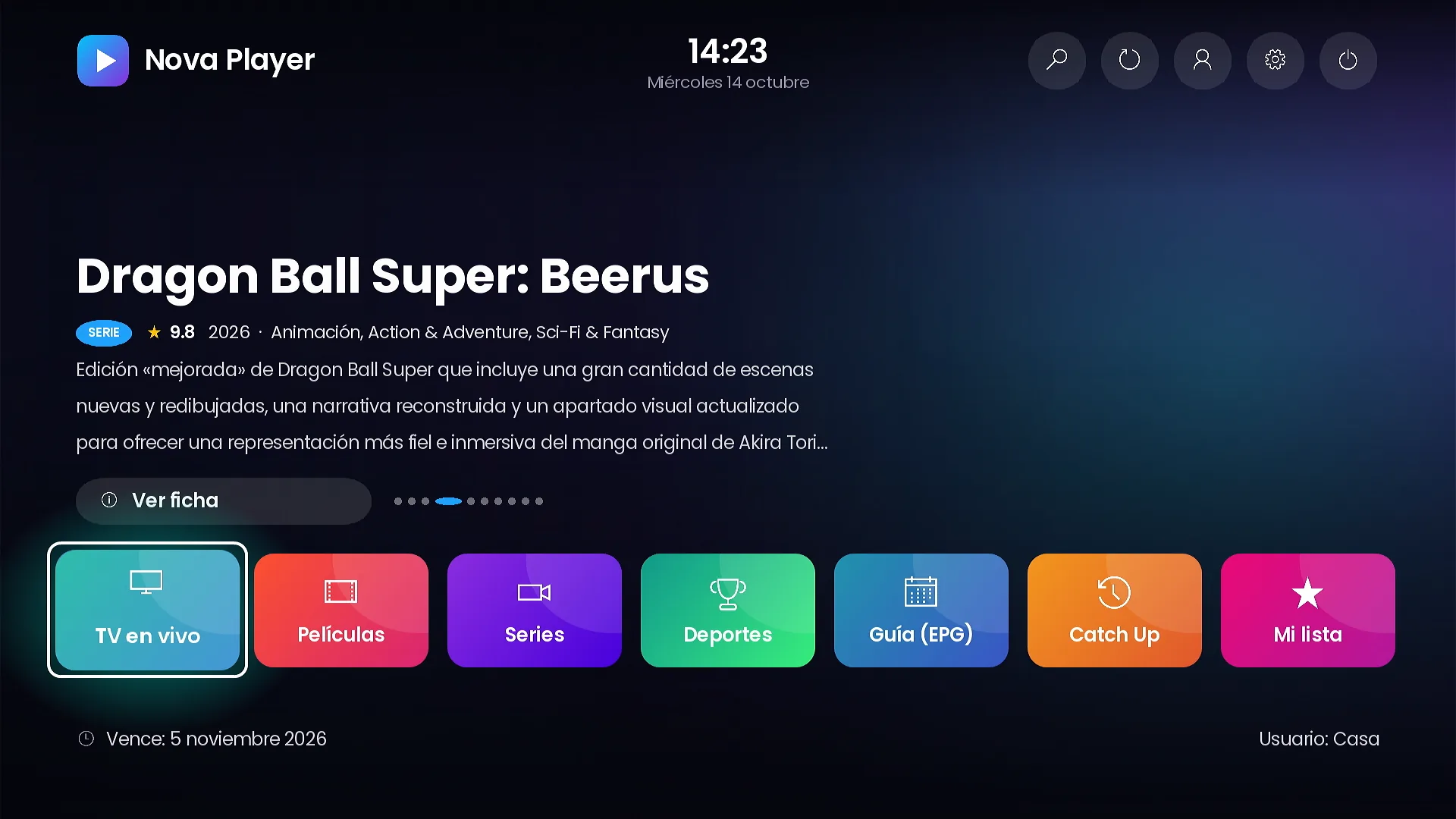
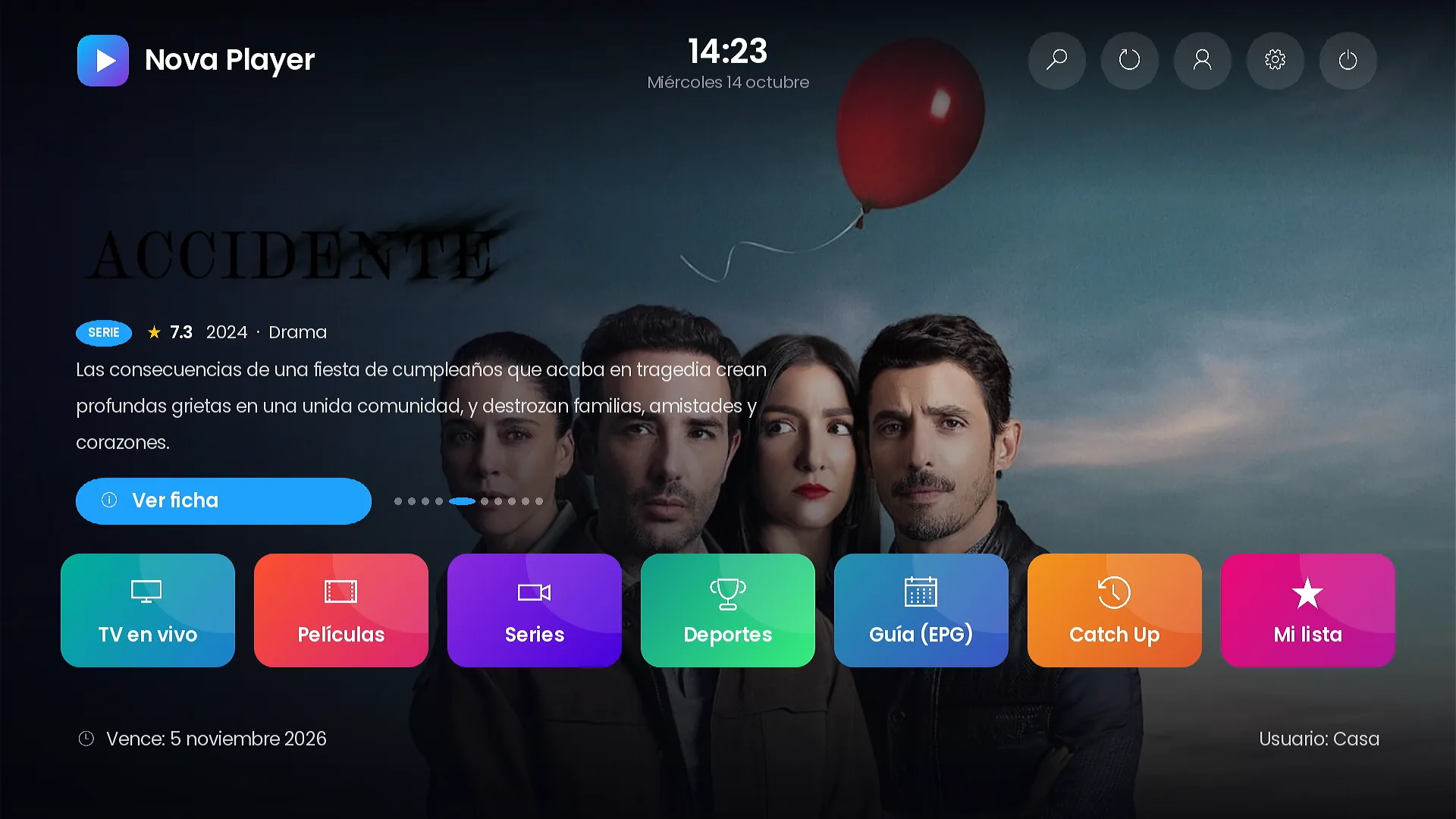
Mosaic, Grid, Featured, Carousel, Side menu, Icons, Hero, Banner + tiles and Menu + banner. Change the style of your channel without publishing a new version.
- Carousel and Hero with featured titles and their official logo: the newest in your catalog or this week’s trending.
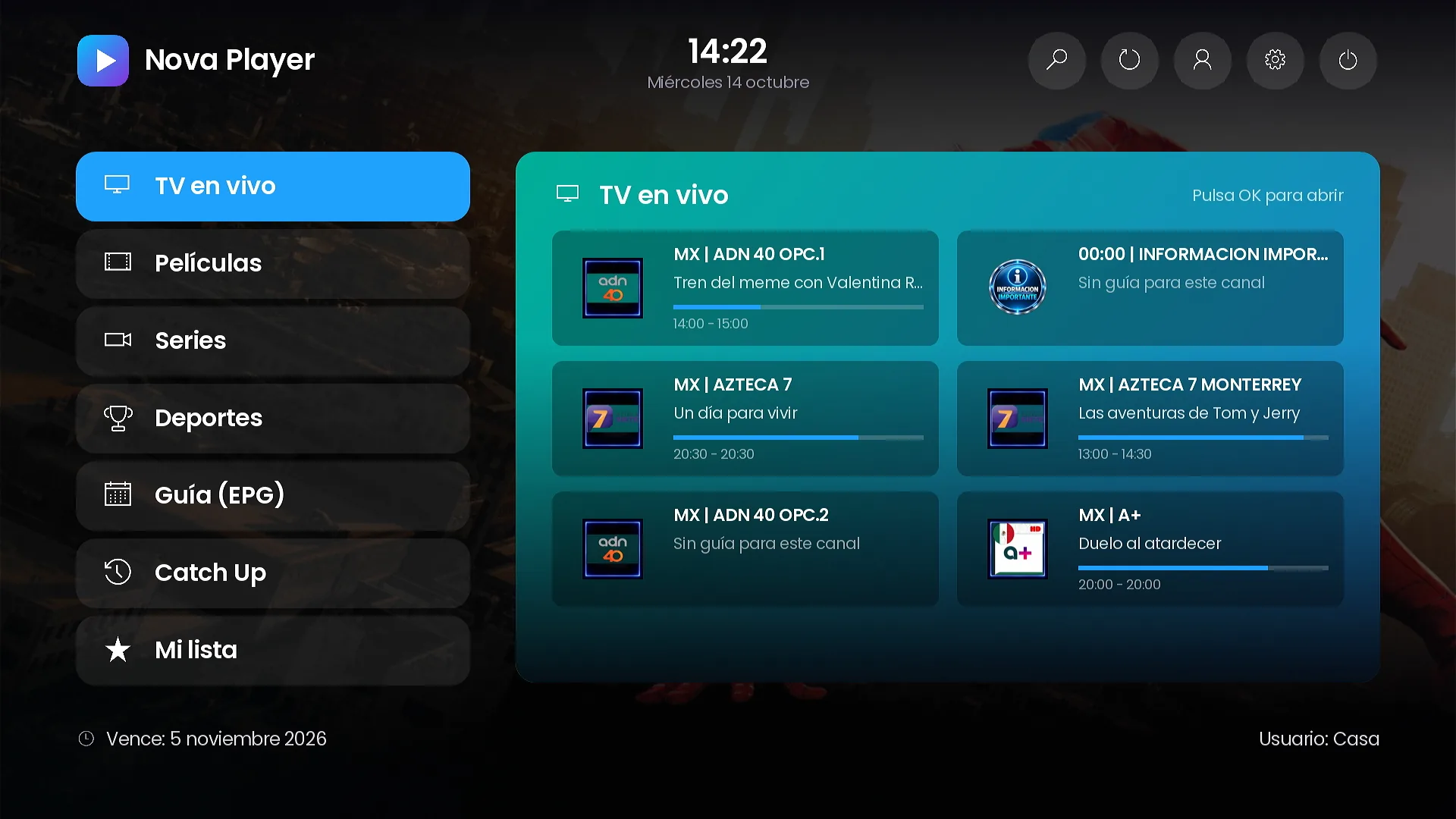
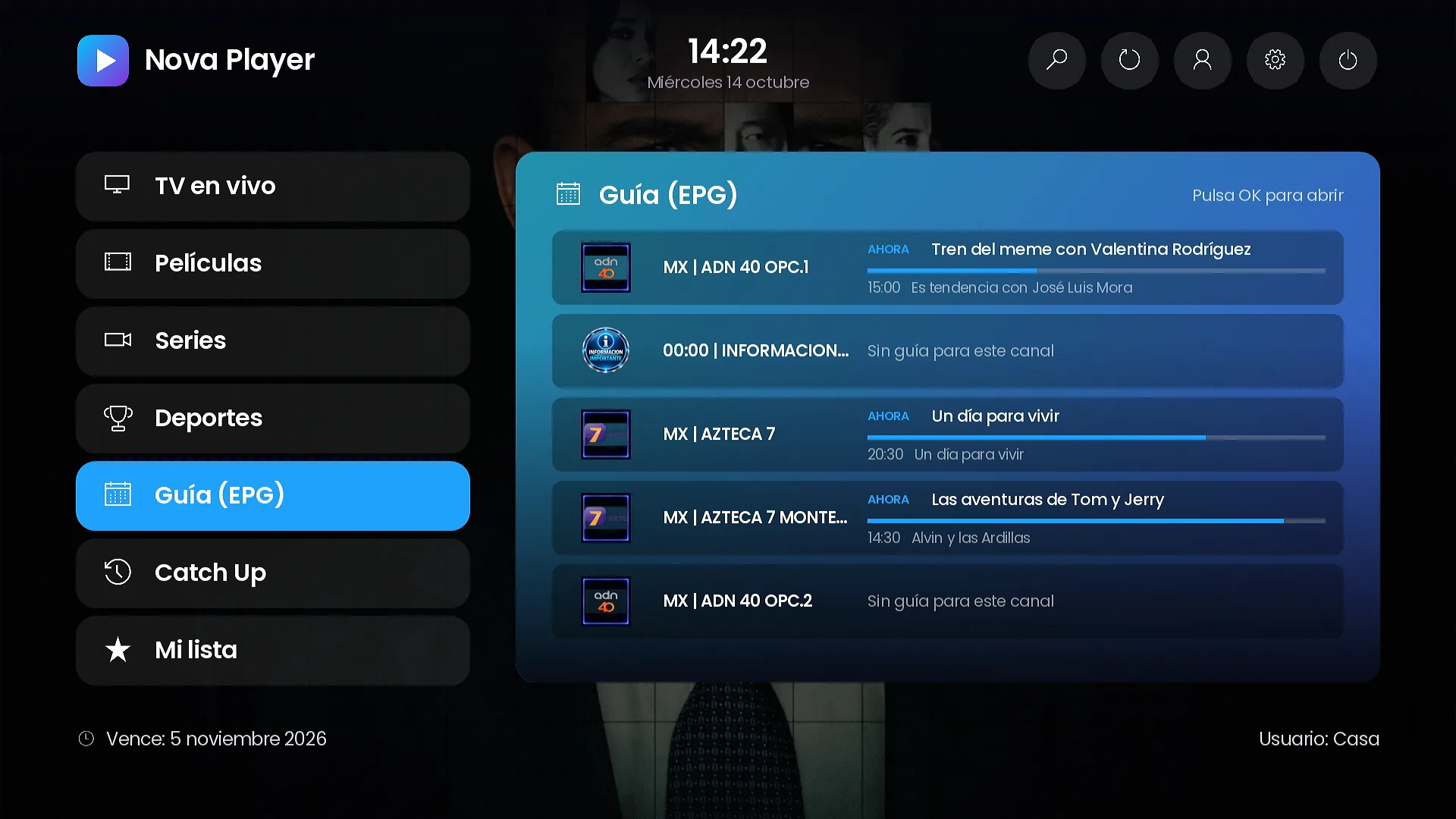
- Side menu with live data previews: channels with what’s on now, the guide and featured titles.
- Banner + tiles and Menu + banner with your promo banners and your own image.
Live TV
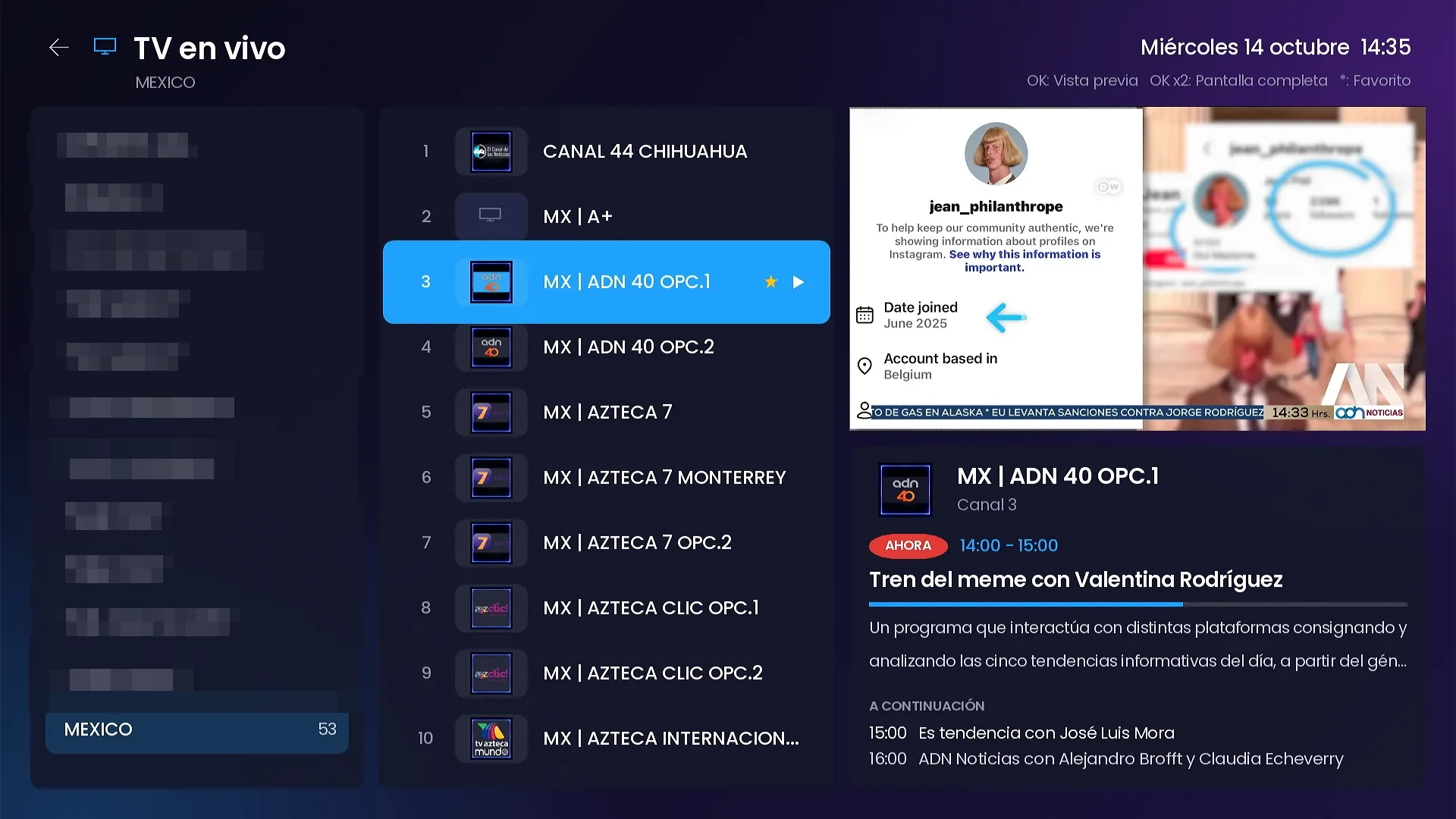
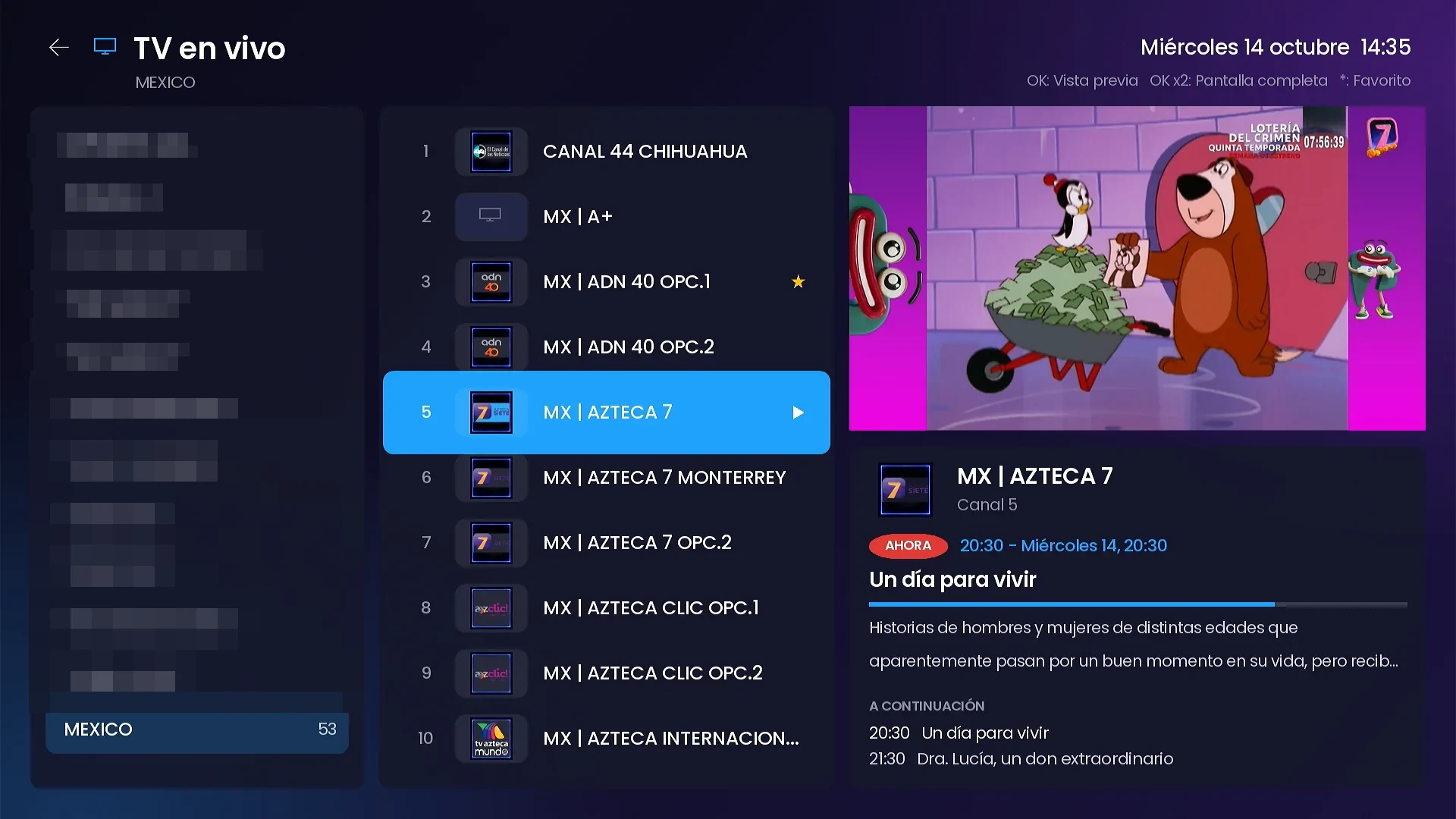
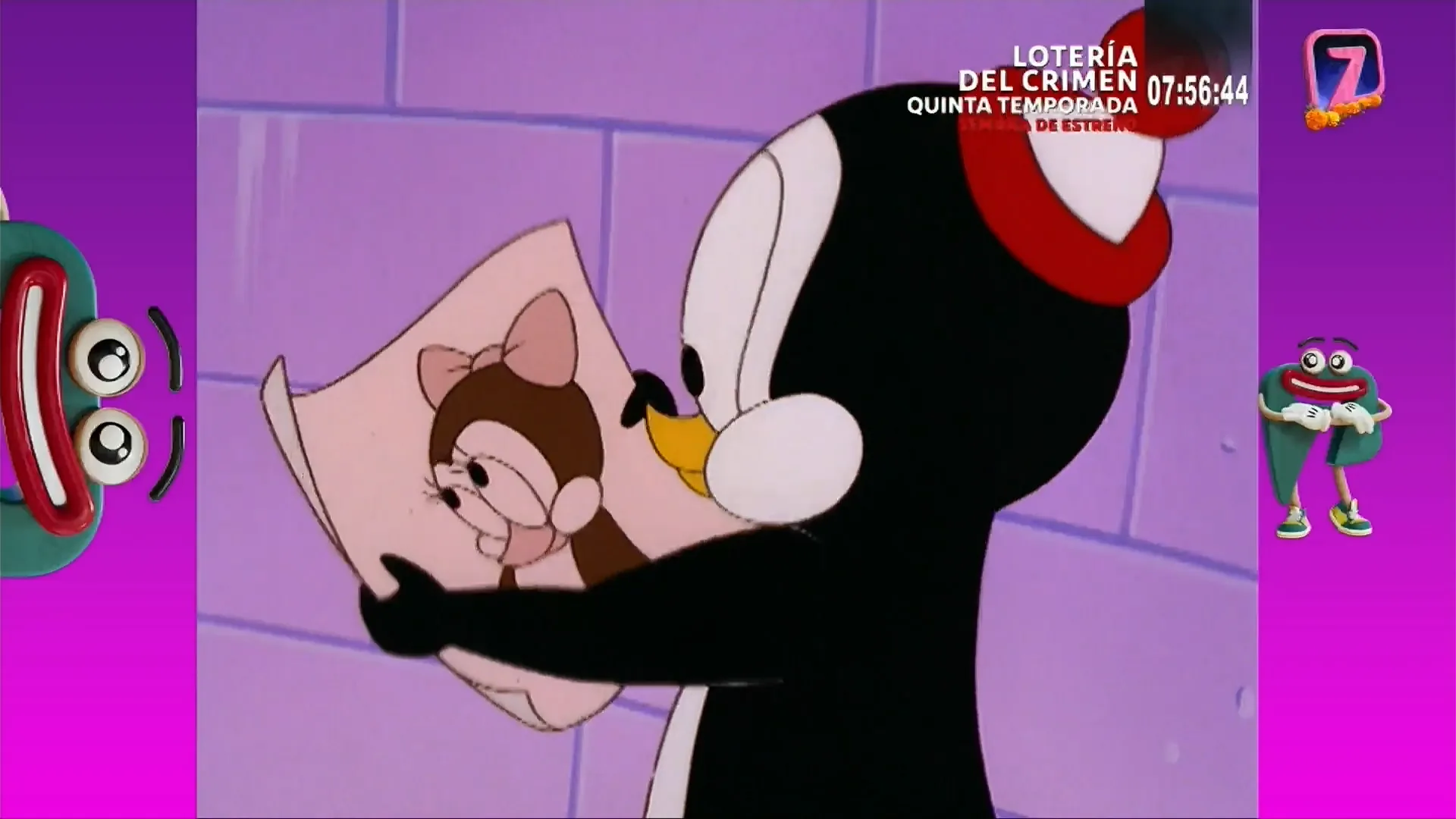
Live TV with a live preview and channel switching without leaving.
Categories, channels with logos and a live preview with what’s on now and next. Going full screen does not reconnect the channel.
- Mini player with the channel guide and program progress.
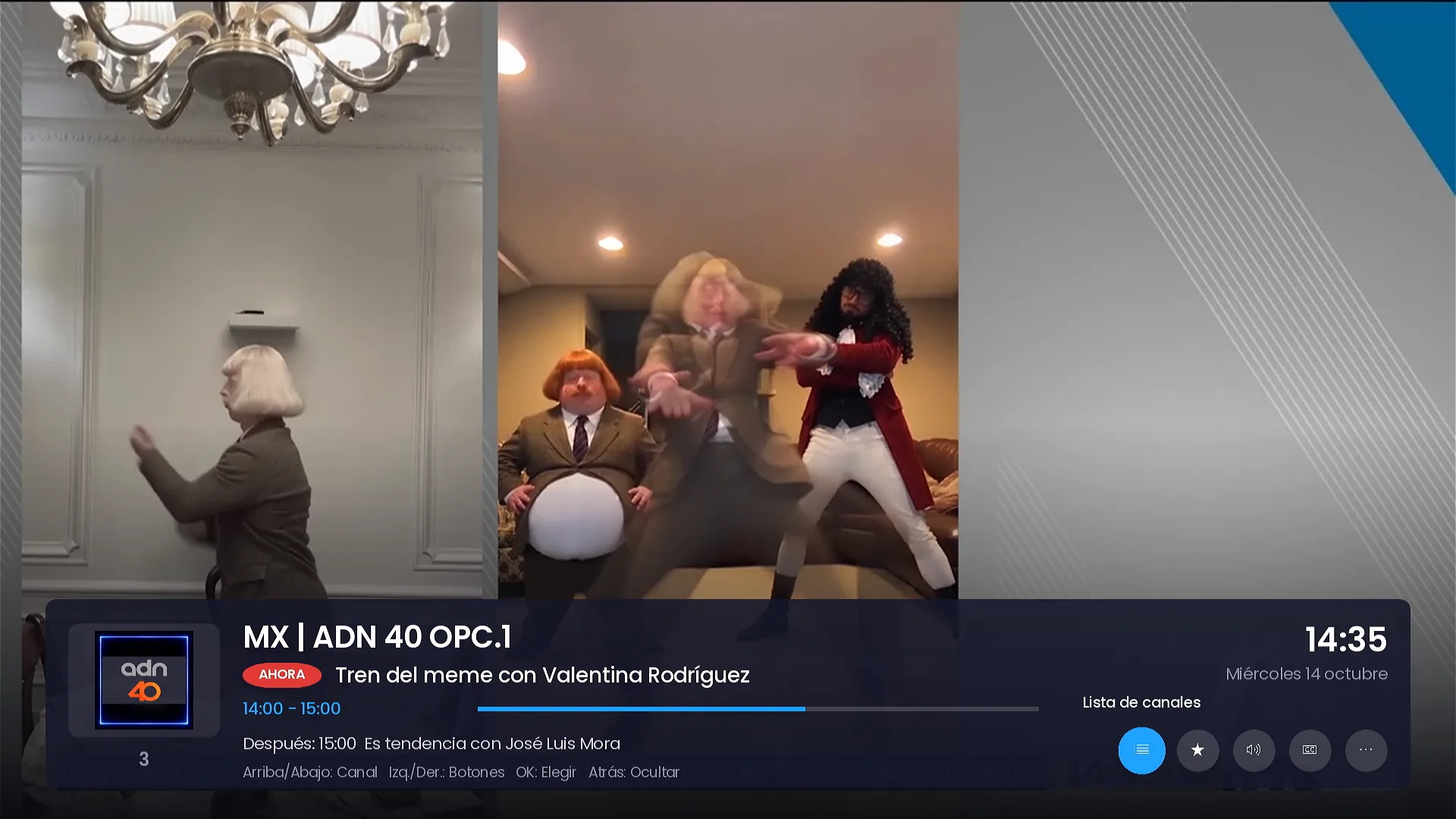
- Info bar with buttons: channel list, favorite, audio, subtitles and more options.
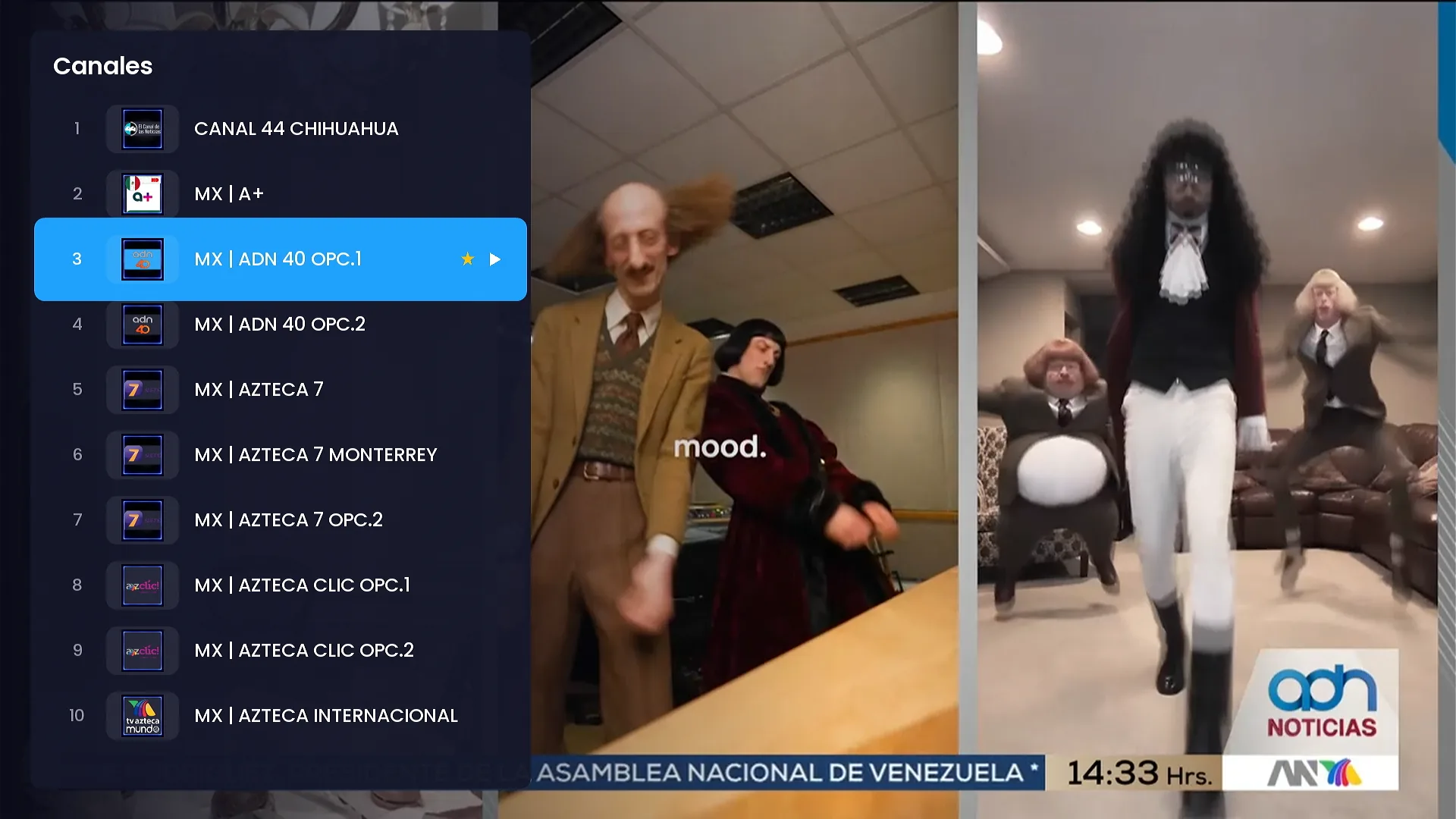
- Channel list over the video and switching with up/down.
- Stream information: video, audio, bitrate and measured speed.
- Clear messages when a channel sends no video, without freezing the remote.
- Detects TS-only lines and picks the format by itself (HLS or TS).
TV guide
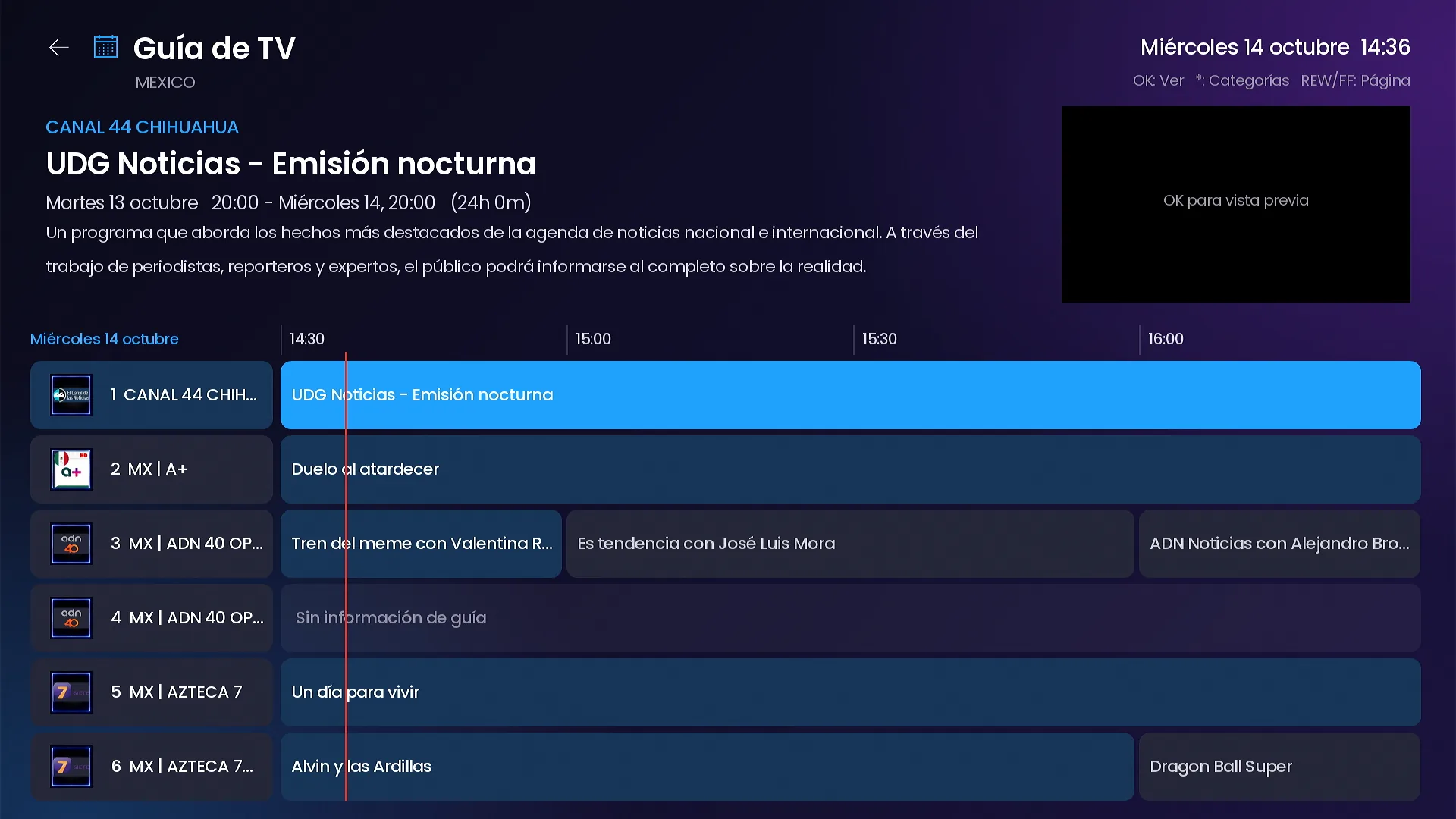
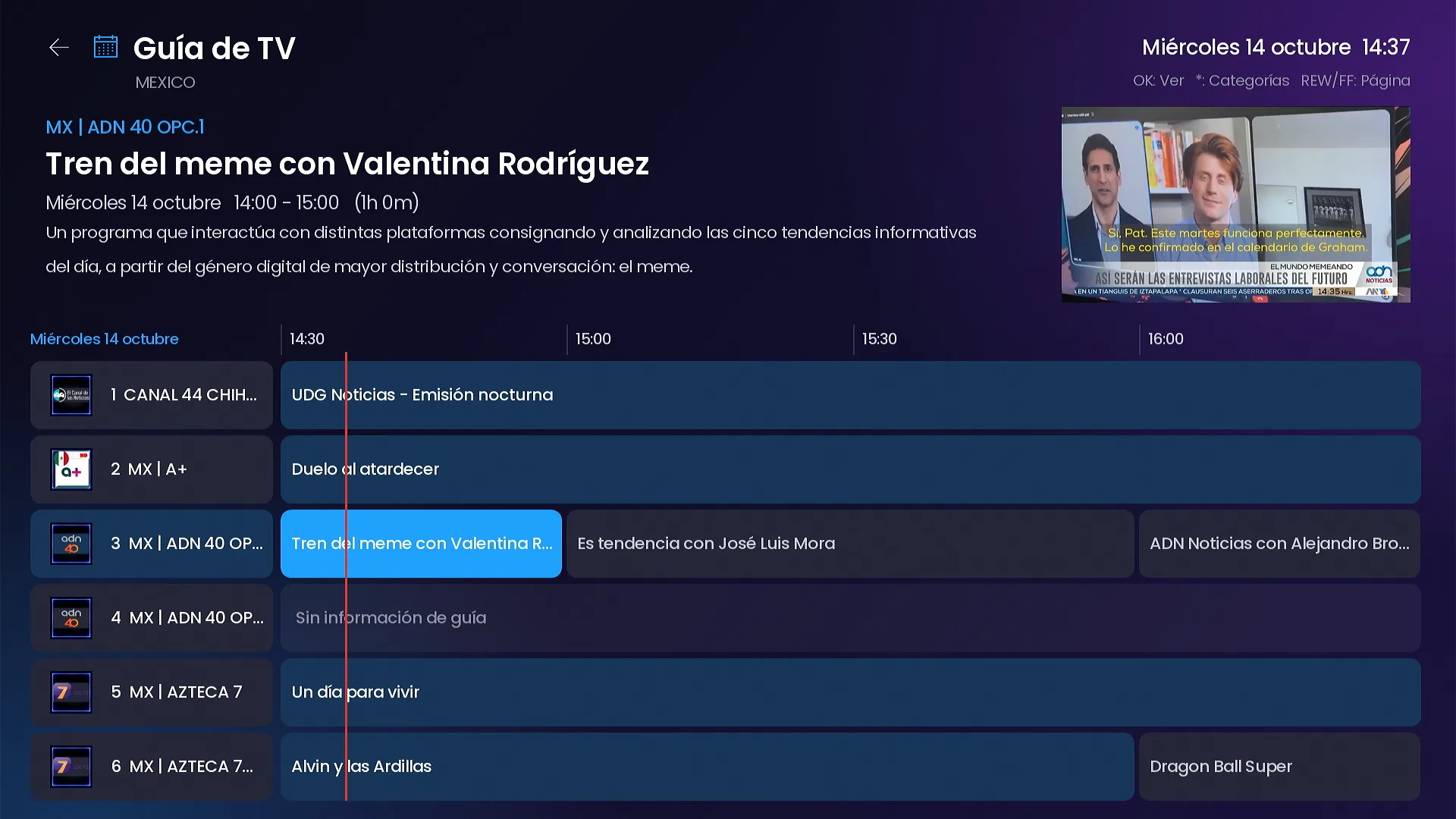
A grid TV guide with a live preview, plus Catch Up.
Programs by time slot with a now line, the description of the program in focus and the live channel in the corner.
- Instant category switching inside the guide.
- Guide time shift adjustment in Settings.
- Catch Up by day on the channels that have an archive on your server.
Movies
Full detail pages and a Smarters-style player.
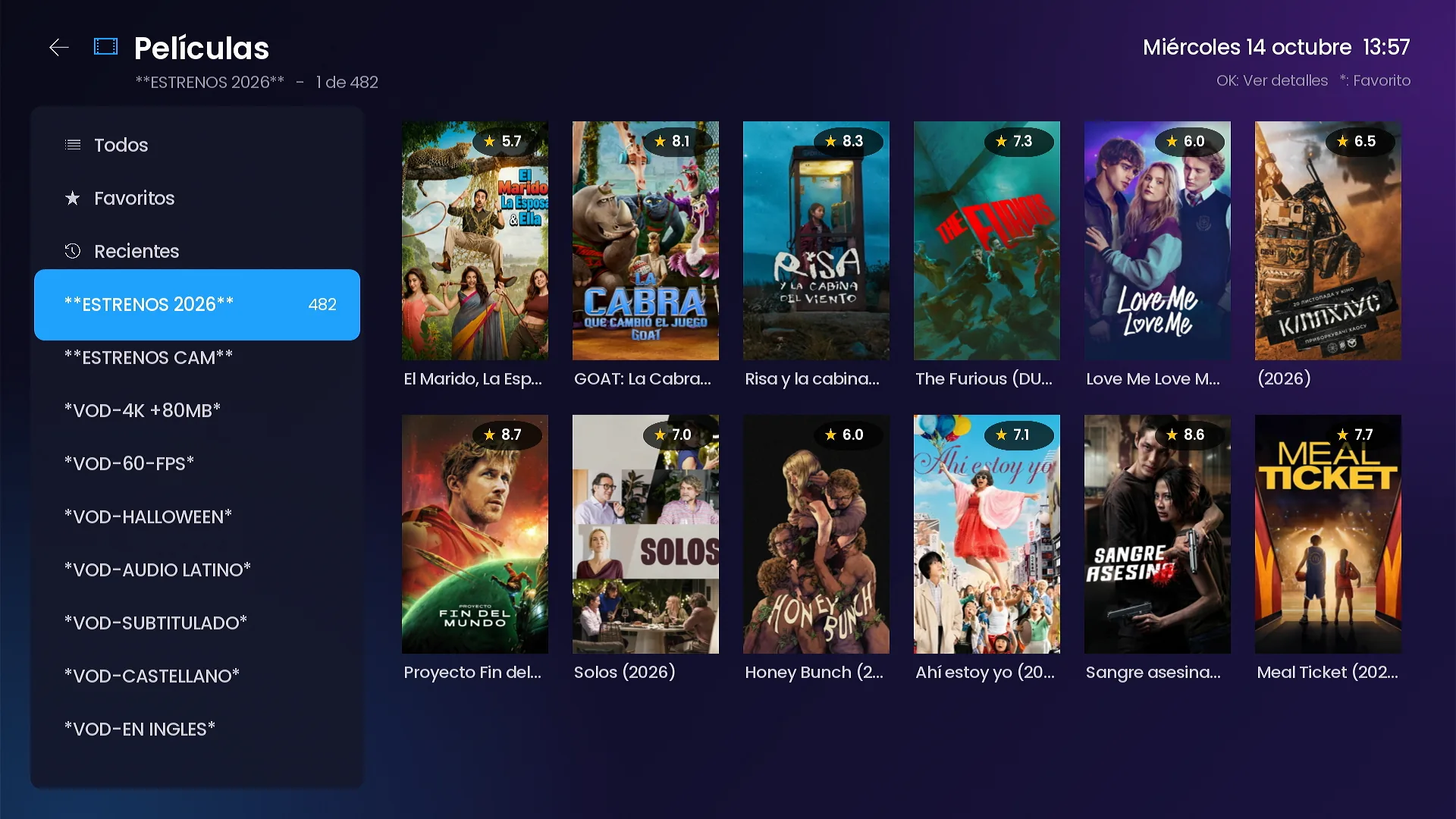
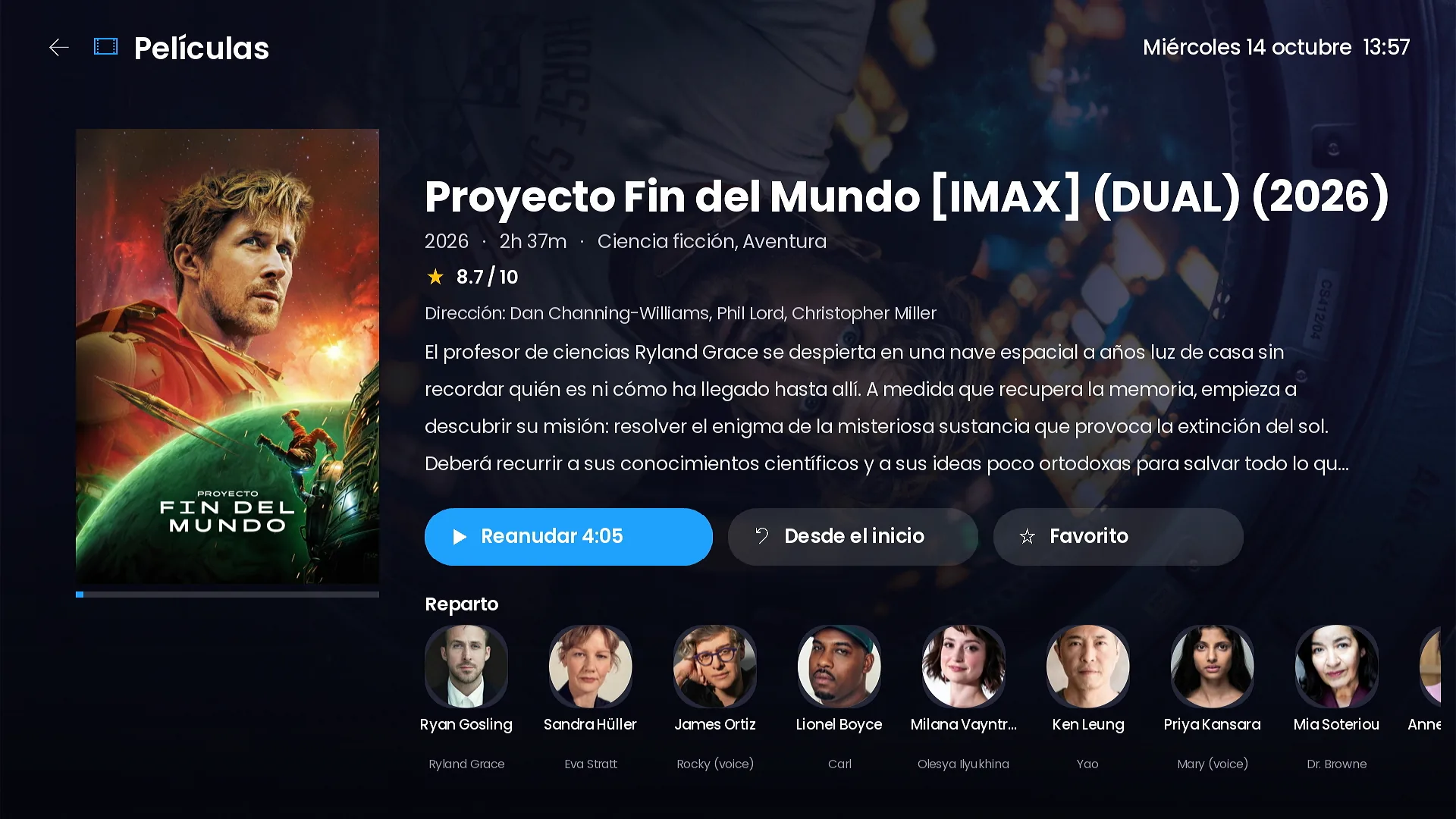
Catalog by category with posters and ratings. The detail page brings an HD backdrop, synopsis, year, genre, director and cast photos, in the app’s language.
- Resume where you left off or start over.
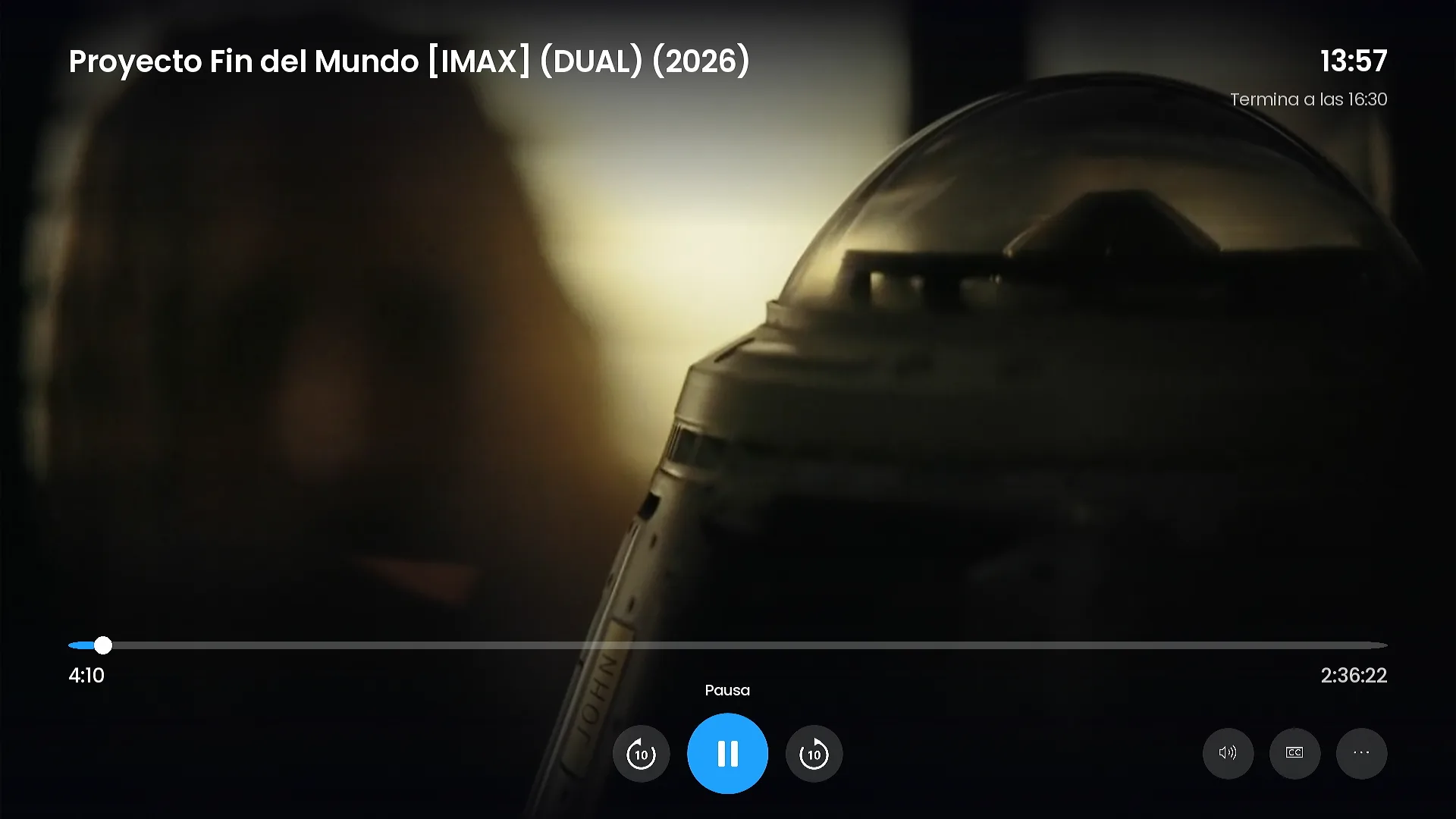
- Player with a seek bar and time bubble, ±10 s, pause and end time.
- Audio tracks, subtitles and more options in the same player.
- Favorites (press * on any title) and recently watched.
Series
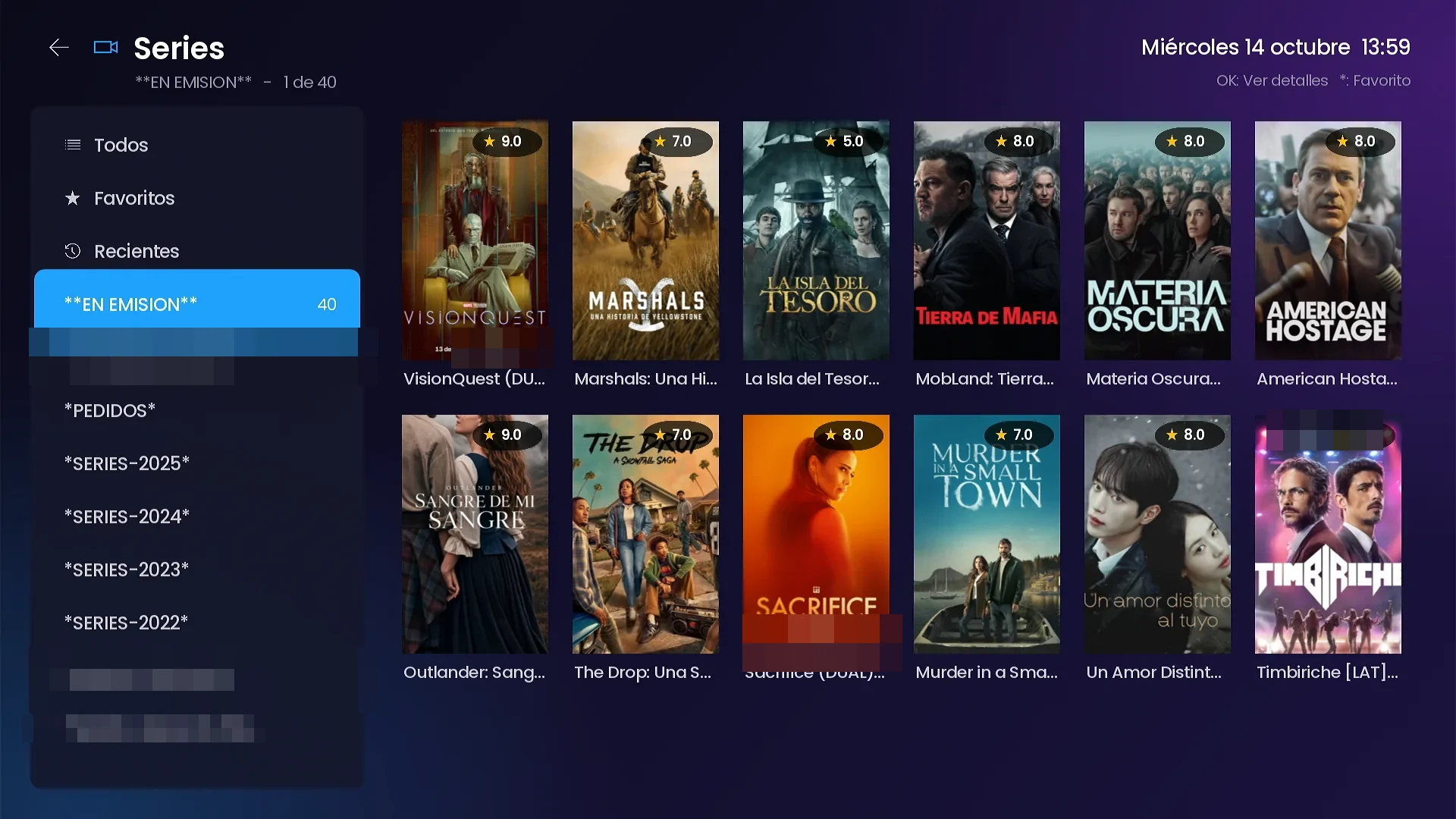
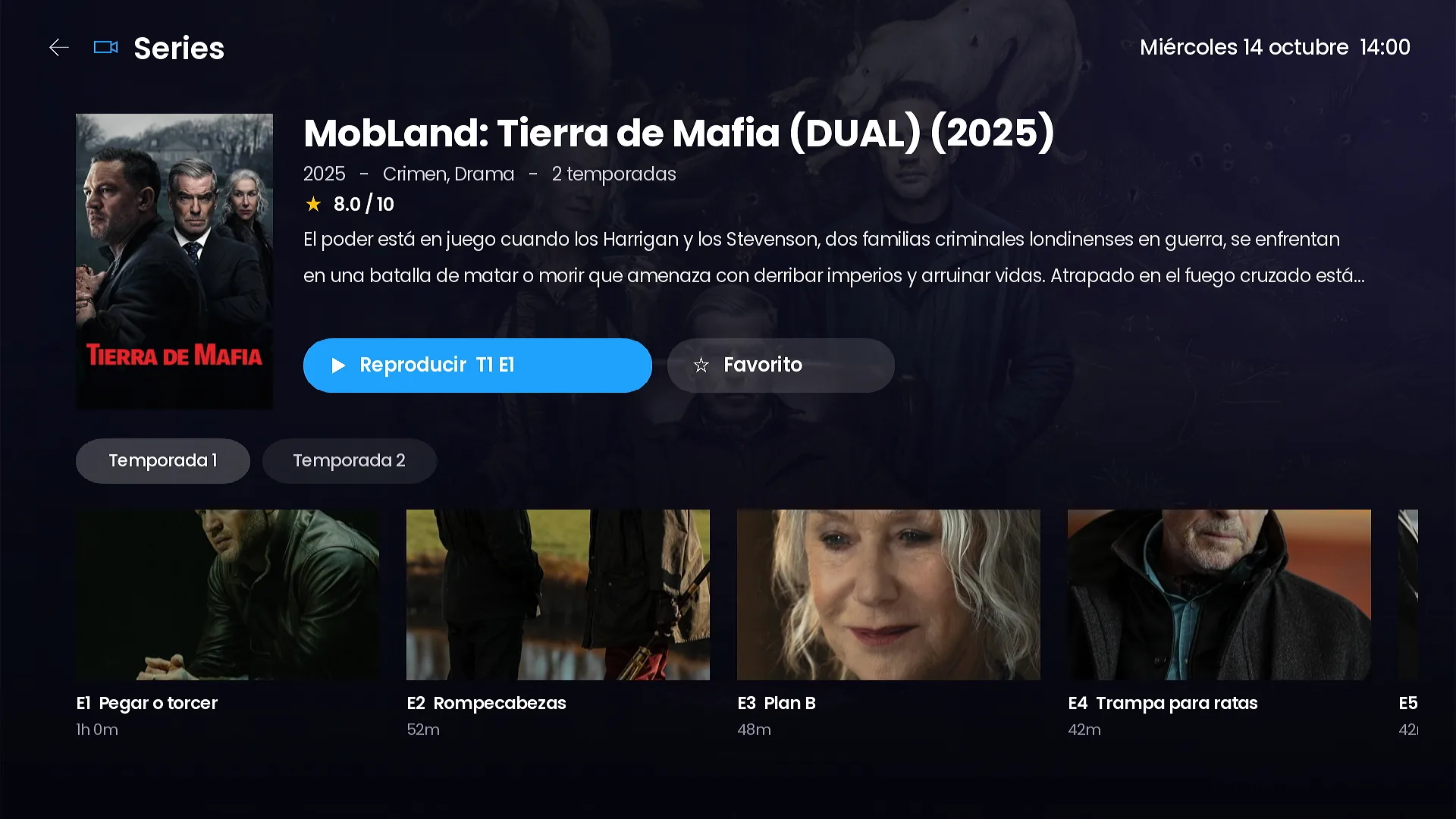
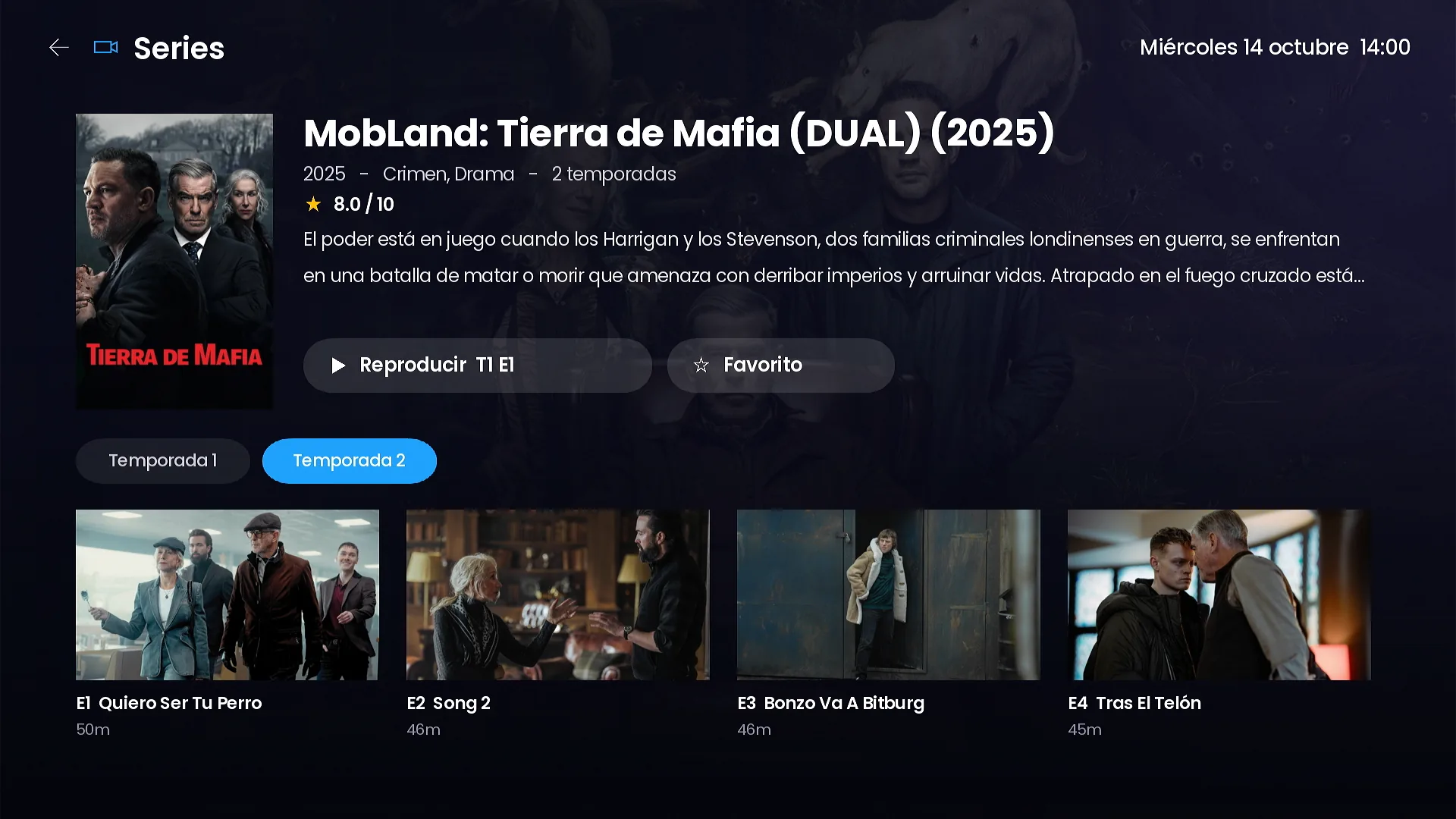
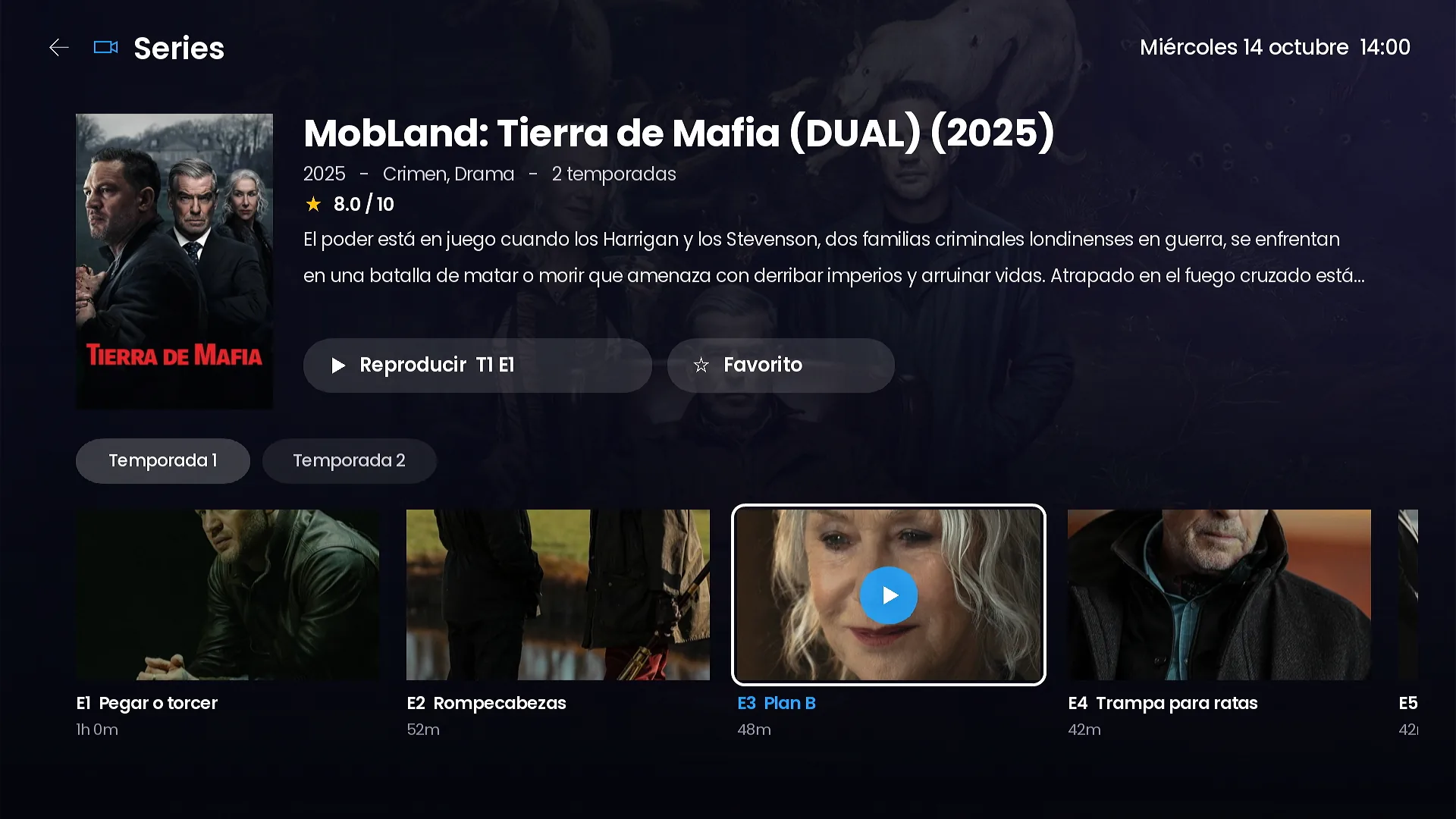
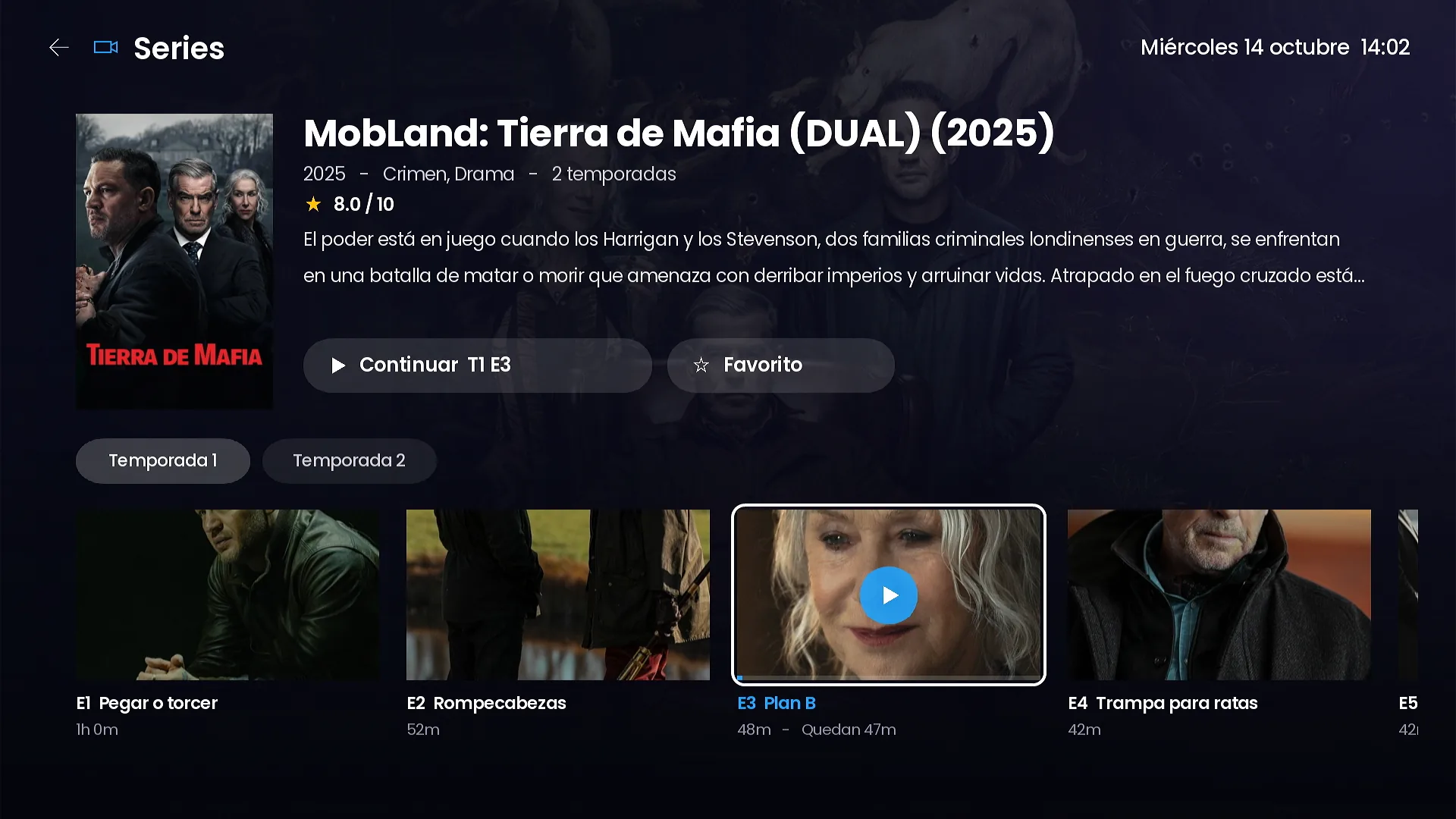
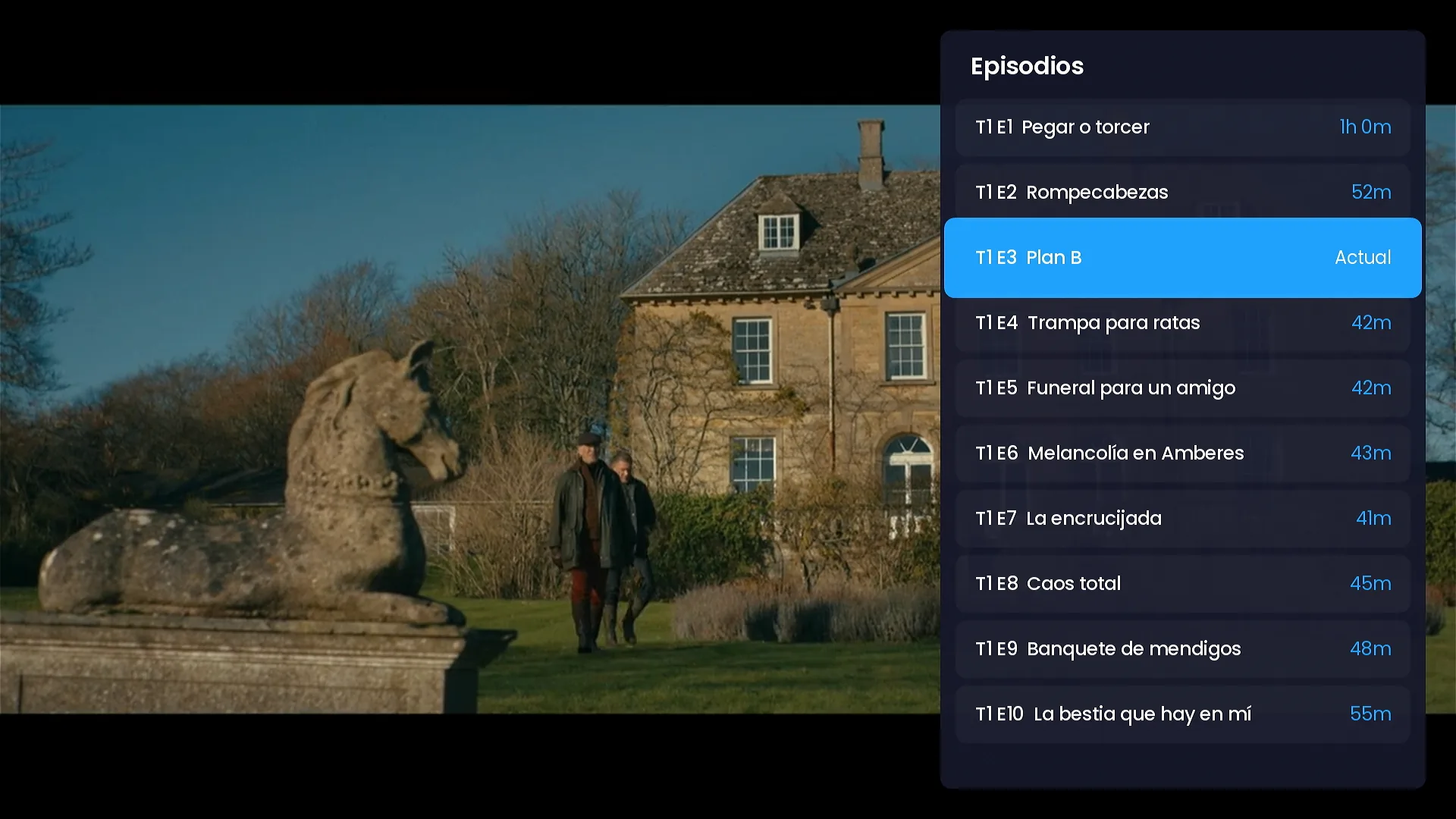
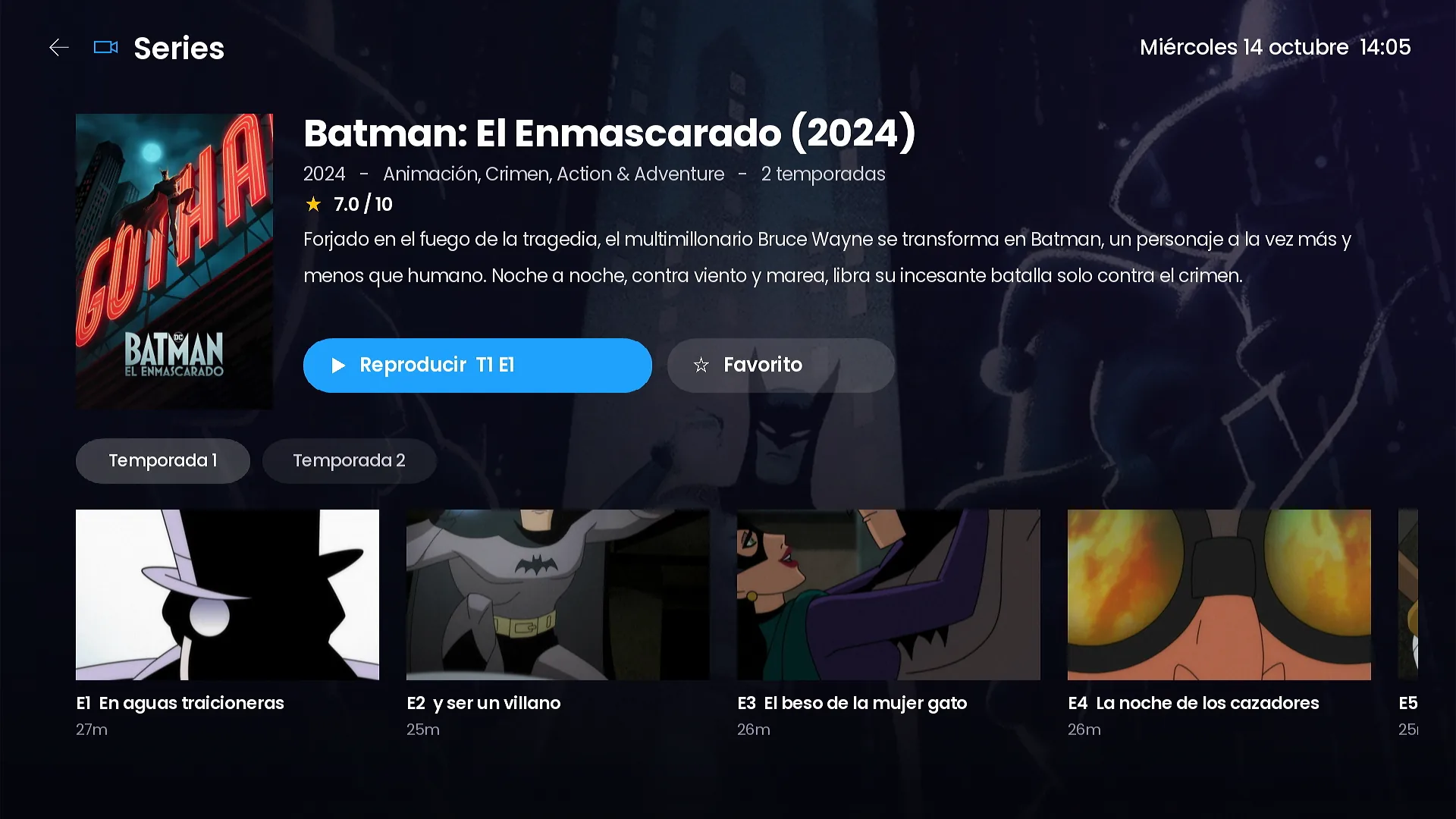
Series by season, with continue watching.
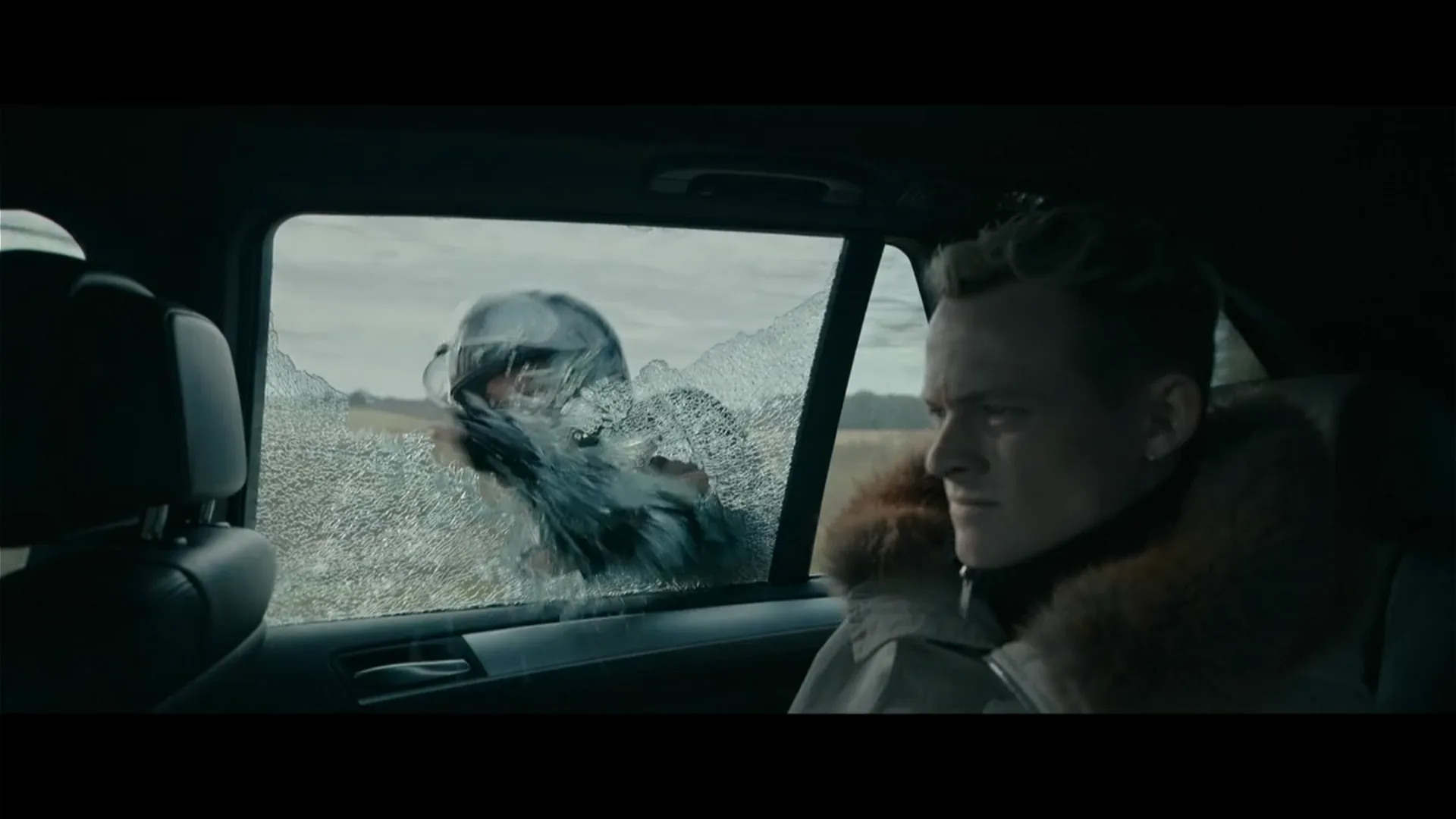
Seasons, episodes with image, title and running time, and a “Continue S1 E3” button with the minutes left.
- Previous and next episode from the player.
- Episode list inside the player.
- Automatic next episode (can be turned off in Settings).
Search and My list
Search everything and get back to your stuff in one click.
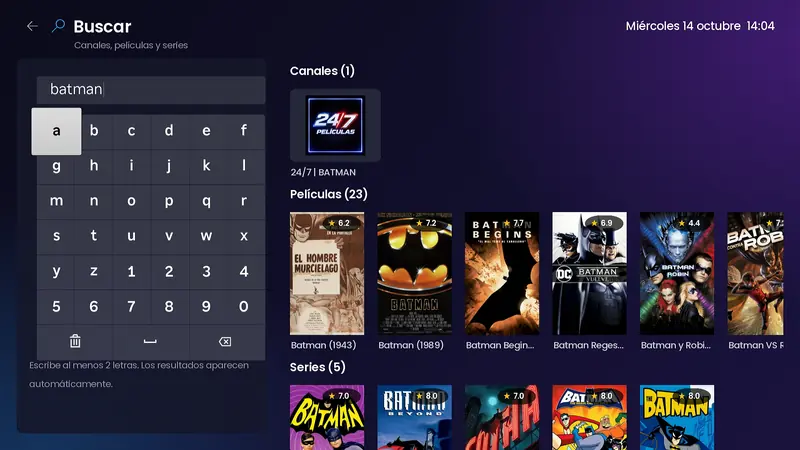
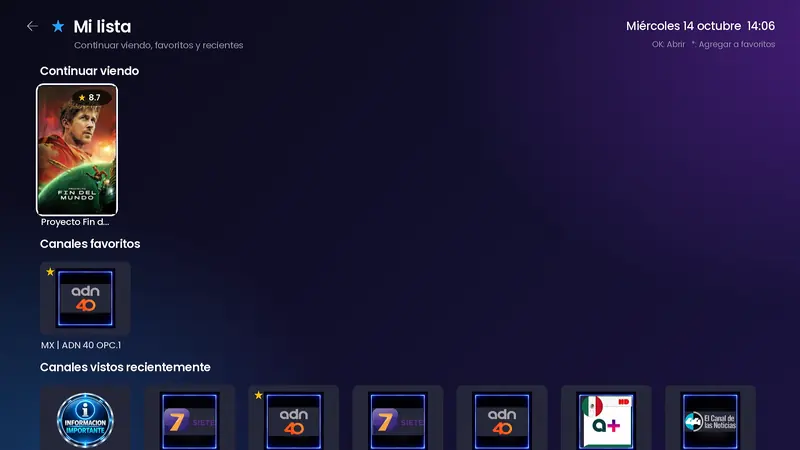
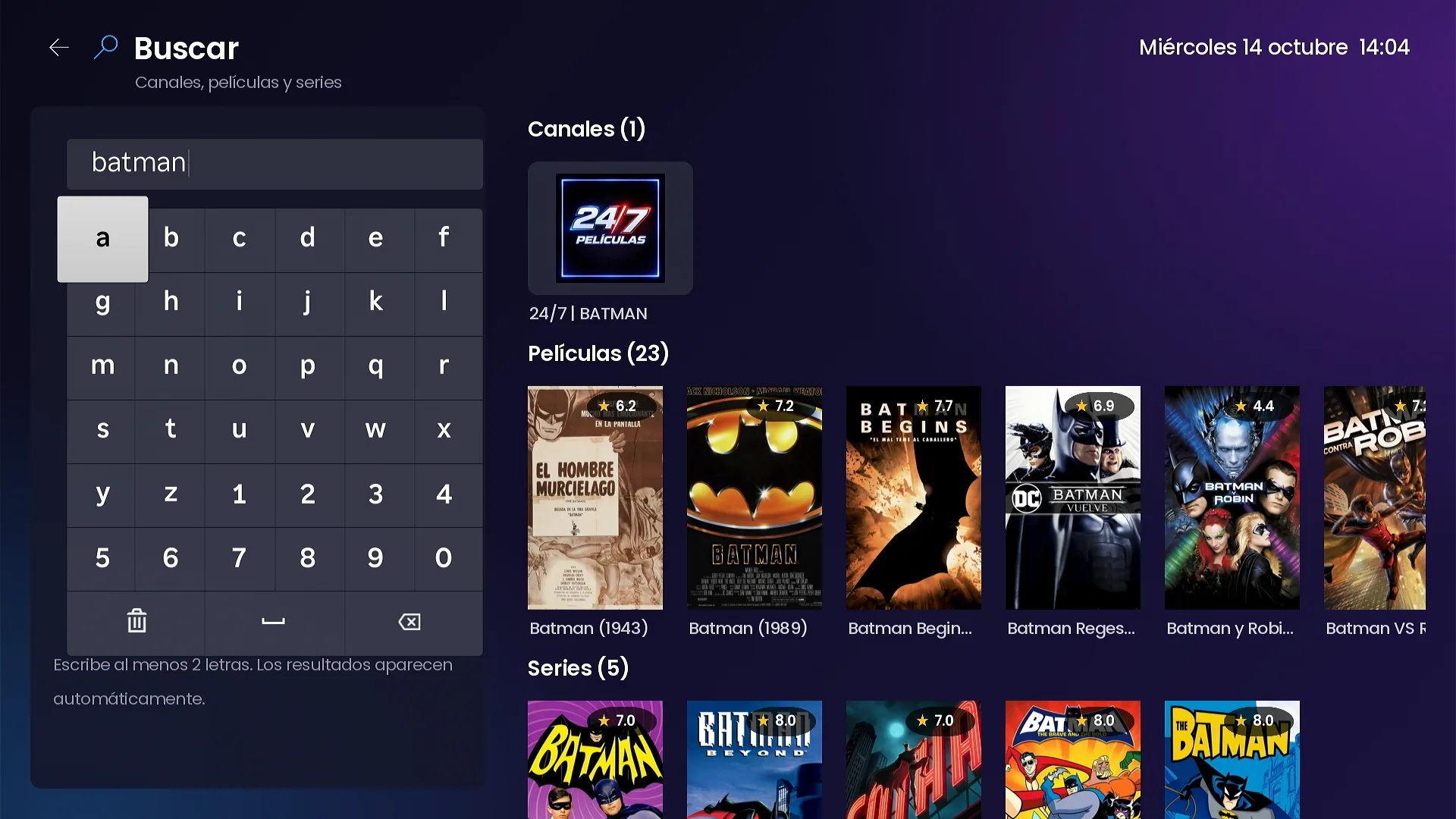
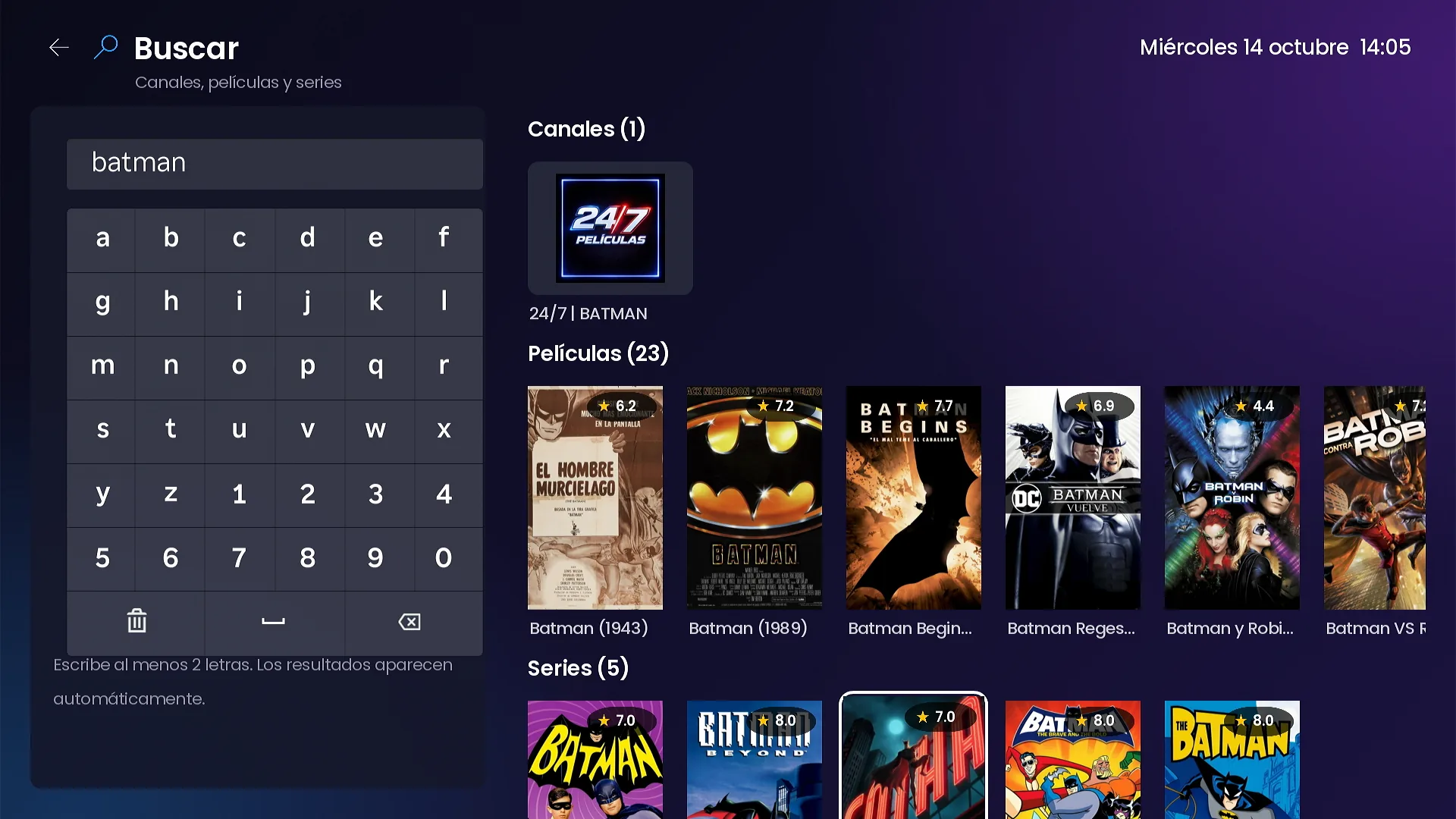
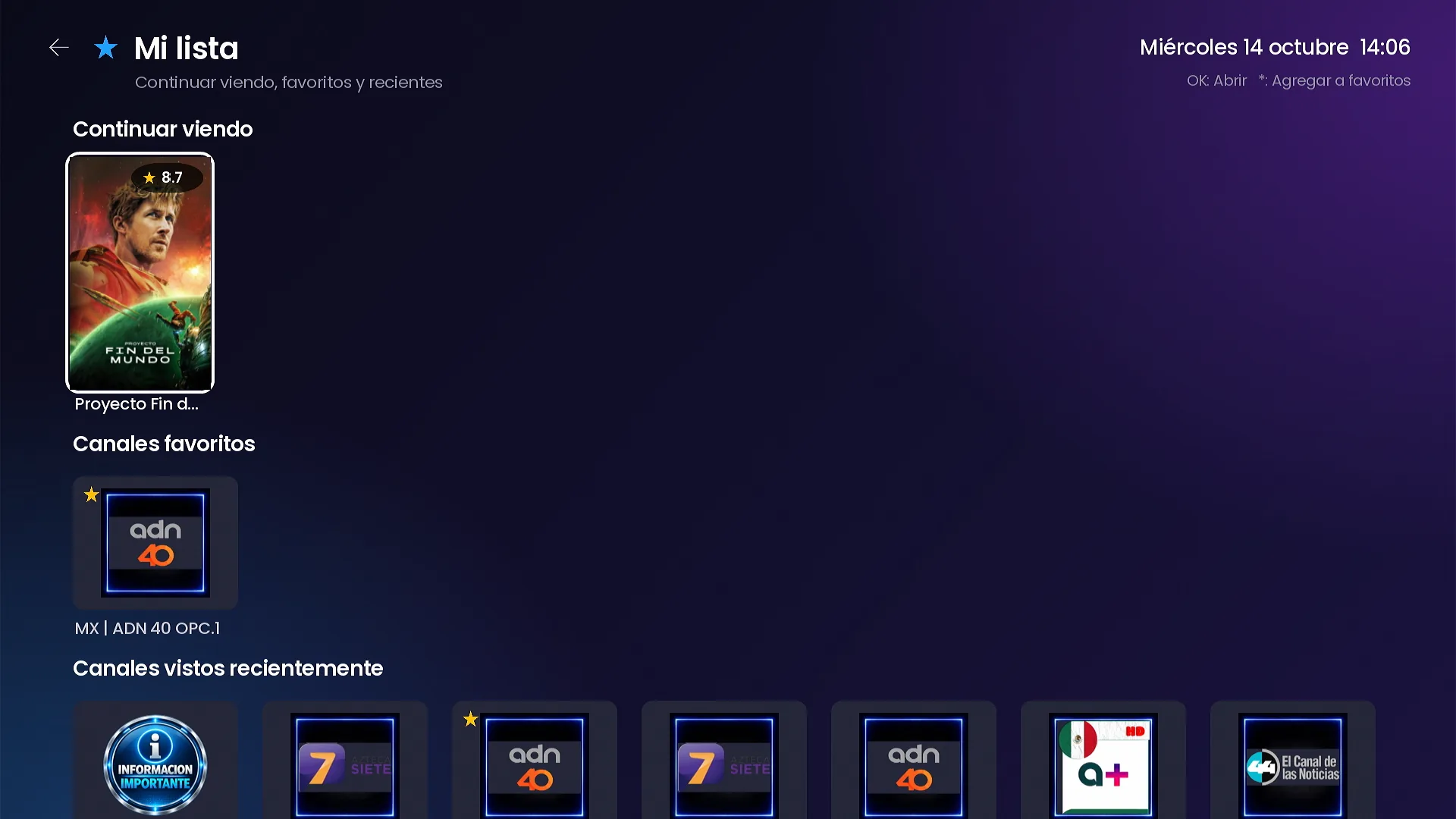
One search with an on-screen keyboard returns channels, movies and series at once. My list gathers what you left halfway, your favorite channels and your recent ones.
- Results from 2 letters, without pressing “search”.
- Optional fast search helper on your hosting for large catalogs.
- Continue watching, favorite channels and recently watched channels.
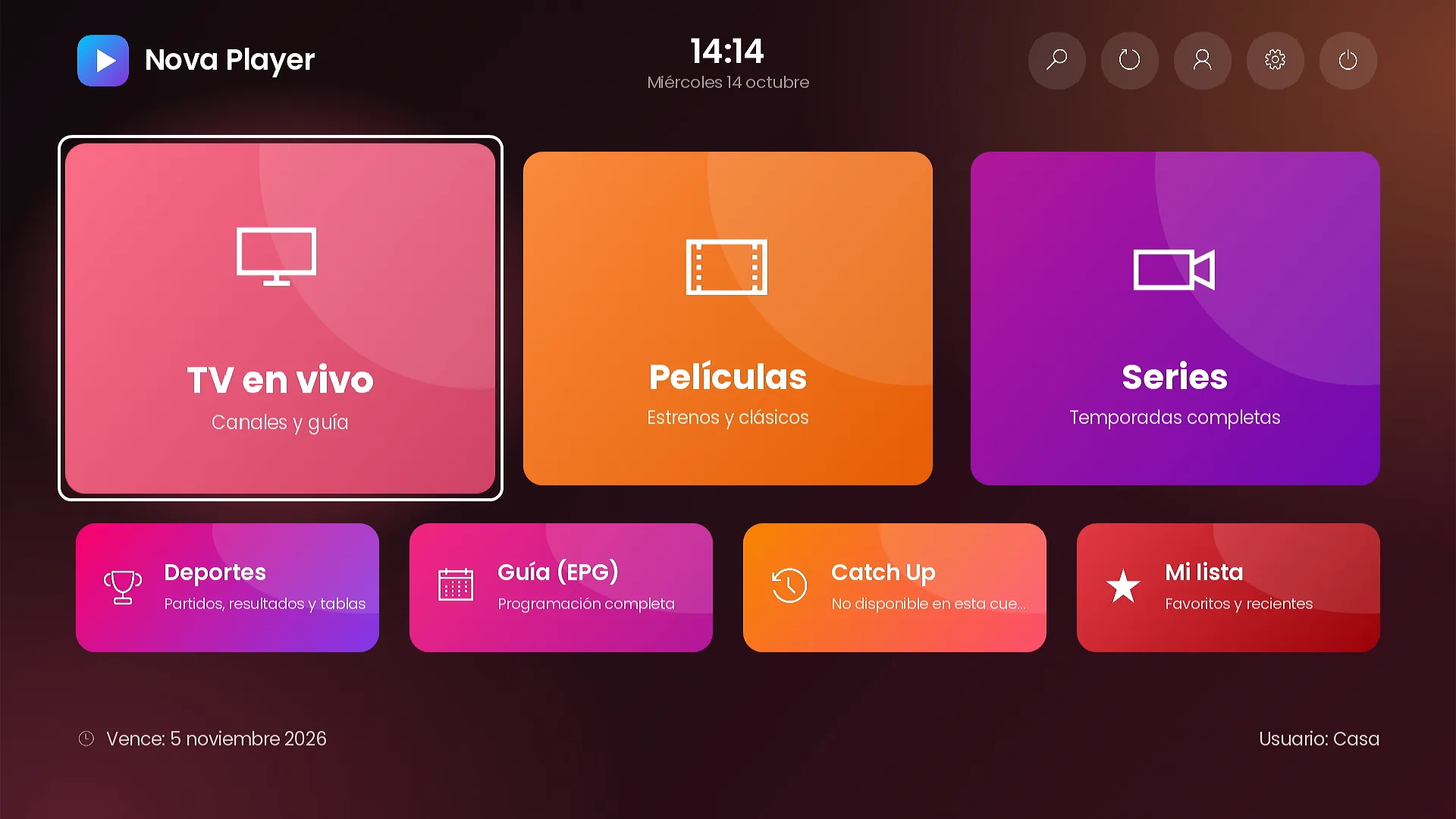
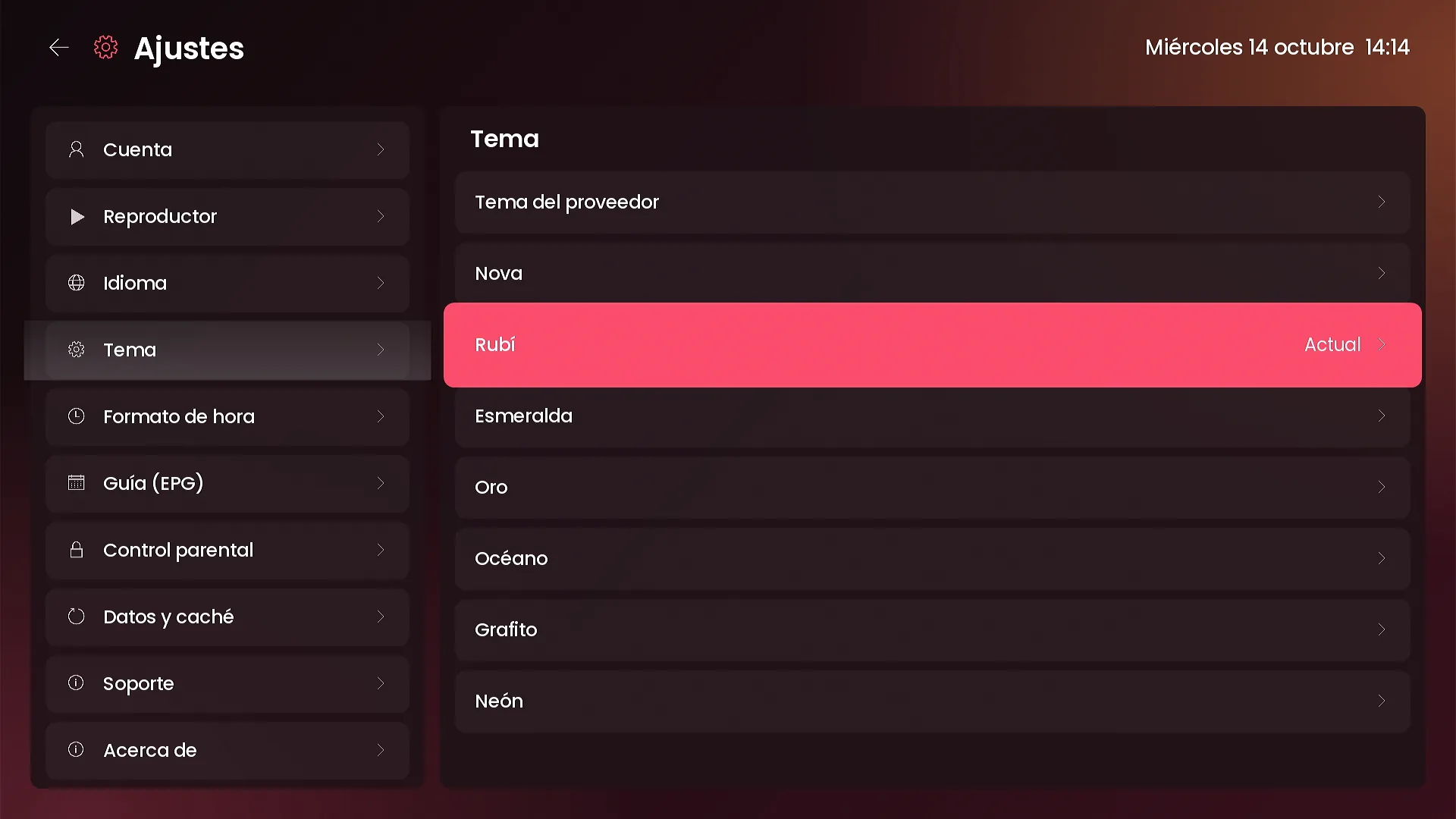
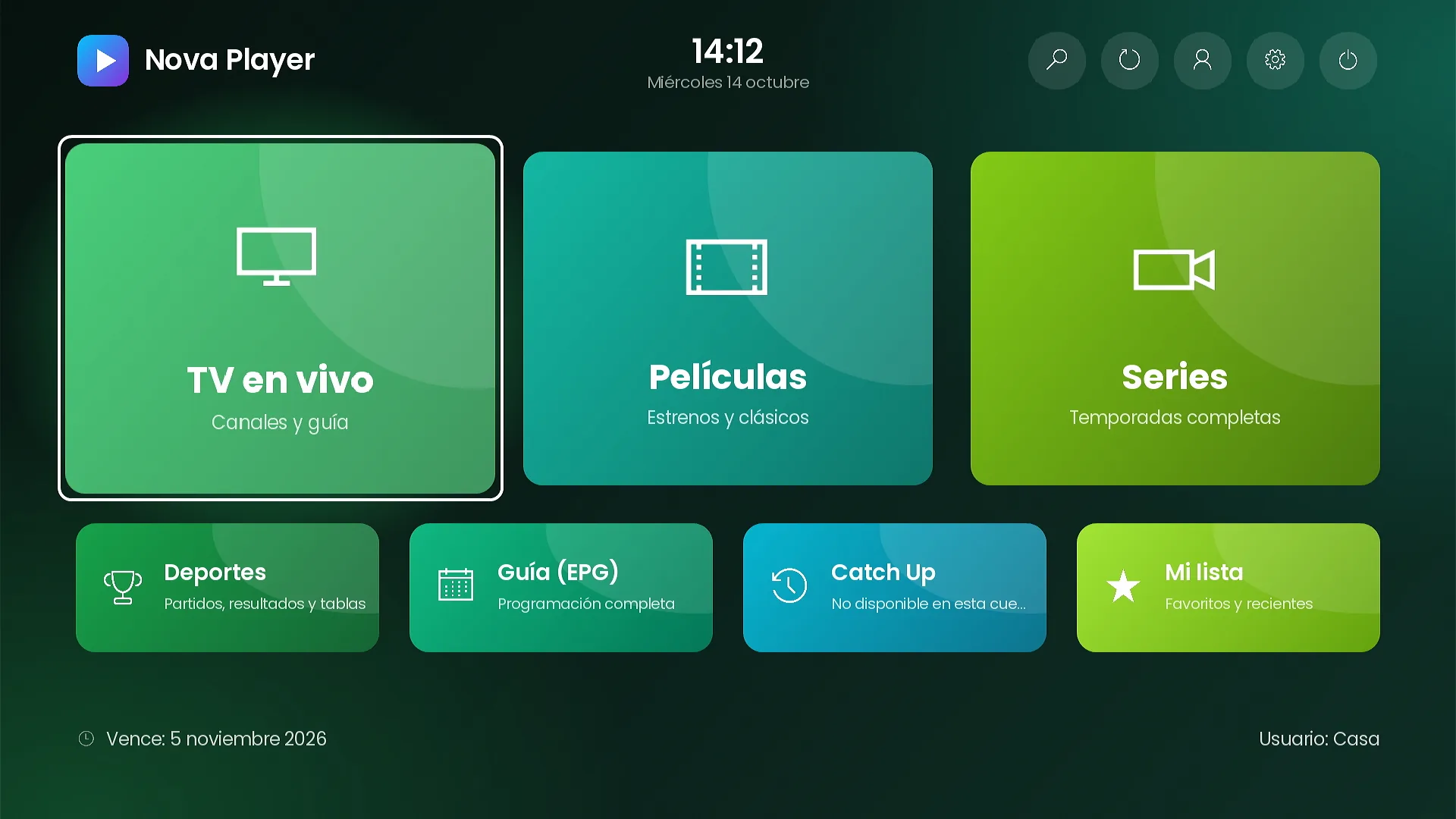
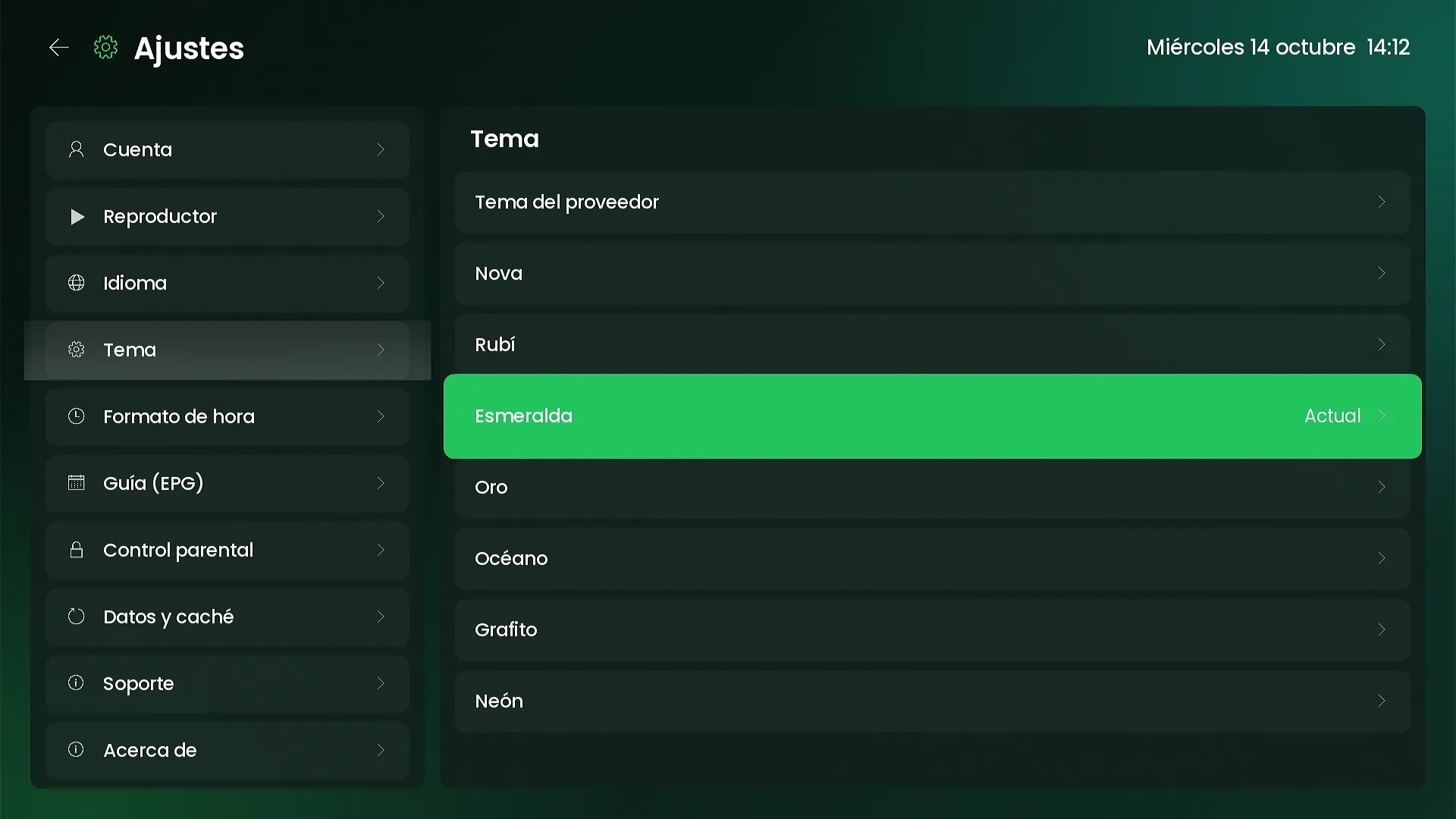
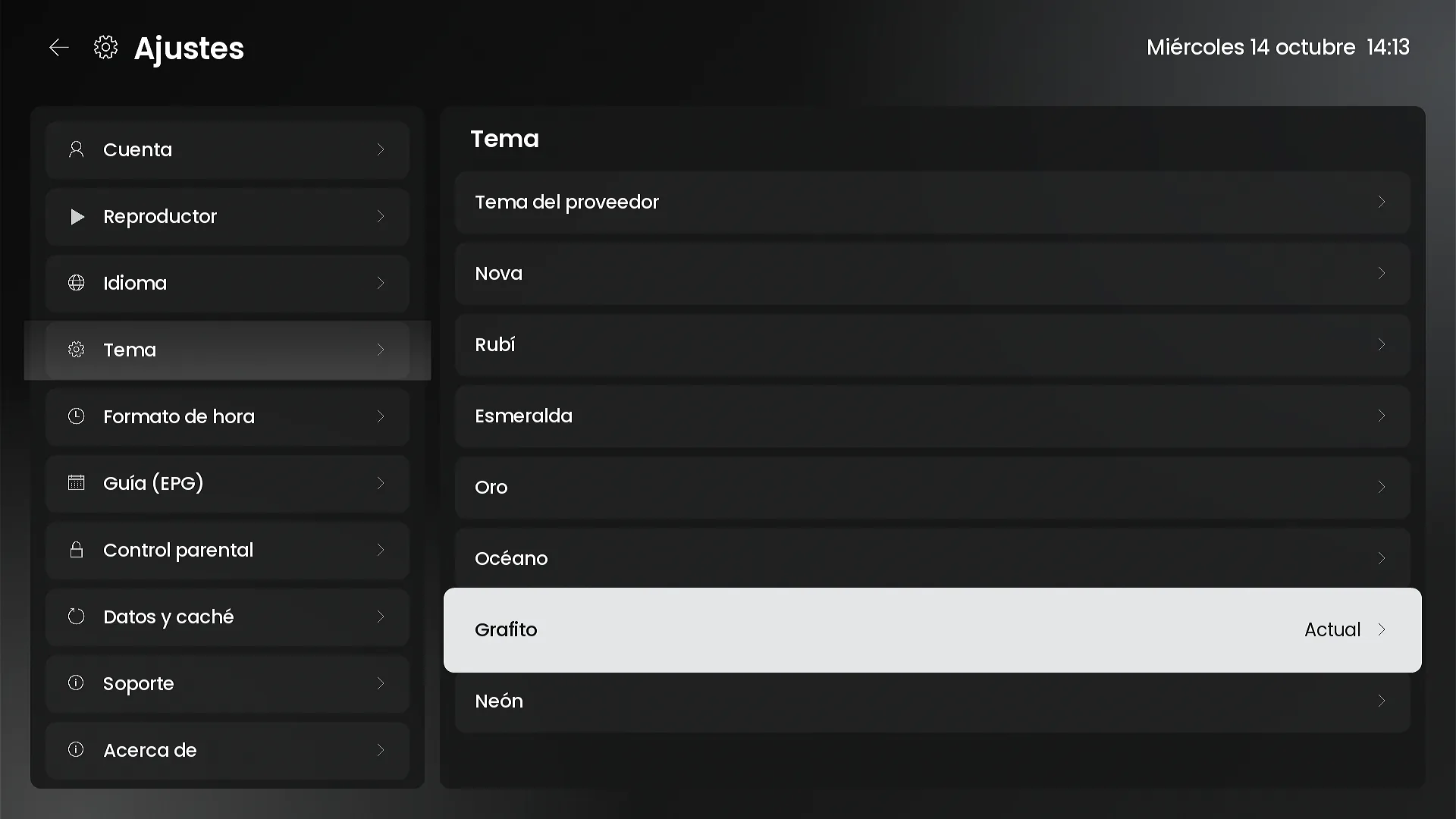
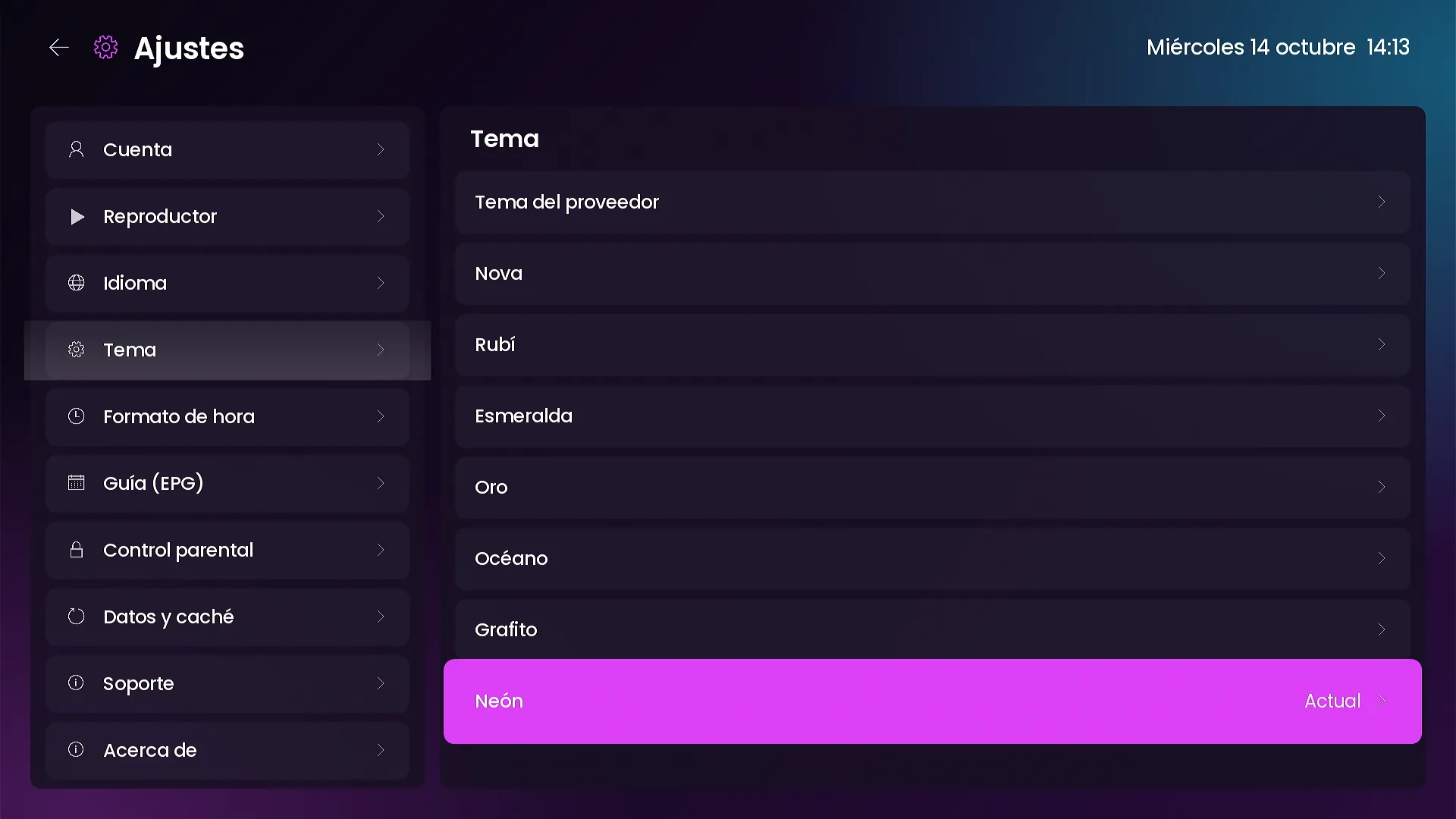
Themes
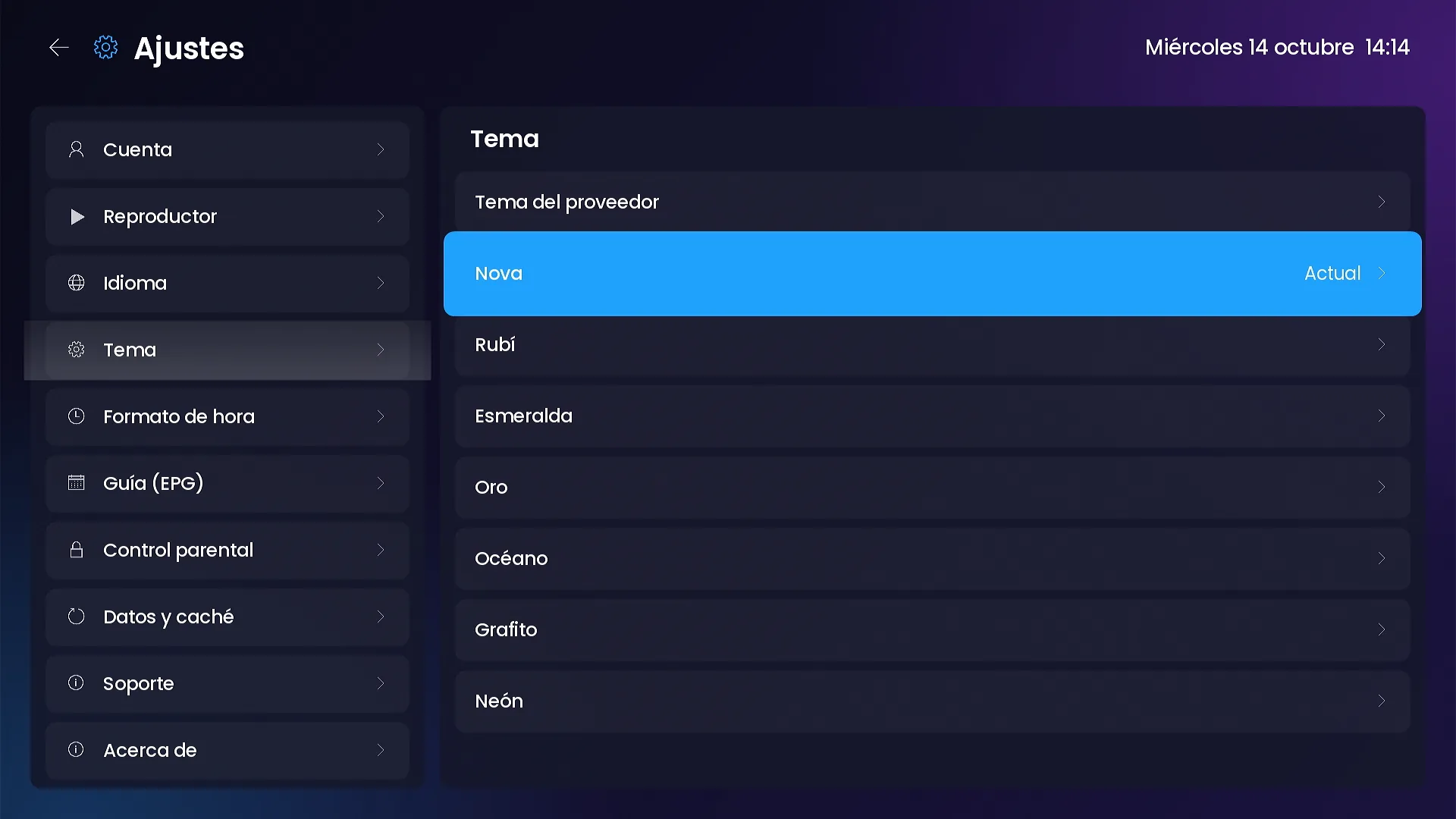
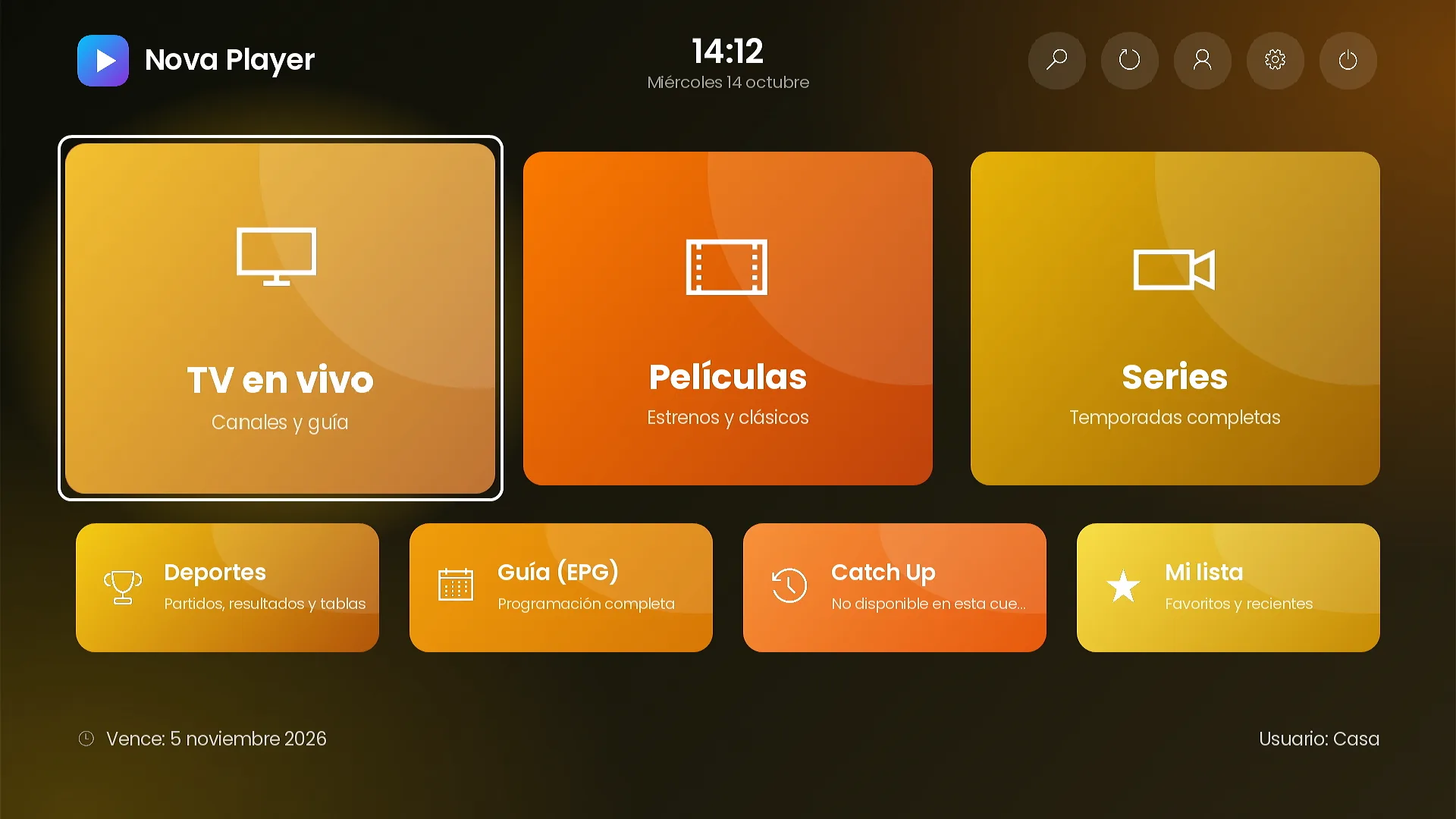
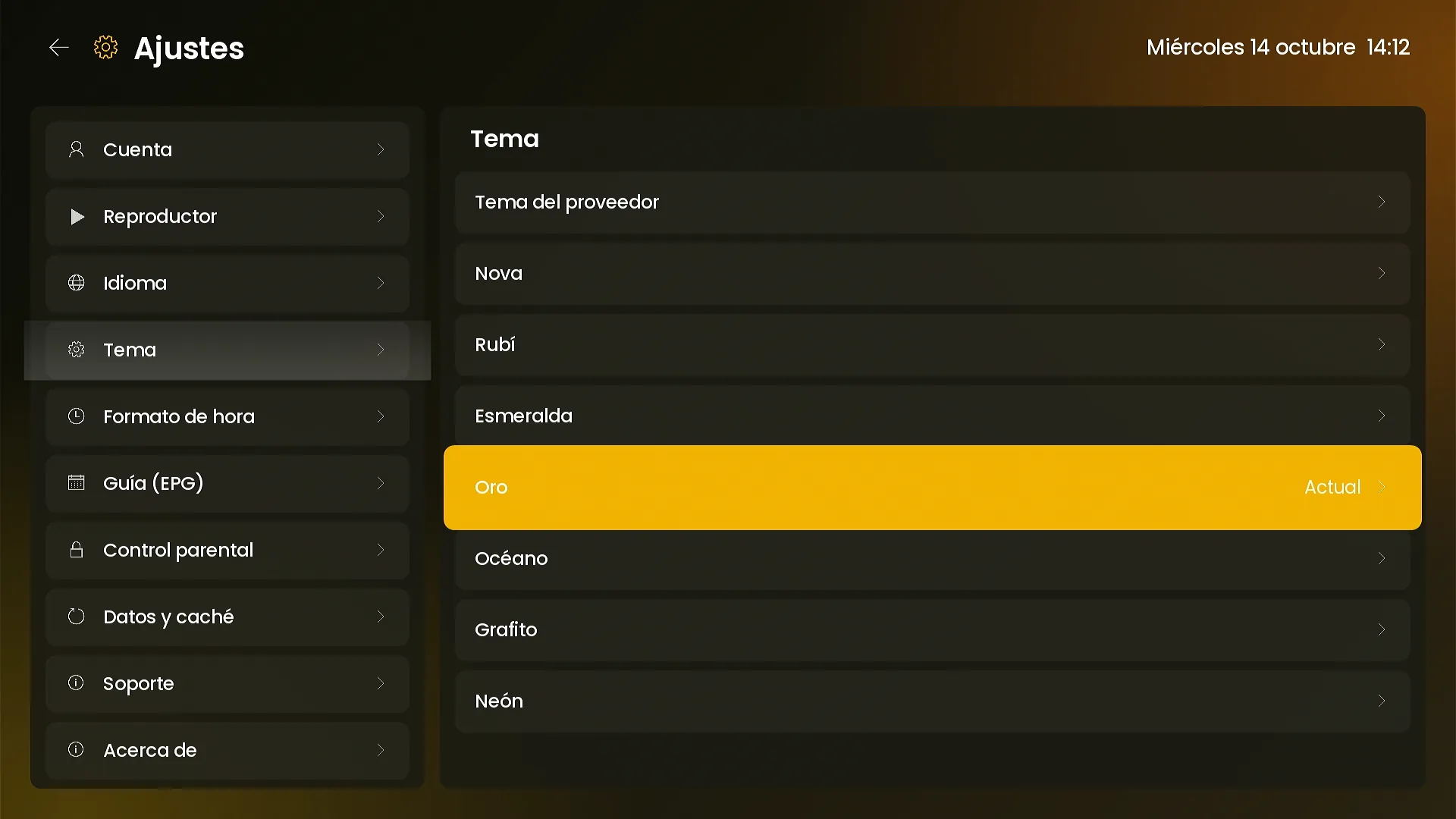
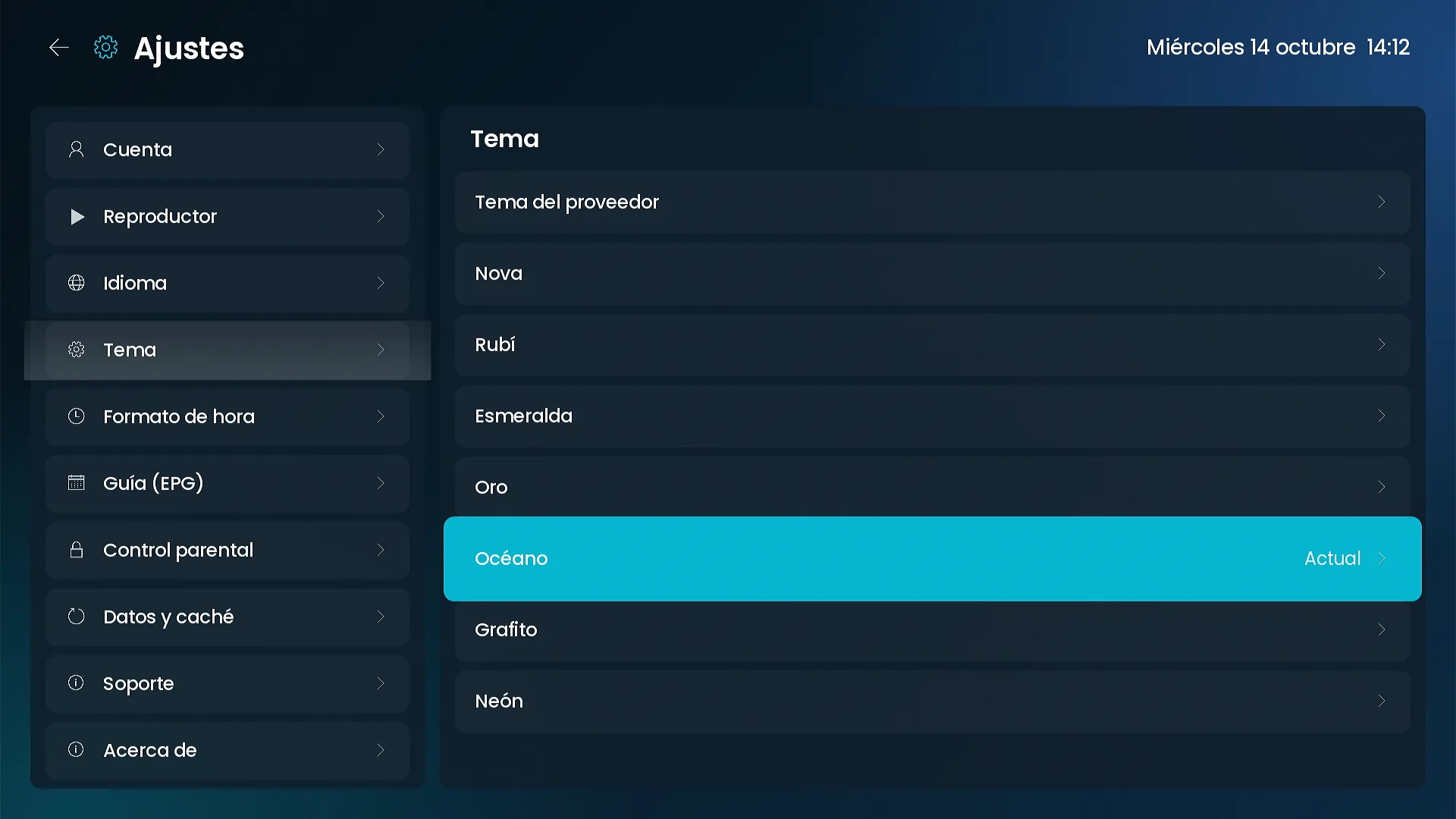
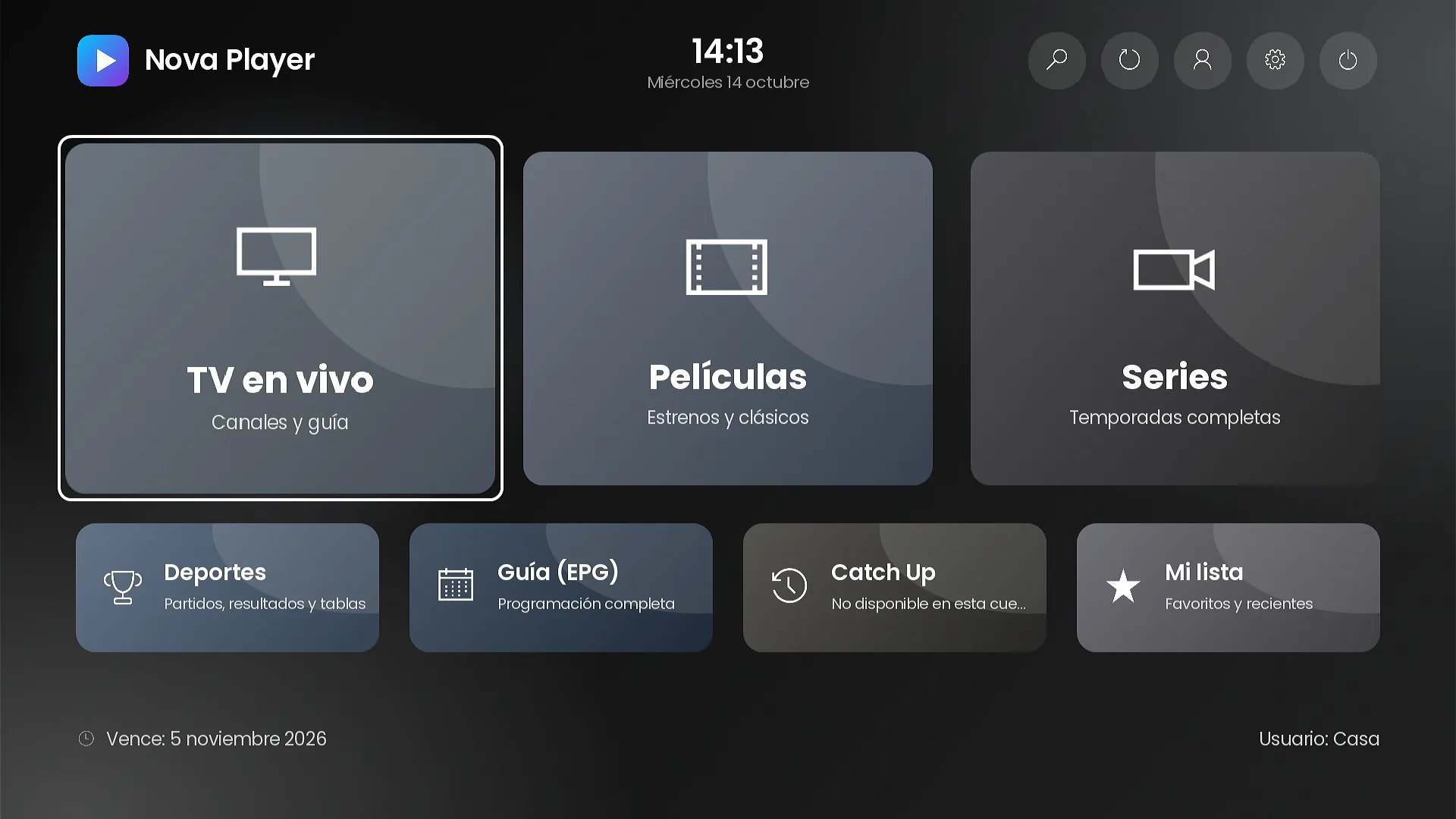
7 color themes, or your own colors.
Nova, Ruby, Emerald, Gold, Ocean, Graphite and Neon. You pick the provider theme or your own palette in the panel, and decide whether each customer can change it.
- Live preview in the panel before saving.
- The theme changes the whole channel: home, lists, settings and player.
Customization
Your brand on every screen.
Your own photos, titles and subtitles on every tile, notices when the channel opens and promo banners with dates.
- Notices shown once per device, with a validity window.
- 16:9 banners that open a section or a search.
Settings and parental control
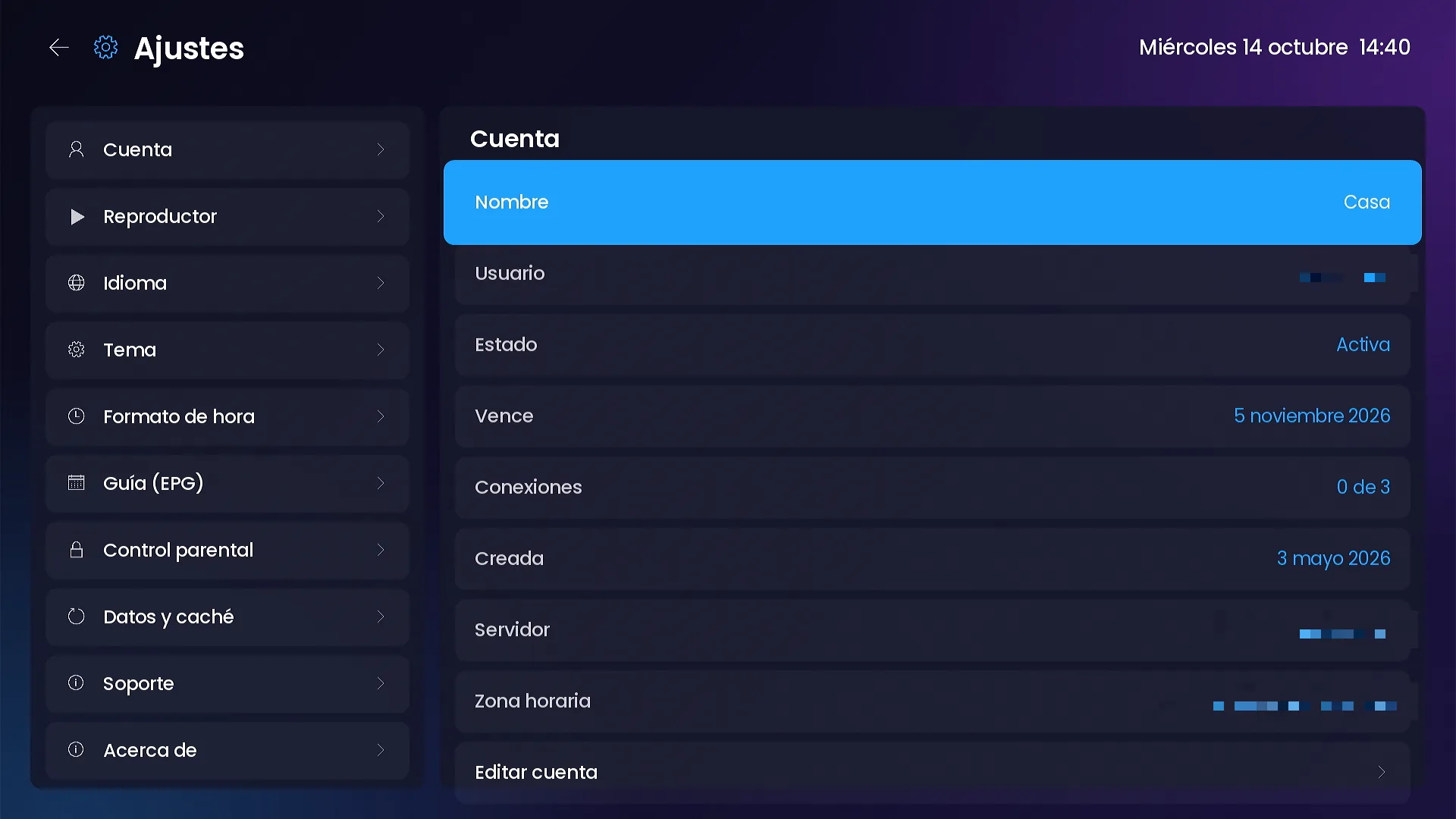
Complete settings and PIN parental control.
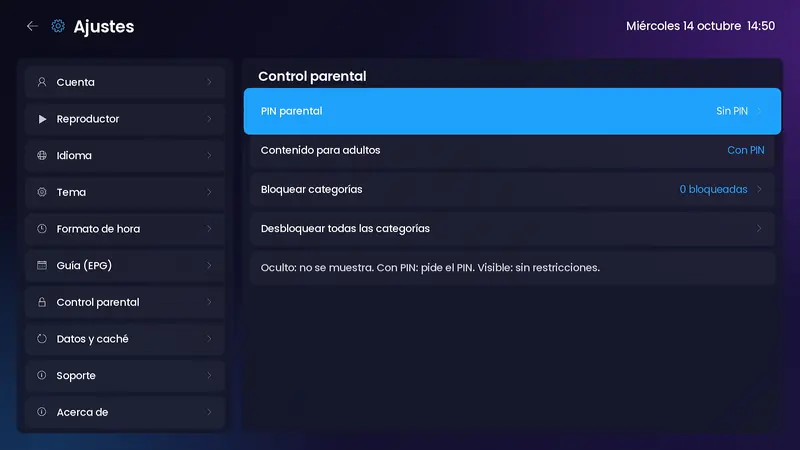
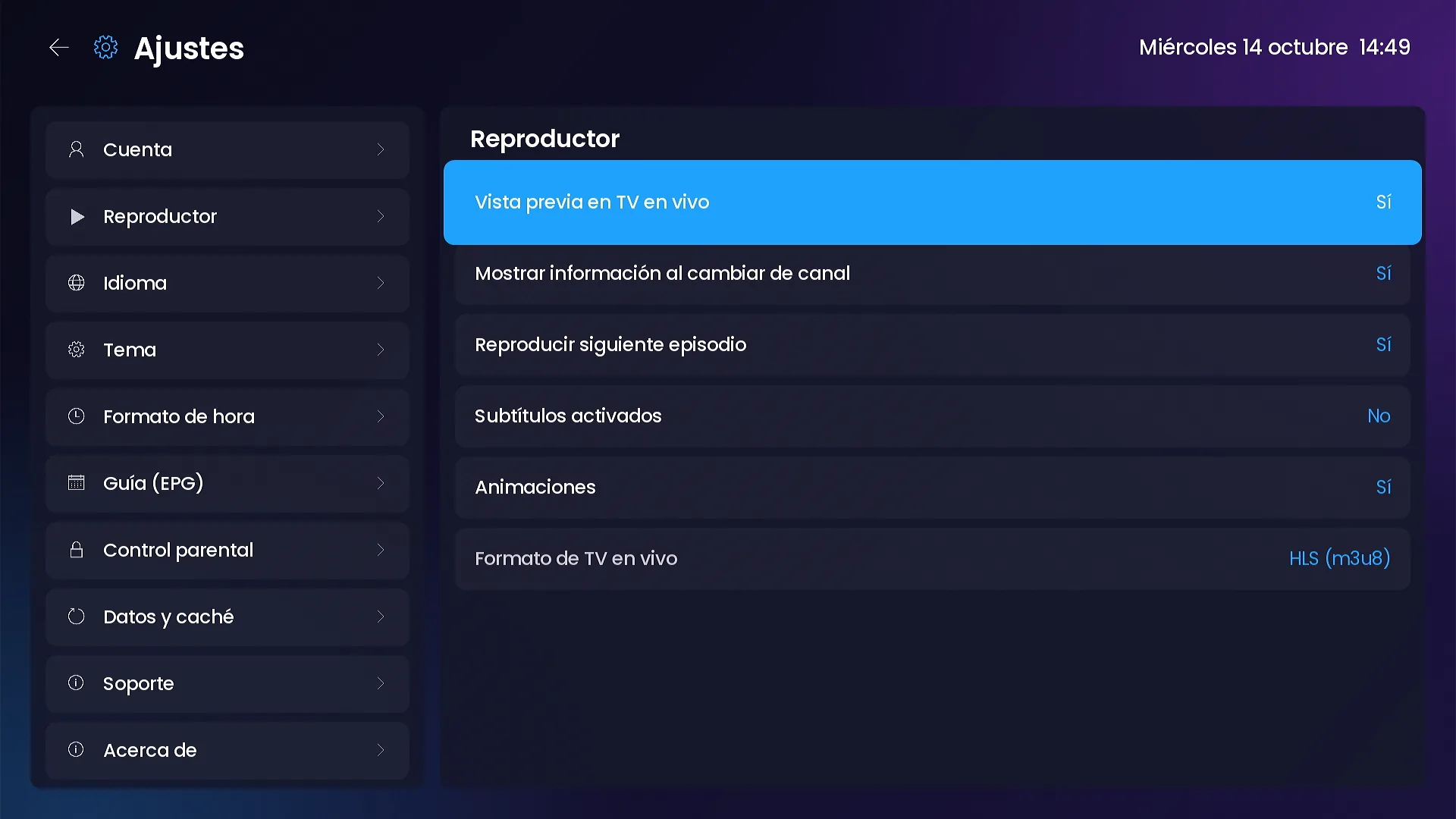
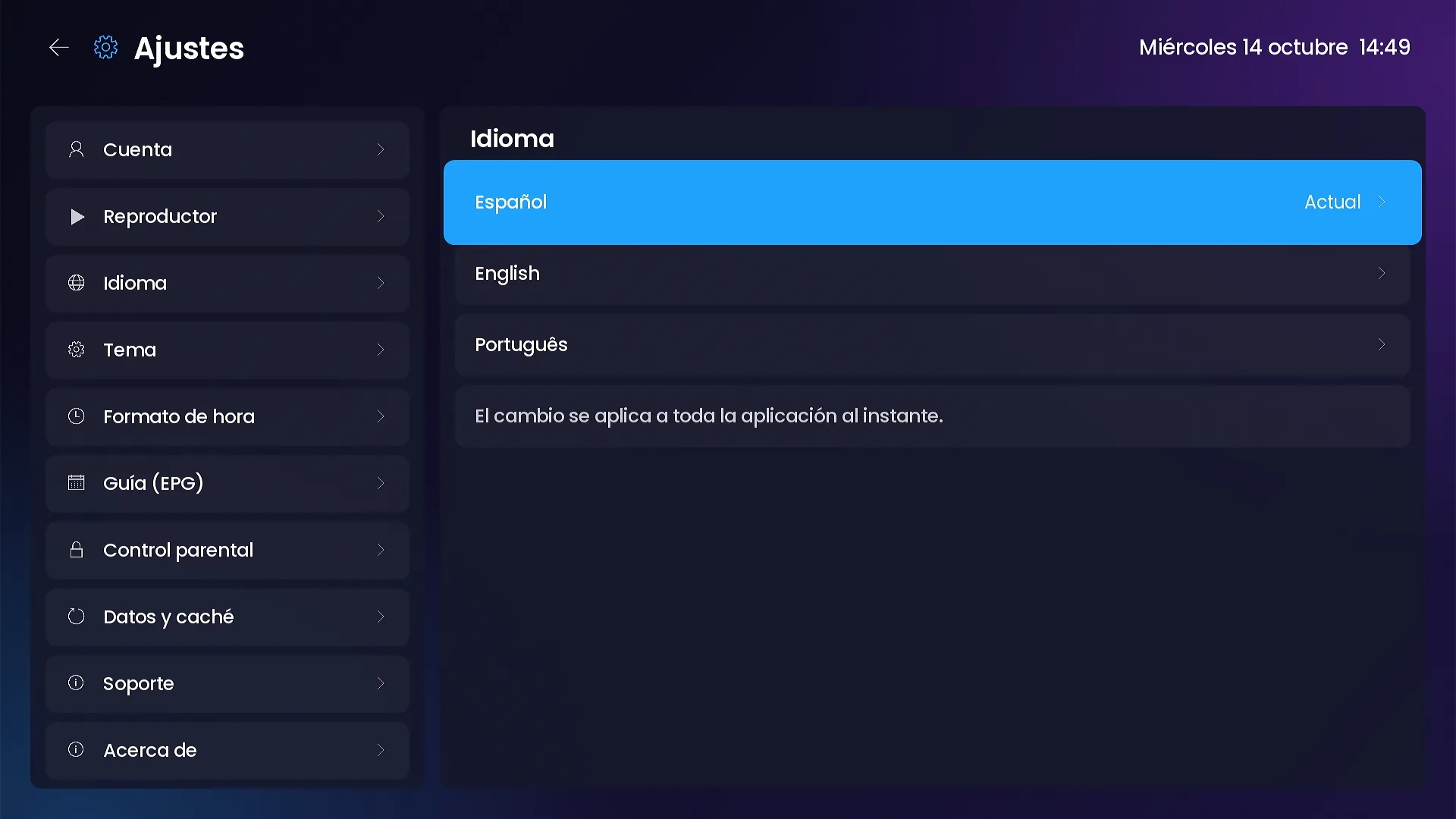
Account, player, language, theme, time format, guide, parental control, data and cache, support and about. All from the remote.
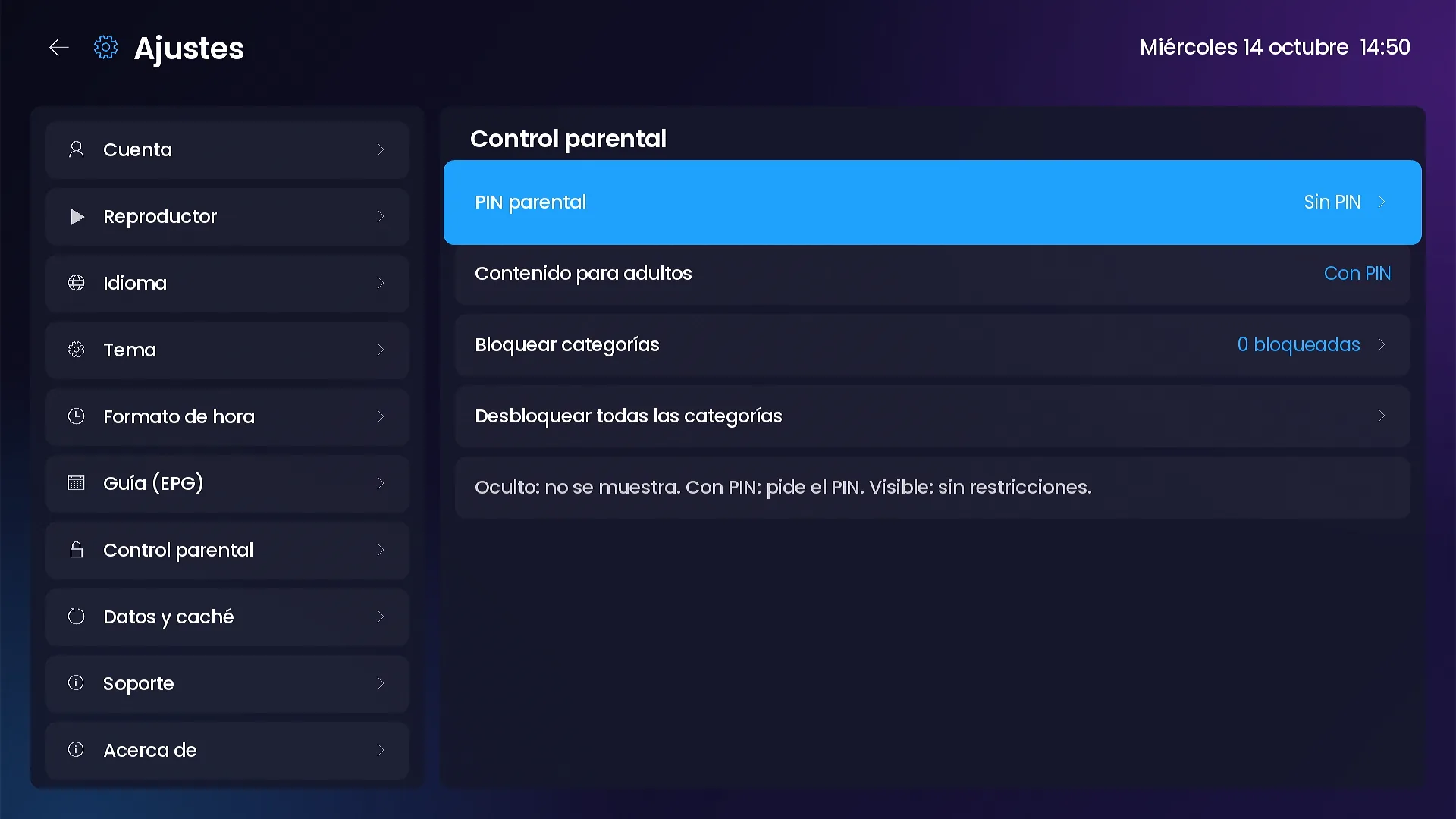
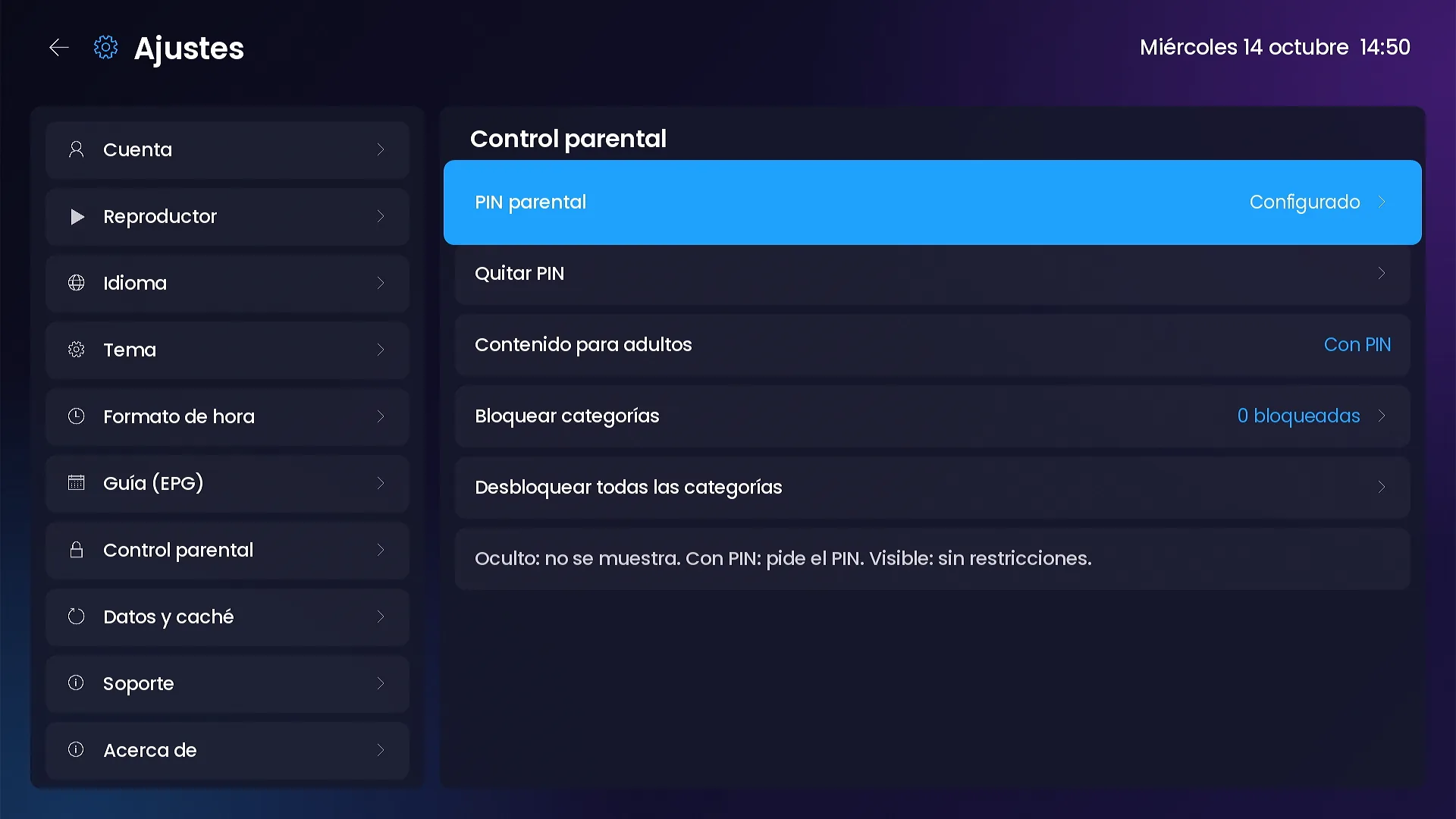
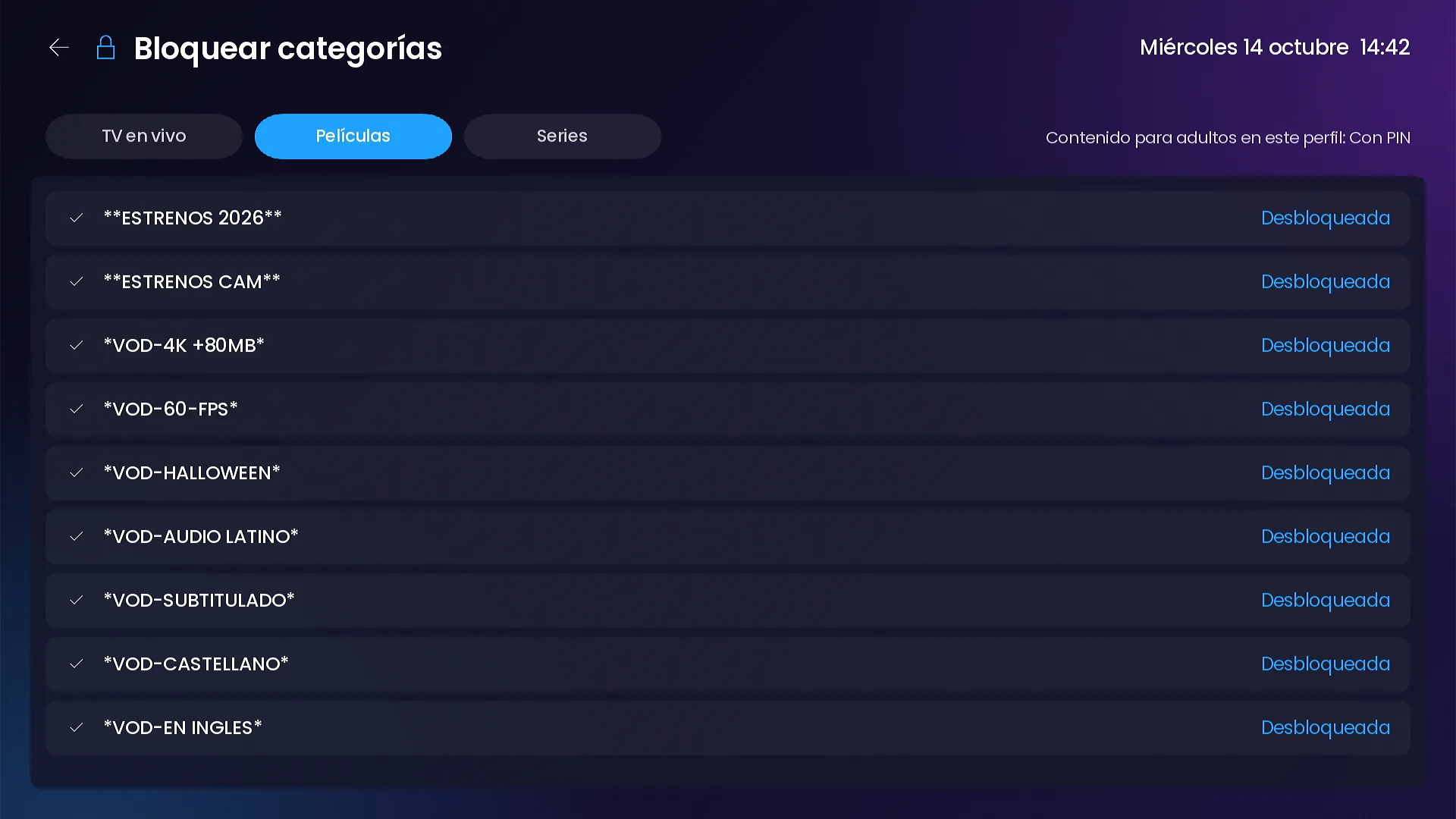
- 4-digit PIN and adult content per profile: hidden, PIN required or visible.
- Category locks per section: live TV, movies and series.
- Preview, info on channel change, next episode, subtitles, animations and live TV format.
- Refresh content, clear cache, history, progress or My list, and reset the channel.
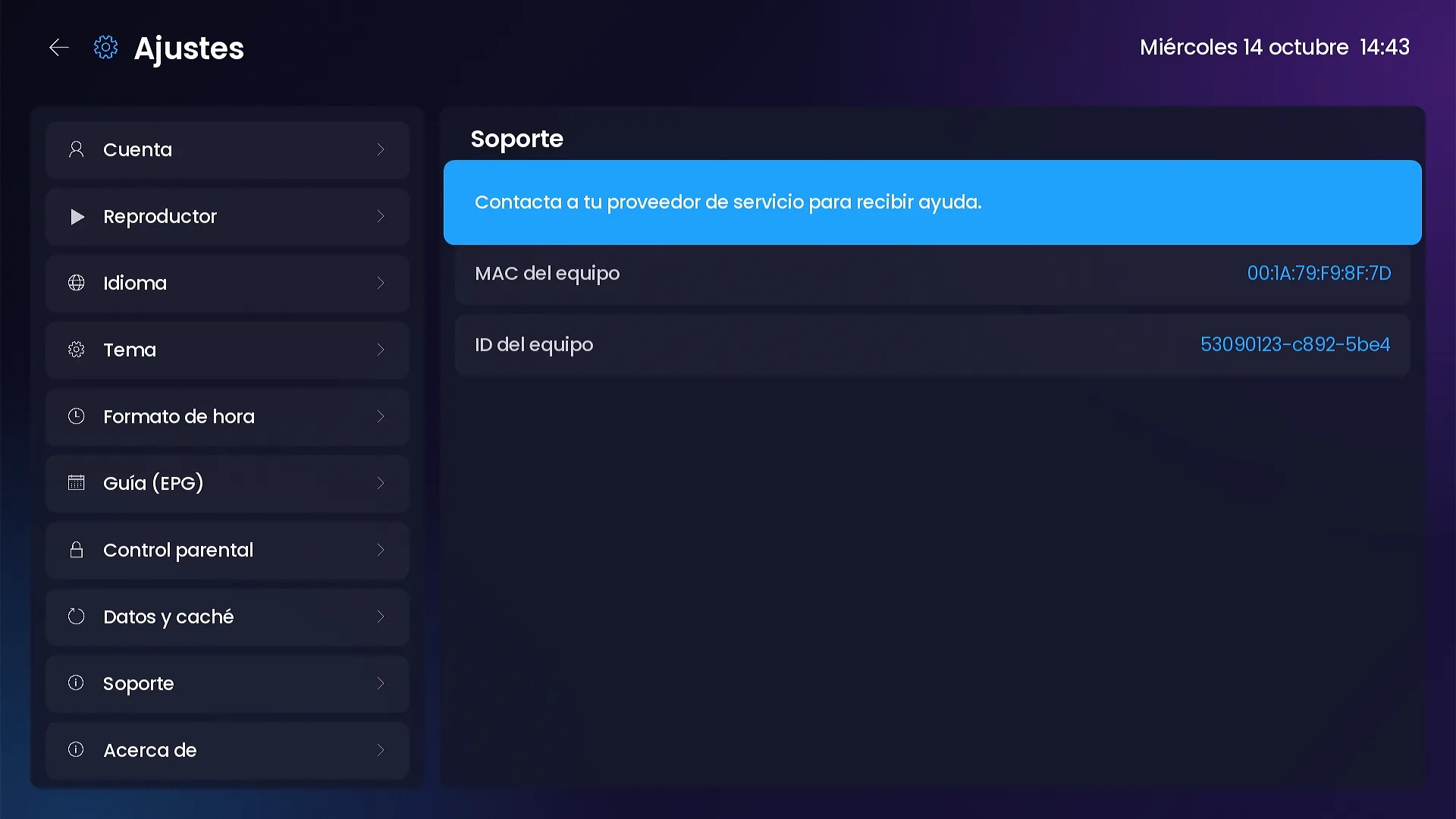
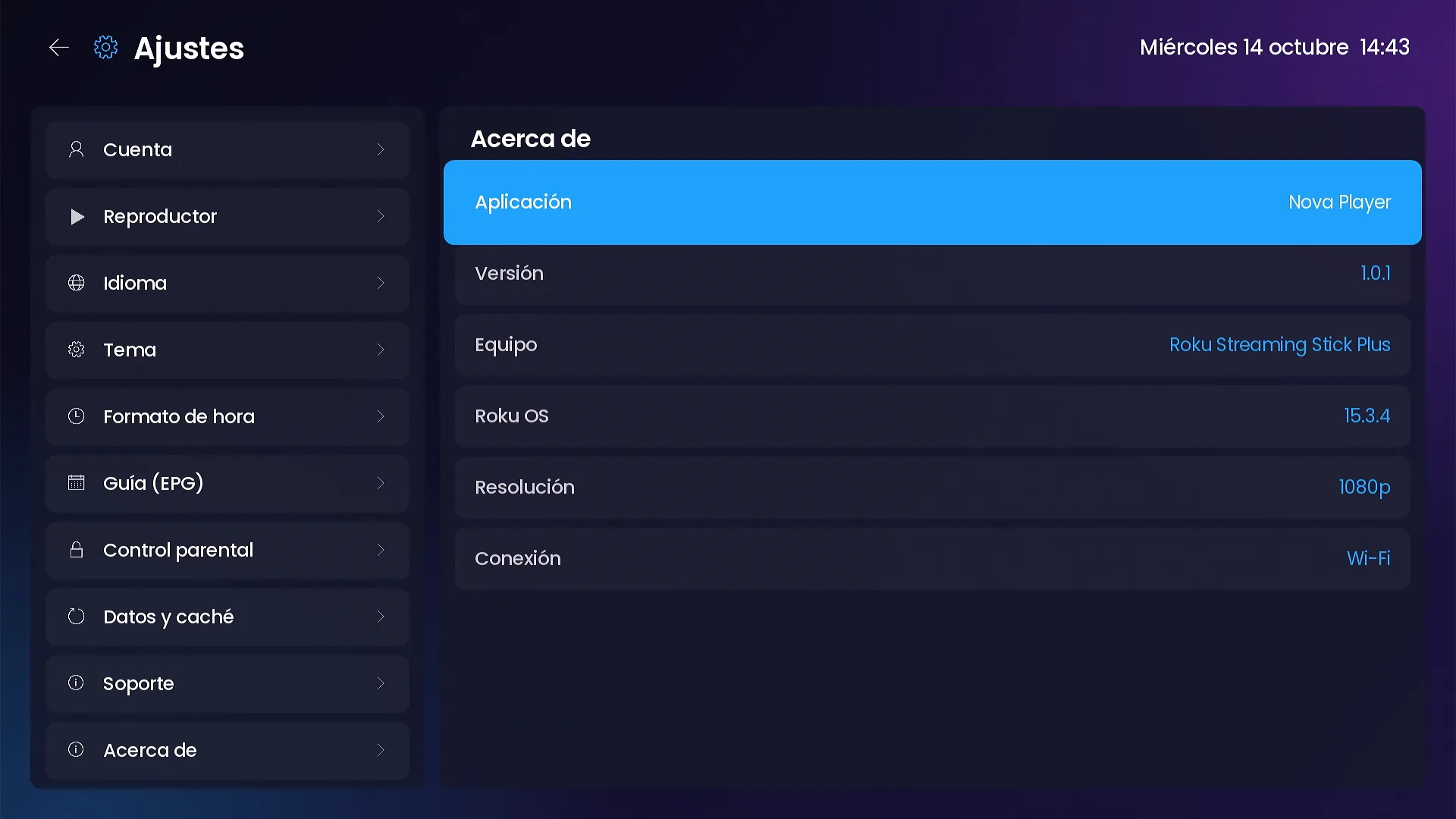
- Support with the device MAC and ID; About with version, model, Roku OS and resolution.
Provider messages
Maintenance, updates and blocking from your panel.
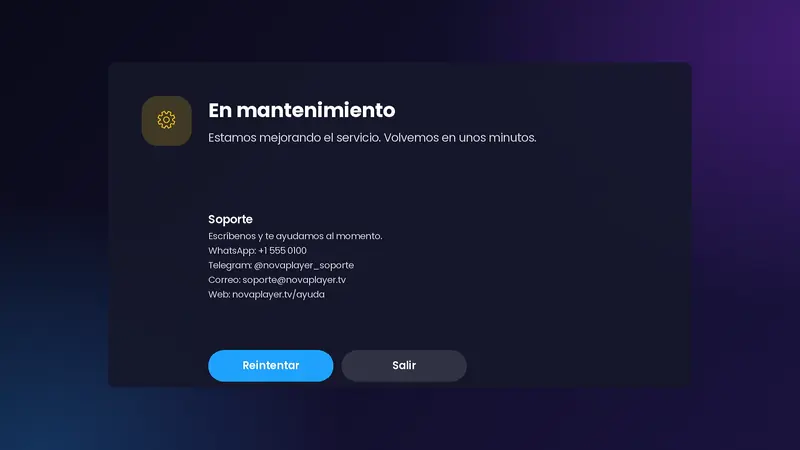
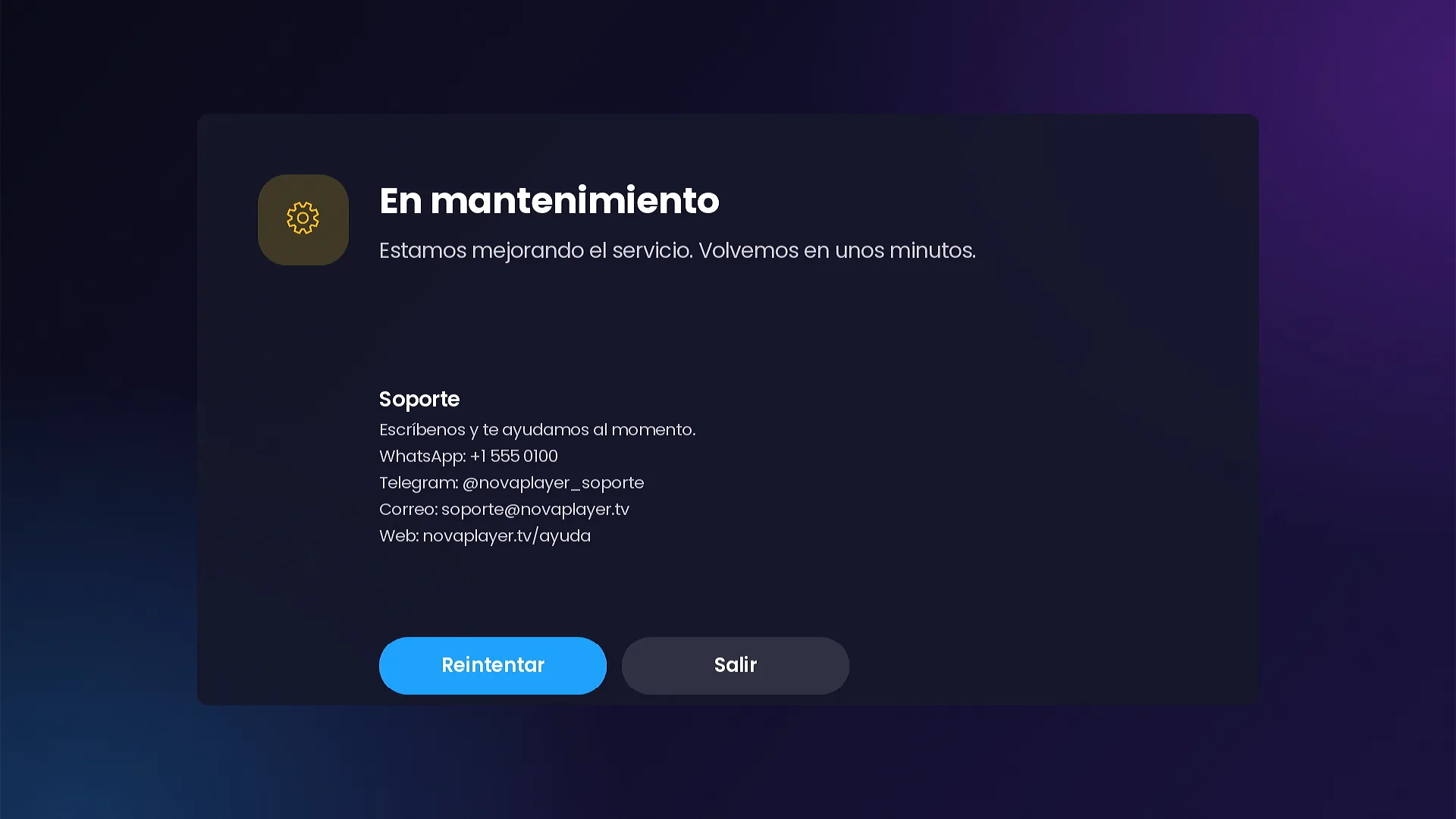
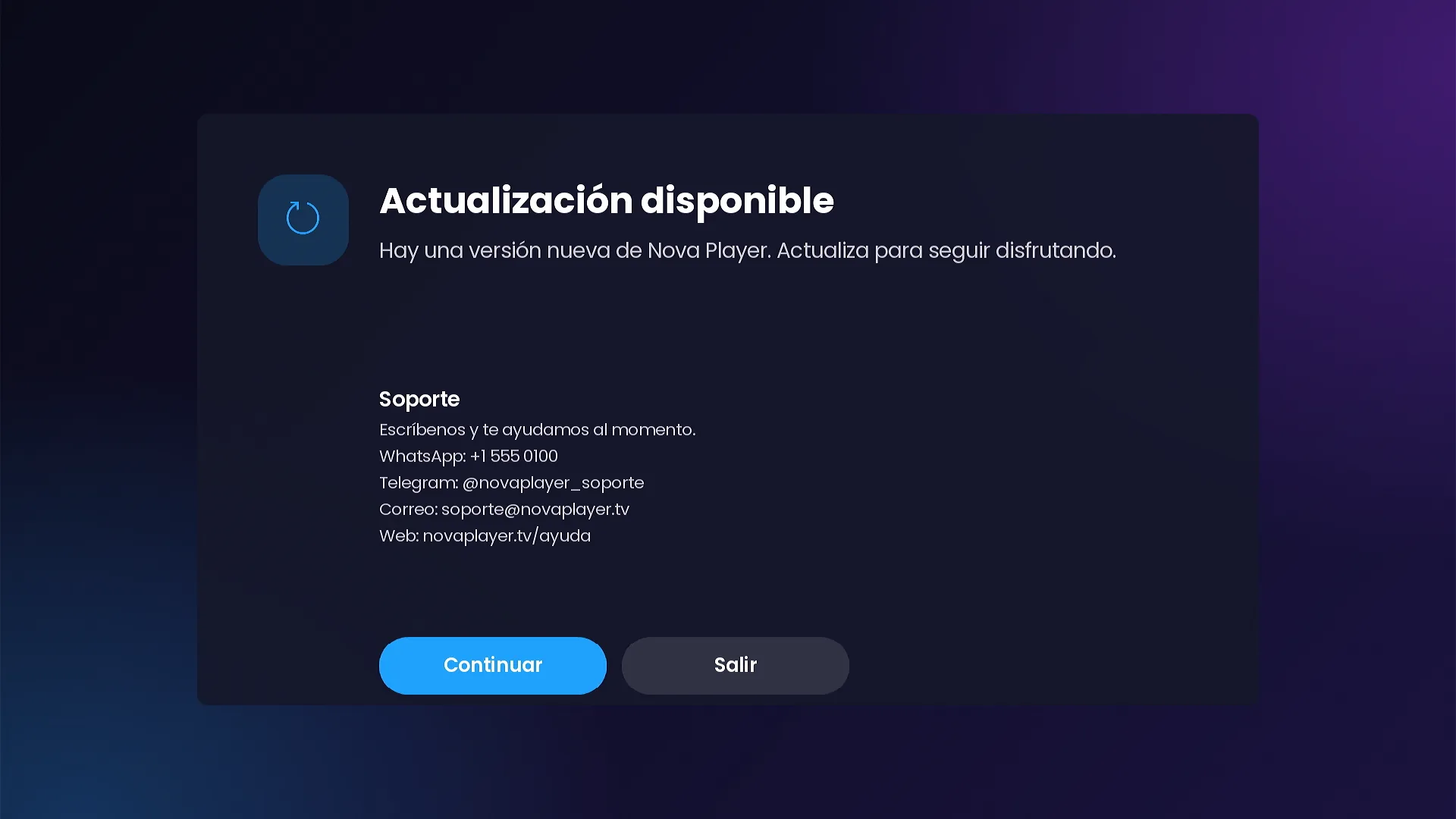
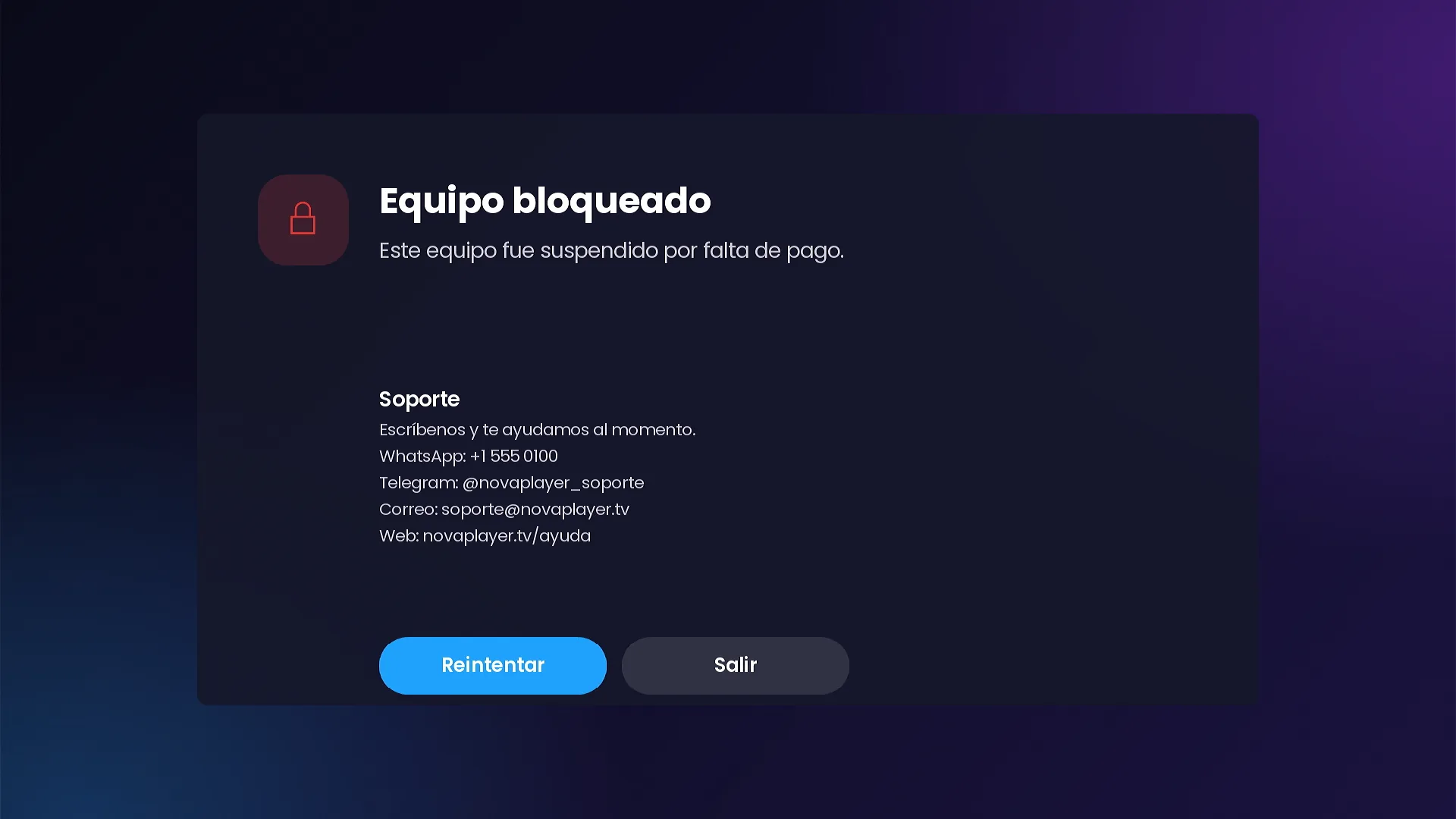
Put the channel in maintenance, announce a new version or block a device with your own message. The screen shows your support details so the customer can reach you.
- Minimum version: devices on an older version see the update notice.
- Support WhatsApp, Telegram, email and website (sample details in the demo).
Your own admin panel
You run the service, the channel follows.
A web panel (PHP + SQLite, installs on any hosting) where you manage everything your customer sees. The panel never connects to your IPTV servers: it only hands the channel the configuration you define.
- Xtream servers (DNS) and Stalker portals, with order and a trial per server.
- Users with access codes, expiry and device limits.
- Activation on TV and registered devices with model, version, IP, last seen and launches.
- Xtream, Stalker or M3U lists per device without touching the TV; blocking with your own message.
- Notices, appearance (brand, sign-in, 9 layouts, backgrounds, featured titles, 7 tiles), banners and themes.
- Sports, fast search, maintenance, minimum version, default language and TMDB.
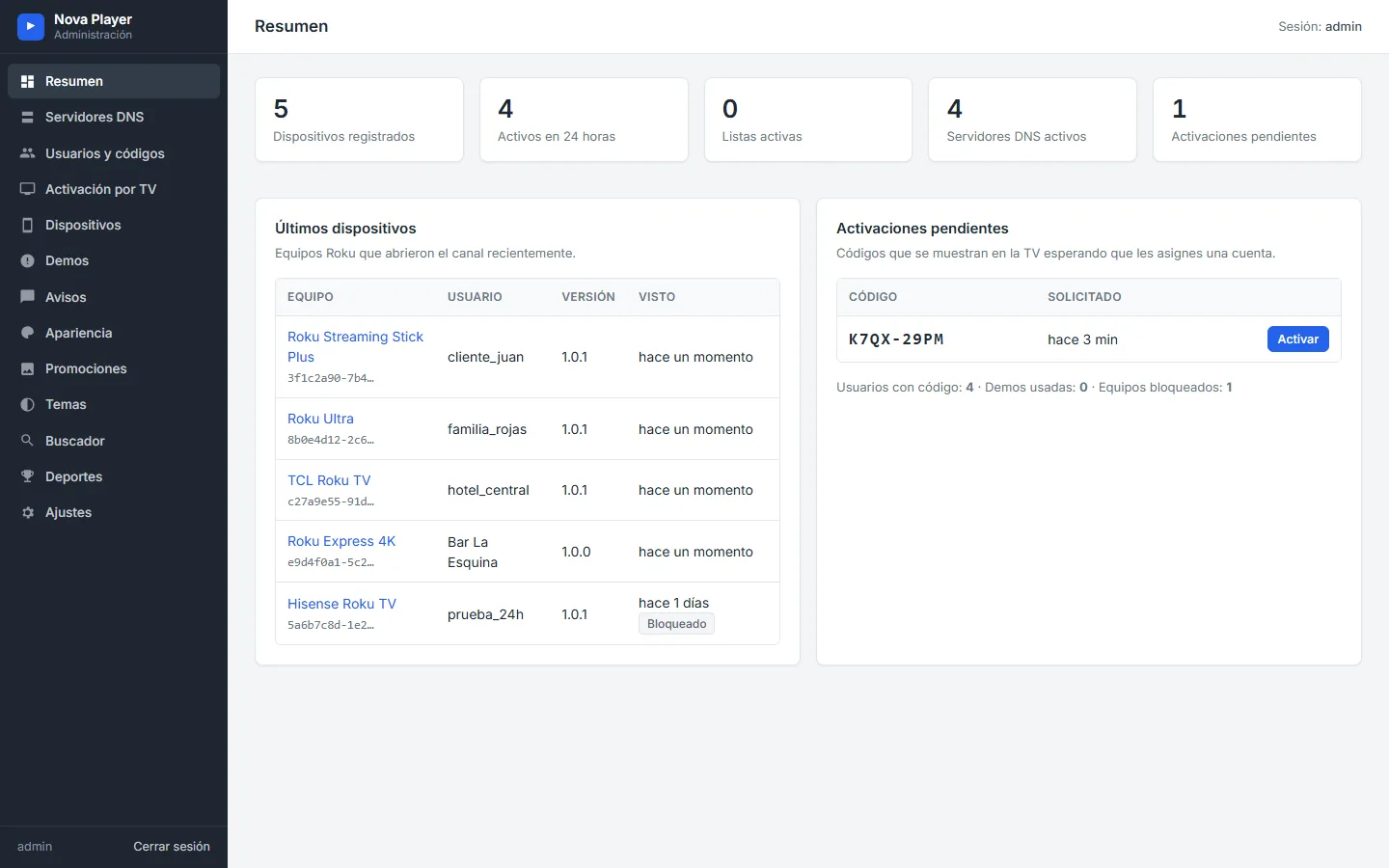
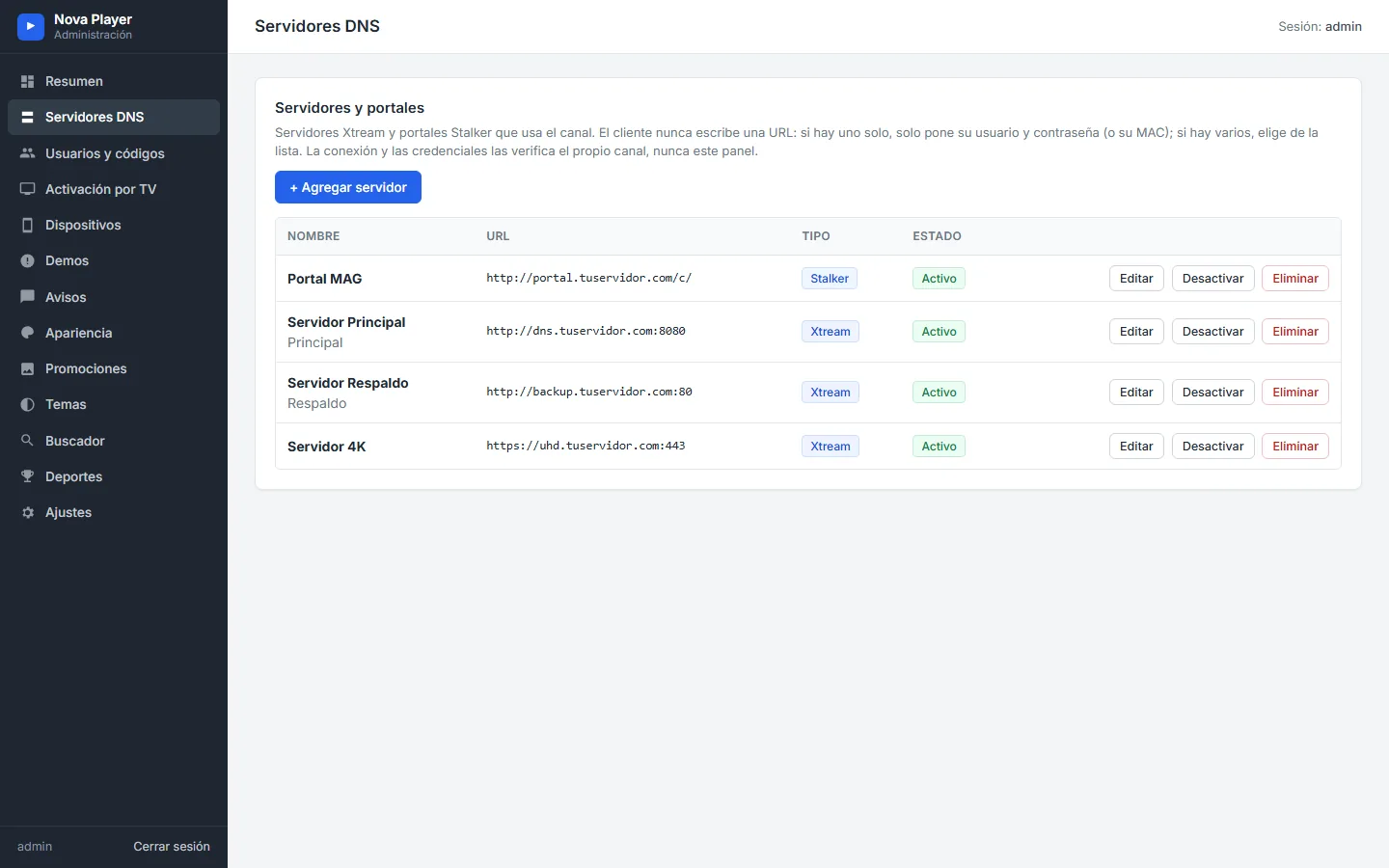
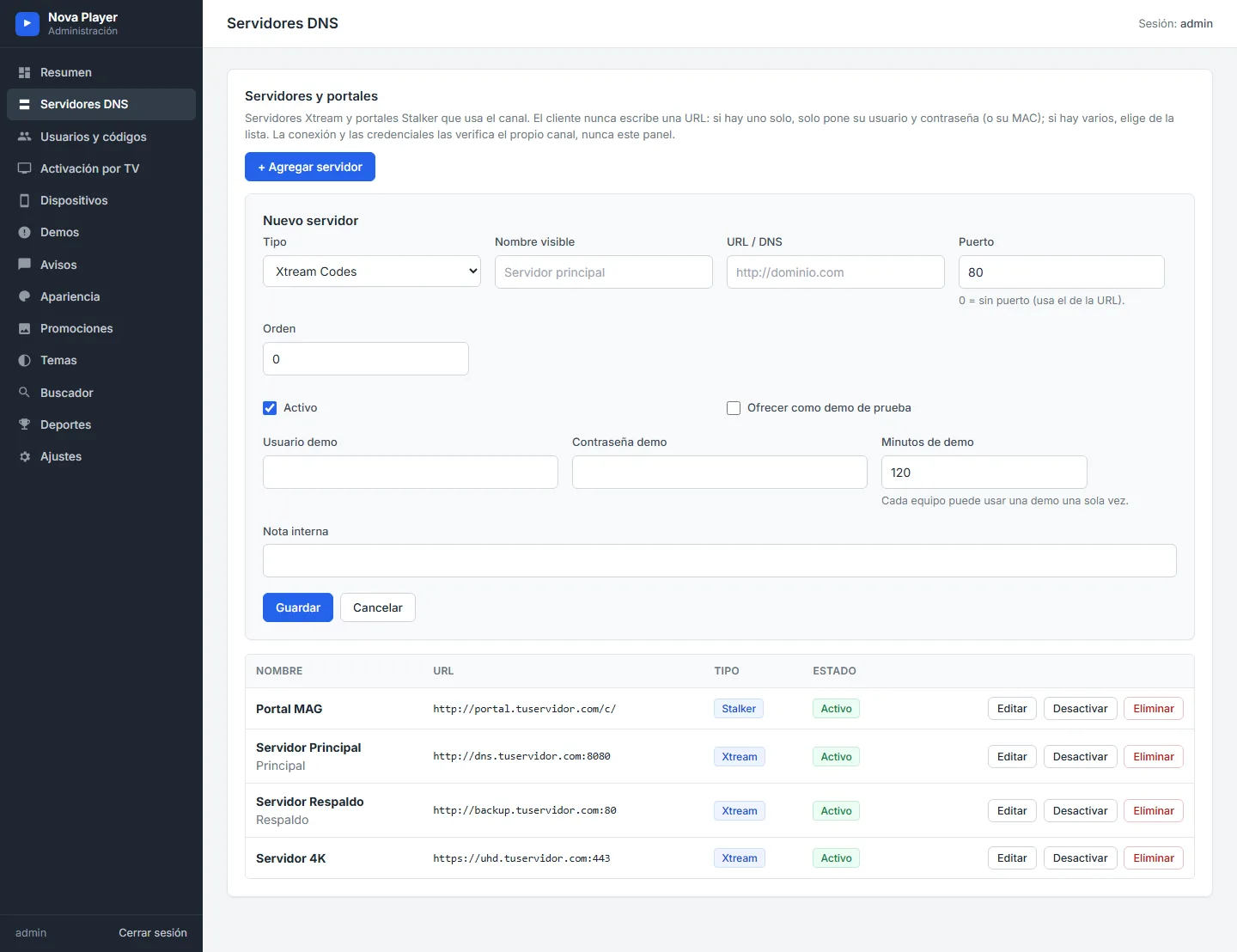
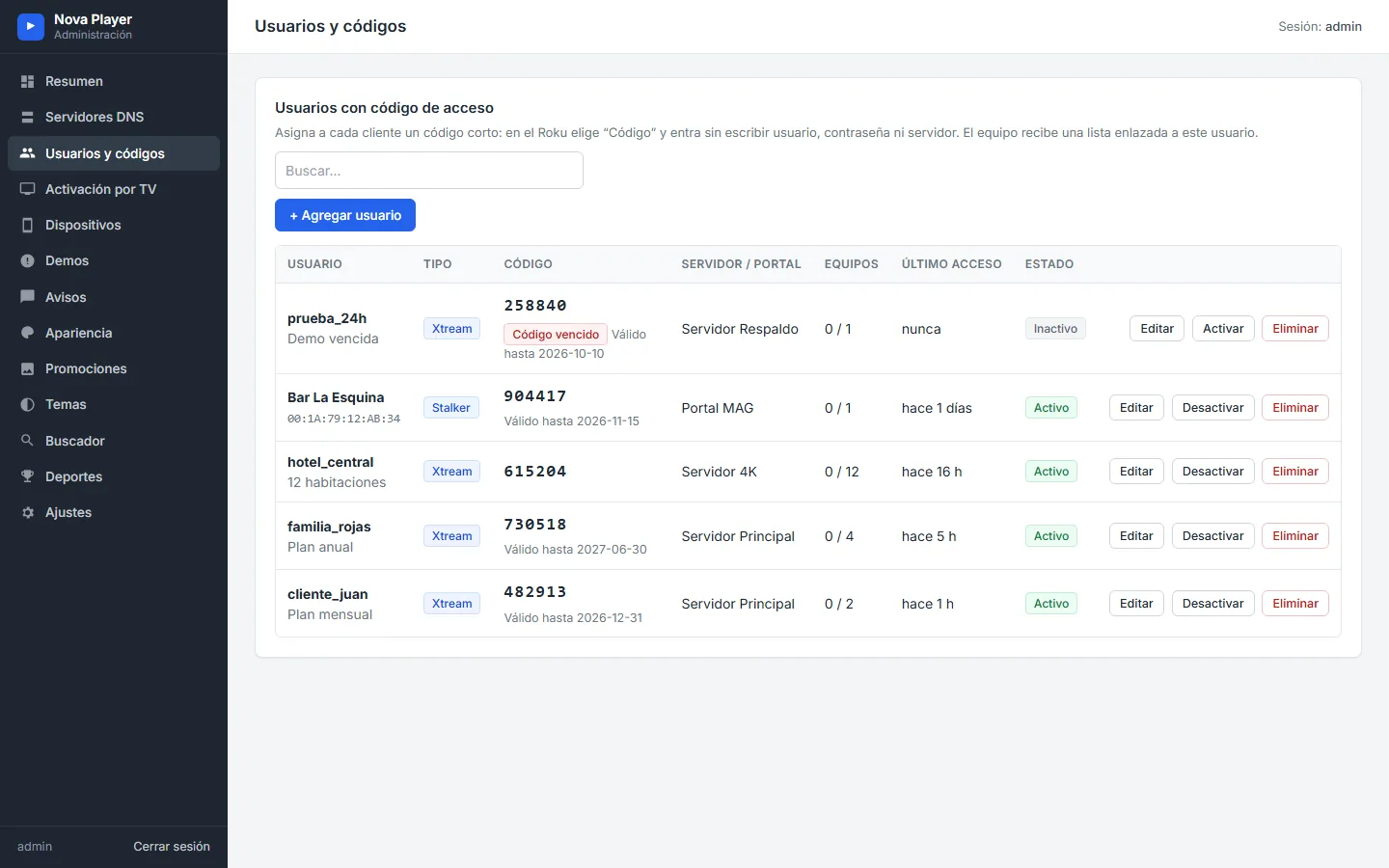
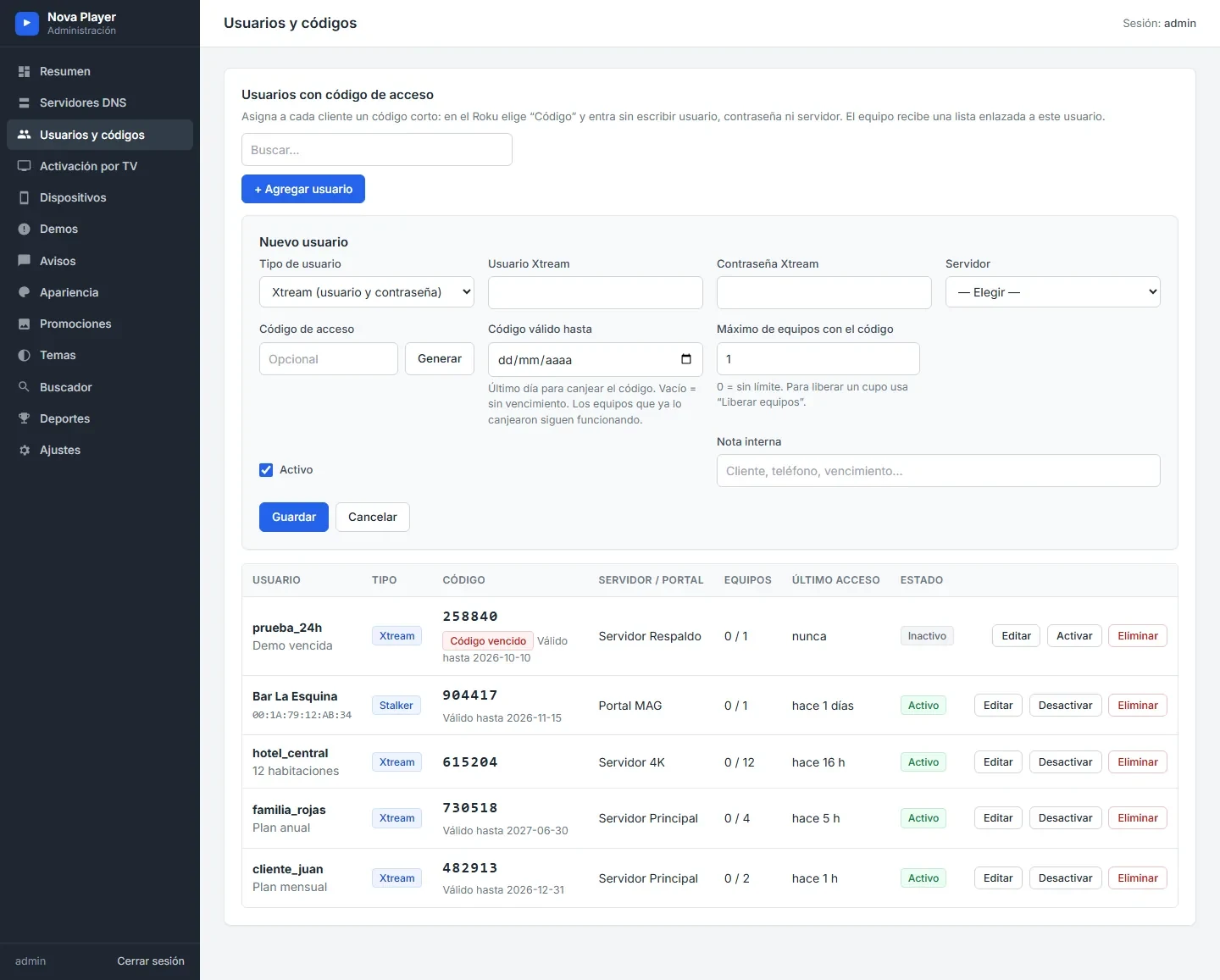
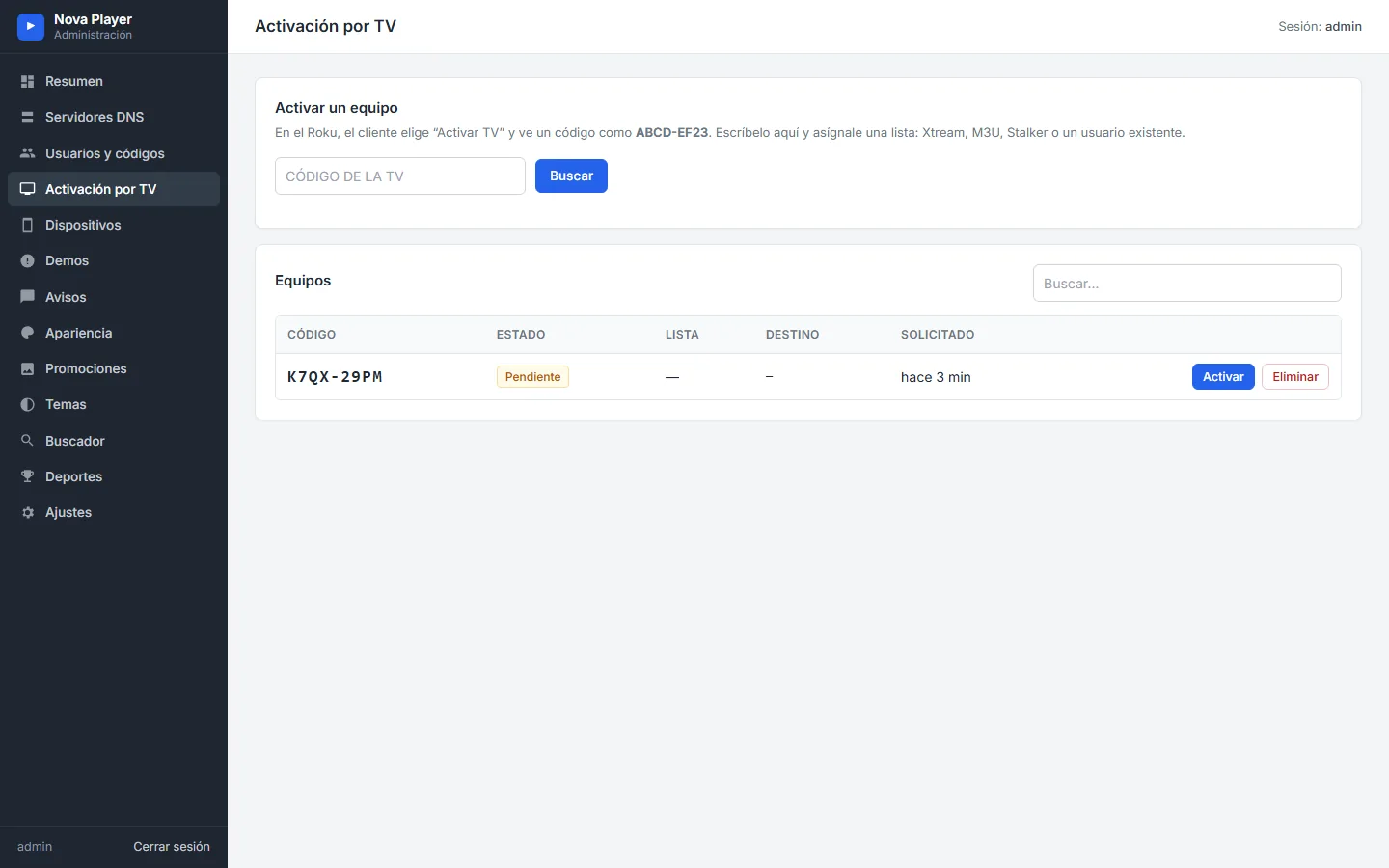
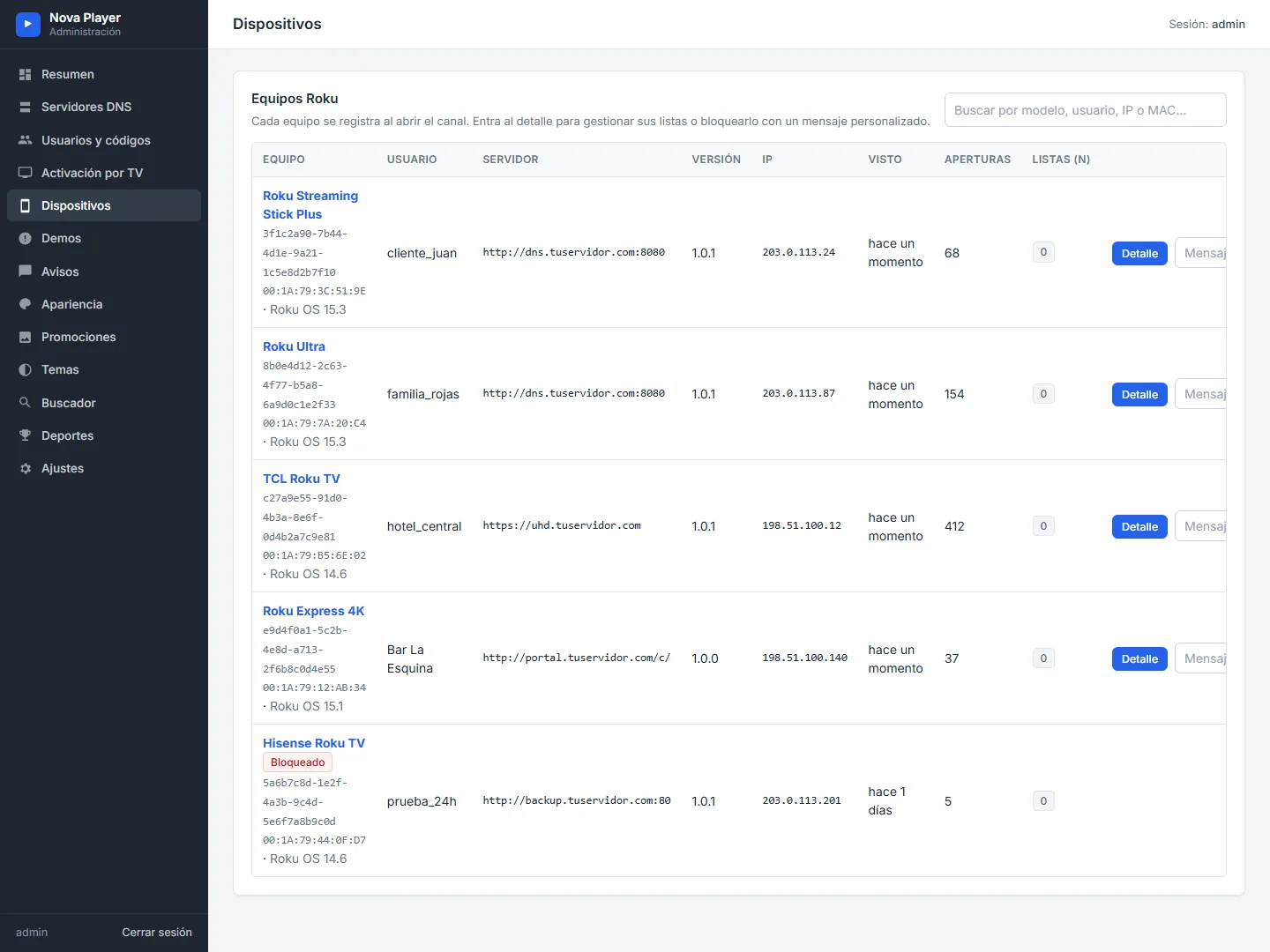
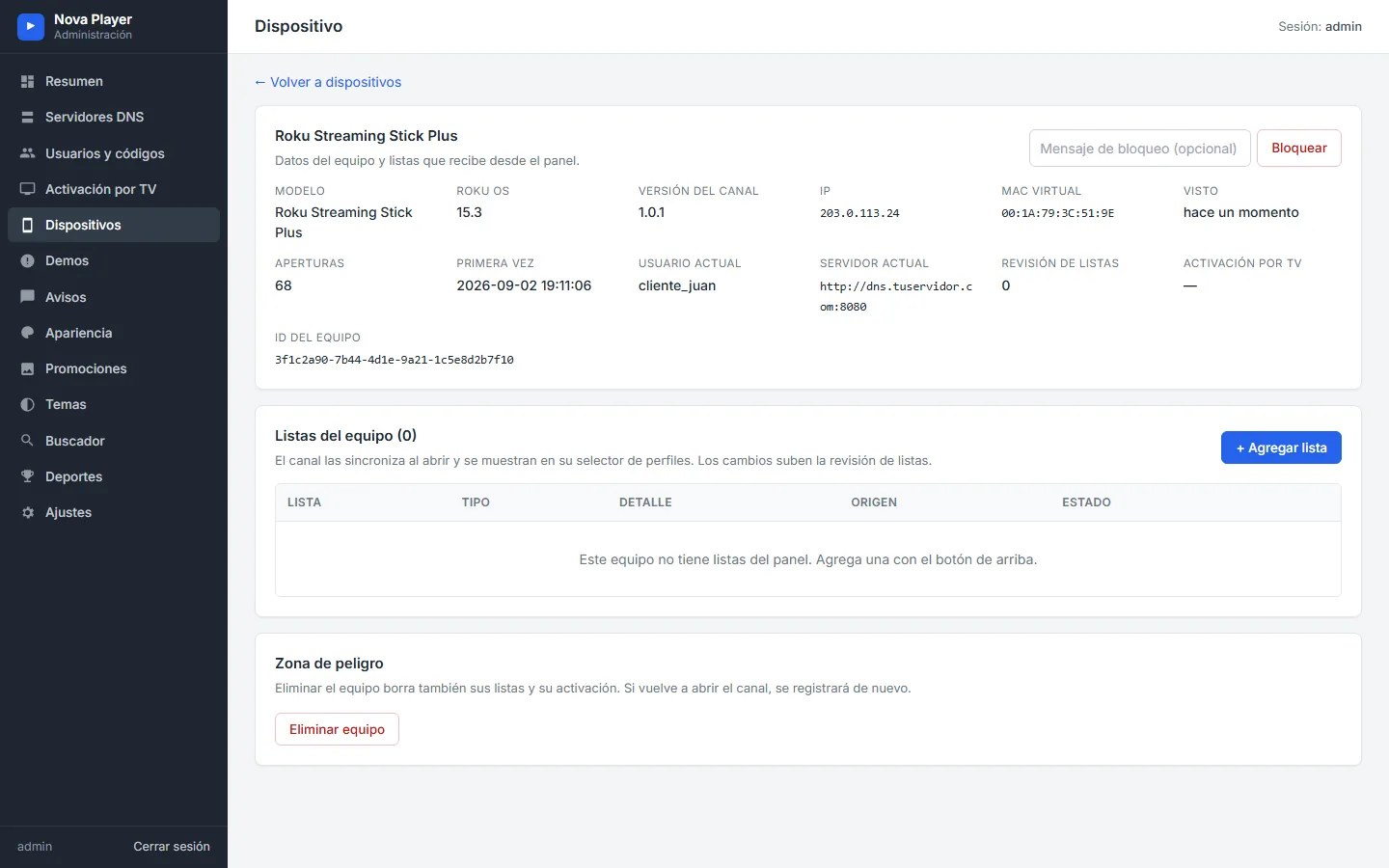
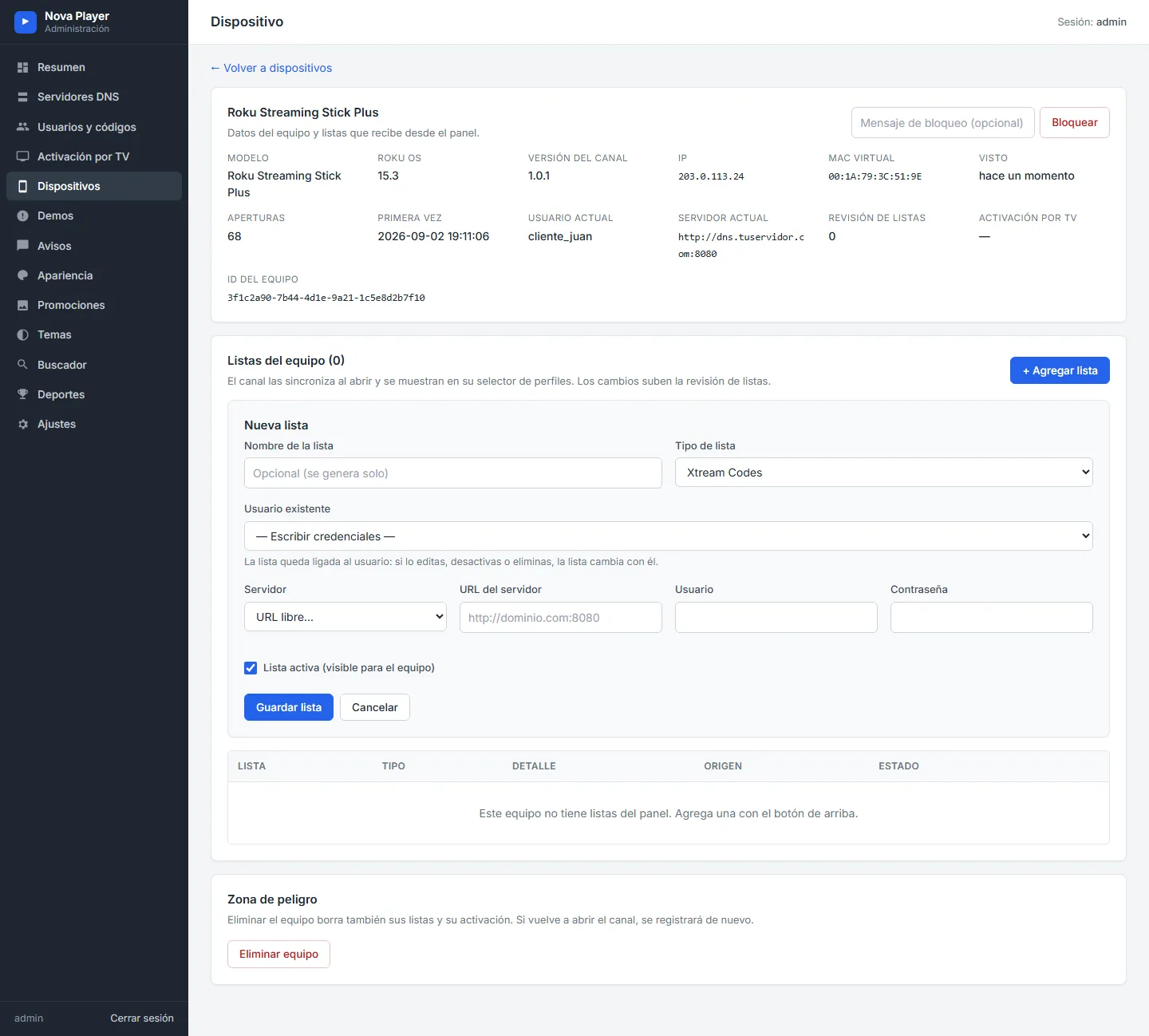
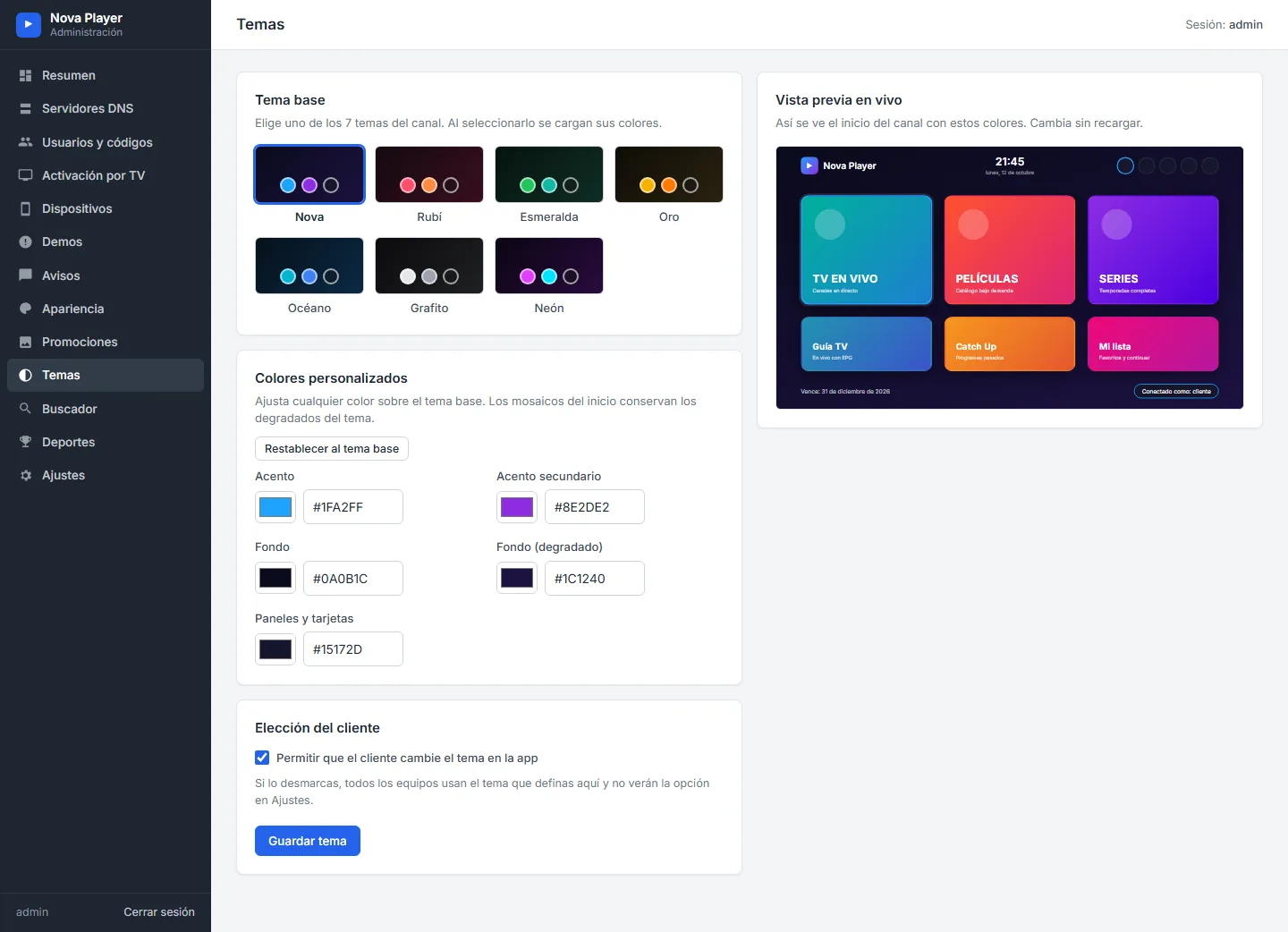
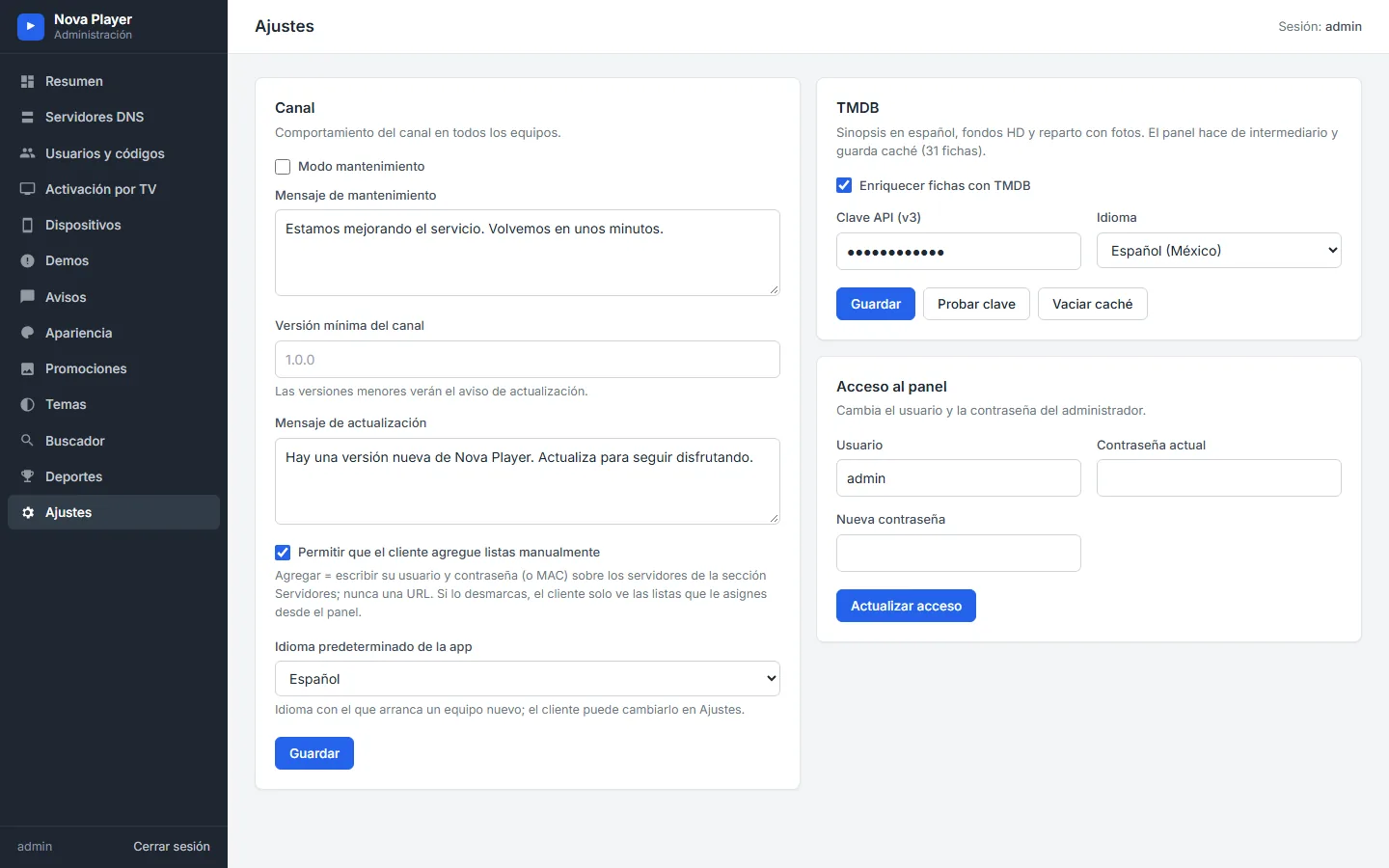
Panel screenshots with demo data (sample servers and customers).
Complete list
Every feature, option and screen.
Sign-in and accounts
- Xtream Codes (username and password)
- Stalker Portal / Ministra by MAC
- Portal username and password (when the portal requires them)
- Access code with expiry and device limit
- Activate on TV with a code
- Free trial per device
- M3U lists assigned from the panel
- Several profiles per device and user switching
- No URL fields: customers pick from your list
- Spanish, English and Portuguese
Home screen
- 9 layouts: Mosaic, Grid, Featured, Carousel, Side menu, Icons, Hero, Banner + tiles, Menu + banner
- 7 tiles: Live TV, Movies, Series, Sports, TV Guide, Catch Up, My list
- Own photo, title and subtitle per tile and language
- Backgrounds: theme, own image or rotating TMDB backdrops
- Featured titles with official logo (newest or trending)
- Top bar: search, refresh, profiles, settings, sign out
Live TV and guide
- Categories, channels with logos and live preview
- Now and next with progress
- Full screen without reconnecting
- Info bar with list, favorite, audio, subtitles and more
- Channel list over the video
- Stream information
- Grid guide with preview and time shift
- Catch Up by day (channels with archive)
- Automatic HLS or TS
Movies and series
- Catalog by category with ratings
- Detail pages with HD backdrop, synopsis, director and cast (TMDB)
- Resume or start over
- Seasons, episodes with image and running time
- Smarters-style player: time bubble, ±10 s, end time
- Previous/next episode, episode list, auto next episode
- Audio and subtitles
- Favorites, recents, My list and continue watching
Sports and search
- Scores, fixtures and standings for the leagues you pick in the panel
- Search for channels, movies and series at once
- Optional fast search for large catalogs
Settings and parental control
- Account: status, expiry, connections, created, edit, switch user
- Player: preview, info on zap, next episode, subtitles, animations, format
- Language, theme and 12/24-hour time
- 4-digit PIN and adult mode per profile (hidden, PIN, visible)
- Category locks in live TV, movies and series
- Data: refresh, clear cache, history, progress, My list, reset
- Support (device MAC and ID) and About
Provider messages and control
- Notices on launch
- Maintenance mode
- Update notice with a minimum version
- Device blocking with your own message
- Support details: WhatsApp, Telegram, email and website
- Promo banners with dates and order
Admin panel
- Dashboard, DNS servers and Stalker portals
- Users and codes, activation on TV
- Devices, lists per device, blocking
- Trials, notices, appearance, promotions, themes
- Sports, search, settings and admin access
- TMDB and sports keys stored only in your panel
Specs
Technical sheet
- Platform
- Roku only: Roku players and Roku TVs · Full HD 1080p interface
- Protocols
- Xtream Codes (HLS and TS) · Stalker Portal / Ministra (MAC) · M3U from the panel
- Sign-in
- Username · Stalker · Code · Activate on TV · Trial
- Guide (EPG)
- Yes, grid guide with preview and time shift
- Catch Up
- Yes, on channels with an archive on your server
- Parental control
- 4-digit PIN, adult mode per profile and category locks
- Languages
- Spanish, English and Portuguese
- Customization
- 7 themes + custom colors · 9 home layouts · photos and texts per tile
- Panel
- PHP 7.4 or newer + SQLite · any hosting
- Optional data
- TMDB (details and backdrops) · TheSportsDB (sports)
How it works
From your order to your published channel.
You place the order
One-time payment at the launch price, on WhatsApp or Telegram.
You send your brand
Channel name, logo, icon and colors. If you like, the sign-in background too.
We publish it with your brand
We prepare your channel, install your panel and publish it on Roku under your name.
You add your servers and sell
Add your Xtream DNS and Stalker portals, create users and activate devices from your panel.
Launch price
One payment. Your channel, your brand.
SMARTERS PREMIUM - ROKU (Xtream & Stalker Portal)
$350$200
One-time payment · no monthly app fees · regular price $350
- Roku channel published with your name, logo, icon and colors
- Your own admin panel, installed
- Xtream Codes, Stalker Portal, codes, activation on TV and trials
- Live TV, guide, Catch Up, movies, series, sports and search
- 7 themes, 9 home layouts, banners and notices
- Spanish, English and Portuguese
- 2 rounds of adjustments included
Guides on the blog
Every part of the channel, explained.
For your business
Why a Roku channel with your brand.
FAQ
Questions about SMARTERS PREMIUM - ROKU
Can't find your answer? Message us on WhatsApp or Telegram and we'll reply personally.
Is it only for Roku?
Is it published with my brand?
Does it include an admin panel?
How do my customers sign in?
Do my customers have to type a server URL?
Is it a one-time payment?
Do I need any API keys?
Can I change the look without publishing a new version?
Can I put the service in maintenance or block a device?
Which languages does it support?
Your own Roku channel, with your brand, at the launch price.
Roku only · your own panel · $200 one-time (then $350)