Buying a branded Roku channel? 12 things to check before you pay
A practical checklist for resellers comparing Roku channels: your brand, your panel, sign-in options, live TV, the player, family controls, design and how you pay.
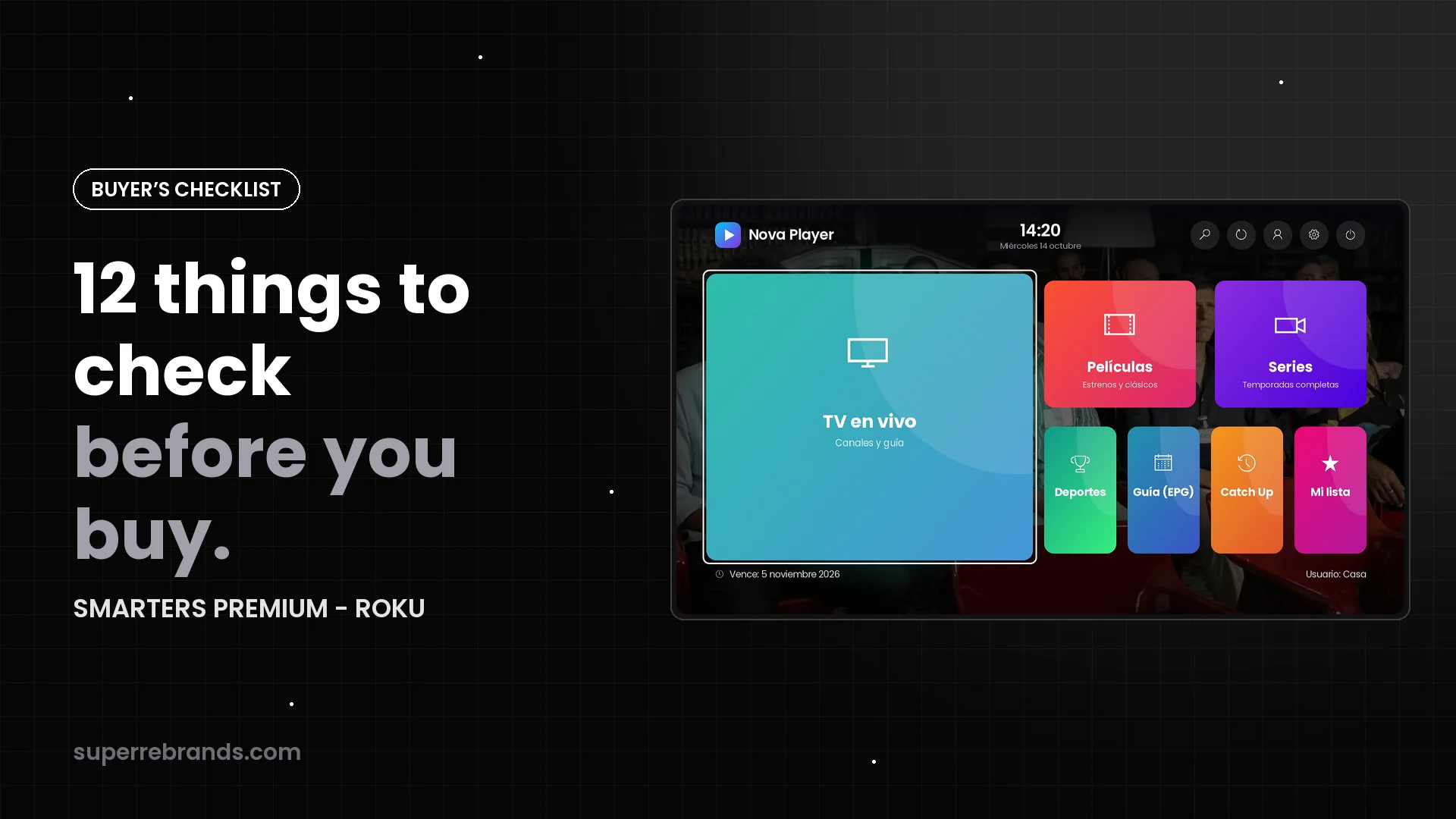
Not every “Roku app with your logo” is the same product. Before you pay, check these twelve points. They decide how professional your service looks, how many support messages you get and how much the app really costs you over time.
The checklist
| # | Check | SMARTERS PREMIUM - ROKU |
|---|---|---|
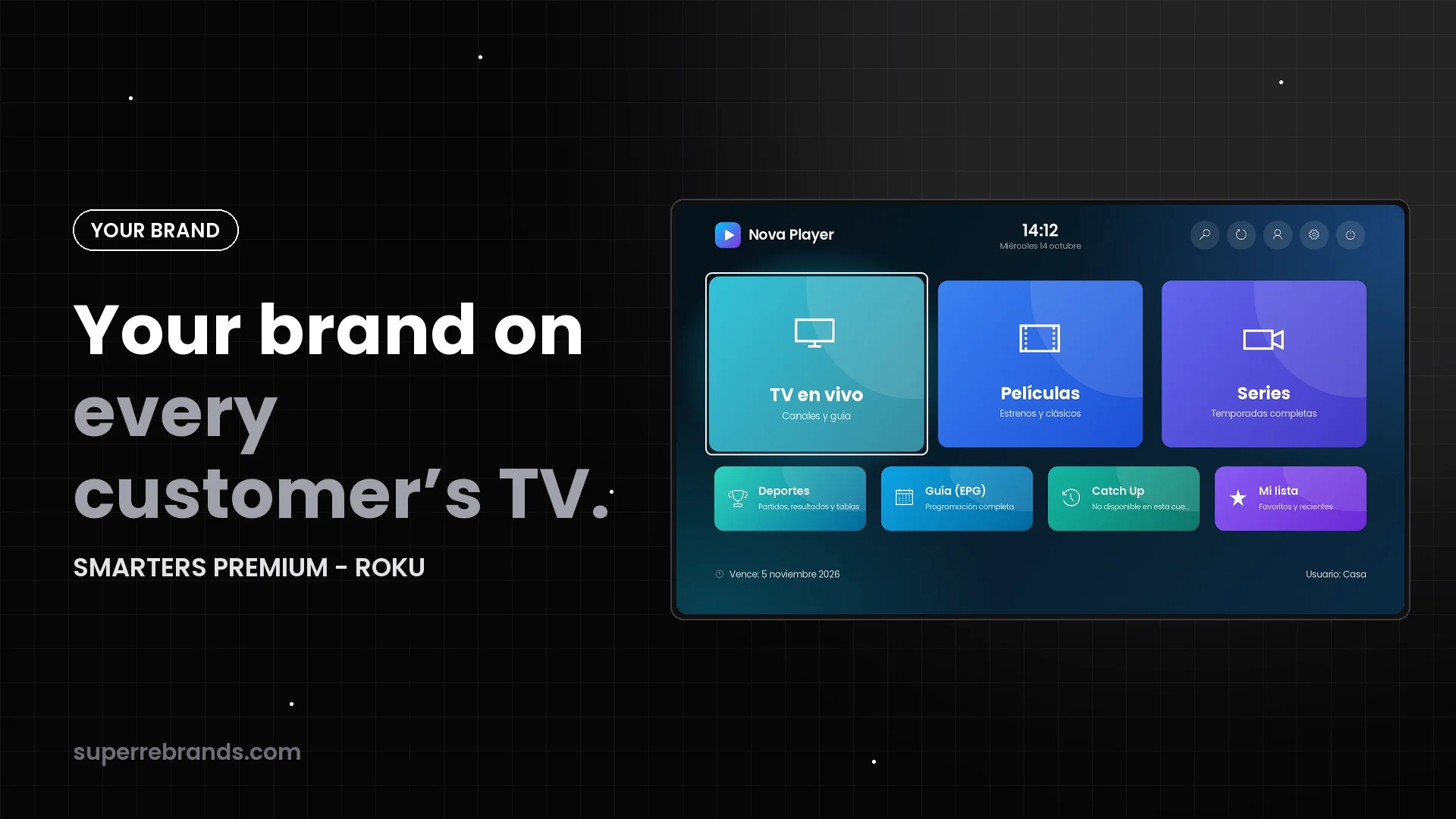
| 1 | Published under your name, logo, icon and colors | Yes |
| 2 | Your own admin panel | Yes, installed (PHP + SQLite) |
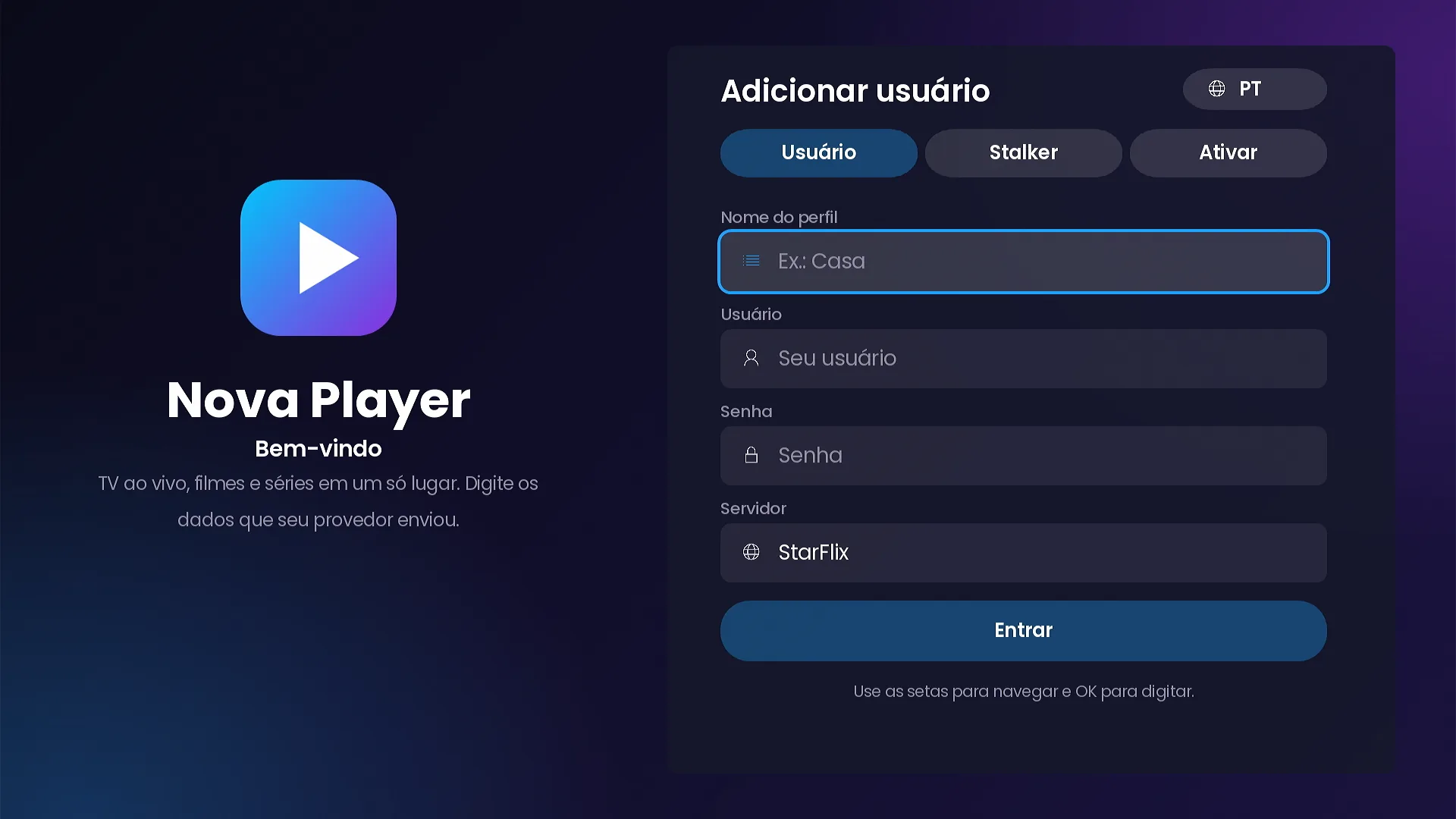
| 3 | Xtream Codes sign-in | Yes, server picked from your list |
| 4 | Stalker Portal (MAC) sign-in | Yes, MAC filled in, portal user only if needed |
| 5 | No server addresses for customers to type | Yes, no URL fields |
| 6 | Activation without typing | Activate on TV and access codes |
| 7 | Device control | Device list, lists per device, blocking |
| 8 | Messages to customers | Notices, maintenance, update notice, banners |
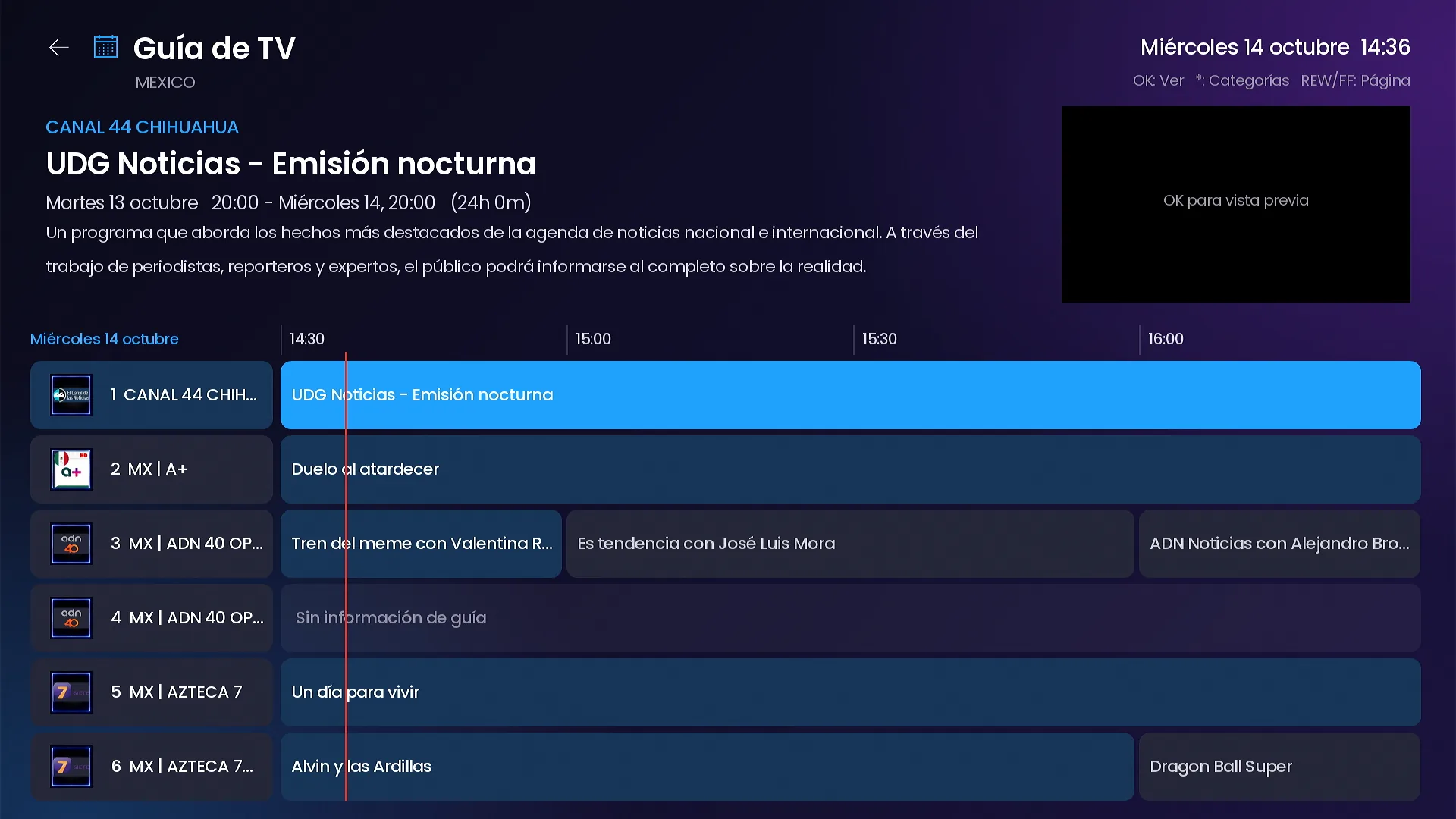
| 9 | Live TV with a real guide | Live preview, grid guide, Catch Up |
| 10 | Movies and series with a modern player | Detail pages, resume, Smarters-style player |
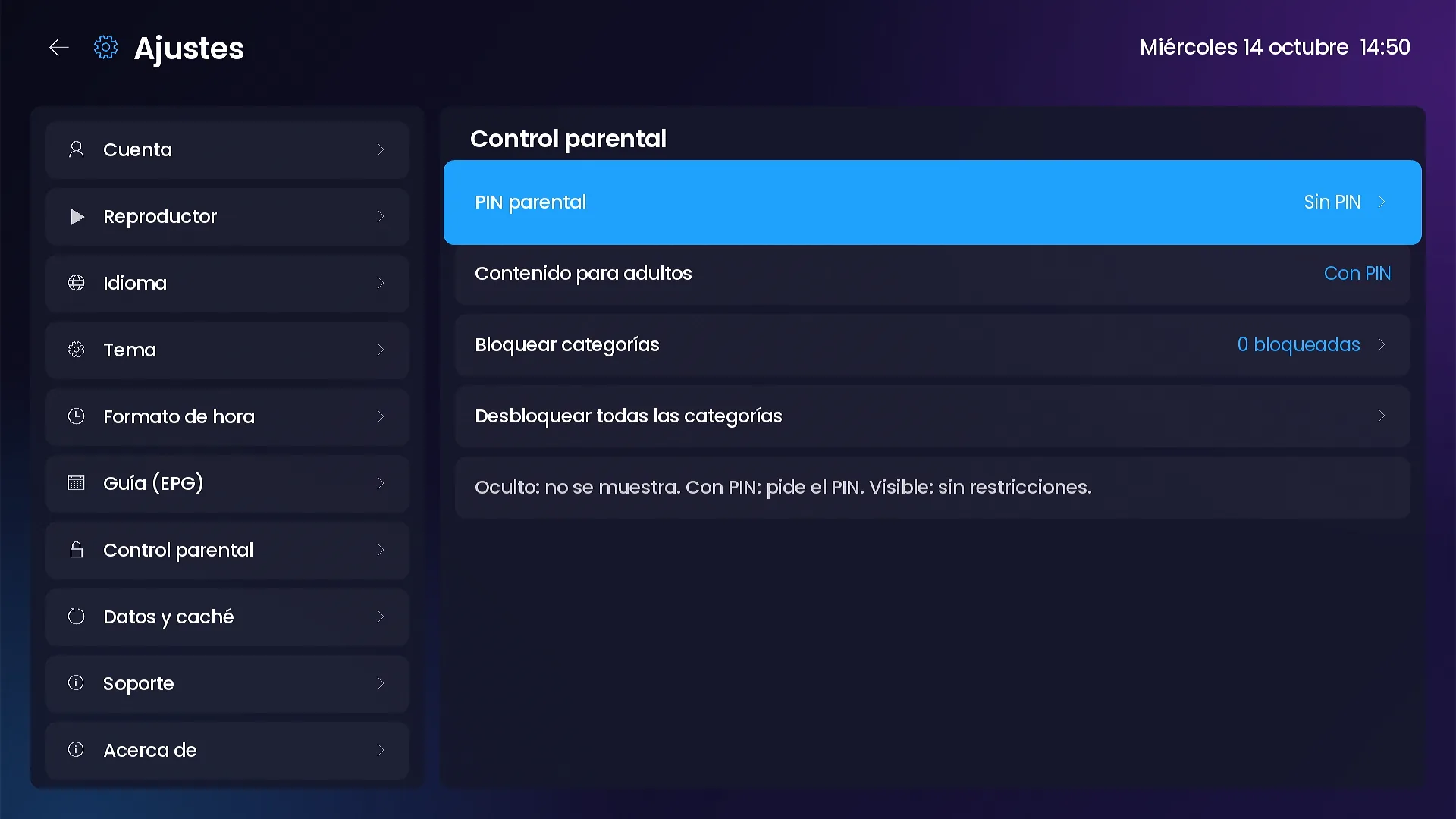
| 11 | Family controls | 4-digit PIN, adult mode per profile, category locks |
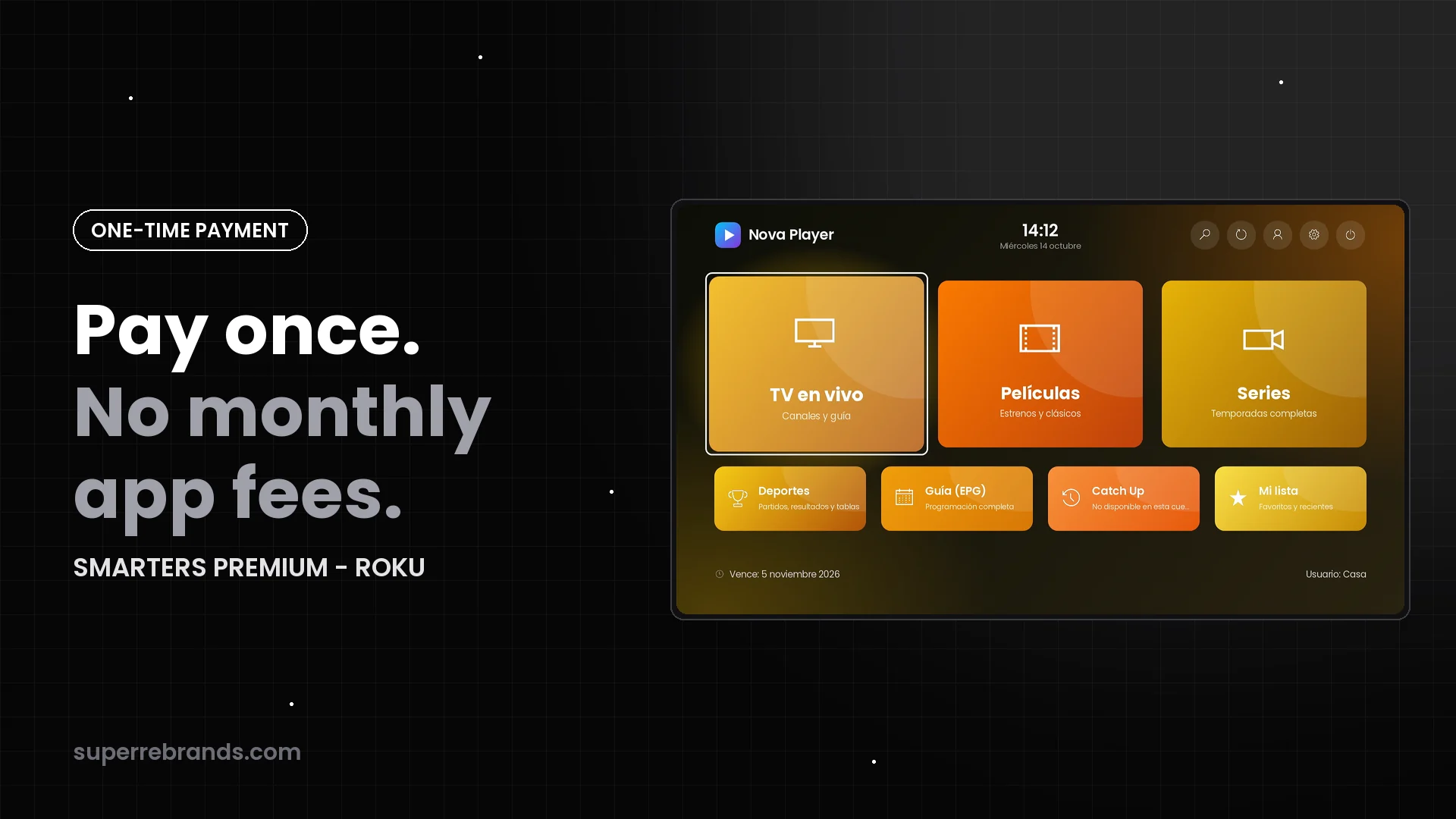
| 12 | How you pay | One-time payment, no monthly app fees |
1–2. Your brand and your panel
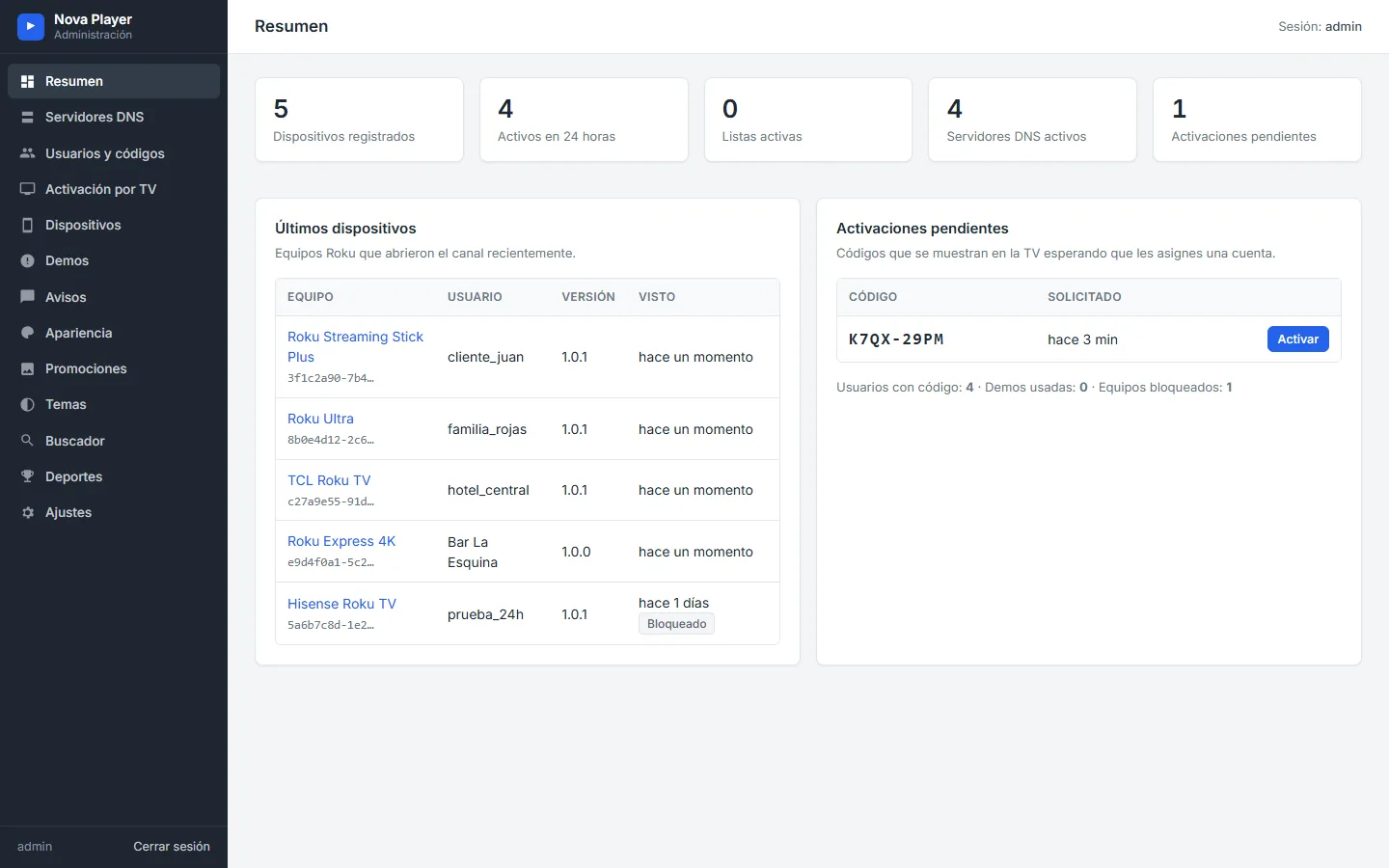
A logo inside someone else’s app is not your channel. Check that the app is published under your name, and that you get your own admin panel: without it, every change depends on the developer.
3–6. Sign-in that doesn’t create support work
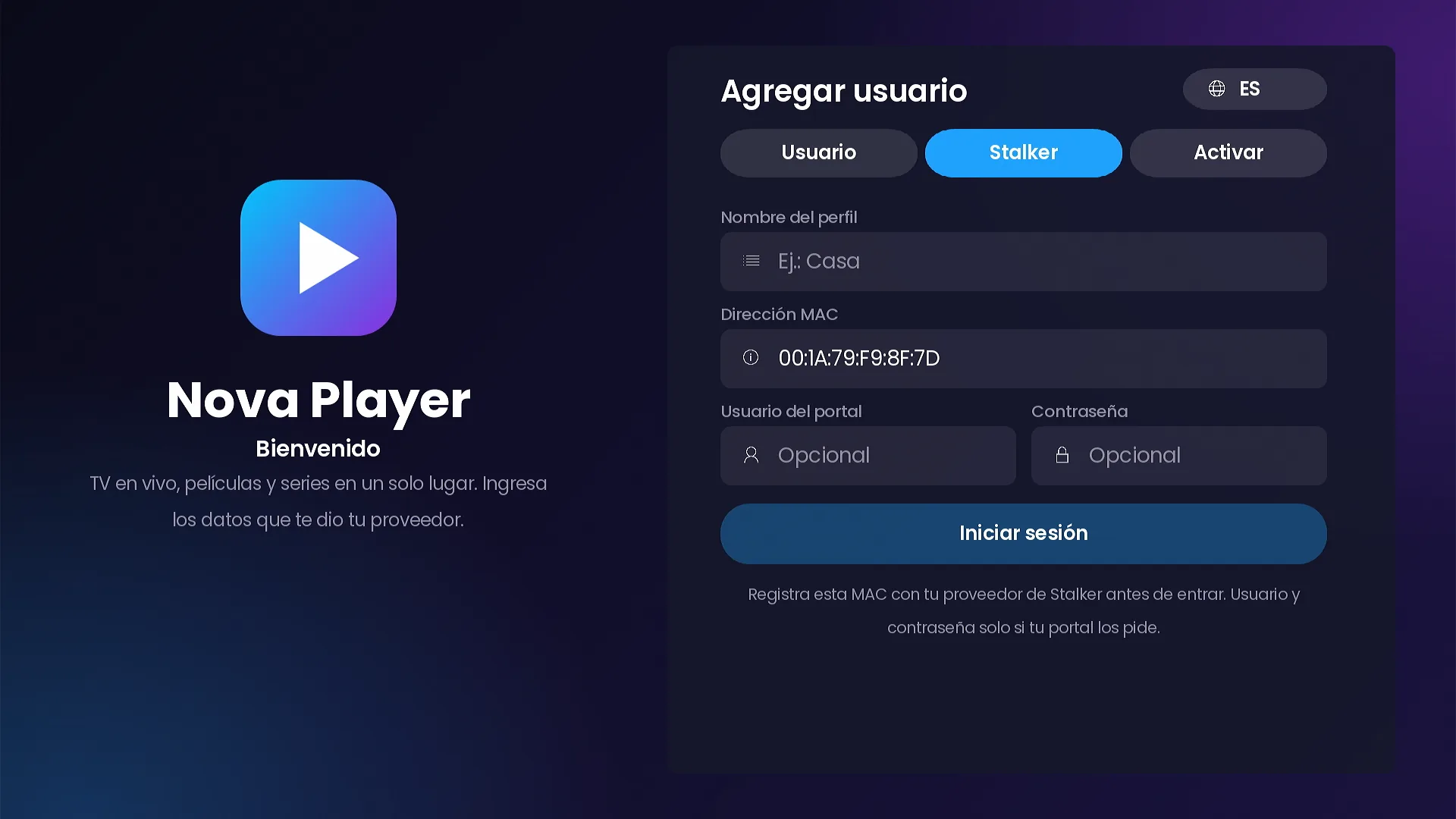
Check which access systems the channel supports and how customers sign in. SMARTERS PREMIUM covers Xtream Codes and Stalker Portal, never asks customers to type a server address, and offers Activate on TV and short access codes. More in our sign-in guide.
7–8. Control after the sale
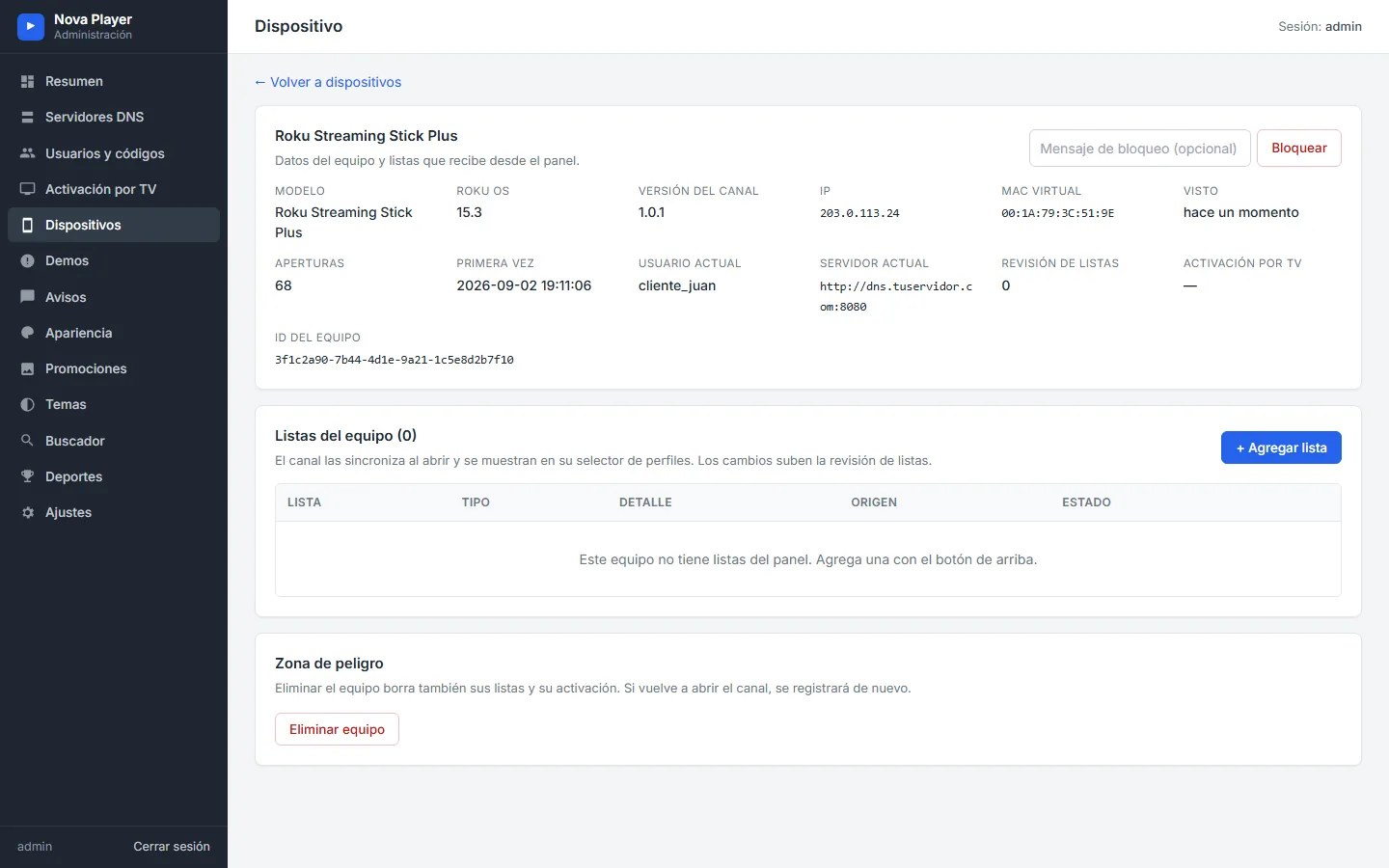
Selling is only the start. You need to see devices, assign lists, block a device when needed, and reach every customer with notices, maintenance messages and update notices.
9–11. What customers see every day
Live TV with a live preview and a grid guide, movies and series with real detail pages and resume, and parental controls for shared TVs are what customers notice every day.
12. How you pay
Rented apps cost you every month or every activation. SMARTERS PREMIUM - ROKU is a one-time payment. The full math is in one-time payment vs monthly fees.
Bonus: languages and design
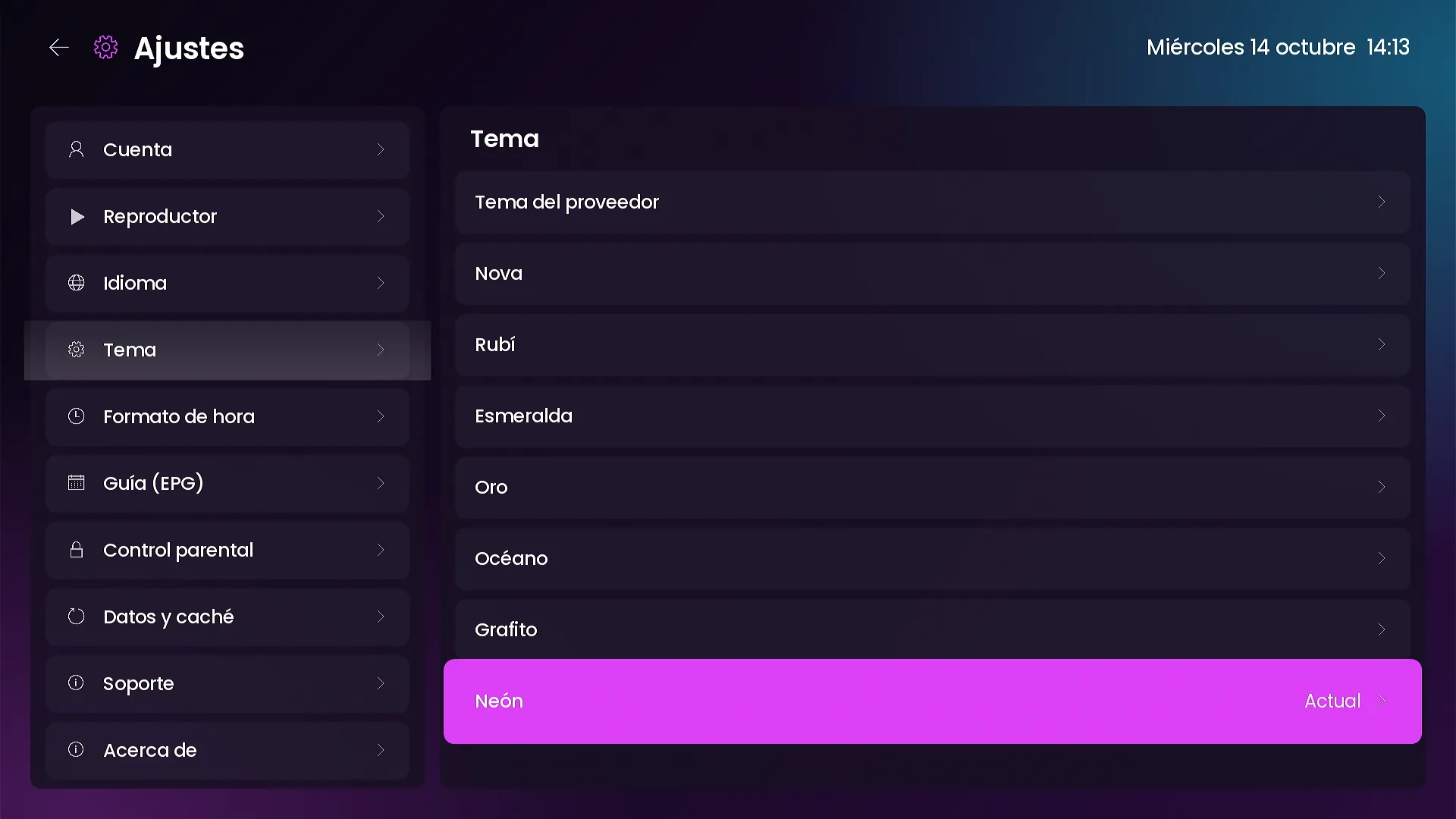
Check that the channel speaks your customers’ languages and that you can change the look without a new version. SMARTERS PREMIUM speaks Spanish, English and Portuguese, and offers 7 color themes and 9 home layouts, all changed from the panel.
Frequently asked questions
Where can I see the channel working?
On the full page, with 15 videos and 93 screenshots of the channel and the panel.
Is there a version for Android?
SMARTERS PREMIUM is Roku-only. For Android, Android TV and Fire TV, see the branded apps in our catalog.
How much does it cost?
The launch price is $200, paid once (regular price $350). There are no monthly fees for the app.
Keep reading
- One-time payment vs monthly fees: what a branded Roku channel really costs
- How to launch your own Roku channel with your brand in 4 steps
- SMARTERS PREMIUM for Roku: the full launch overview
SMARTERS PREMIUM - ROKU (Xtream & Stalker Portal) is available at a $200 launch price (regular $350), a one-time payment with no monthly app fees. It is published on Roku with your brand and comes with your own admin panel. Watch all 15 videos on the full page or view it in the catalog.