How to launch your own Roku channel with your brand in 4 steps
From order to a Roku channel published with your name: what to send, what we do, and how you start selling with SMARTERS PREMIUM - ROKU and your own panel.
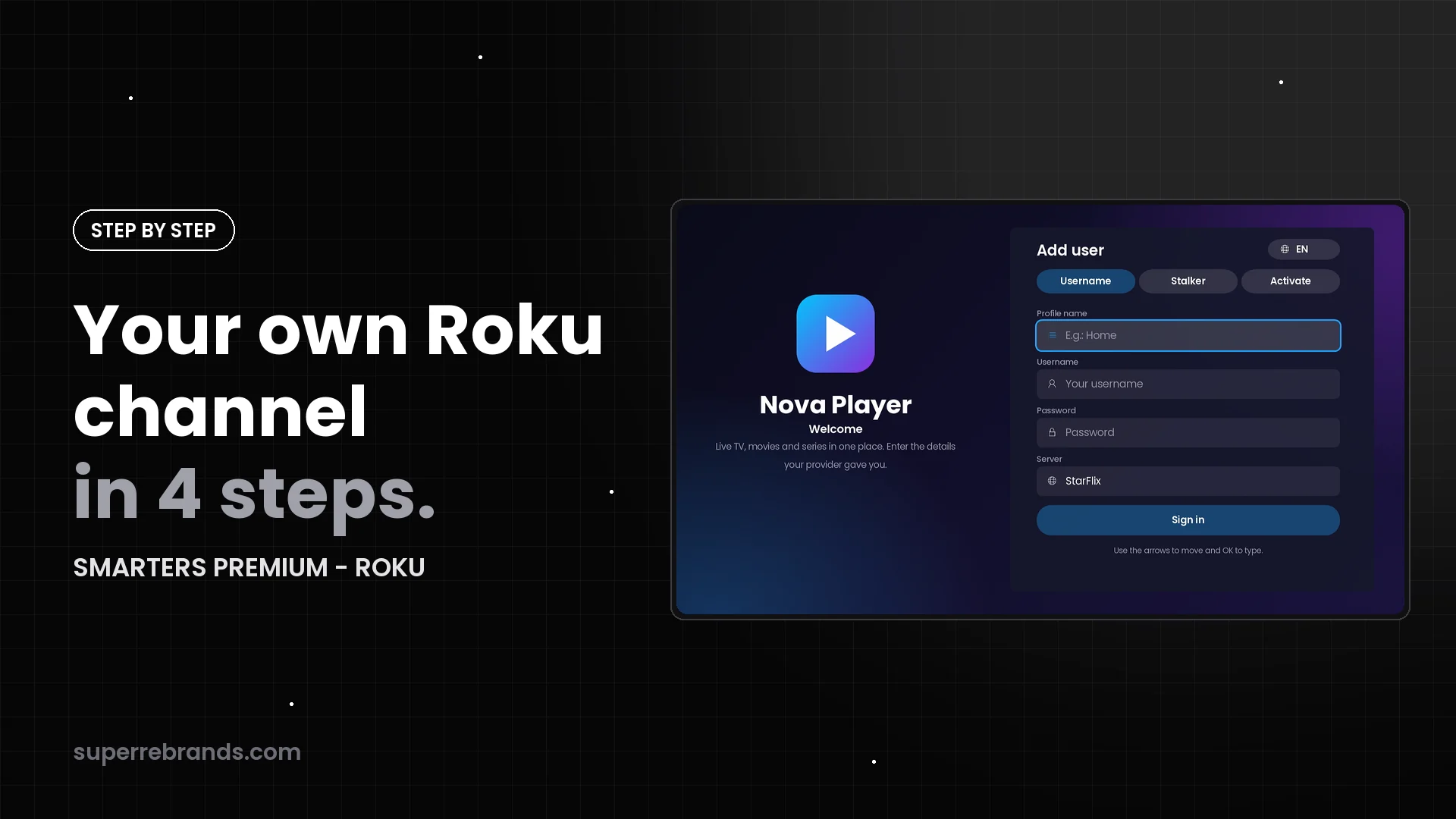
Launching your own Roku channel sounds like a development project. With SMARTERS PREMIUM - ROKU it takes four steps, and only two of them need you.
1. Place your order
Write to us on WhatsApp or Telegram. SMARTERS PREMIUM - ROKU is a one-time payment: $200 launch price (regular $350), with no monthly app fees.
2. Send your brand
This is what we need from you:
- The channel name your customers will see on Roku.
- Your logo and channel icon, ideally PNG files with a transparent background.
- Your brand colors.
- Optional: a background for the sign-in screen.
Tip: choose a short name that is easy to read on a TV from the sofa.
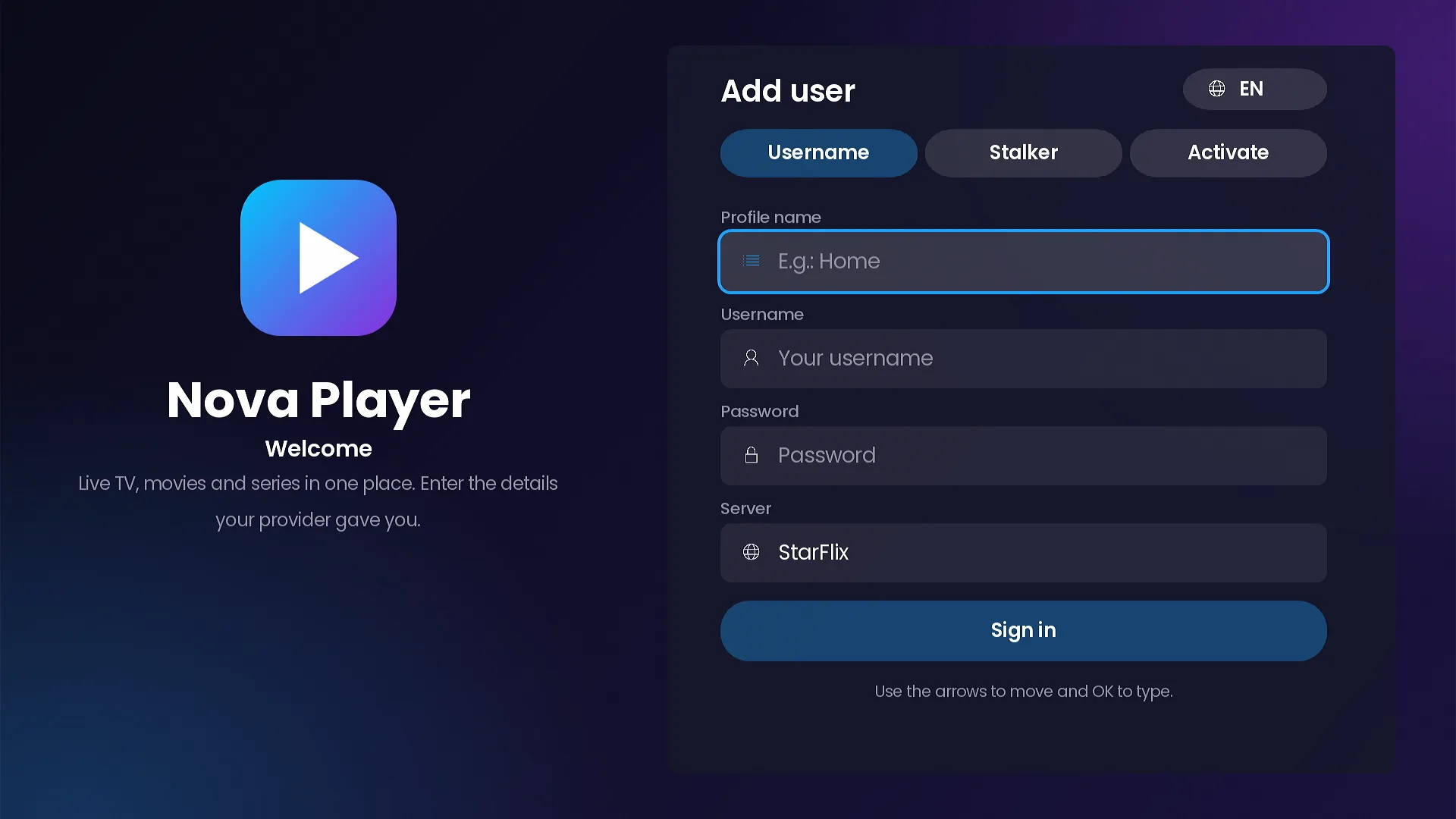
3. We publish it with your brand
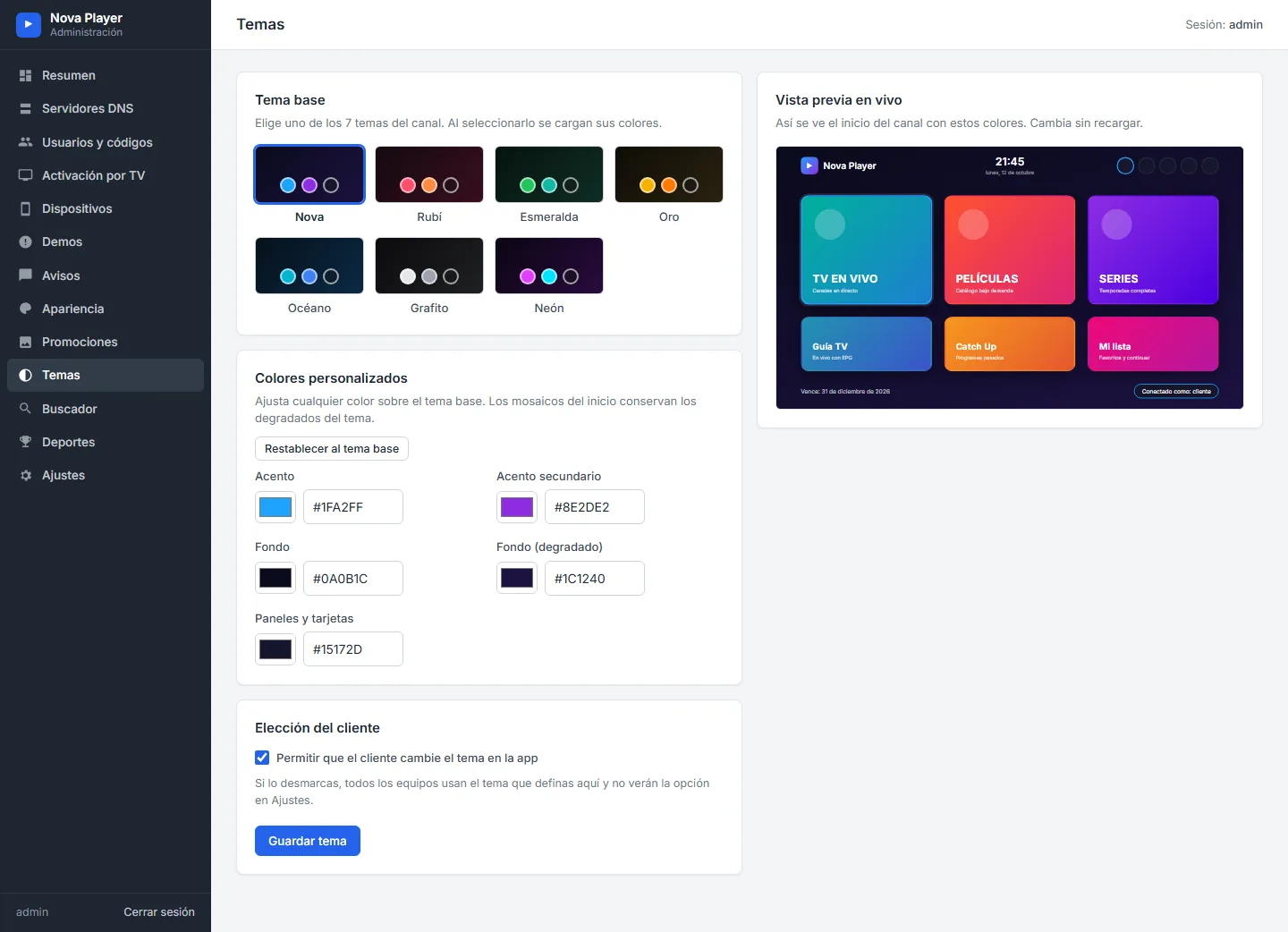
We prepare your channel, install your admin panel and publish the channel on Roku under your name. Your default theme and home layout are set the way you want, and two rounds of adjustments are included.
4. Add your servers and start selling
Once the channel is live, everything happens in your panel:
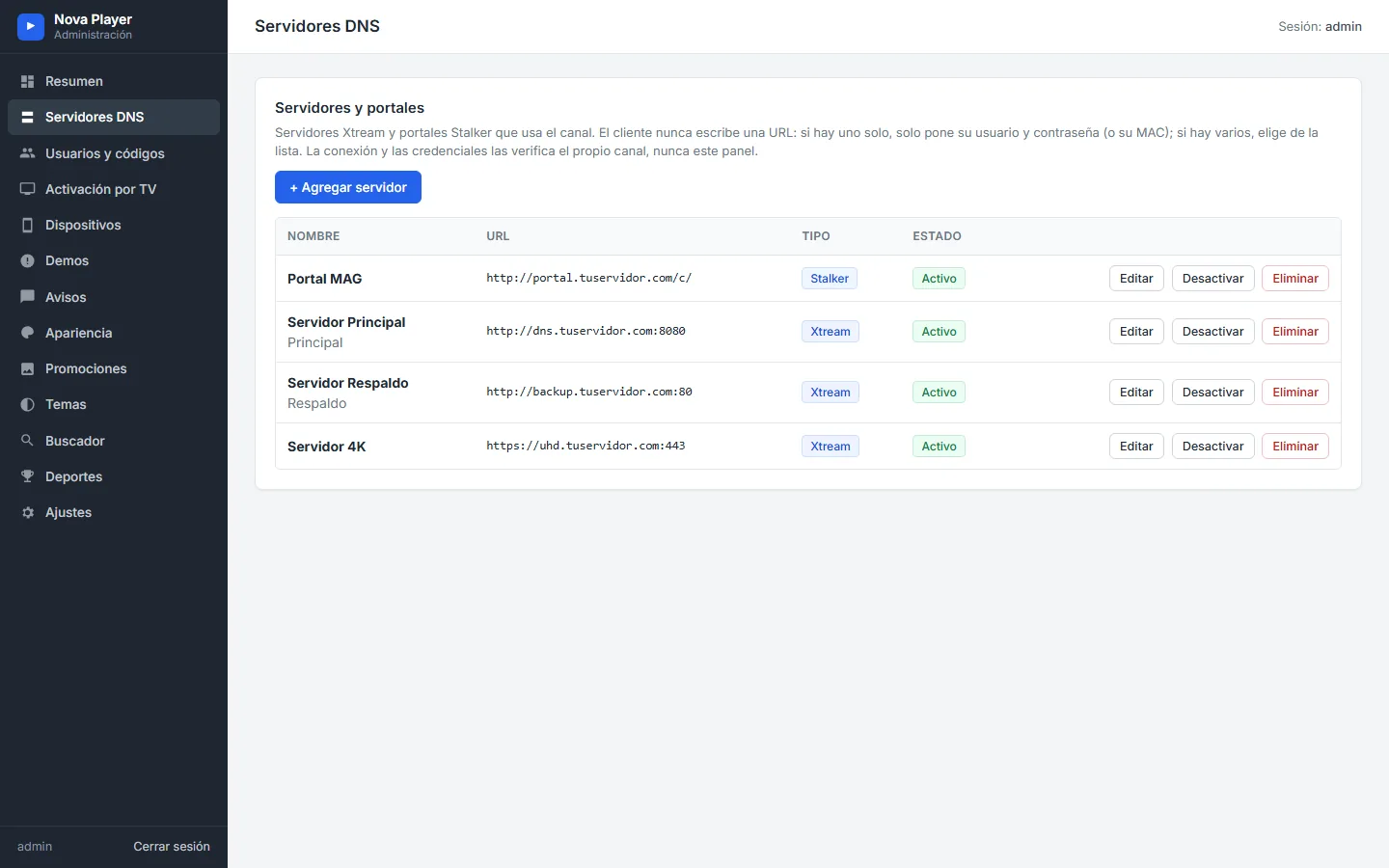
- Add your Xtream servers (DNS) and Stalker portals, in the order you want customers to see them.
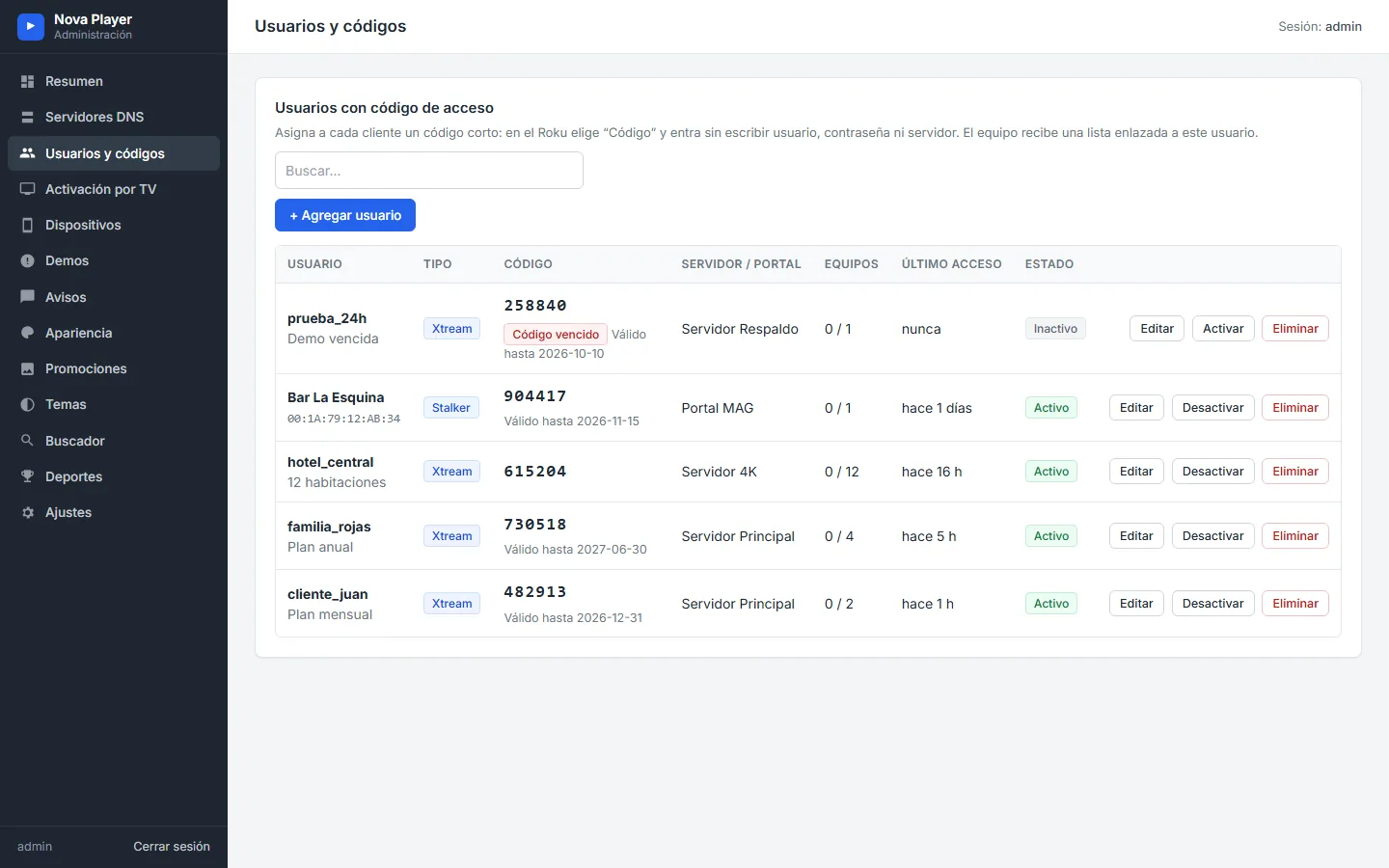
- Create users with access codes, each with an expiry date and a device limit.
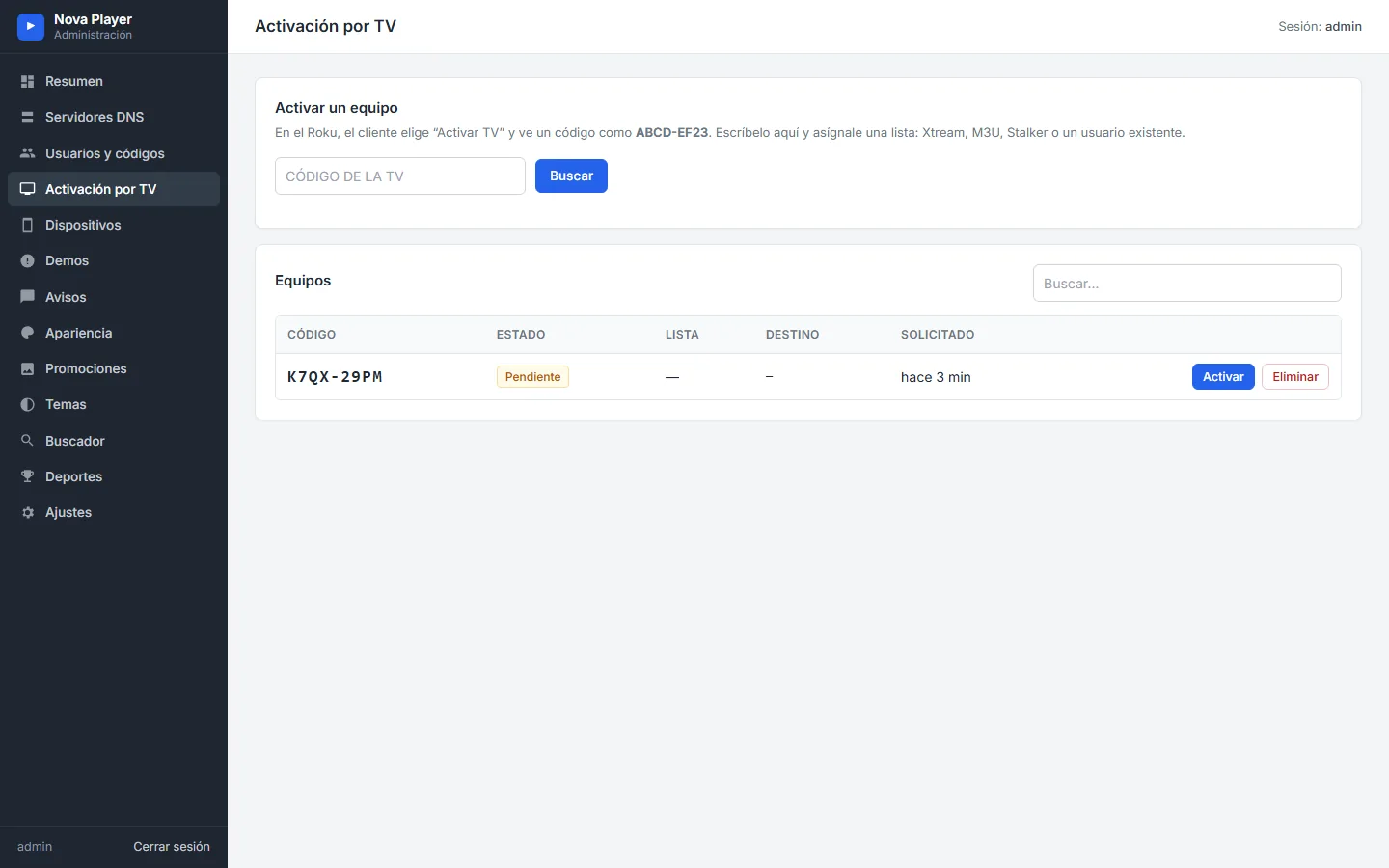
- Activate devices from the code the Roku shows on screen.
- Offer free trials, publish notices and set up promo banners.
What to have ready
| Item | What it is for |
|---|---|
| Channel name, logo, icon and colors | Your brand on Roku and inside the channel |
| Hosting with PHP 7.4+ and SQLite | Where your admin panel runs |
| Your Xtream servers and Stalker portals | The service your customers connect to |
| TMDB key (free) | Movie and series detail pages with cast and backdrops |
| TheSportsDB key (optional) | The Sports section: fixtures, tables and live scores |
Your keys are stored only in your panel and are never sent to the channel.
After launch: change the look whenever you want
Themes, home layouts, tile photos and texts, banners and notices are changed from the panel and apply the next time the customer opens the channel. No new version needed.
Frequently asked questions
Do I need to know how to program?
No. We publish the channel and install your panel. After that, everything is managed from the web panel.
Can I see the channel working before I buy?
Yes. The full page has 15 videos and 93 screenshots of every screen of the channel and the panel.
What if I want changes after the launch?
Two rounds of adjustments are included, and the design (themes, layouts, photos, banners and notices) can be changed from your panel at any time.
Keep reading
- Buying a branded Roku channel? 12 things to check before you pay
- Every way to sign in: Xtream Codes, Stalker Portal, codes and Activate on TV
- The admin panel: servers, codes, devices and messages
SMARTERS PREMIUM - ROKU (Xtream & Stalker Portal) is available at a $200 launch price (regular $350), a one-time payment with no monthly app fees. It is published on Roku with your brand and comes with your own admin panel. Watch all 15 videos on the full page or view it in the catalog.