Movies, series and a Smarters-style player built for the Roku remote
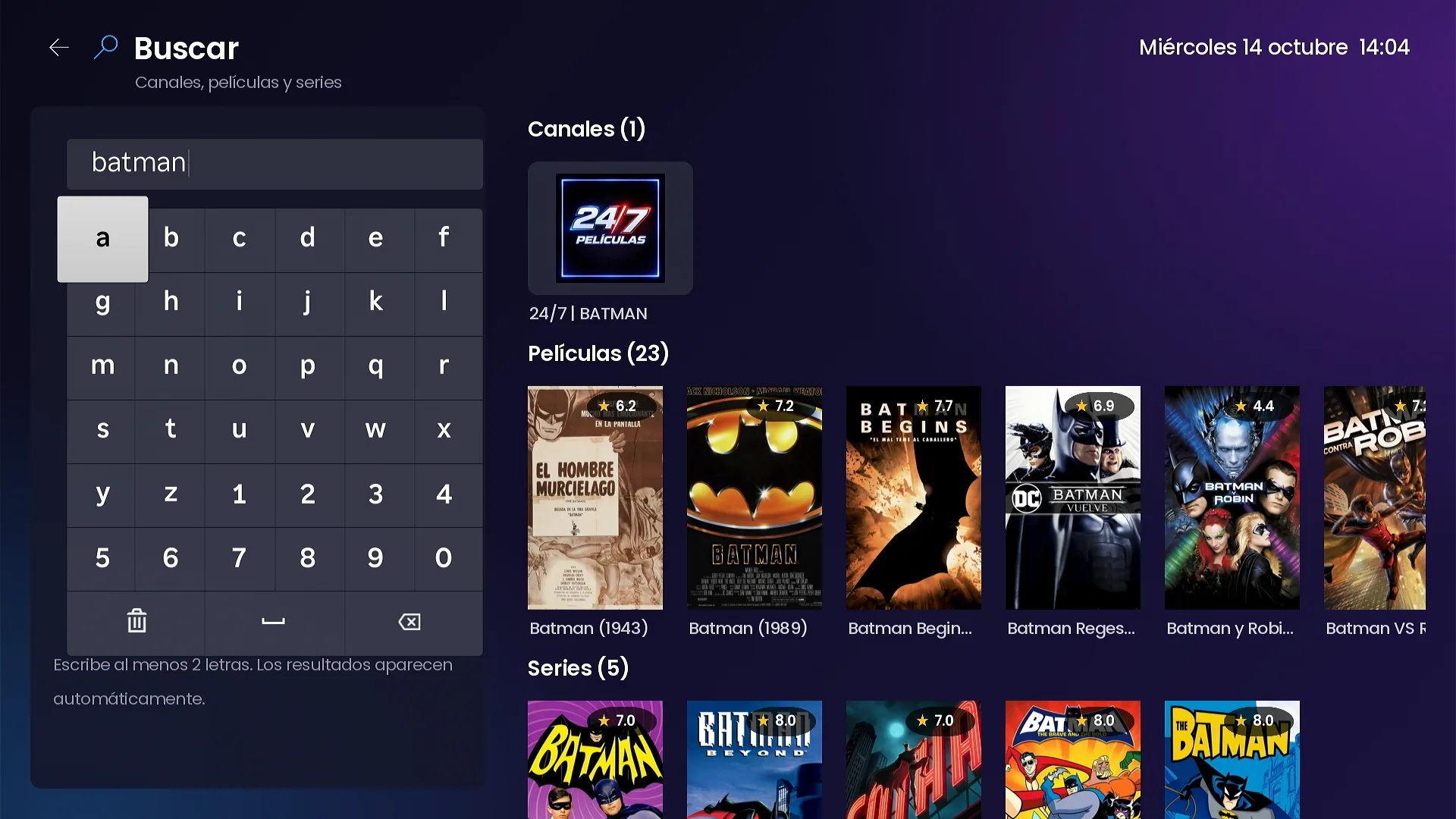
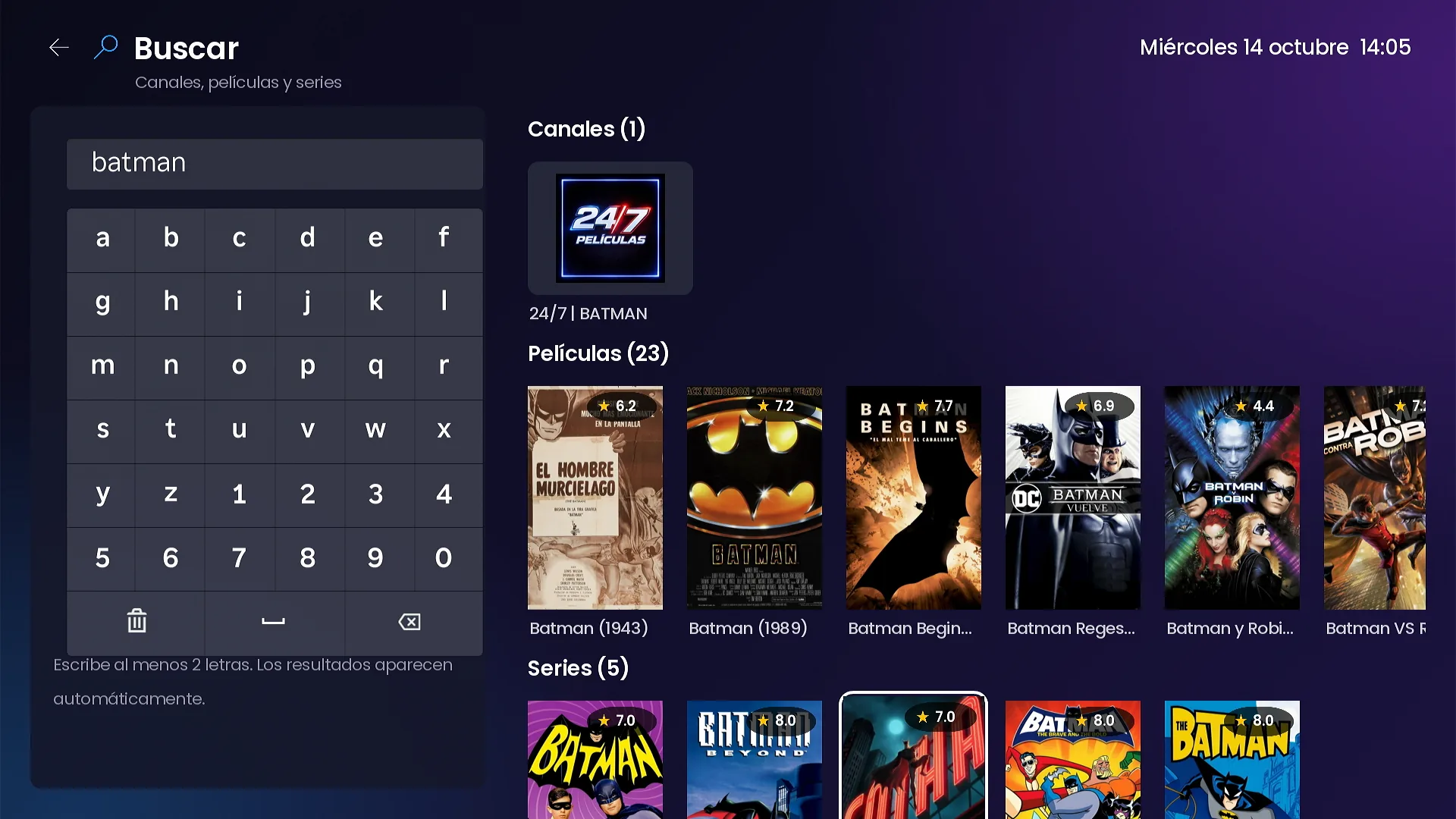
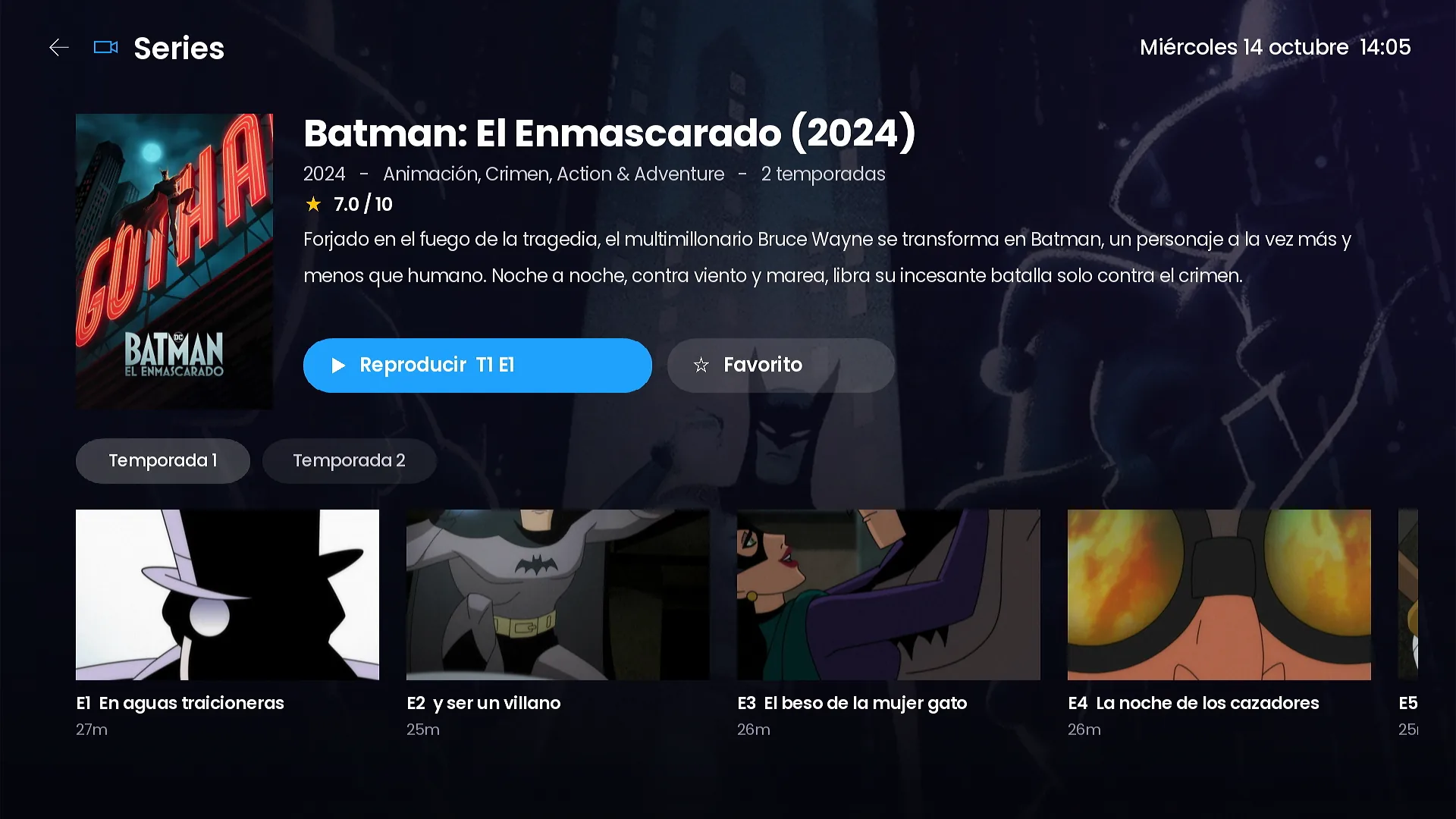
Detail pages with cast photos, series by season with episode images, a Smarters-style player with a time bubble and ±10 s, one search for everything and My list.
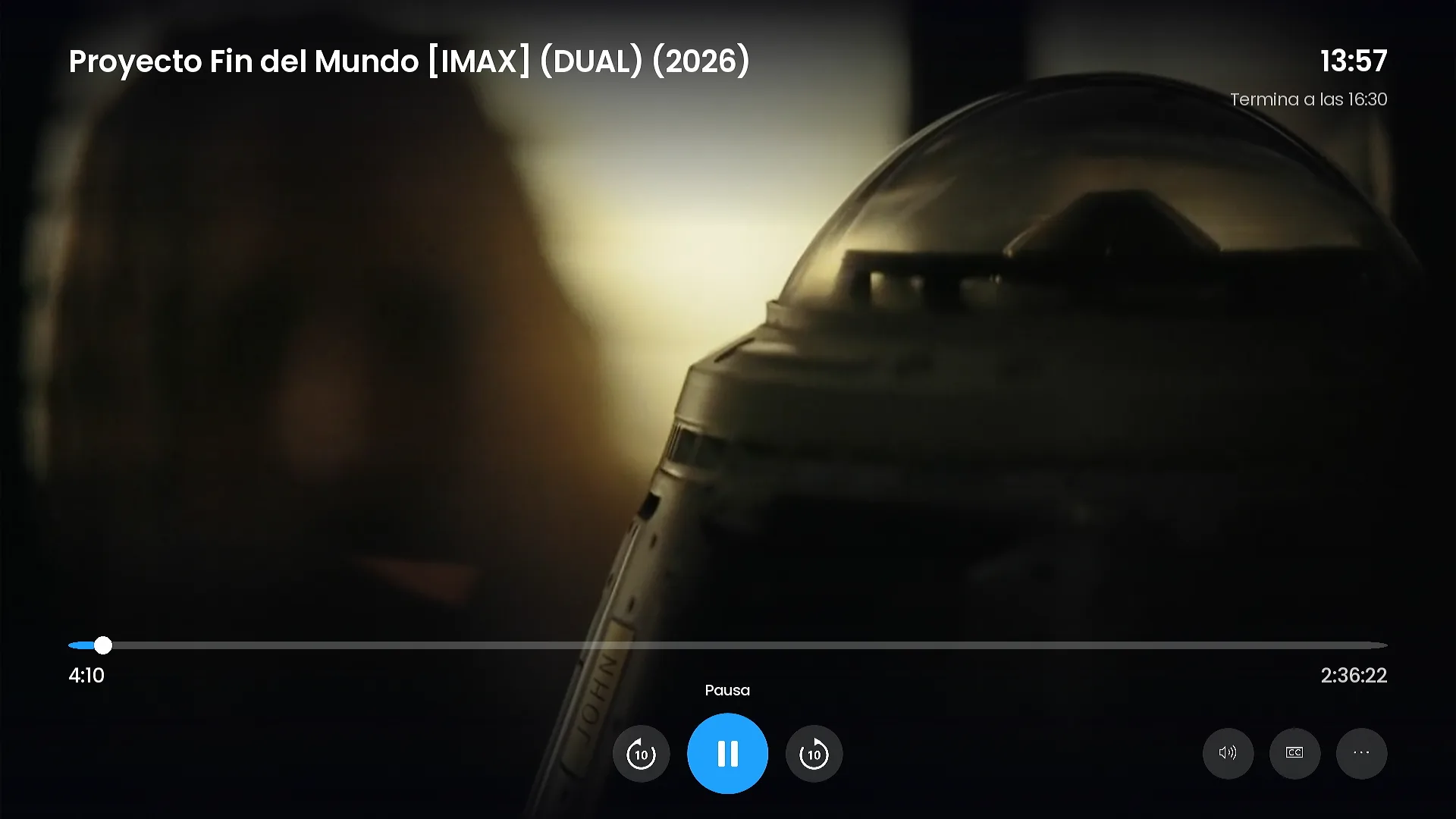
Customers who grew up with big streaming apps judge a channel by its detail pages and its player. SMARTERS PREMIUM - ROKU gives movies and series the same care: real artwork, cast photos, seasons with episode images, and a player that copies the controls people already know from Smarters, rebuilt for the Roku remote.
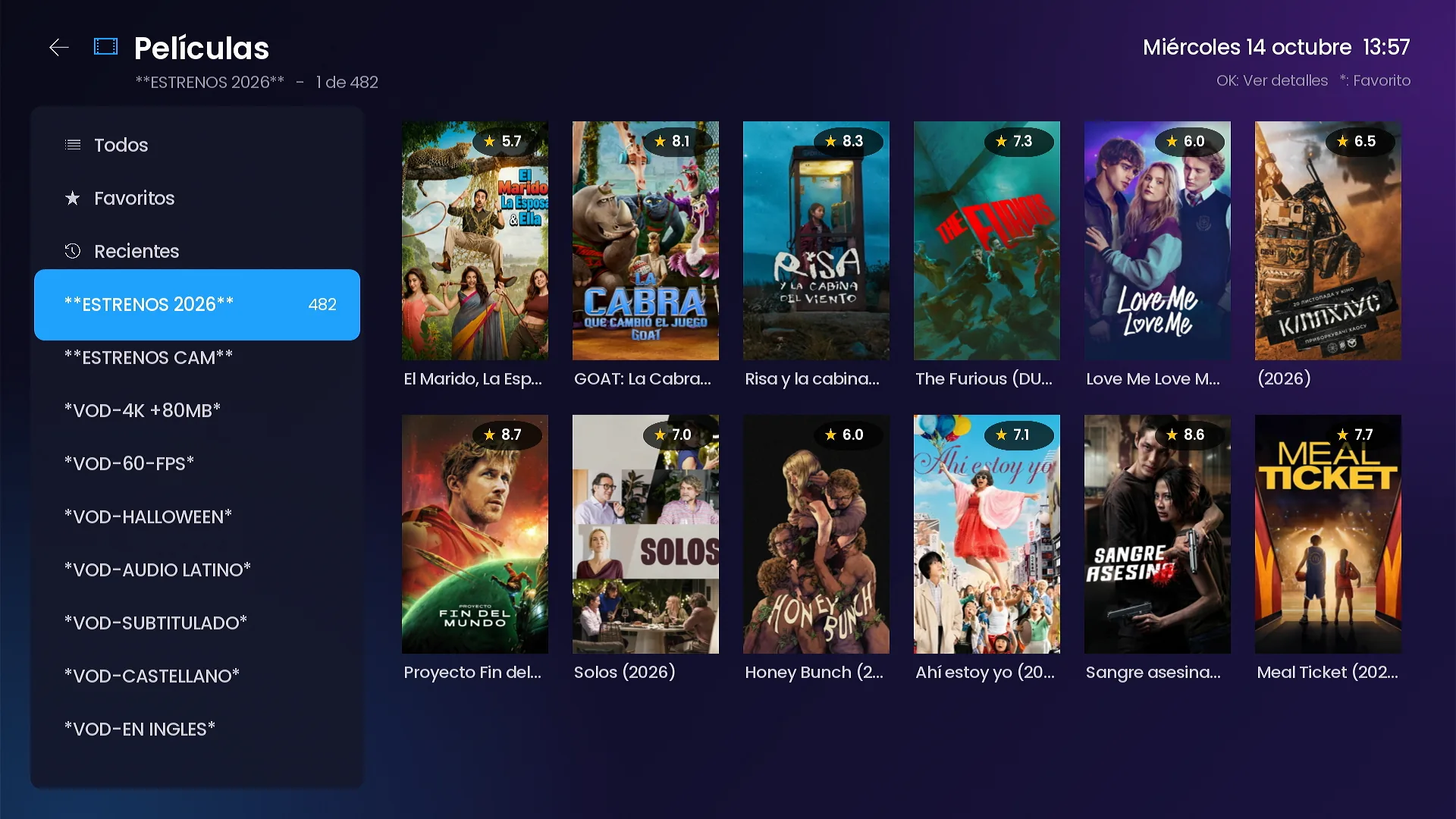
A catalog by category, with ratings
The Movies screen lists your categories on the left and posters with their rating on the right, plus shortcuts to All, Favorites and Recents.
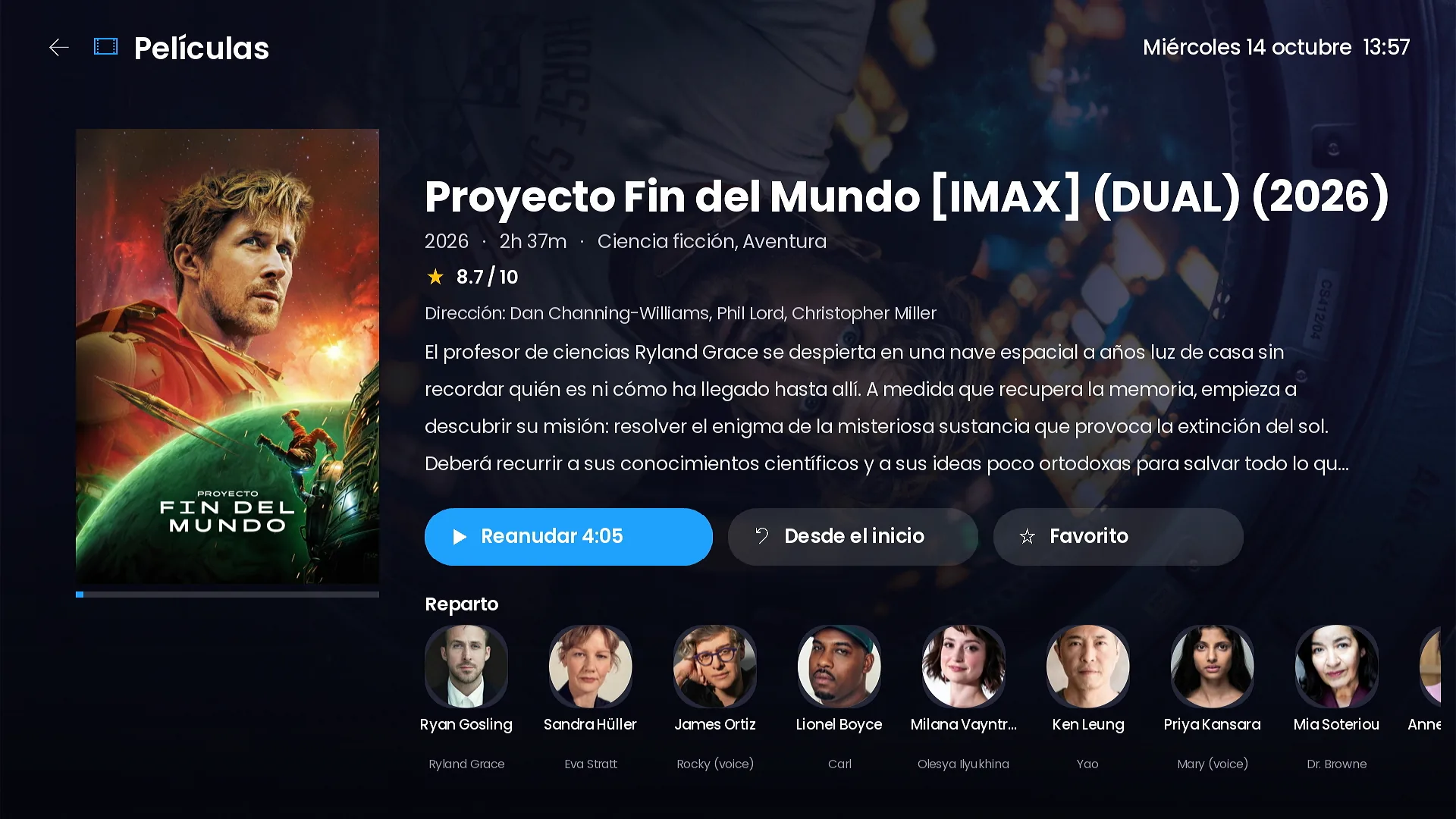
Detail pages with cast photos
The movie page shows an HD backdrop, the title, year, running time, genre, rating, director and synopsis, and a row of cast photos with character names. Details come from TMDB in the language of the app. The buttons say Resume with the exact minute, Start over and Favorite.
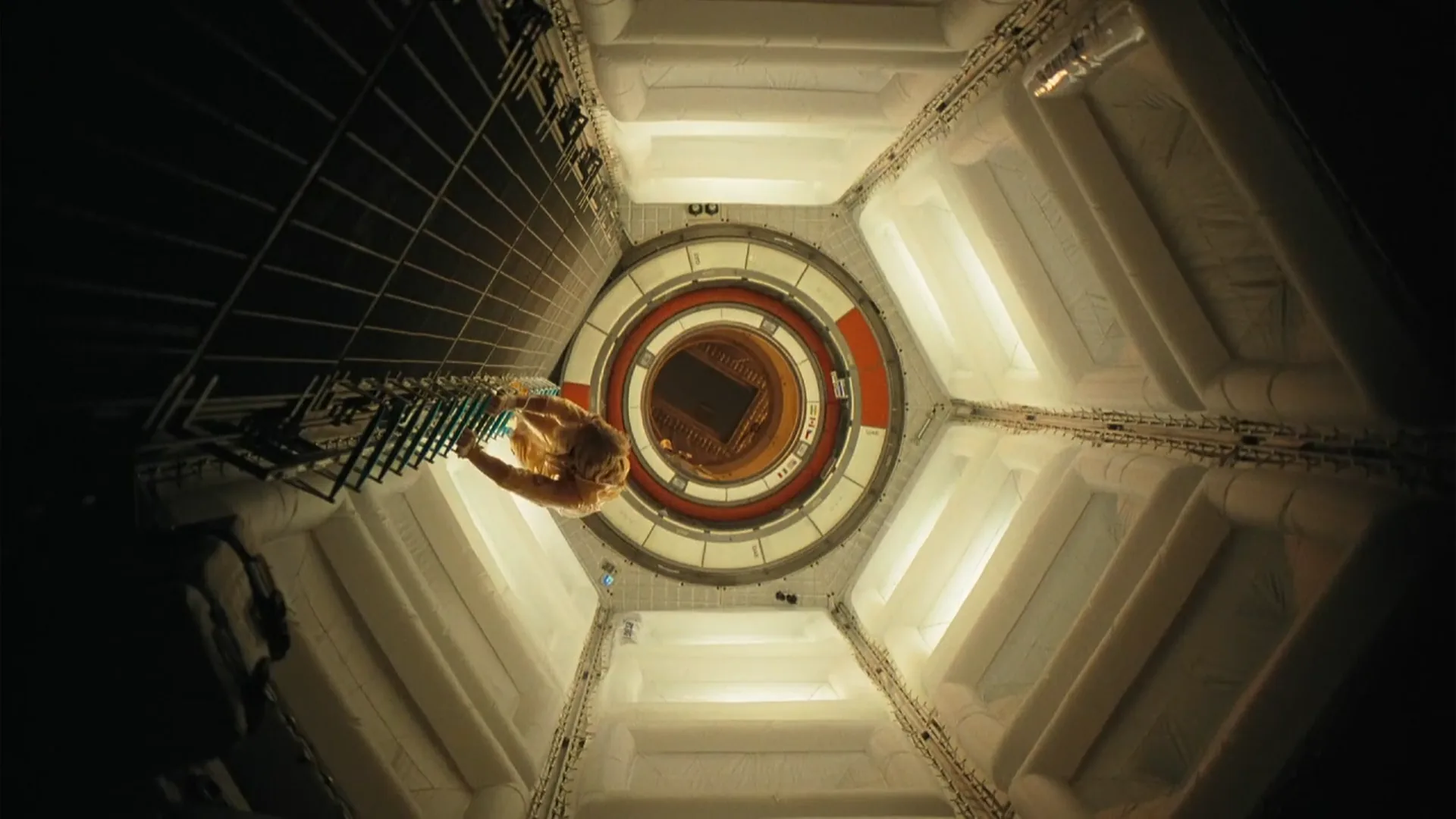
A Smarters-style player for the remote
The player shows a seek bar with a time bubble while the customer moves through the movie, ±10 seconds buttons, pause, and the time when the movie will end. Audio tracks, subtitles and more options are in the same bar, so nothing requires leaving the movie.
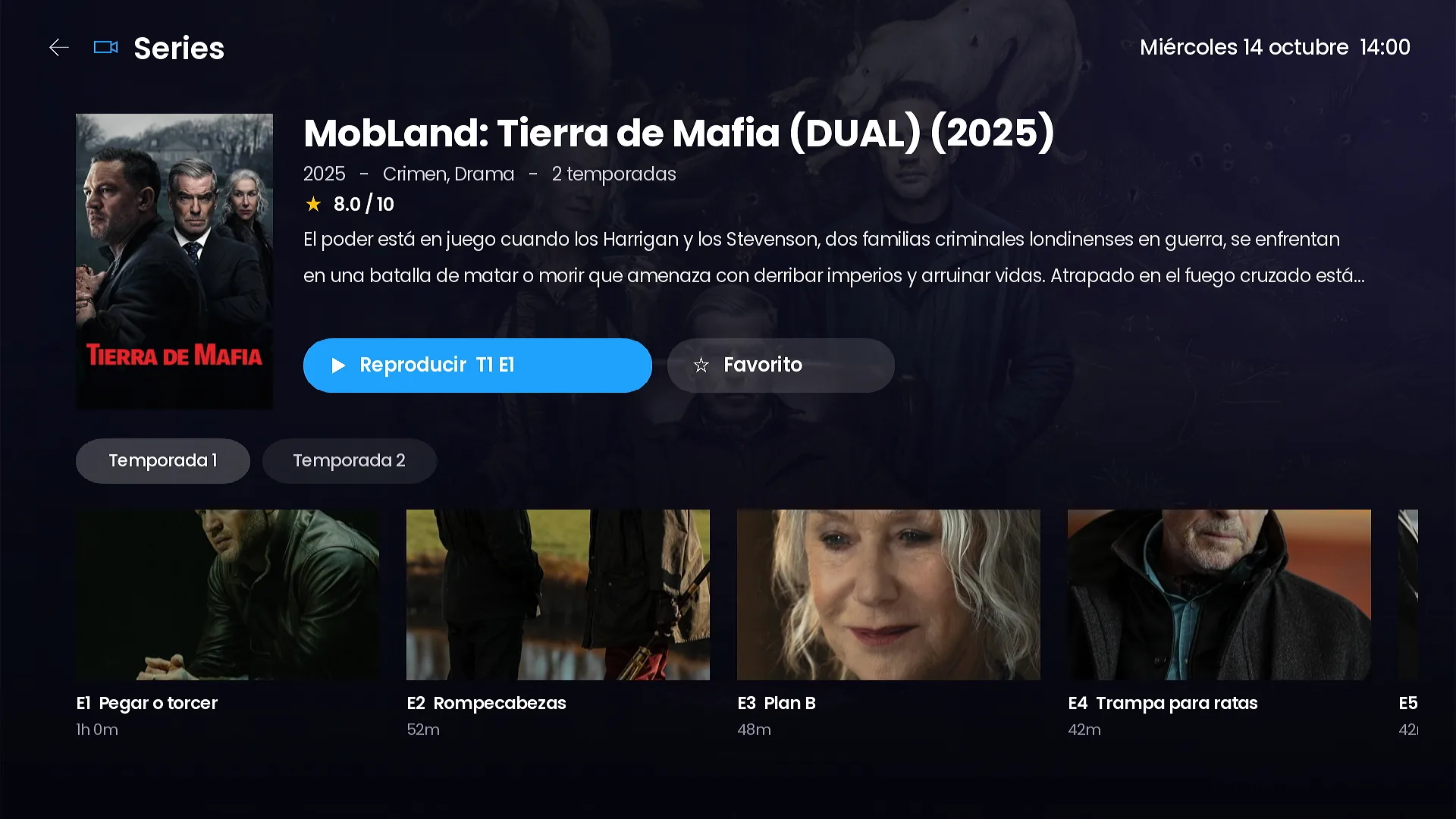
Series by season, with continue watching
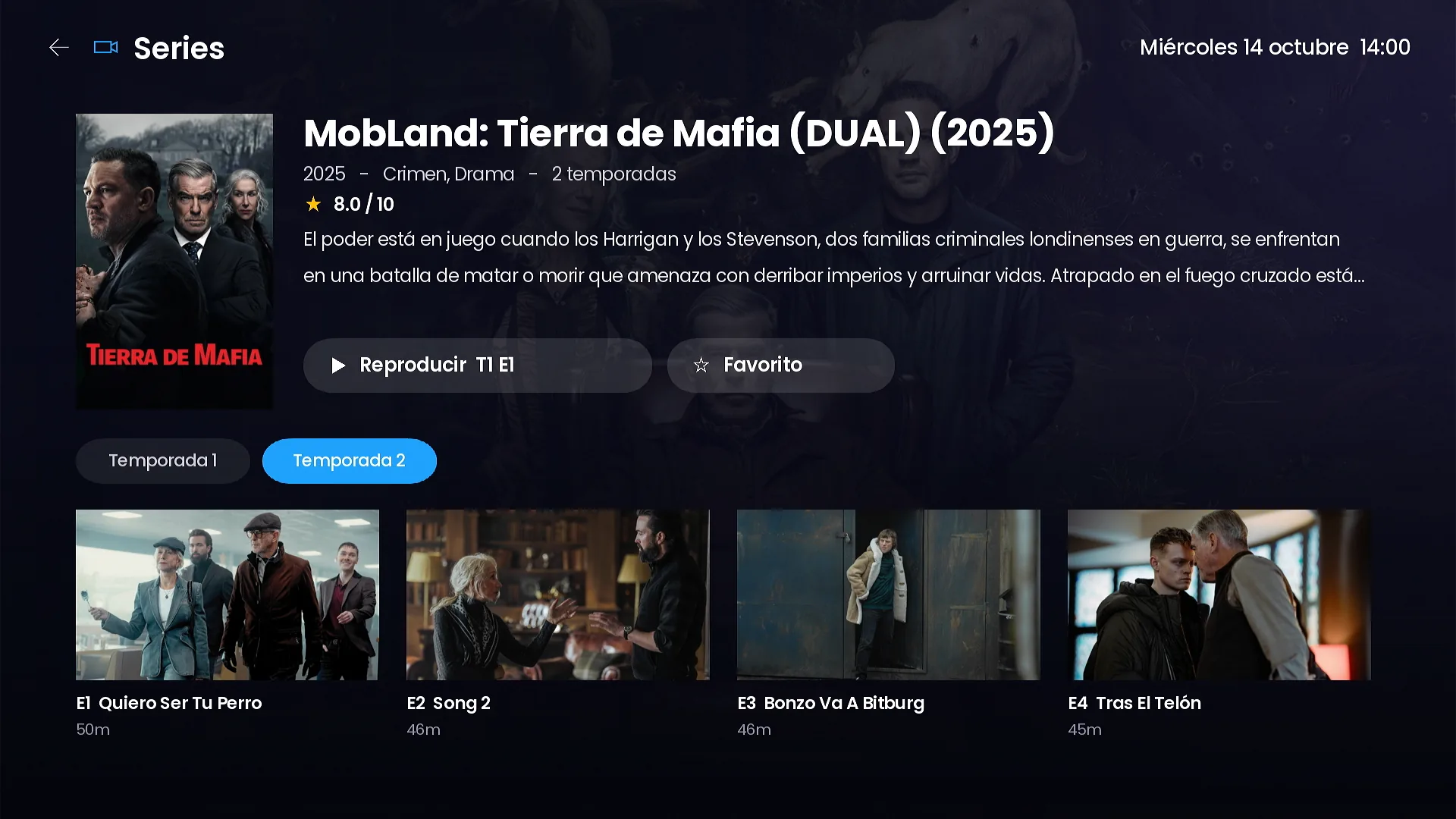
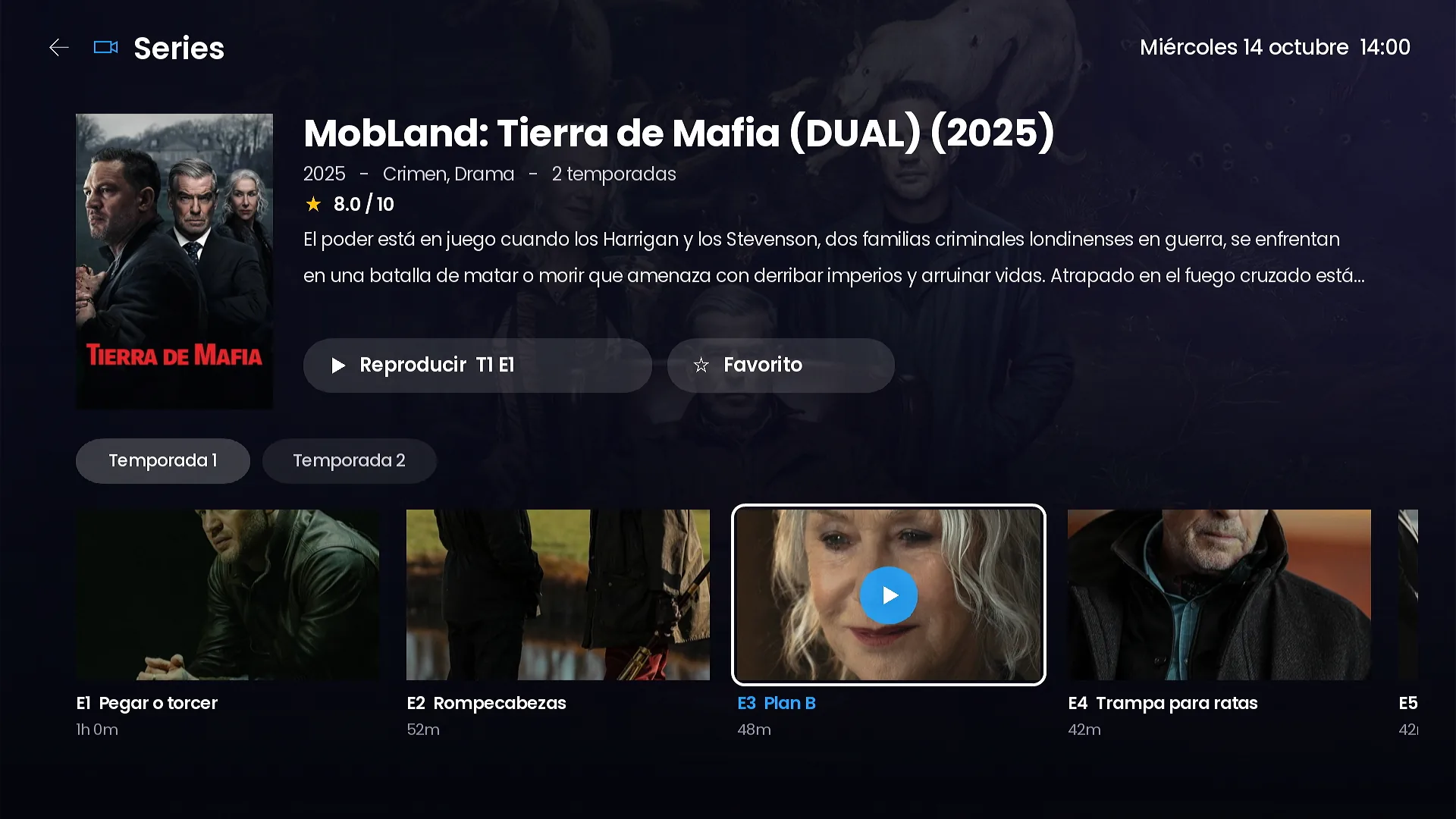
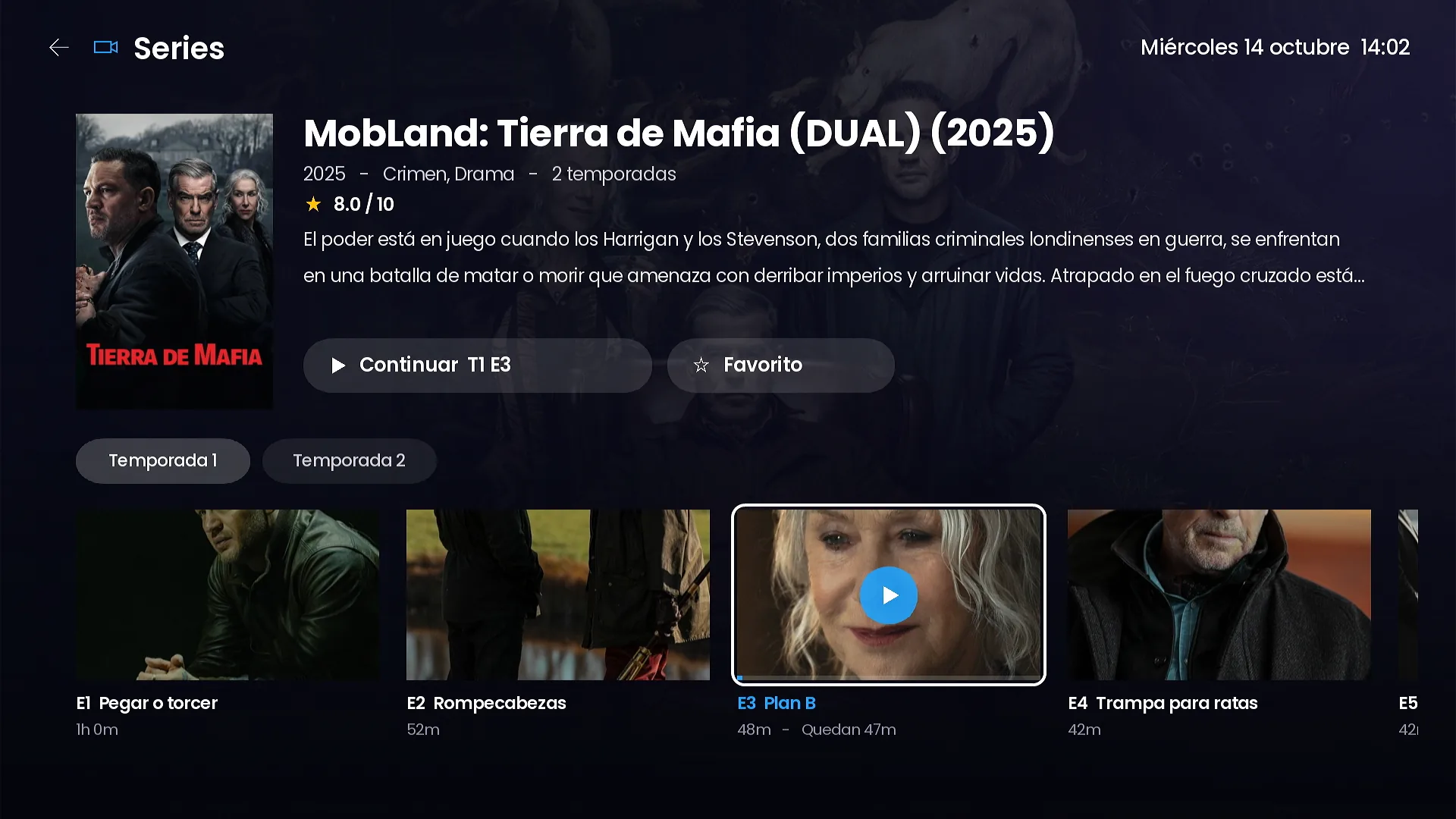
The series page shows the synopsis and rating, a tab for each season and a row of episodes with an image, title and running time. When the customer has started an episode, the main button changes to Continue S1 E3 and the episode shows the minutes left.
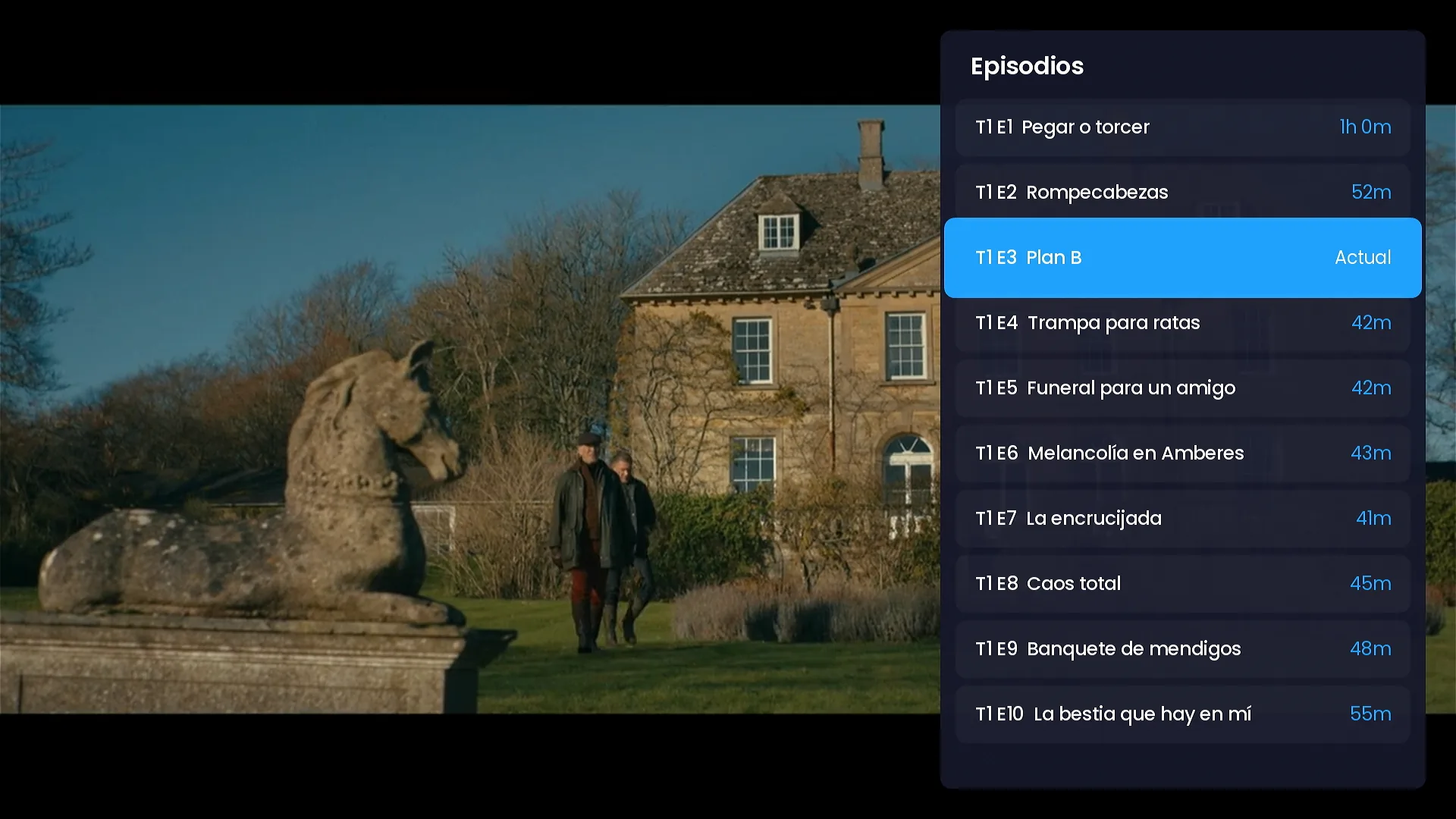
Inside the player, previous and next episode buttons and an episode list let the customer move through the season without going back. The next episode can start automatically, and that option can be turned off in Settings.
One search for everything
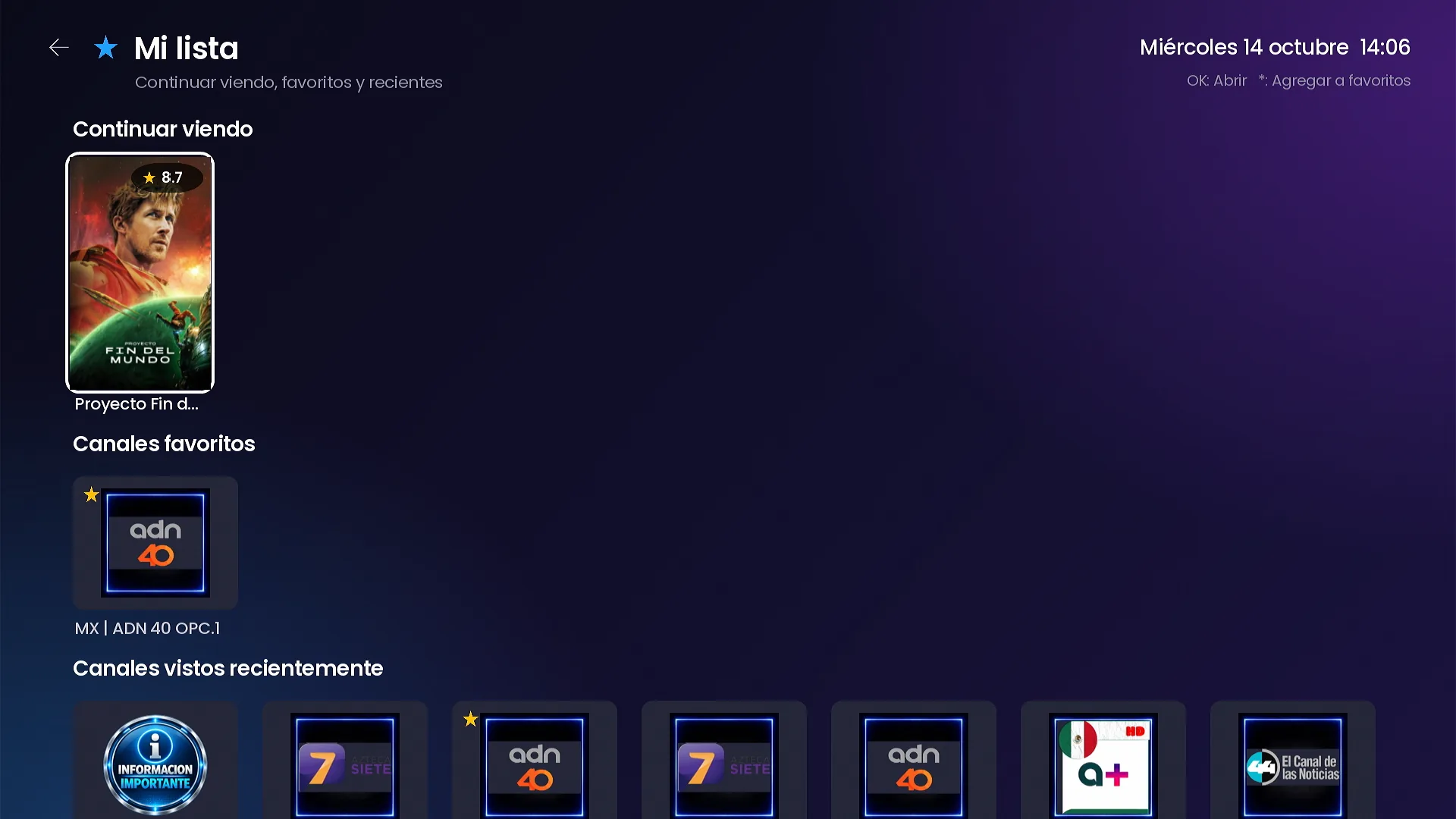
My list: continue watching and favorites
Frequently asked questions
Where do the movie and series details come from?
From TMDB, using the free TMDB key you save in your panel. Details appear in the app’s language.
Does the channel remember where the customer stopped?
Yes. Movies offer Resume and Start over, series offer Continue with the episode and minutes left, and My list keeps everything left halfway.
Can customers change audio and subtitles?
Yes, from the player, whenever the stream includes several audio tracks or subtitles.
Related guides
SMARTERS PREMIUM - ROKU (Xtream & Stalker Portal) is available at a $200 launch price (regular $350), a one-time payment with no monthly app fees. It is published on Roku with your brand and comes with your own admin panel. See every video and screenshot on the full page or view it in the catalog.