7 ways SMARTERS PREMIUM cuts support messages on Roku
No server addresses to type, activation without typing, clear error messages, the device MAC on screen and messages to every Roku from your panel.
Every support message costs you time, and most of them repeat: “How do I sign in?”, “It shows an error”, “Which server do I use?”. SMARTERS PREMIUM - ROKU was designed to remove the reasons behind those messages. Here are seven ways it does that.
1. No server addresses to type
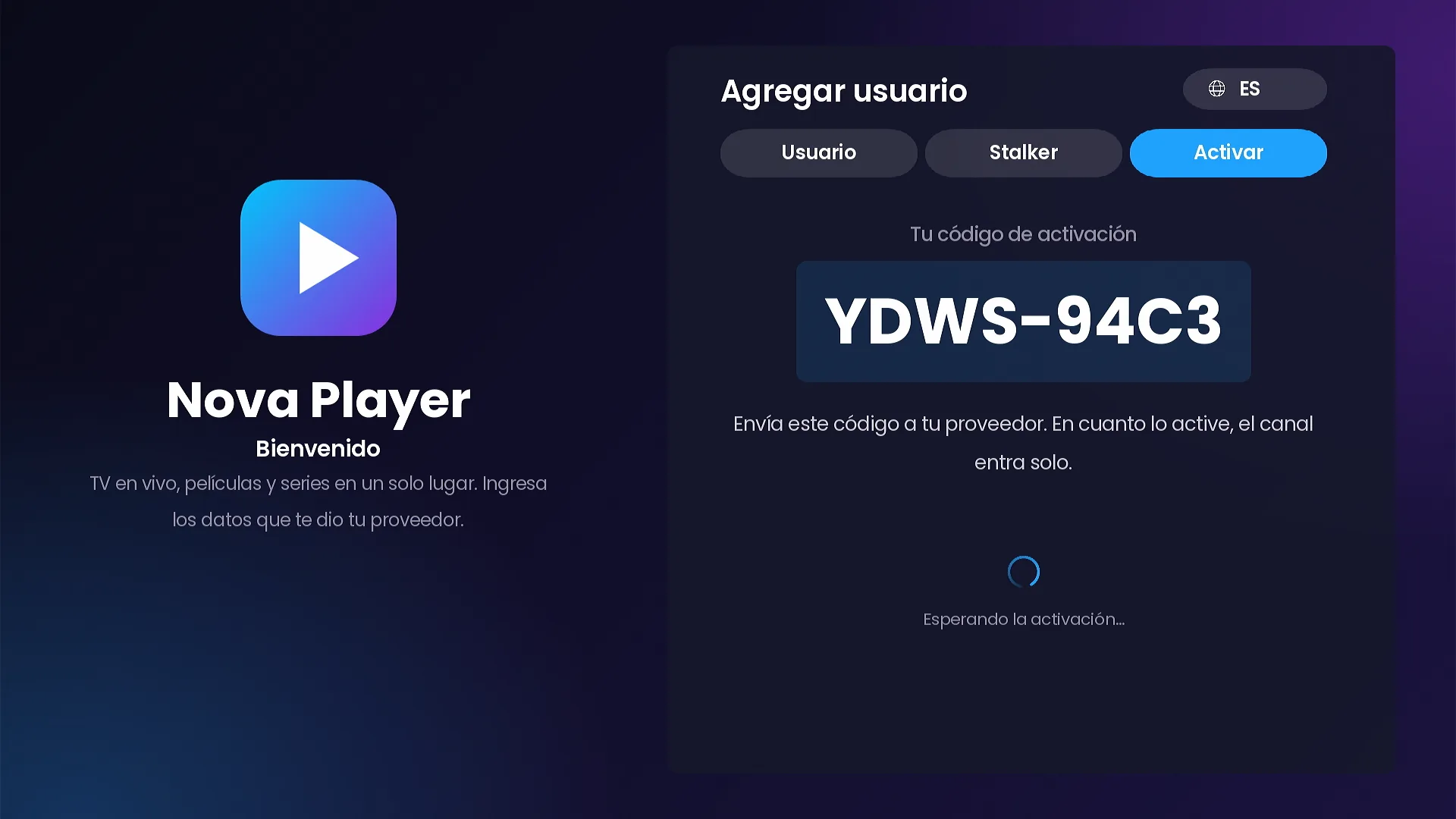
The most common sign-in problem is a mistyped address. The channel has no URL fields: customers pick a server or portal from the list you load in your panel.
2. Activation without typing
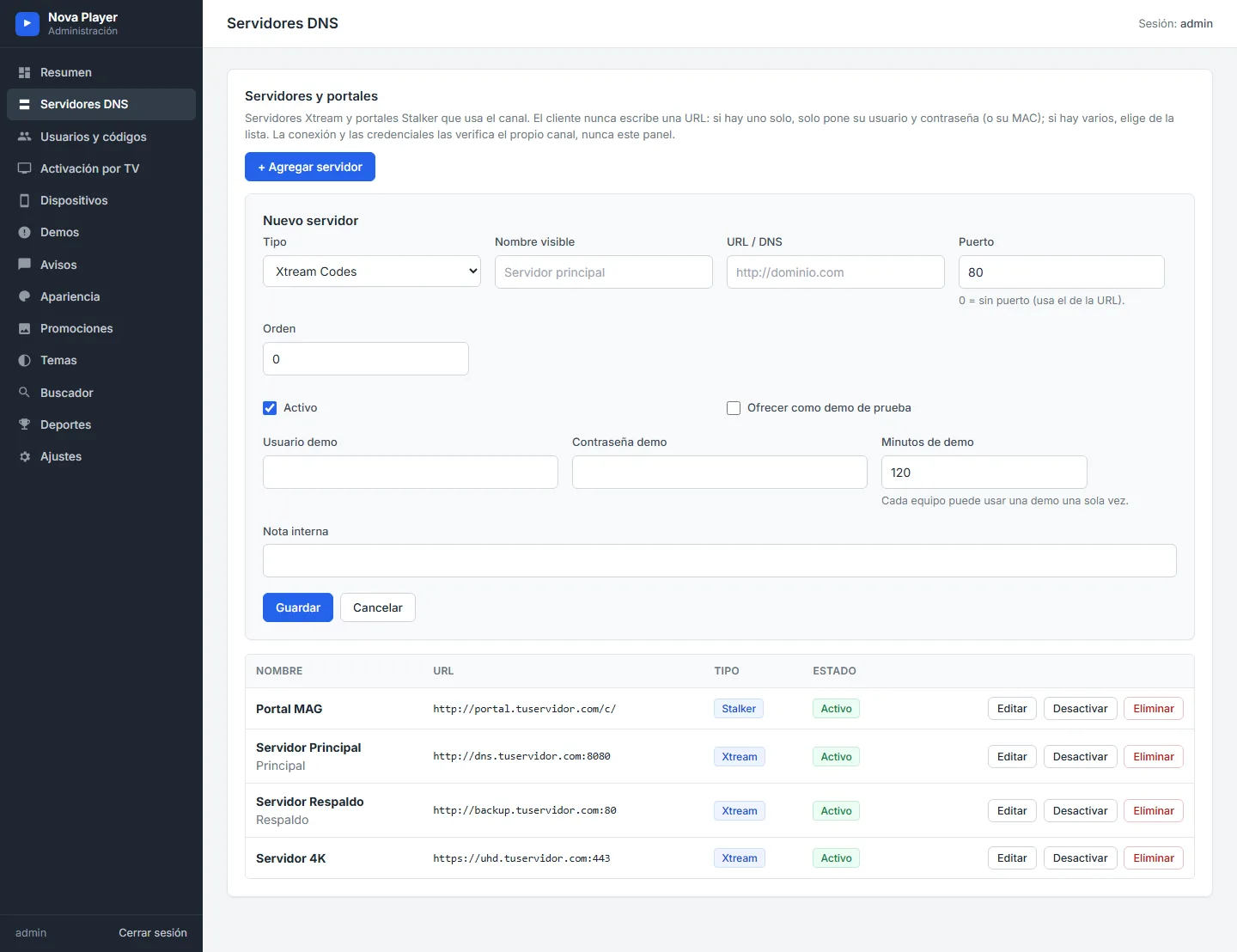
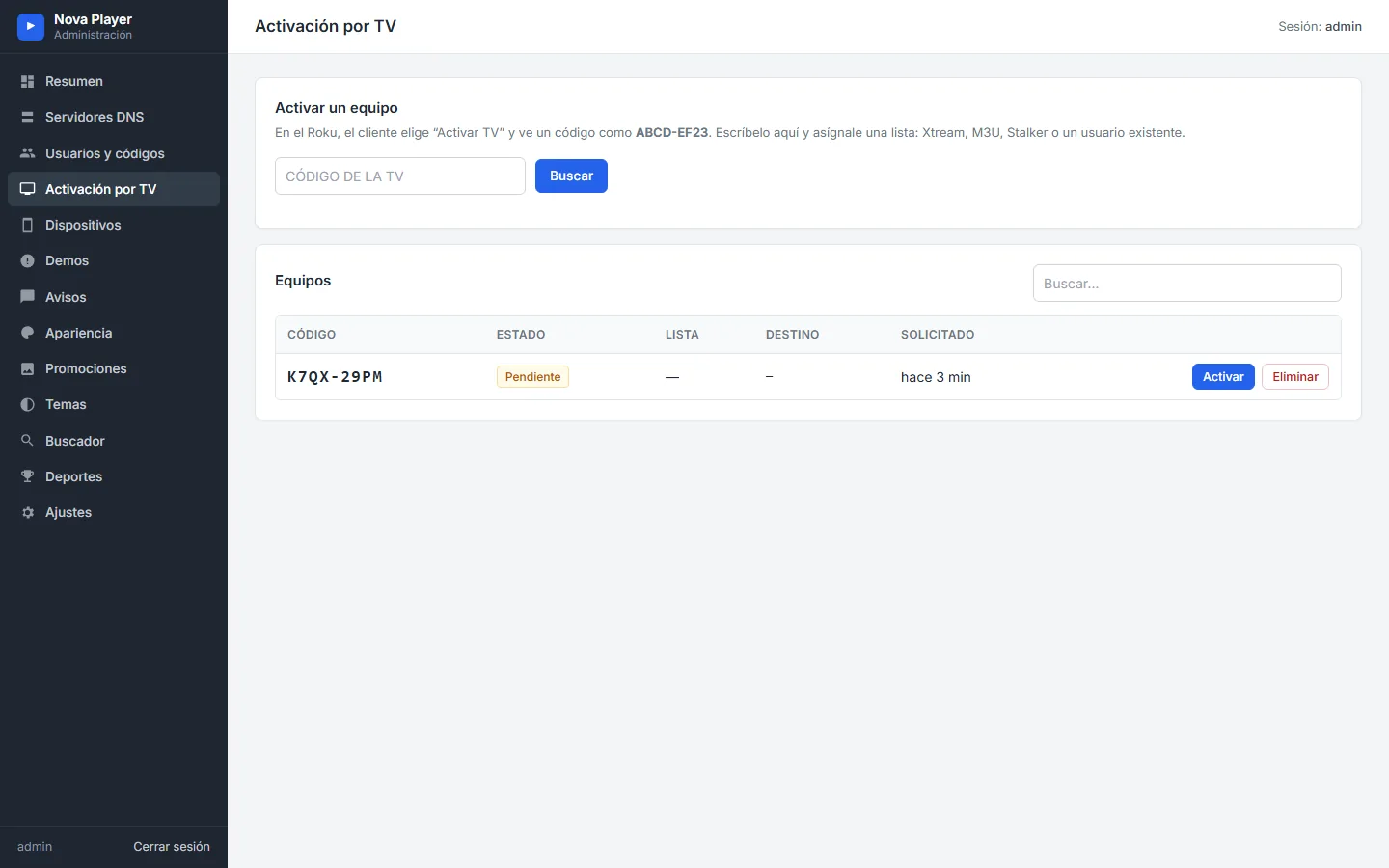
With Activate on TV, the Roku shows a short code. The customer sends it to you, you assign a list in your panel and the channel signs in by itself. Access codes are another option: one short code instead of a username and password.
3. Your server list in one place
Your servers and portals live on the Servers page of your panel. Add a new DNS there and it appears in the list the next time the channel opens. Lists you assign to a device from the panel go further: when you edit them, the channel updates them by itself.
4. Clear messages instead of frozen screens
If a channel sends no video, the customer sees a plain message and can retry or move to another channel. If the server refuses the connection, the message explains that the subscription may not include it or that the connection limit was reached. The remote never freezes.
5. The device MAC and ID always at hand
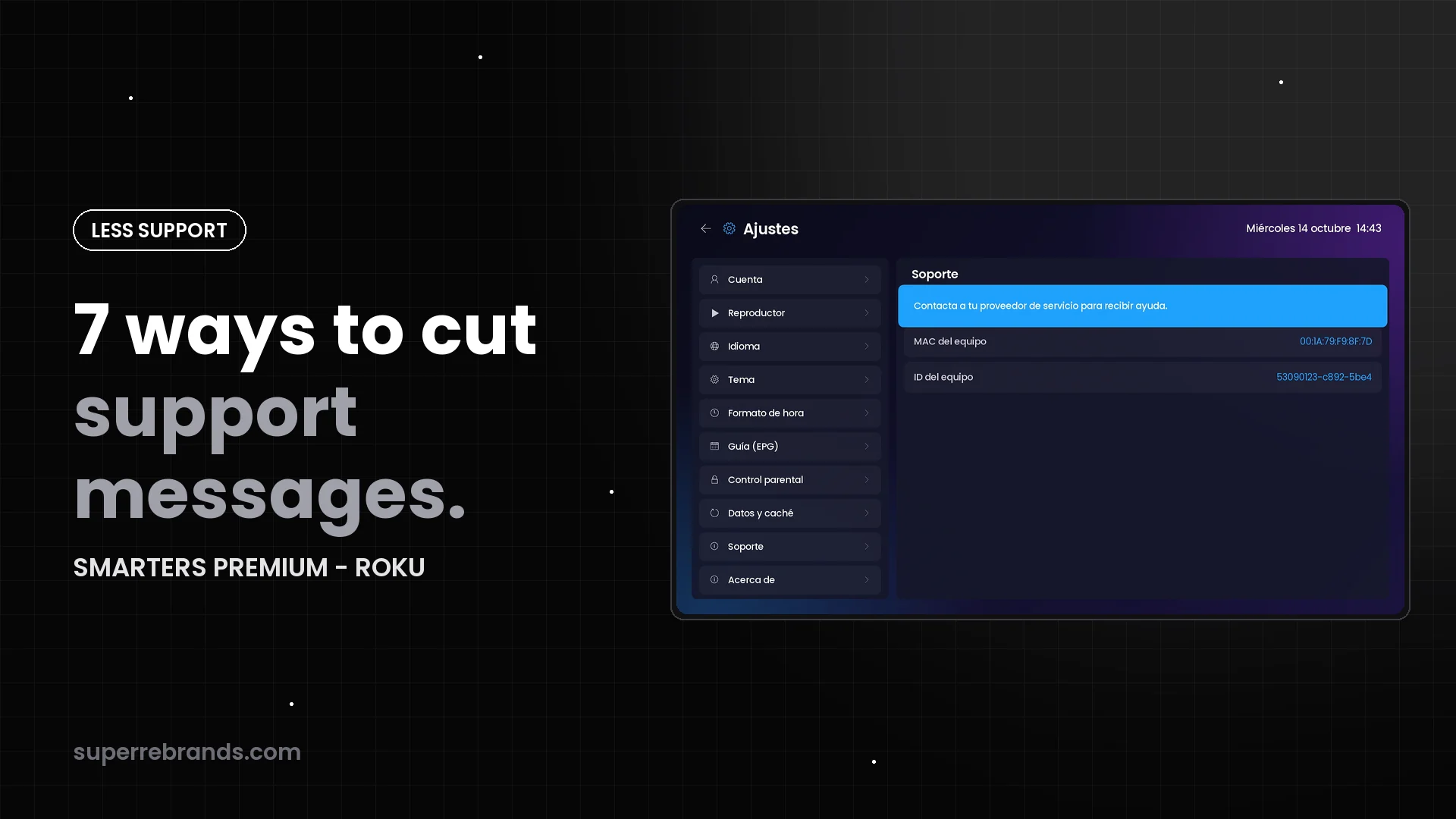
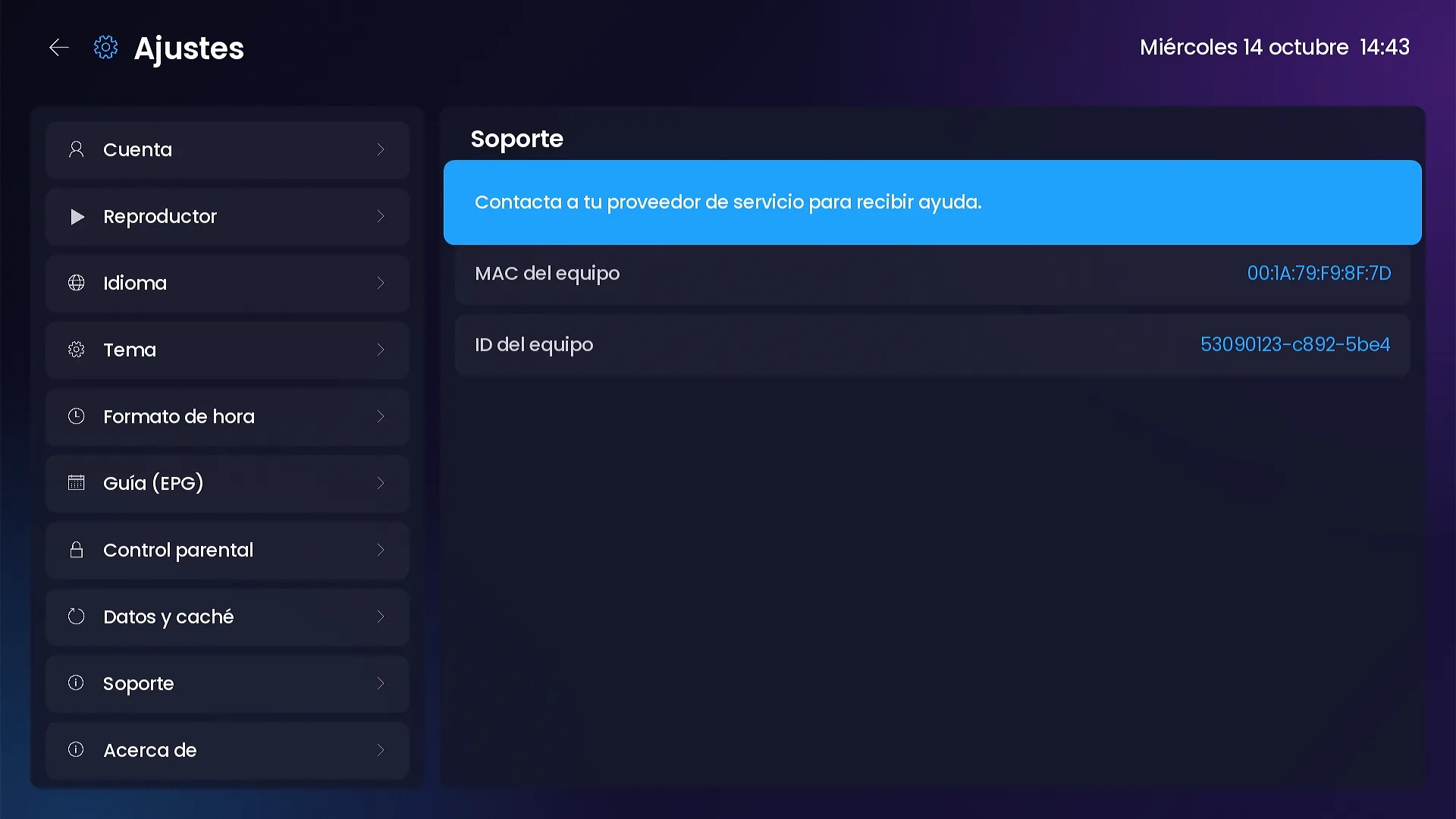
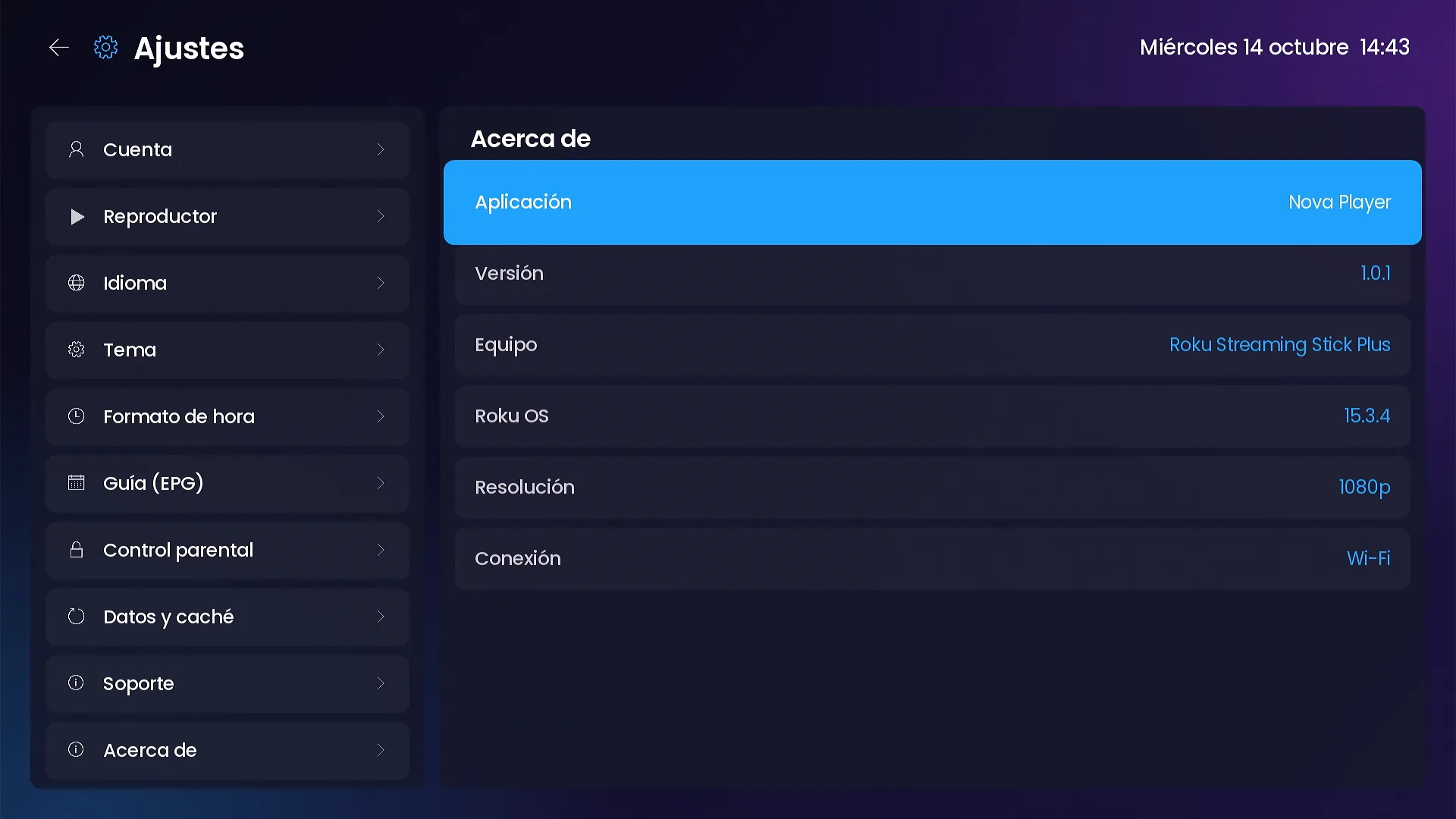
Settings › Support shows the device MAC and device ID, plus your contact details when you set them in the panel. About shows the app version, Roku model, Roku OS, resolution and connection.
6. Every device in your panel
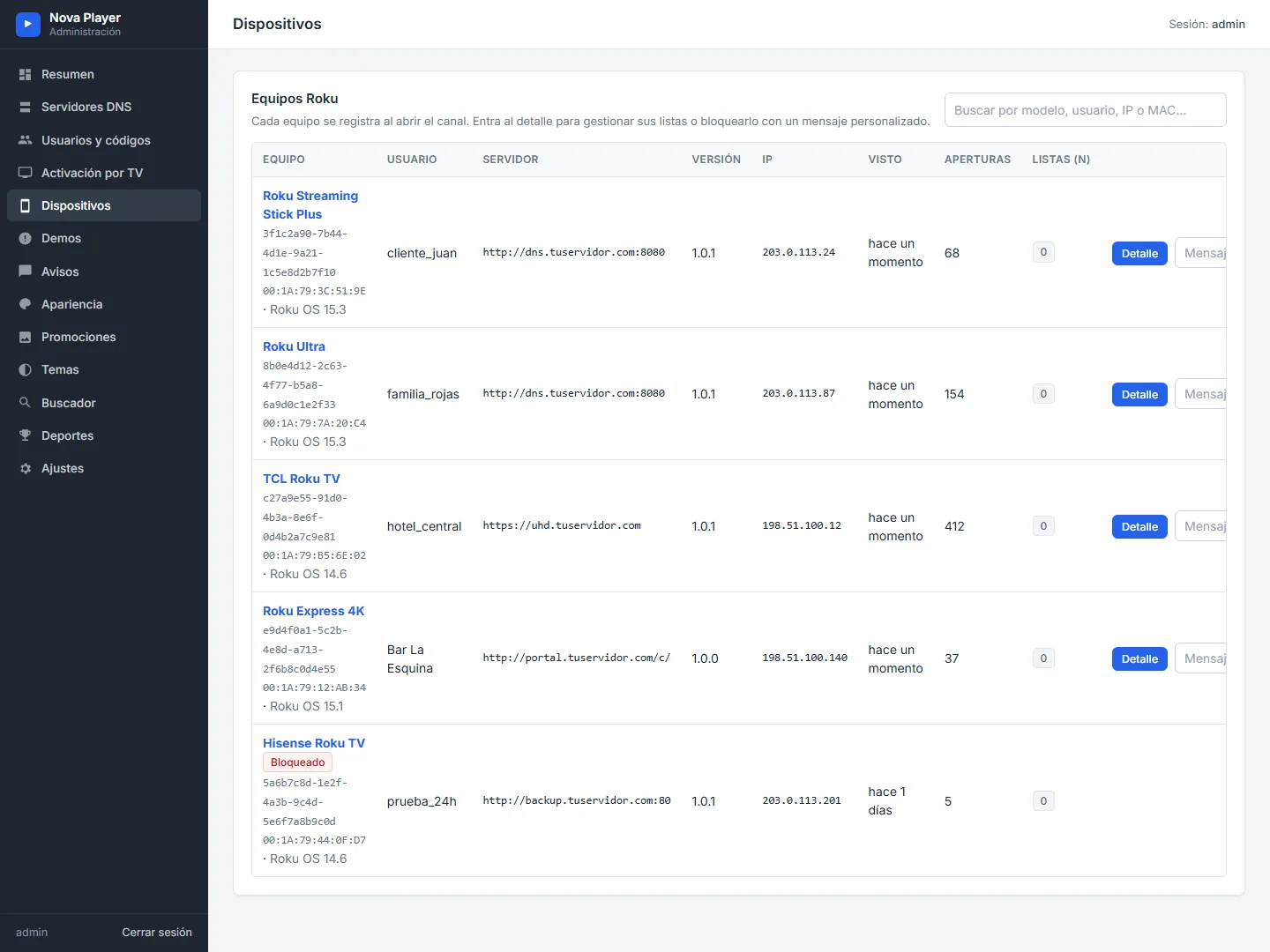
The Devices page lists each Roku with its model, Roku OS, user, server, channel version, IP, last seen and number of launches. When a customer writes, you already know what they are using.
7. One message for every customer
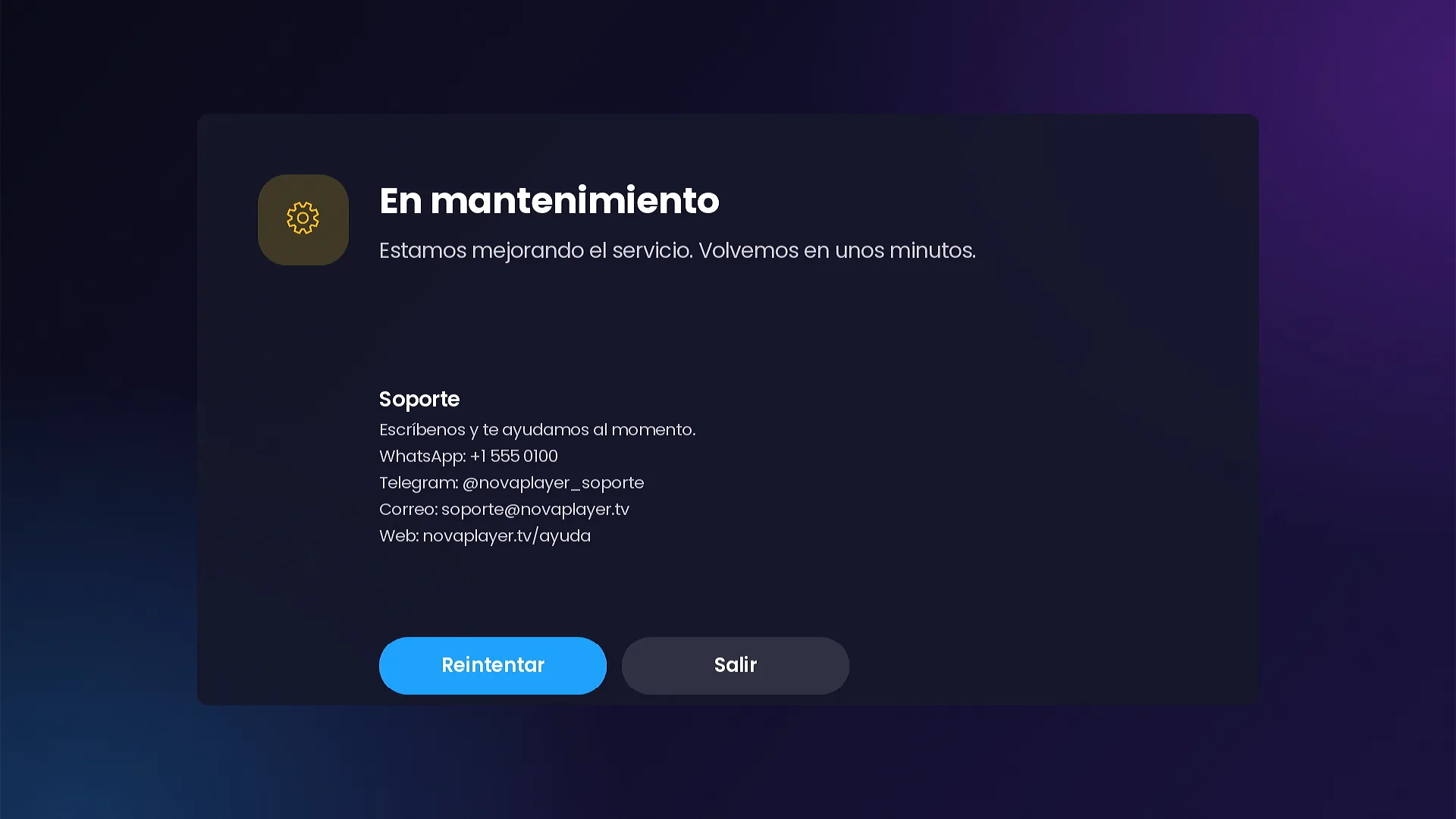
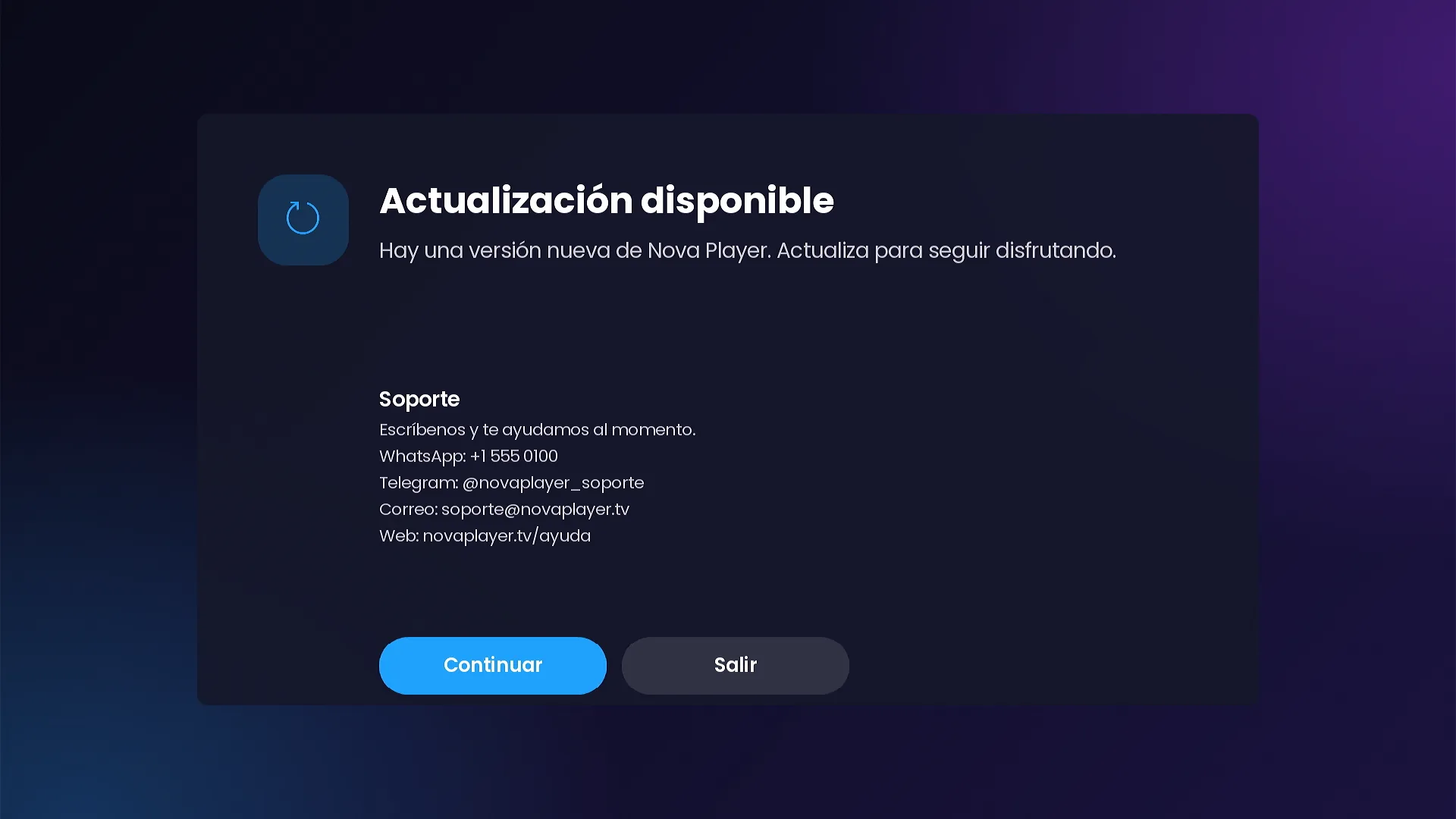
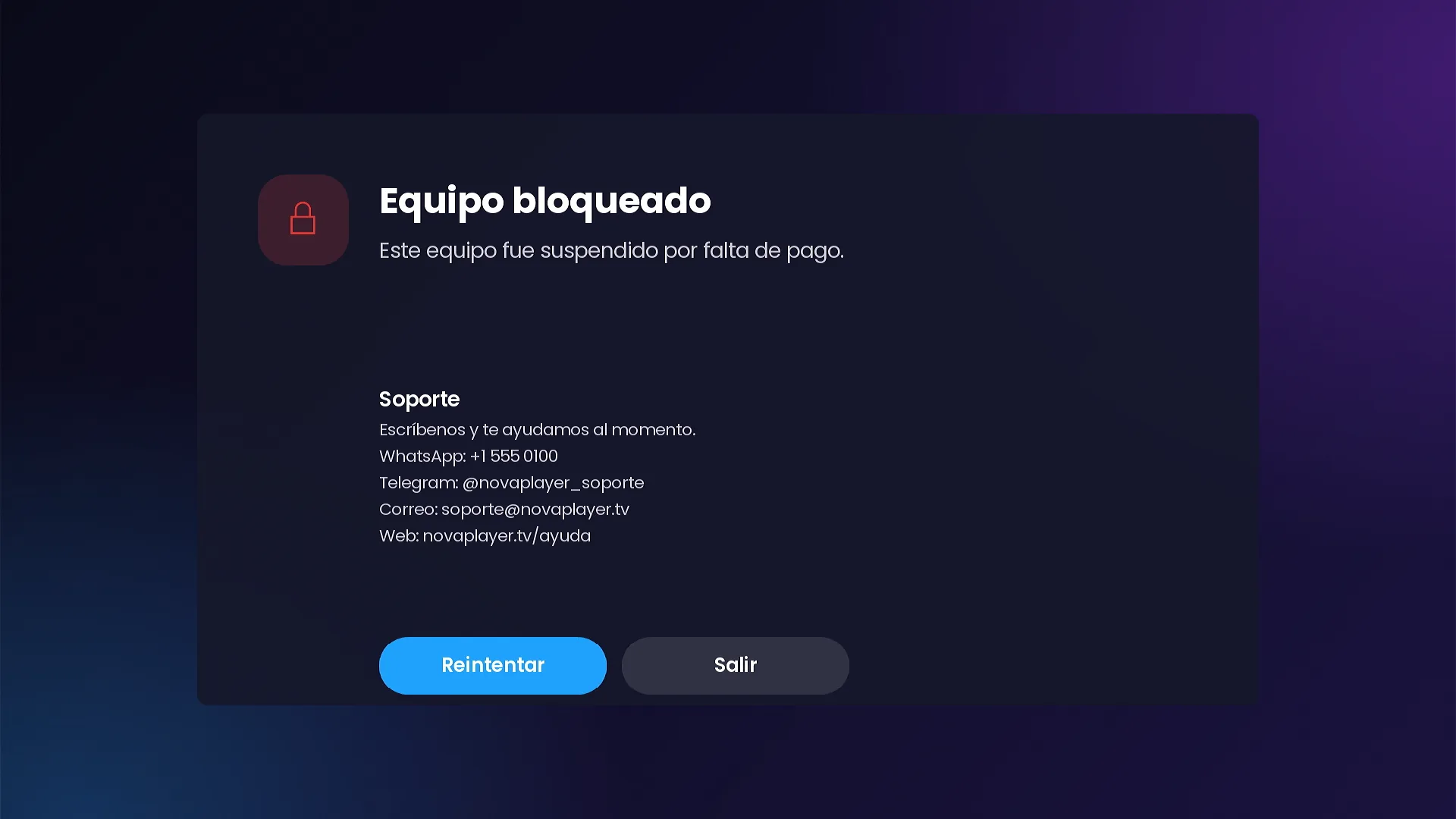
Maintenance mode shows your message on every device until you turn it off. The update notice appears on devices with a version older than the minimum you set. The maintenance, update and blocked screens show your WhatsApp, Telegram, email and website (the demo uses sample contacts).
Frequently asked questions
Can customers fix small problems themselves?
Yes. Settings › Data and cache refreshes the content and clears the cache, history, playback progress or My list, and can reset the channel.
How do I block one device?
From its device page in the panel, with your own message. The rest of your customers are not affected.
Does the update notice force an update?
It appears on devices with a version older than the minimum you set, with Continue and Exit buttons.
Keep reading
- The admin panel: servers, codes, devices and messages
- Live TV, the grid TV guide and Catch Up
- Xtream Codes and Stalker Portal customers on Roku: one channel for both
SMARTERS PREMIUM - ROKU (Xtream & Stalker Portal) is available at a $200 launch price (regular $350), a one-time payment with no monthly app fees. It is published on Roku with your brand and comes with your own admin panel. Watch all 15 videos on the full page or view it in the catalog.