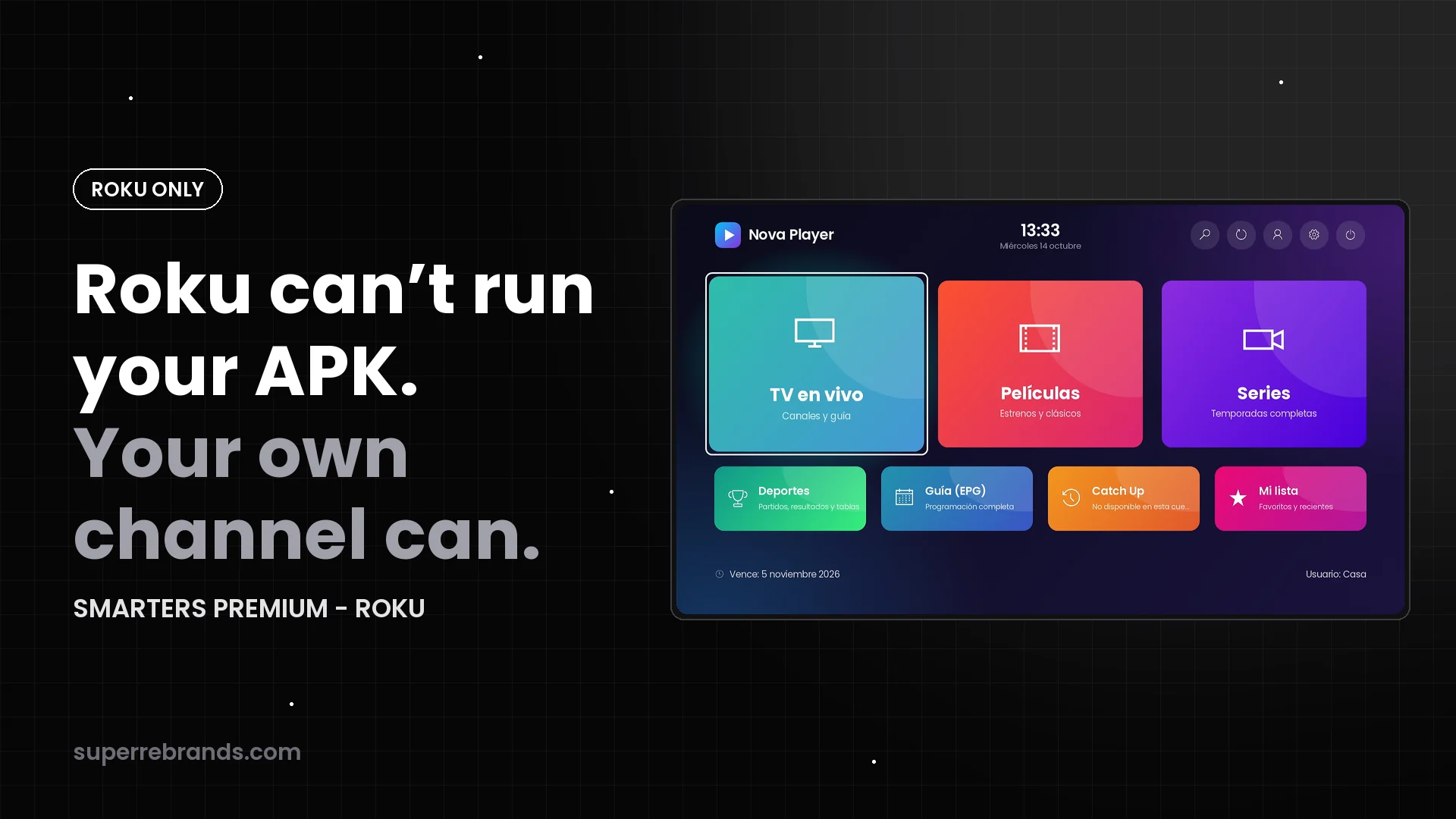
Xtream Codes and Stalker Portal customers on Roku: one channel for both
Sell to Xtream Codes lines and Stalker Portal (MAC) customers with the same Roku channel: separate sign-in tabs, your server and portal lists, one admin panel.
Some providers sell Xtream Codes lines. Others run a Stalker Portal (Ministra) and register customers by MAC address. Many do both, and end up recommending different apps to different customers.
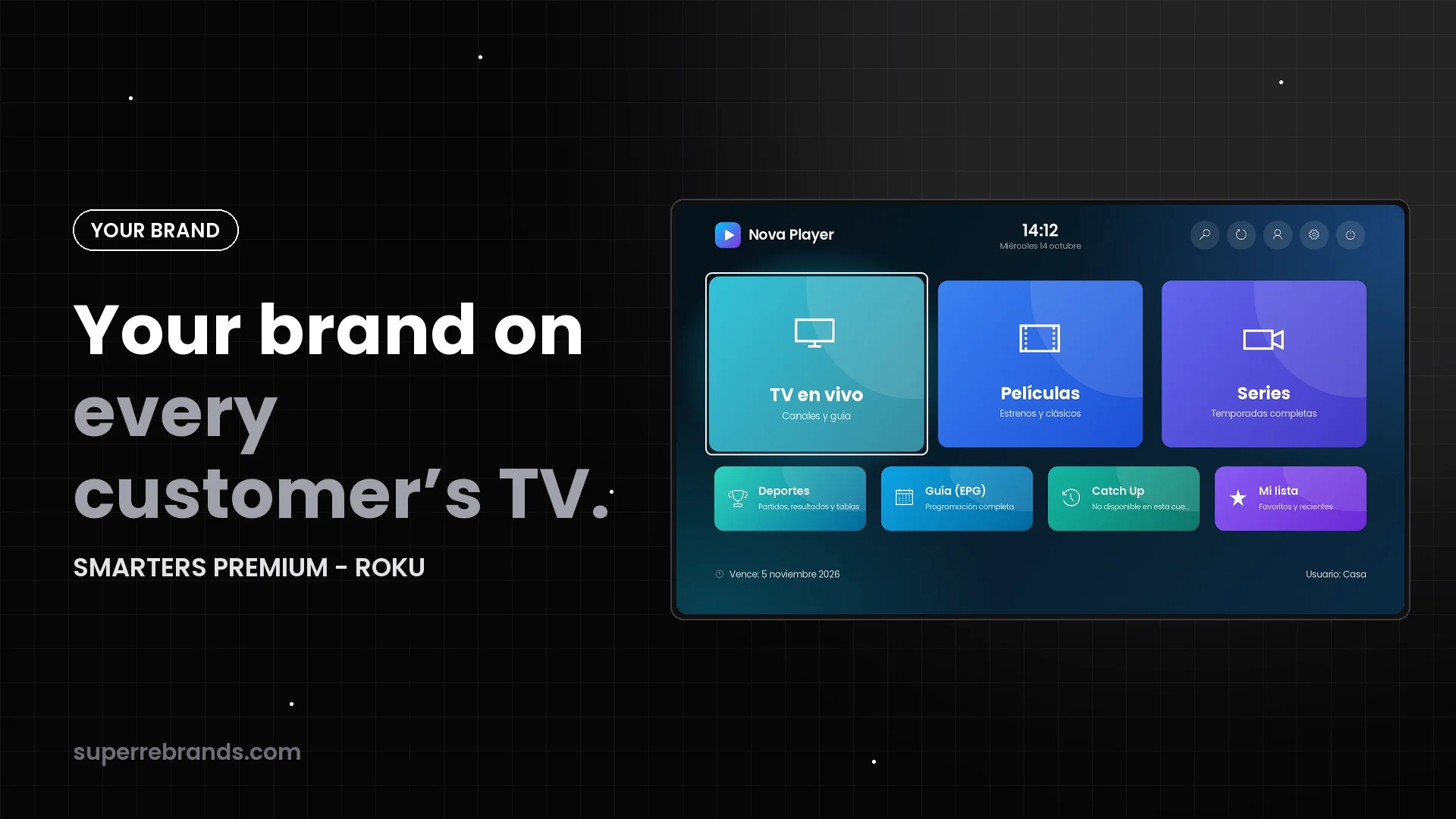
SMARTERS PREMIUM - ROKU speaks both in one channel, published with your brand. One channel to promote, one panel to run and one set of instructions for your support team.
Sign-in tabs set by your panel
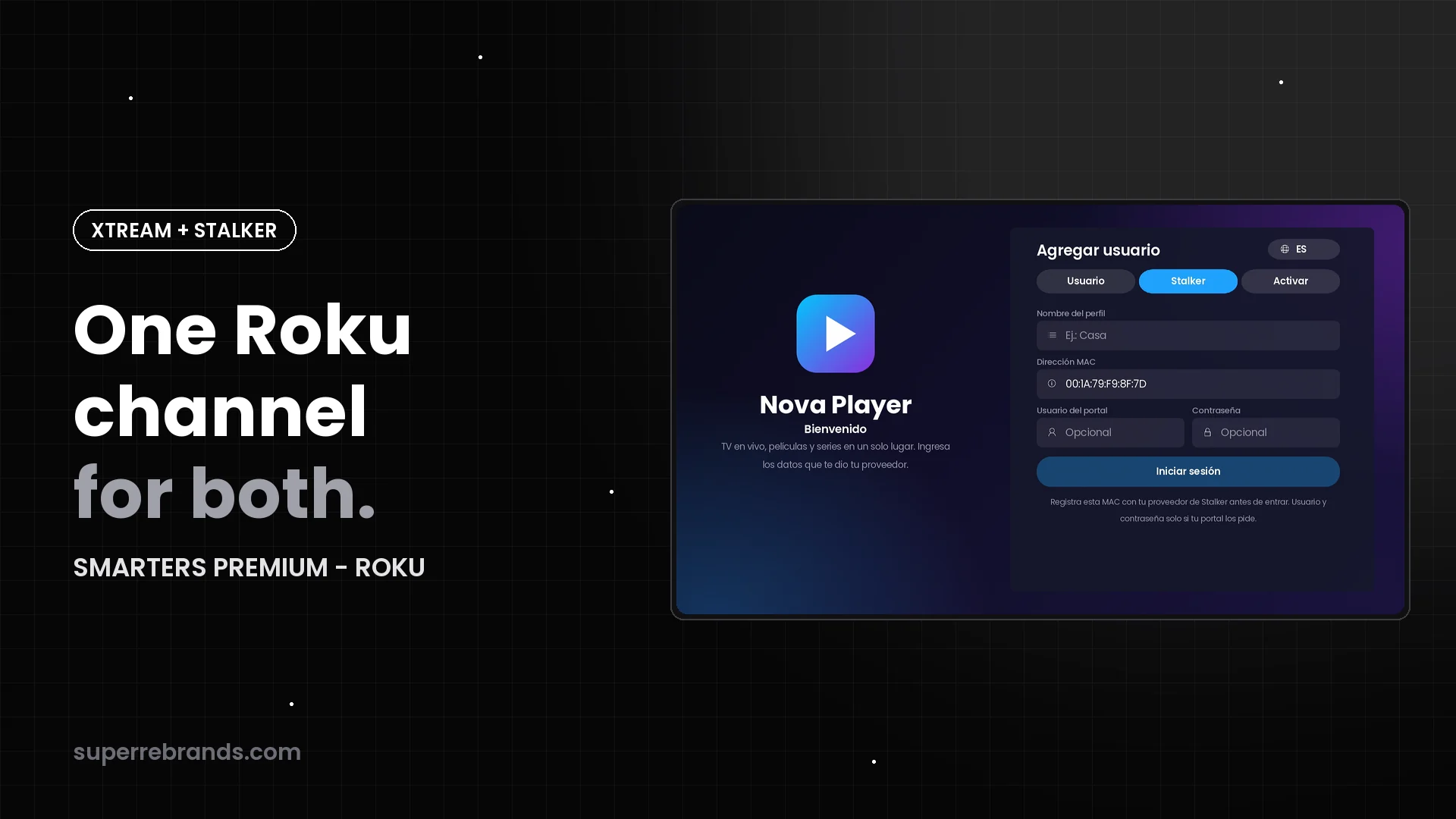
The sign-in screen shows the tabs that match what you configured: Username for Xtream Codes and Stalker for portals, plus Code and Activate when you use them. Customers never type a server or portal address: they pick from your list.
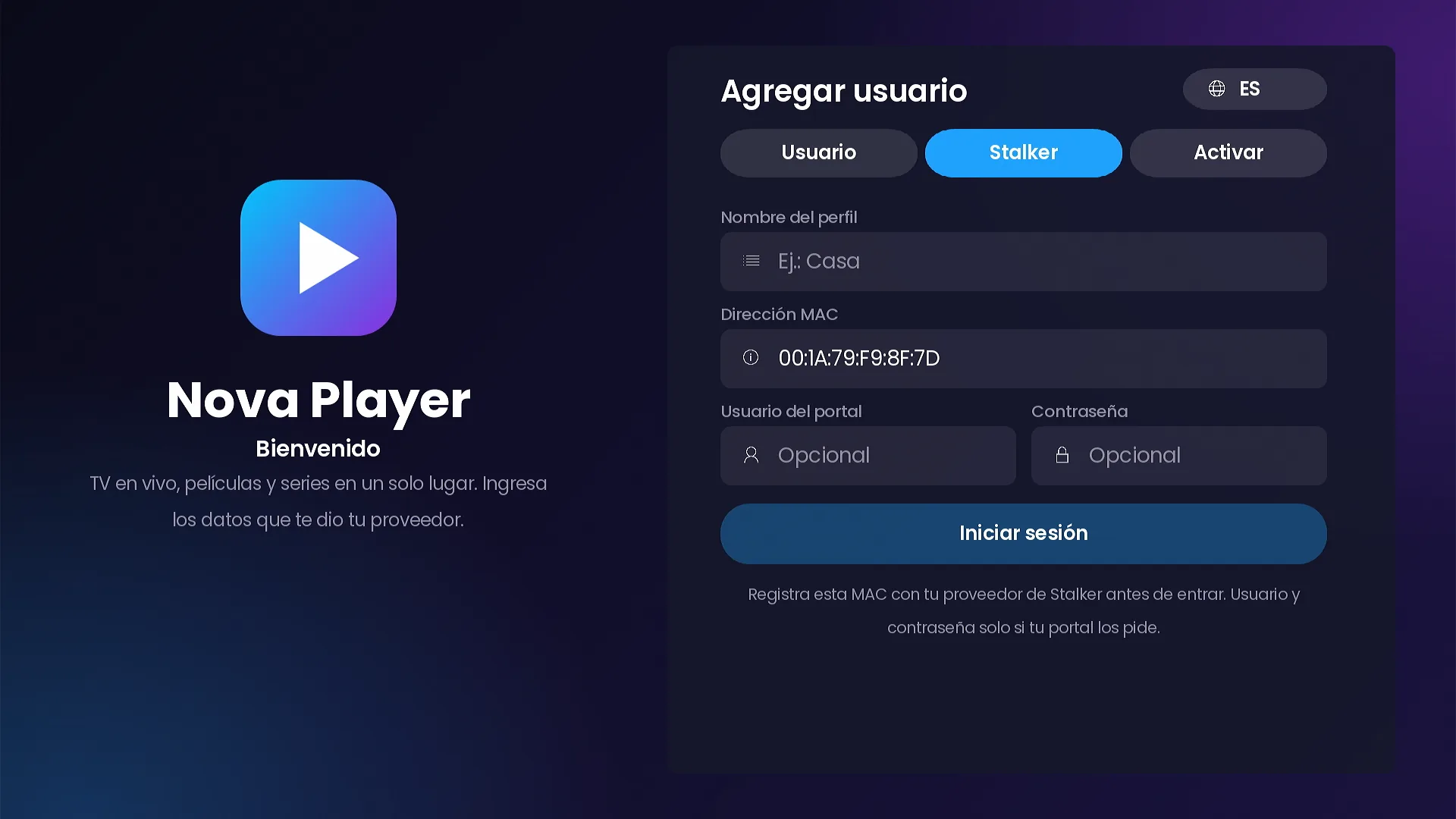
Stalker Portal with the MAC already filled in
The Stalker tab shows the device MAC in the familiar 00:1A:79 format, so the customer only types a profile name. You register that MAC on your portal and the customer is in. If your portal also asks for a username and password, those fields are there, marked optional.
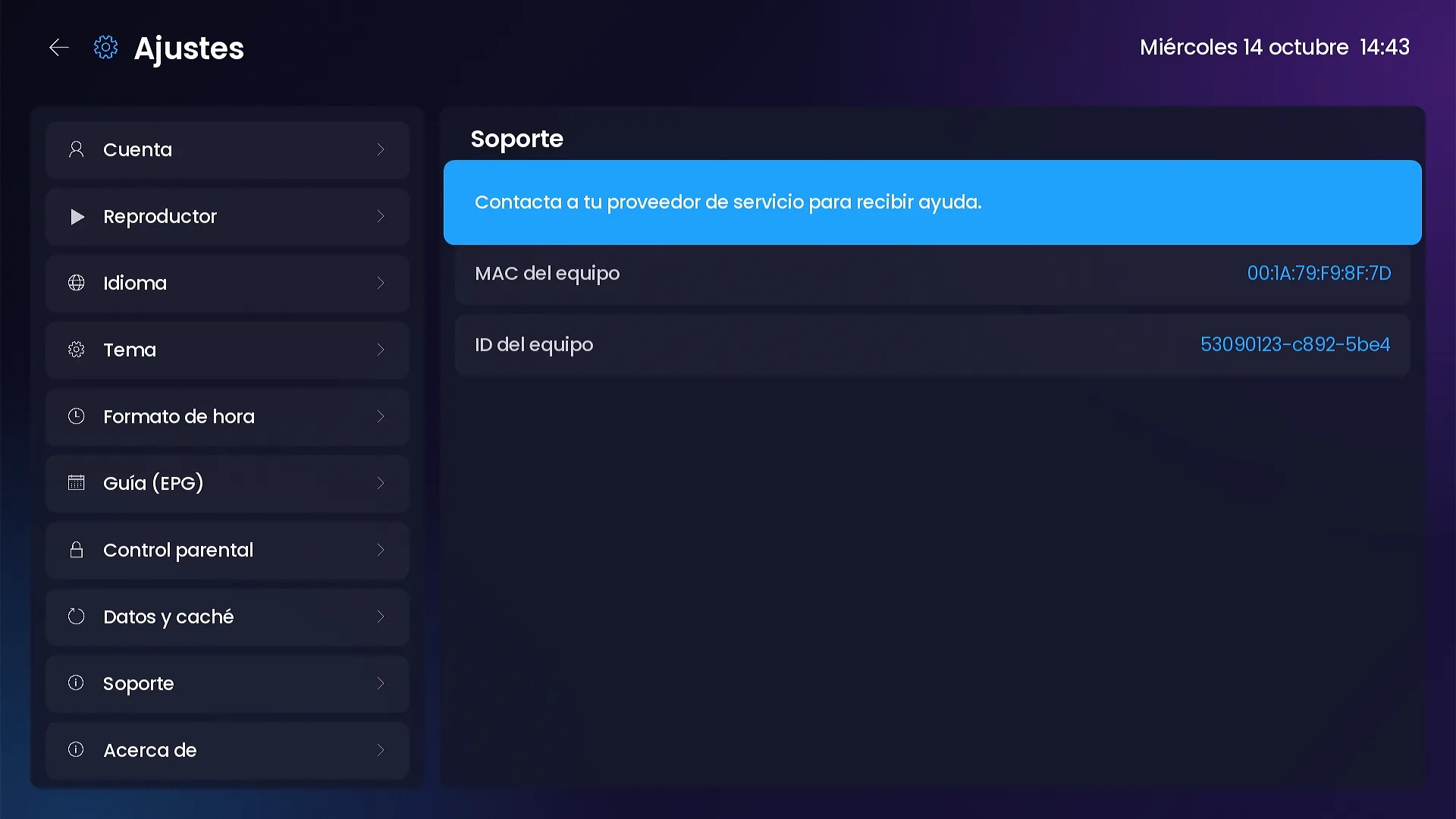
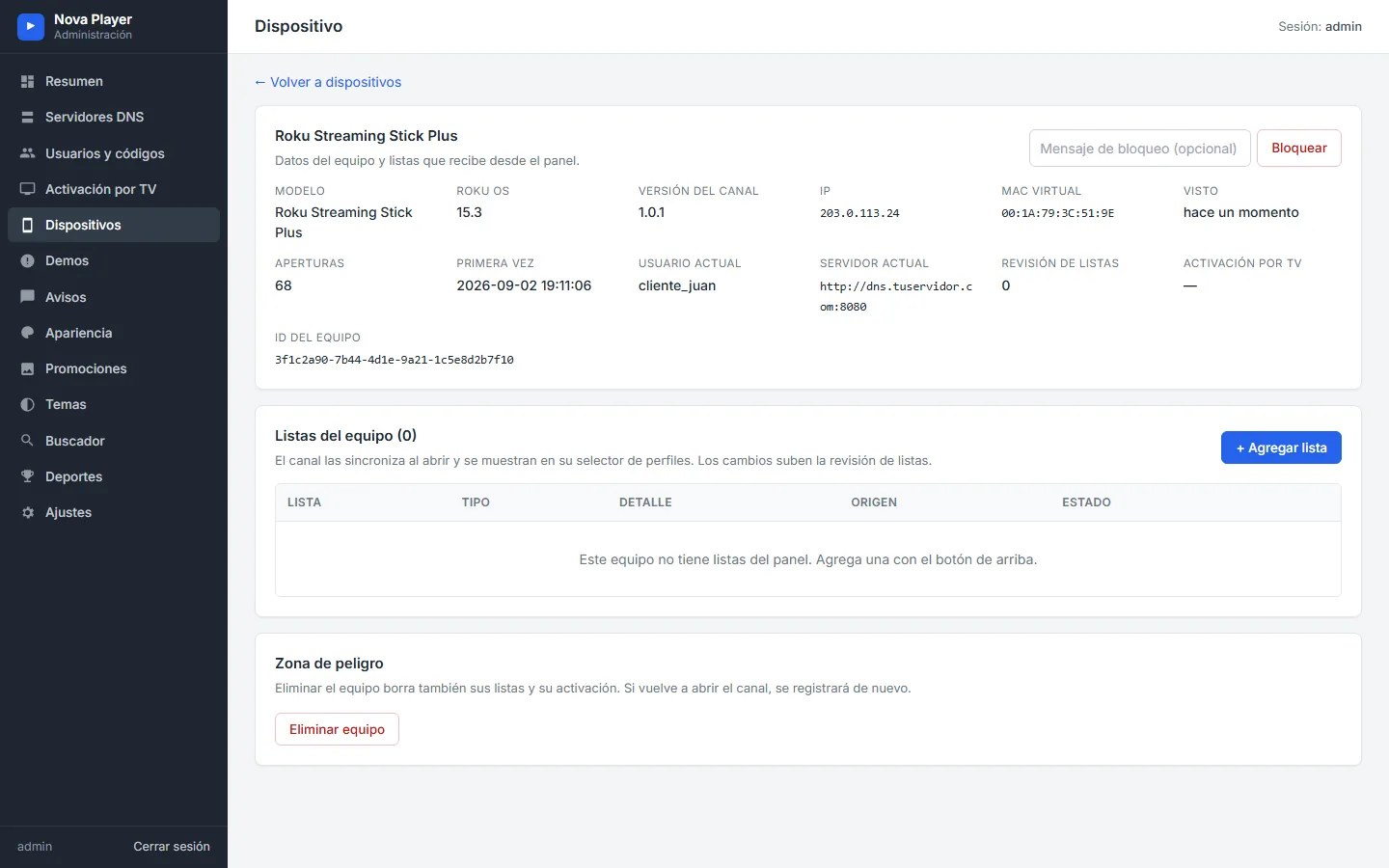
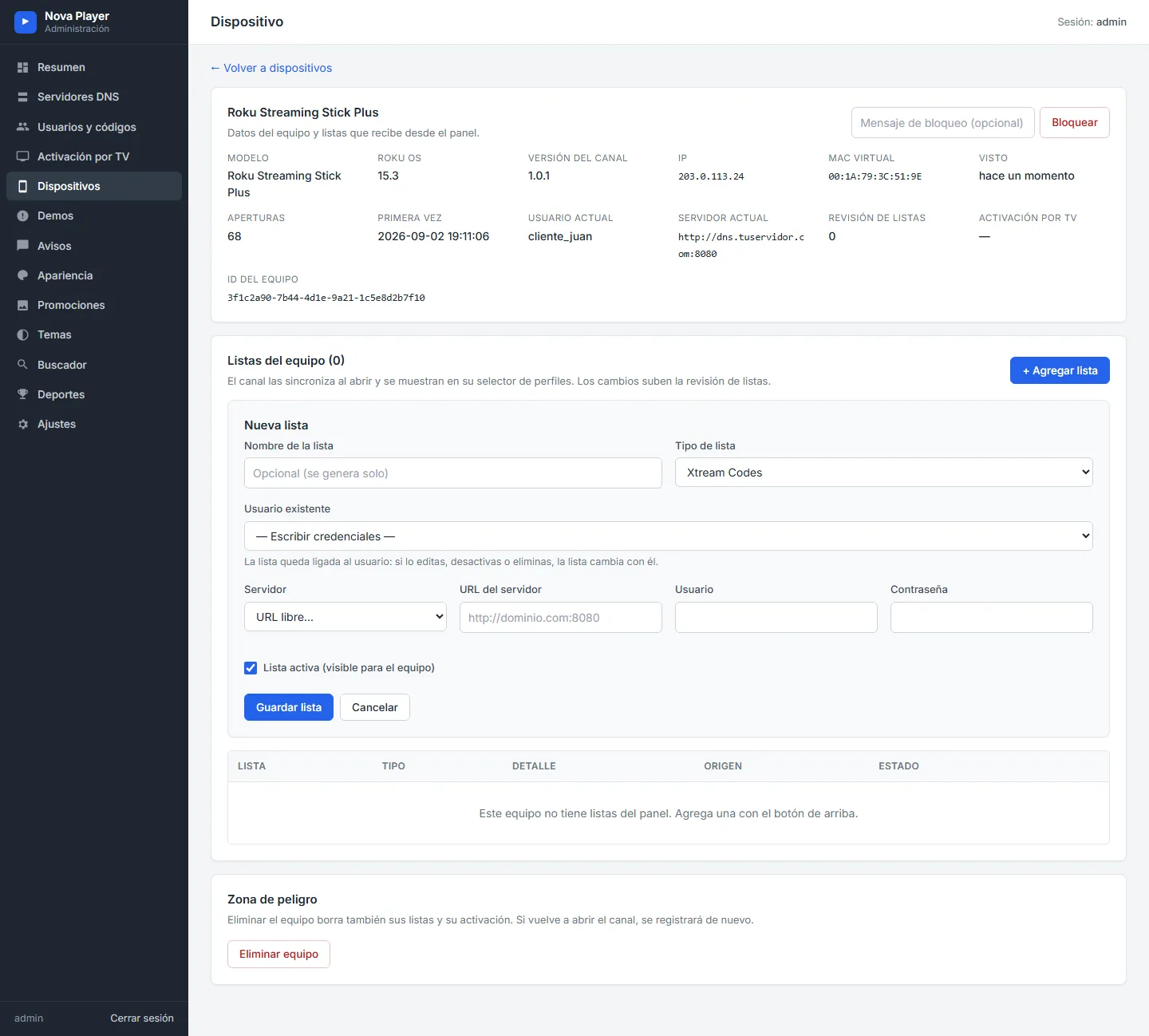
The same MAC appears in Settings › Support on the Roku and on the device page of your panel, so your team always has it at hand.
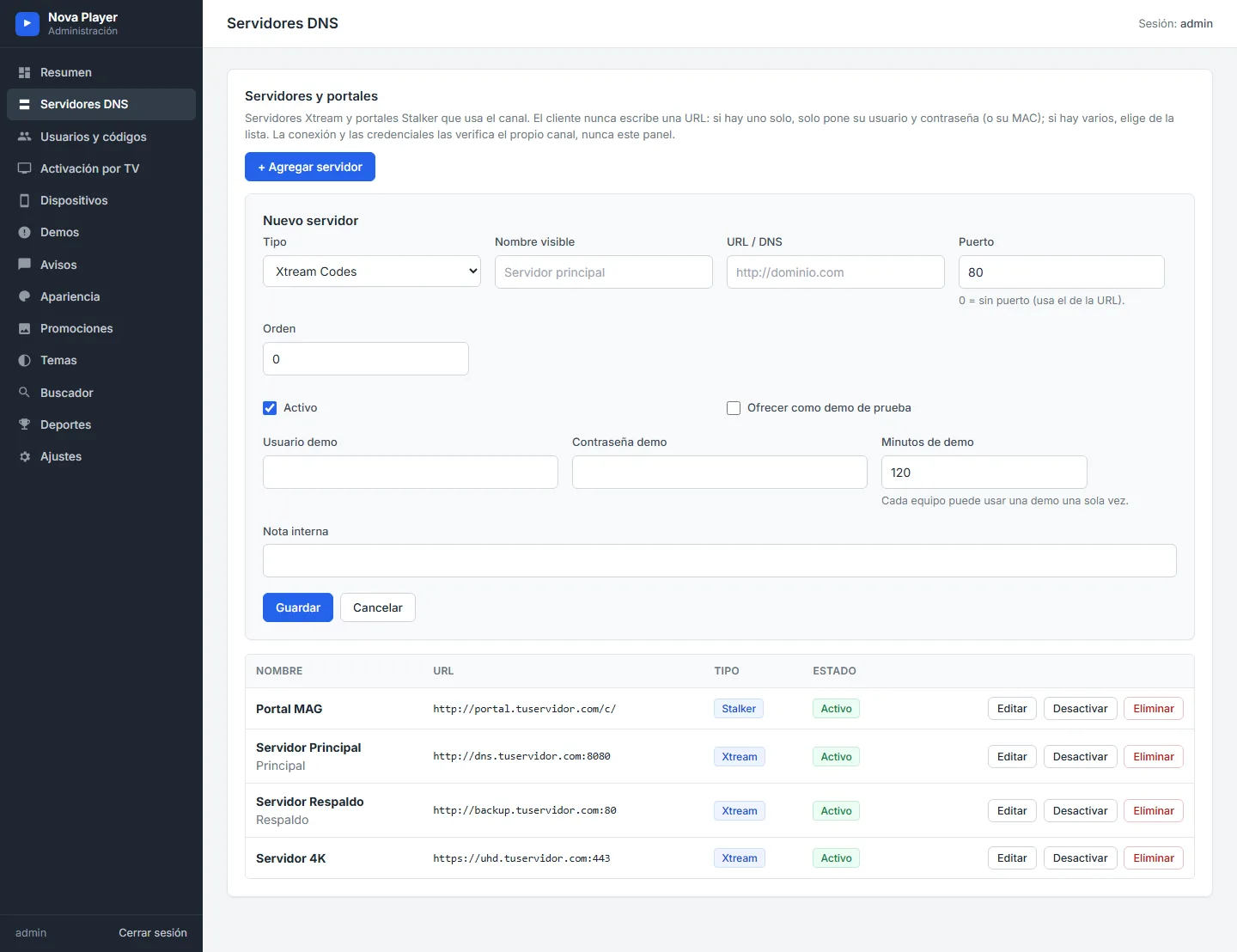
Xtream Codes with your server list
The Username tab is the classic Xtream Codes sign-in: profile name, username, password and a server from your list. With only one server, the picker disappears.
Both kinds of customers in one household
Each profile keeps its own type and server. A family can have an Xtream profile and a Stalker profile on the same Roku and switch between them on the “Who’s watching?” screen.
Lists you assign from the panel
From the device page of your panel you can assign an Xtream Codes, Stalker or M3U list to a specific Roku, and with Activate on TV you assign a list to the code shown on screen. The channel signs in by itself.
Frequently asked questions
Does it work with Ministra?
Yes. The Stalker tab works with Stalker Portal (Ministra) services that register devices by MAC.
Where do customers find the MAC to send me?
On the sign-in screen and in Settings › Support. It also appears on the device page of your panel.
Can I have several Stalker portals?
Yes. Add them on the Servers page of your panel and customers pick one from the list, just like Xtream servers.
Keep reading
- Every way to sign in, step by step
- 7 ways SMARTERS PREMIUM cuts support messages on Roku
- Your Roku customers can’t install your APK
SMARTERS PREMIUM - ROKU (Xtream & Stalker Portal) is available at a $200 launch price (regular $350), a one-time payment with no monthly app fees. It is published on Roku with your brand and comes with your own admin panel. Watch all 15 videos on the full page or view it in the catalog.