
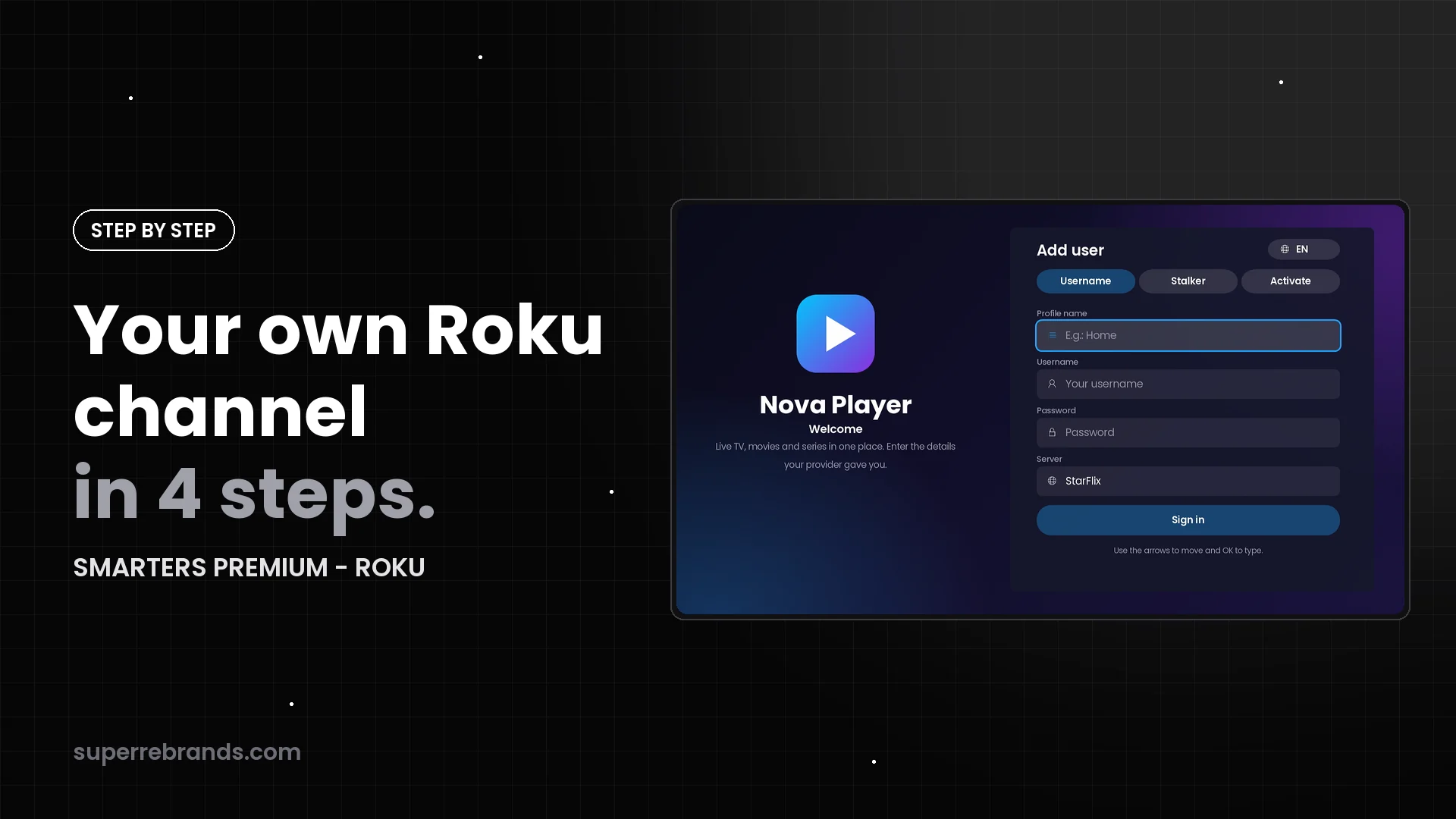
How to launch your own Roku channel with your brand in 4 steps
From order to a Roku channel published with your name: what to send, what we do, and how you start selling with SMARTERS PREMIUM - ROKU and your own panel.
Resources for resellers
Tutorials, comparisons and technical guides. Everything you need to know before and after rebranding your IPTV app.
From order to a Roku channel published with your name: what to send, what we do, and how you start selling with SMARTERS PREMIUM - ROKU and your own panel.
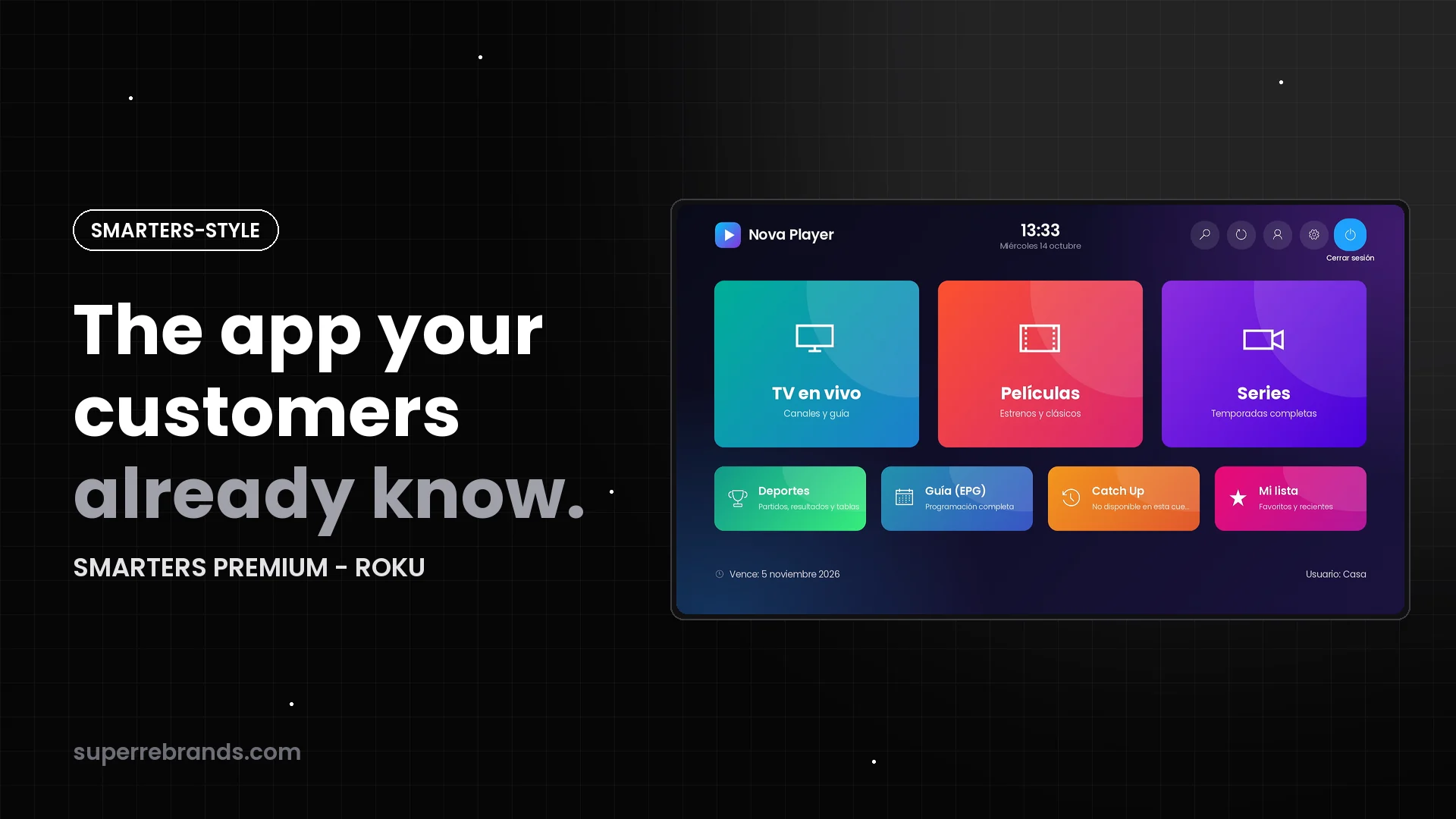
Familiar tiles, categories and player controls, rebuilt for the Roku remote. Why a Smarters-style channel means less to learn for your customers.
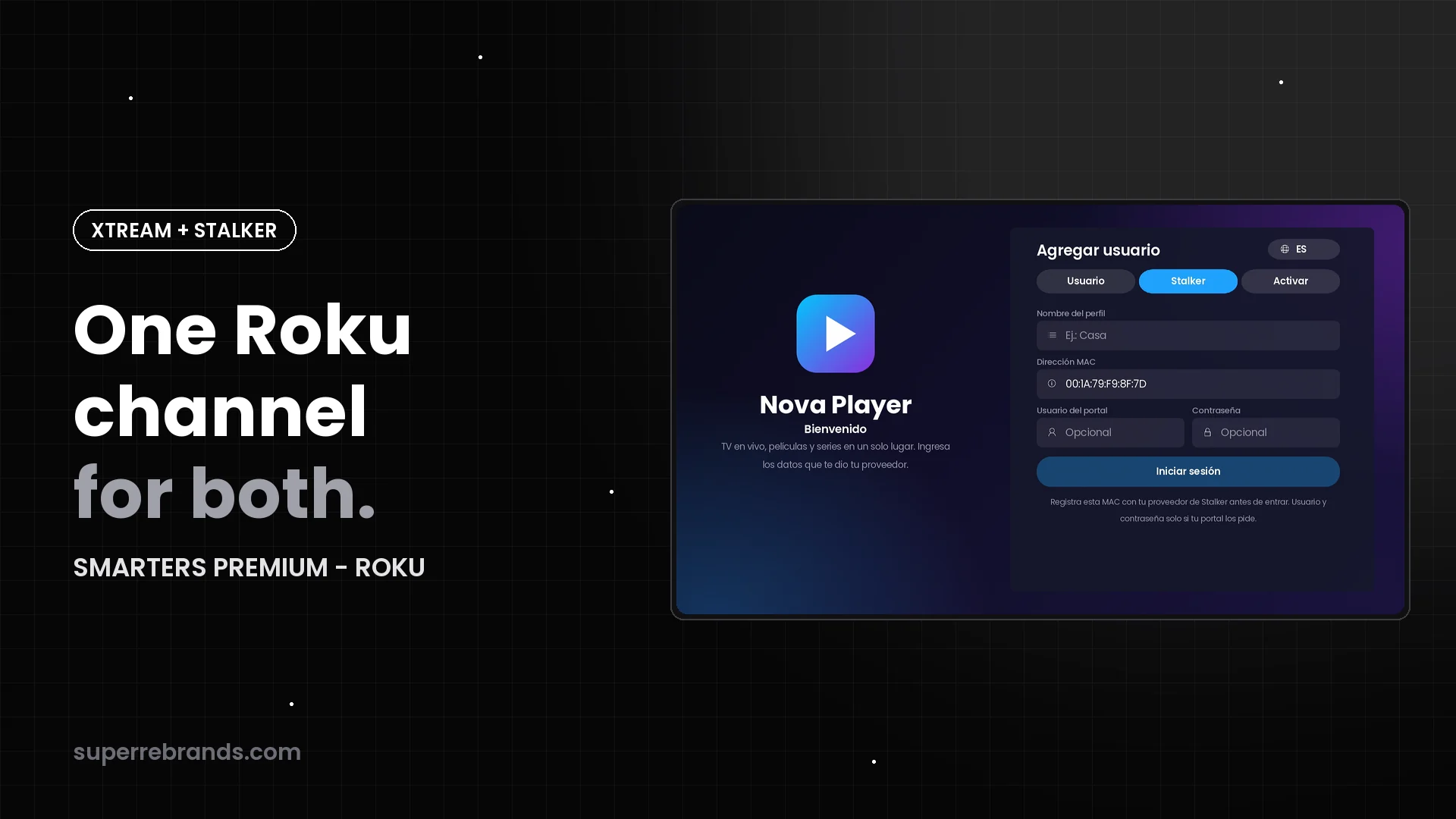
Sell to Xtream Codes lines and Stalker Portal (MAC) customers with the same Roku channel: separate sign-in tabs, your server and portal lists, one admin panel.
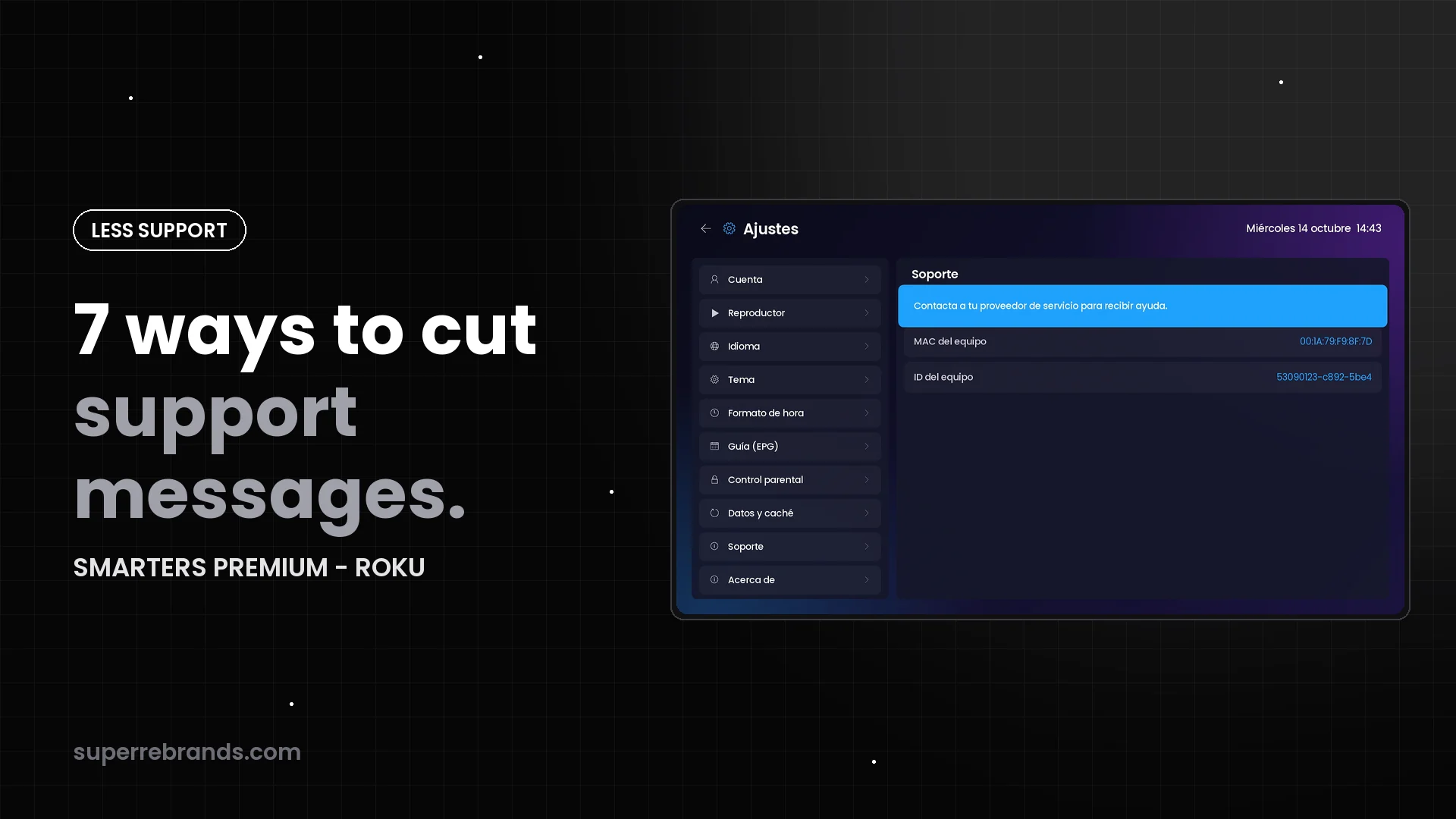
No server addresses to type, activation without typing, clear error messages, the device MAC on screen and messages to every Roku from your panel.
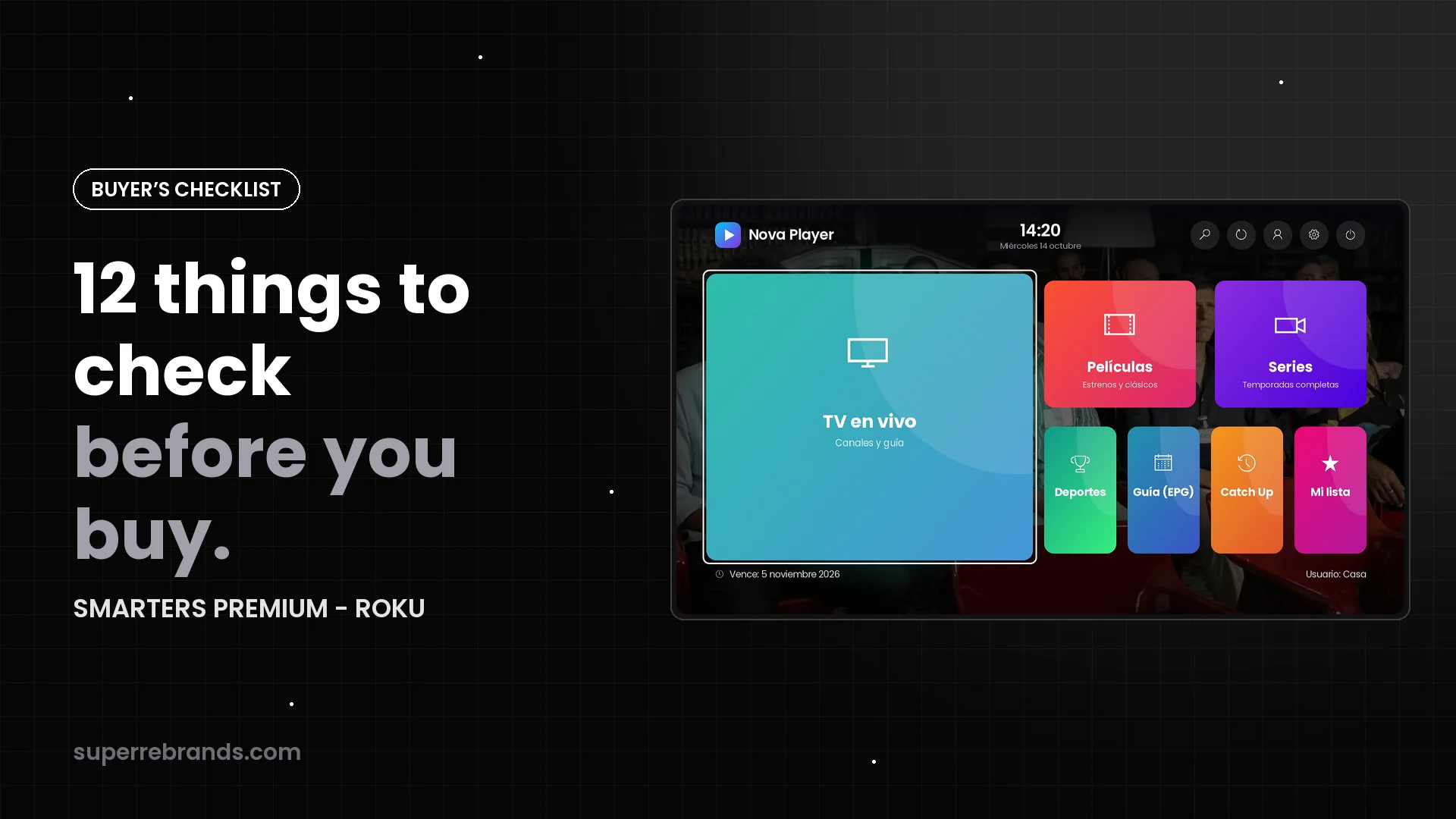
A practical checklist for resellers comparing Roku channels: your brand, your panel, sign-in options, live TV, the player, family controls, design and how you pay.
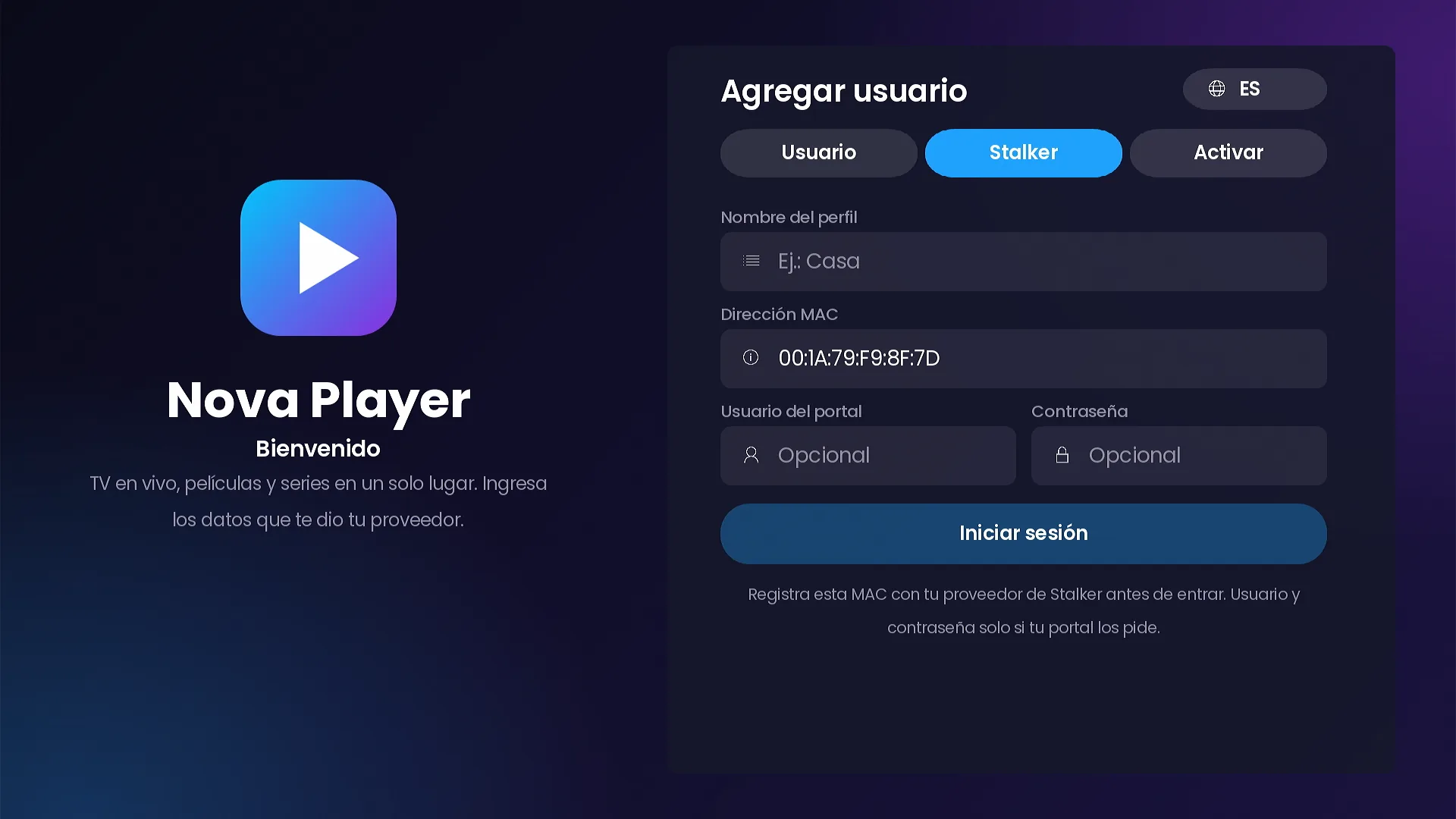
How customers sign in to SMARTERS PREMIUM - ROKU: Xtream Codes, Stalker Portal with the device MAC, short access codes, Activate on TV and free trials, all driven by your panel.
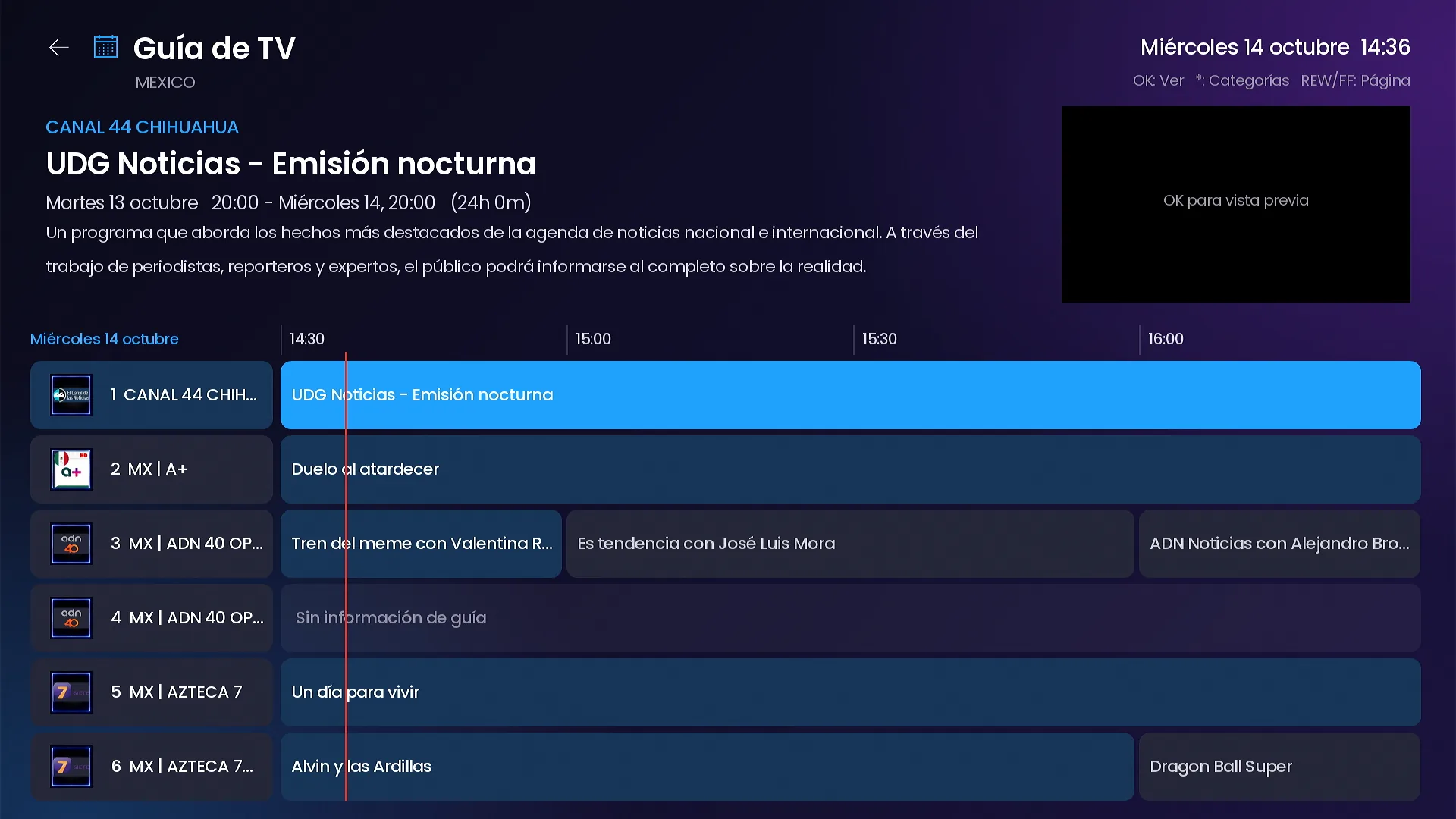
A tour of live TV in SMARTERS PREMIUM - ROKU: live preview, full screen without reconnecting, the info bar, the channel list over the video, the grid TV guide and Catch Up.
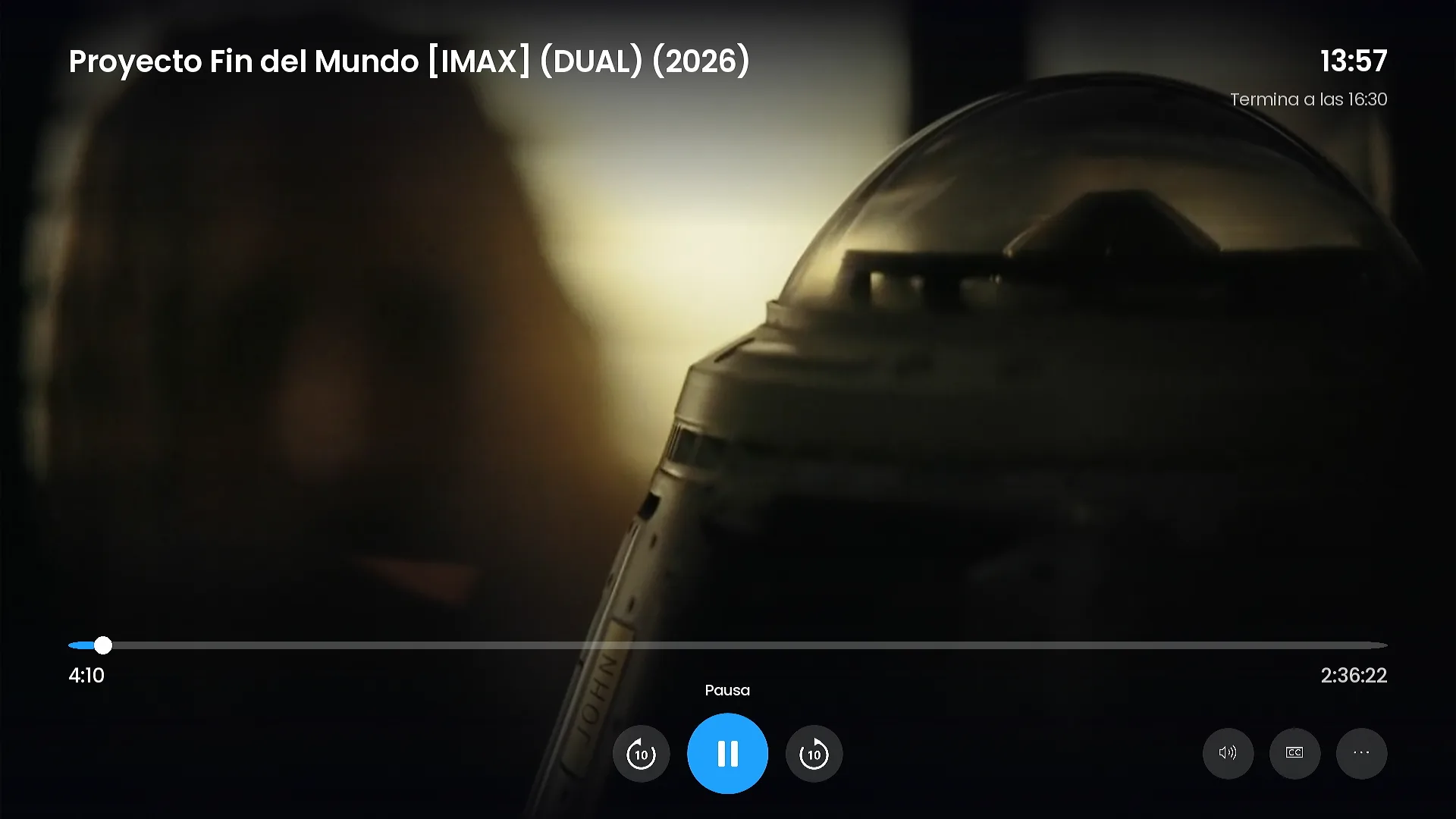
Detail pages with cast photos, series by season with episode images, a Smarters-style player with a time bubble and ±10 s, one search for everything and My list.
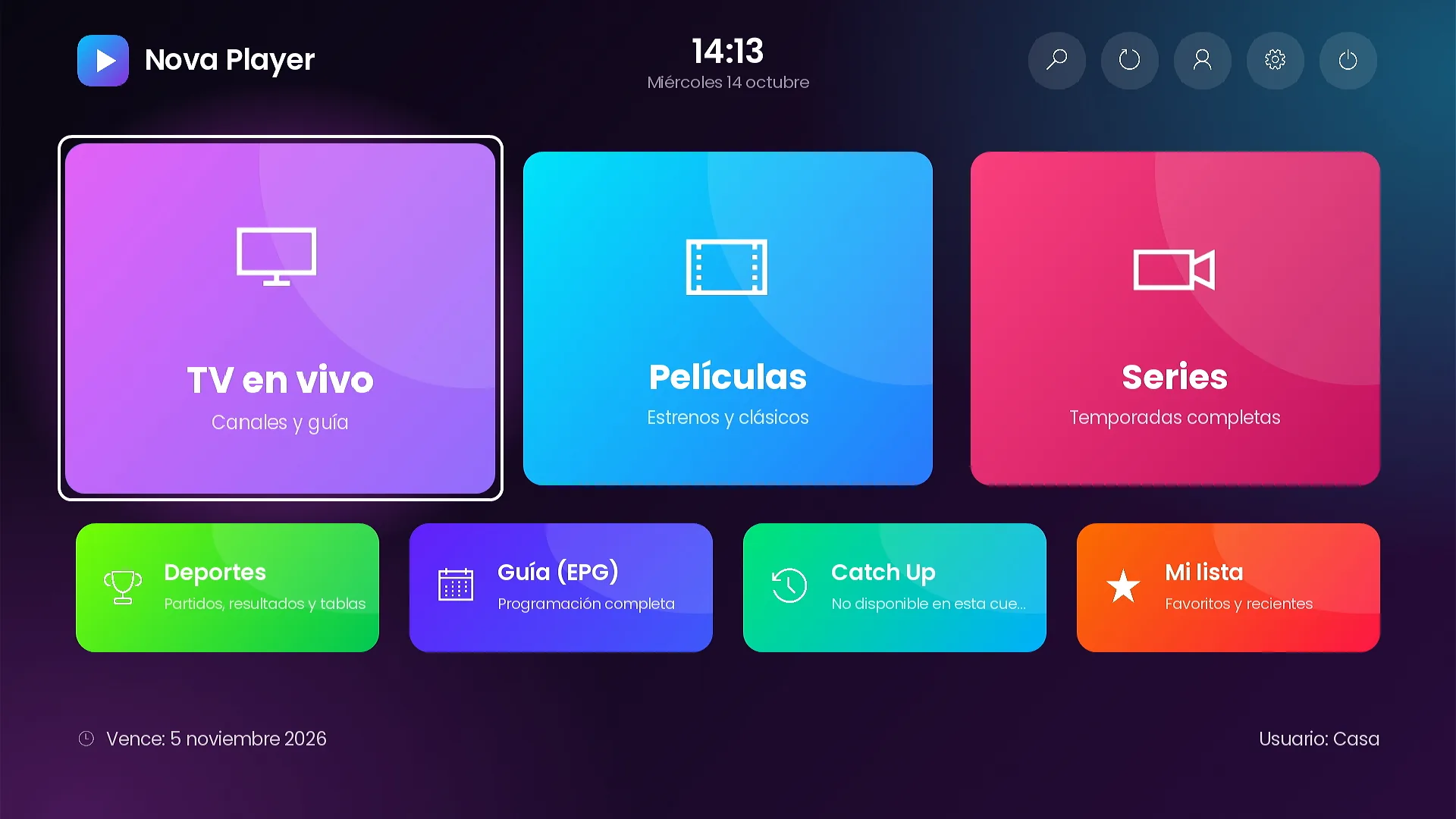
How to make SMARTERS PREMIUM - ROKU look like your brand: 7 color themes or your palette, 9 home layouts, tile photos and texts, rotating backgrounds, banners and notices.
If you accept, we keep a cookie to measure visits for 90 days. If not, the site works the same. How we handle your data